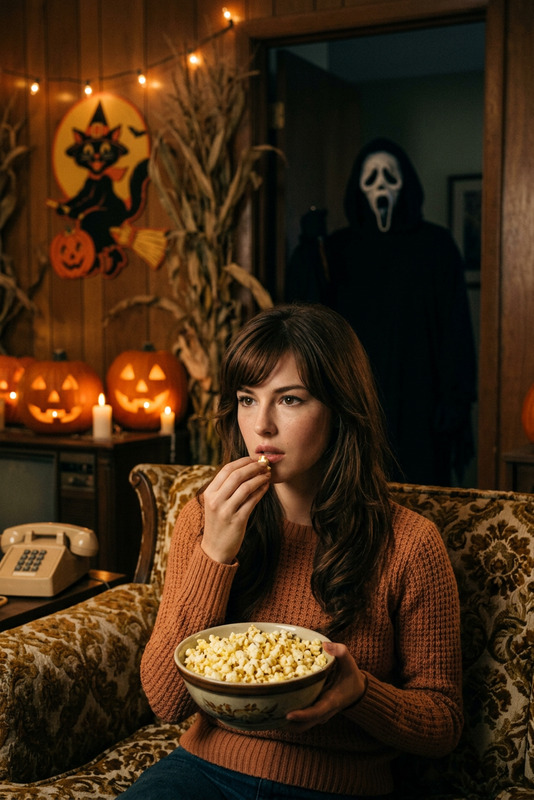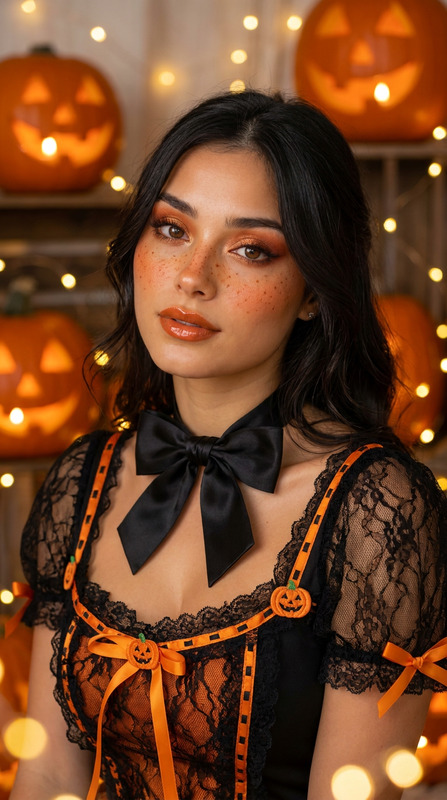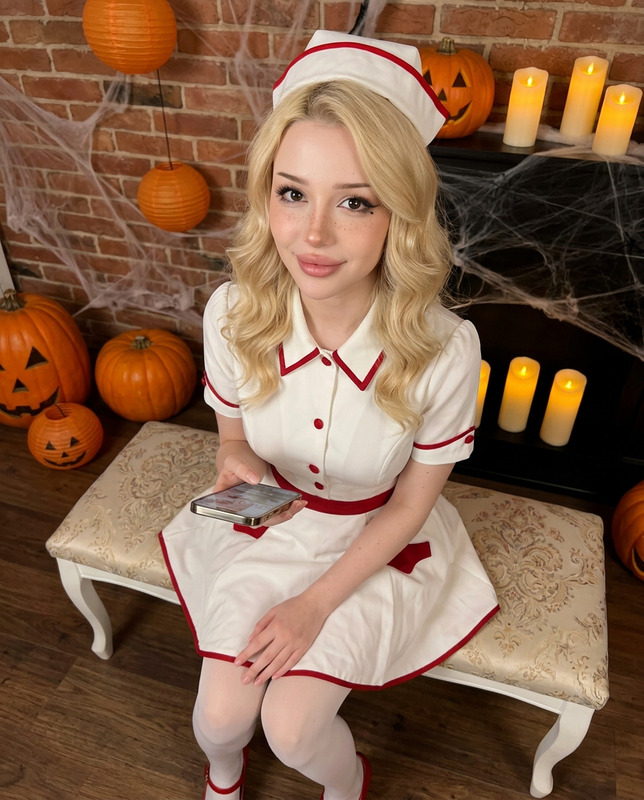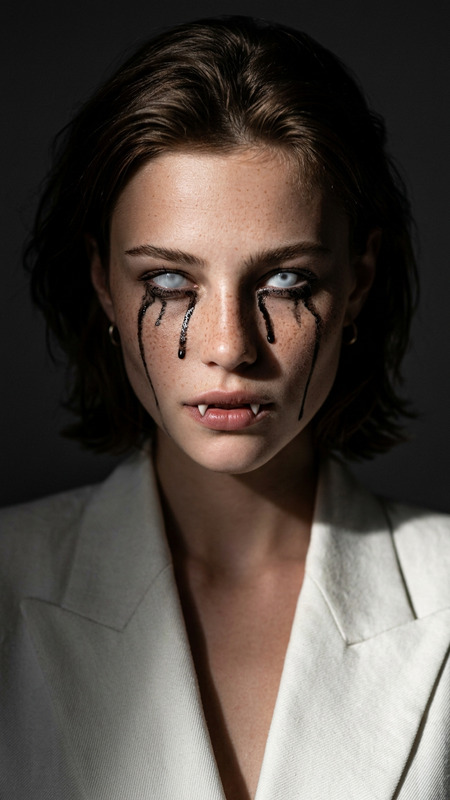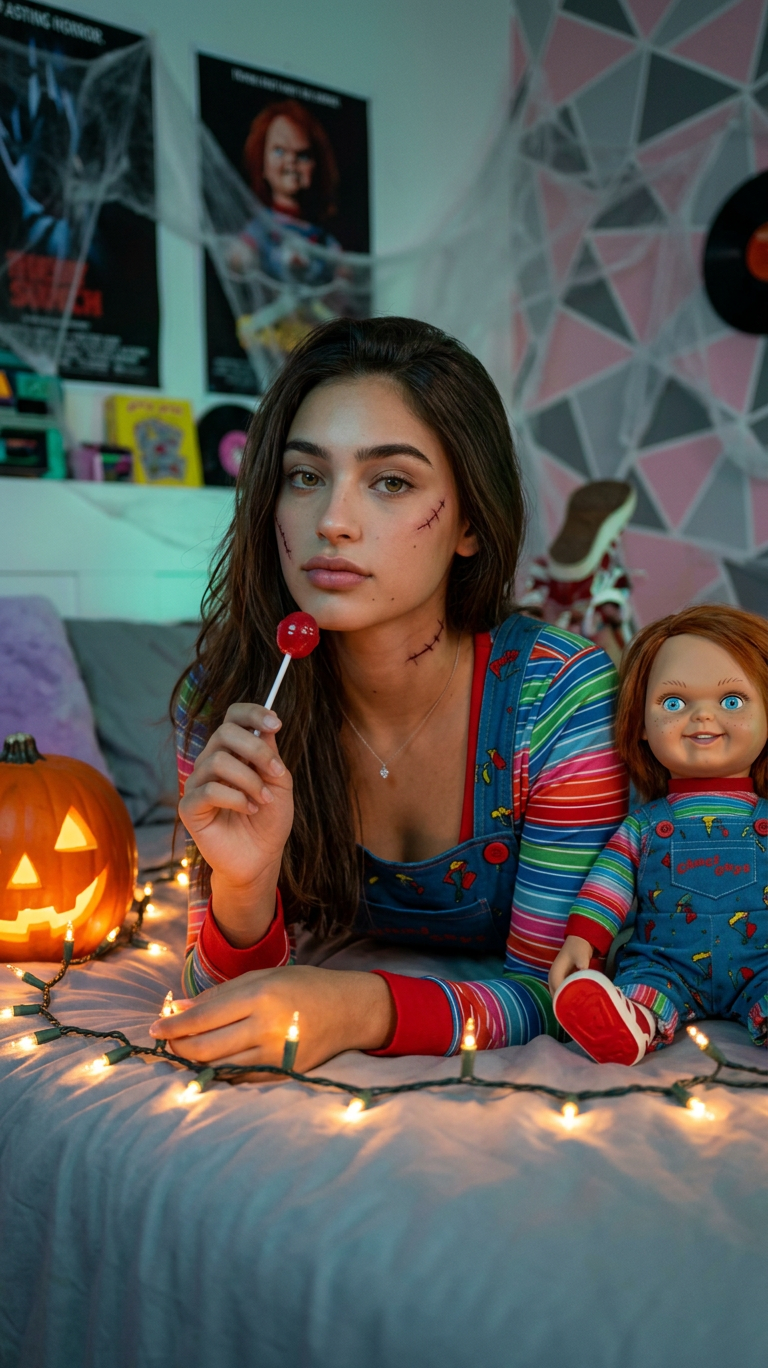
Chucky Halloween Vibe
- Model
- Nano Banana 2
- Image
- 768 × 1368 px
Prompt
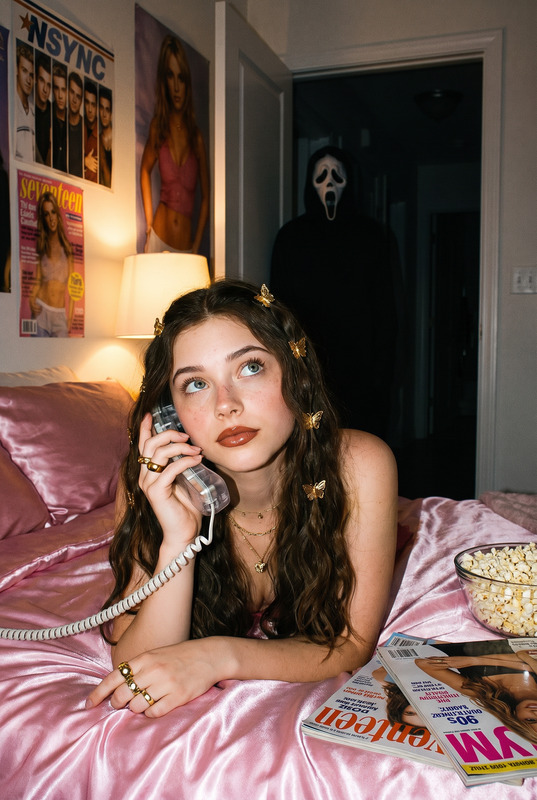
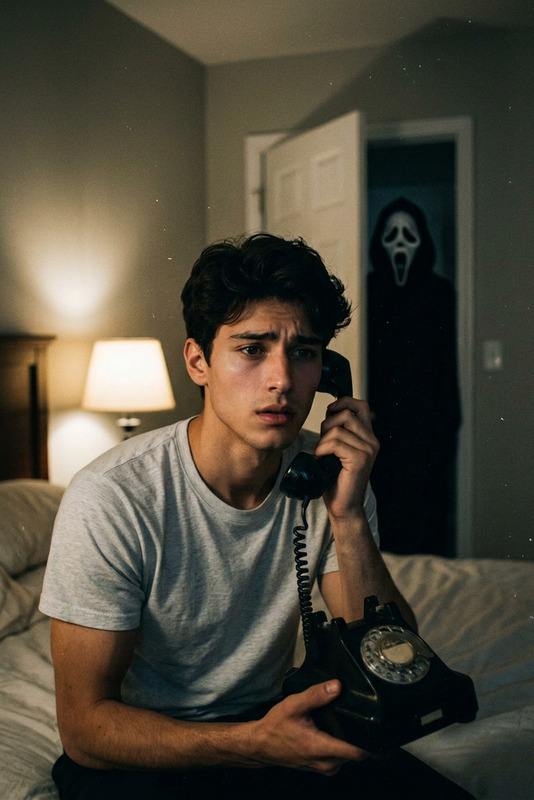
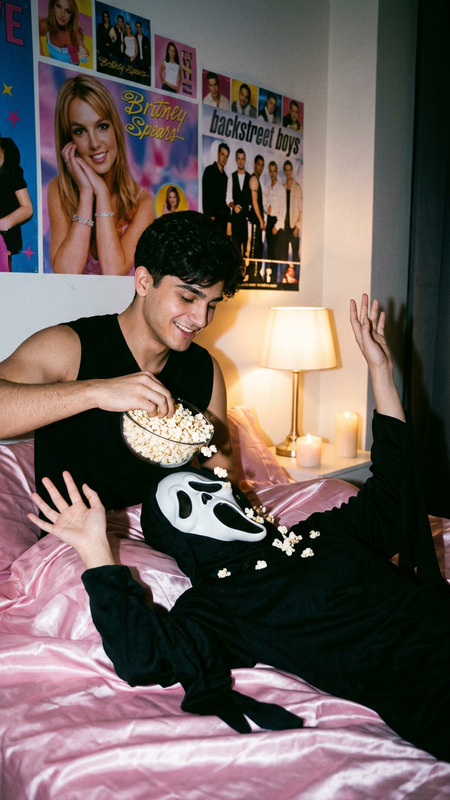
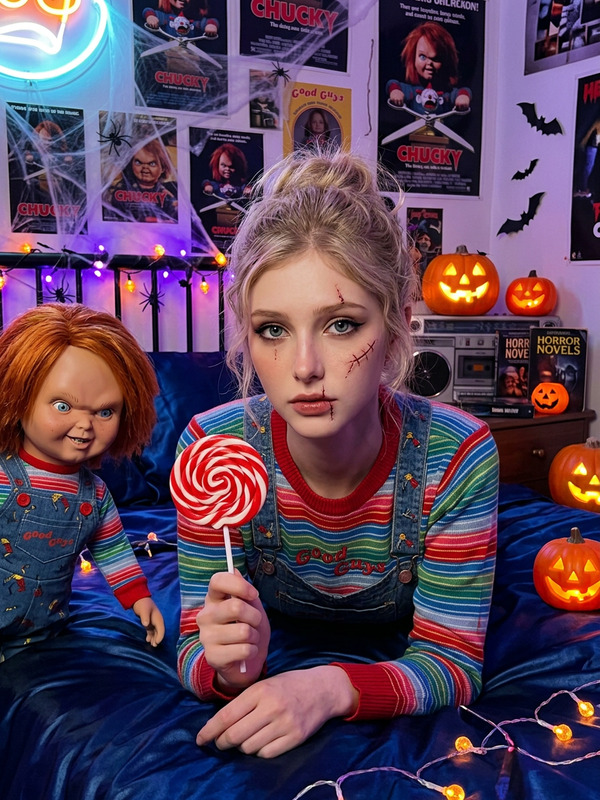
Strongly preserve the person’s real face, eyes, mouth, and facial structure.Create a cinematic, ultra-realistic photo of me lying on a bed, chest-up, facing forward under soft neon light. Keep my hair the same. My makeup is dramatic with subtle Chucky-inspired stitches and scars, adding a playful horror touch. I hold a lollipop and glance thoughtfully, illuminated by glowing string lights and a jack-o’-lantern nearby, making me the focal point. I wear a sexy Chucky-inspired outfit — a fitted overall-style top with colorful striped sleeves and tiny embroidered details mimicking the doll’s classic look. The bed has silky sheets catching the neon glow. Beside me lies Chucky himself, partially visible, grinning menacingly. The bedroom walls are covered in Chucky posters and filled with Halloween decor: jack-o’-lanterns, cobwebs, bats, spooky string lights, and vintage 80s props. A colorful shag carpet, boombox, and bold geometric wallpaper add 1988 retro vibes. The photo is photorealistic, high-resolution, sharply focused, with eerie yet vibrant Halloween energy. Do not change my facial features besides subtle Chucky-style makeup.
Any aspect ratio
Overview
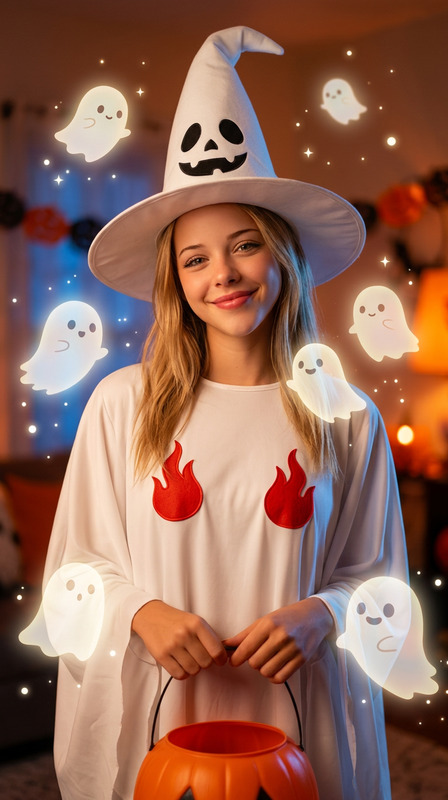
Unleash your creativity this Halloween with the Chucky Halloween Vibe template, designed to deliver a strikingly detailed and vibrant thematic photo edit. This AI Image Editor template is powered by the nano-banana-2 model, ensuring that every detail from the retro 1988 vibes to the playful Chucky-inspired elements is photorealistic and sharp. Perfect for anyone looking to immerse themselves in the eerie and colorful spirit of Halloween.
What It Does
The template expertly transforms your photos into a cinematic experience, preserving your real facial features while integrating dramatic Chucky-style makeup and Halloween props. The setting includes neon lighting, vintage decor, and playful, spooky elements like glowing string lights and a menacing Chucky doll. For enthusiasts eager to personalize videos with Halloween aesthetics, the AI Video Generator can complement this style with motion-focused features.
Who It's For
This template is ideal for those who crave a Halloween-themed aesthetic in their portraits, including content creators, cosplay enthusiasts, and horror fans. Whether you’re looking to update your social media avatars or create memorable holiday cards, the AI Profile Picture Generator can be an excellent next step to further showcase your eerie transformations.
Summary
The Chucky Halloween Vibe template offers a perfect balance of personalization and thematic design. With its ability to maintain facial authenticity while adding horror-inspired details, it provides a compelling avenue to explore festive creativity. Accompany this with AI Product Photography for a portfolio that stands out this season.
How To
Choose Your Template

Customize Your Inputs

Generate Your Image

Use Cases
Social Media Content
- Create standout avatars
- Enhance posts with seasonal aesthetics
Cosplay Portfolios
- Showcase detailed makeup
- Highlight themed outfits
Themed Photo Shoots
- Ideal for styled shoots
- Great for creative photography projects
Best Practices
Use High-Quality Photos
Ensure your original photo is of high resolution to fully benefit from the AI's detail retention capabilities.Refine the Prompt
Adjust the descriptive prompt to highlight specific elements you want to emphasize, such as the neon lighting or the Chucky-inspired makeup.Experiment with Lighting
Try using photos with different lighting conditions to see how the neon effects vary, enhancing the overall mood.