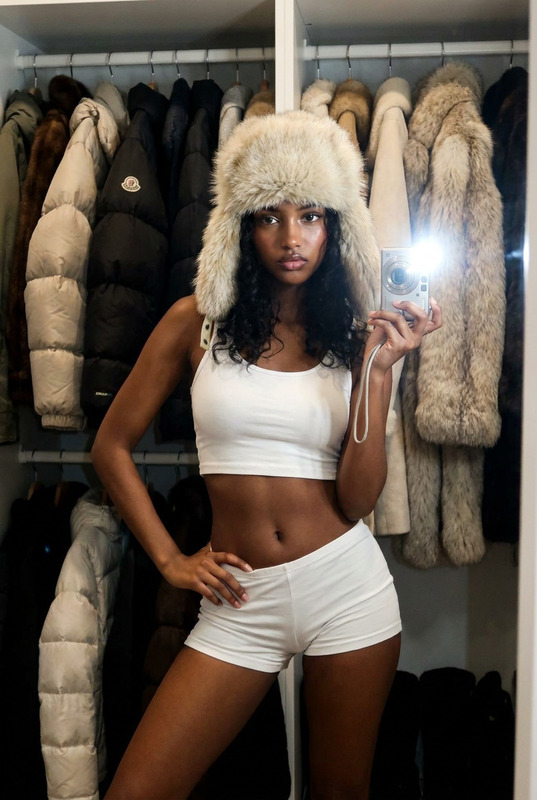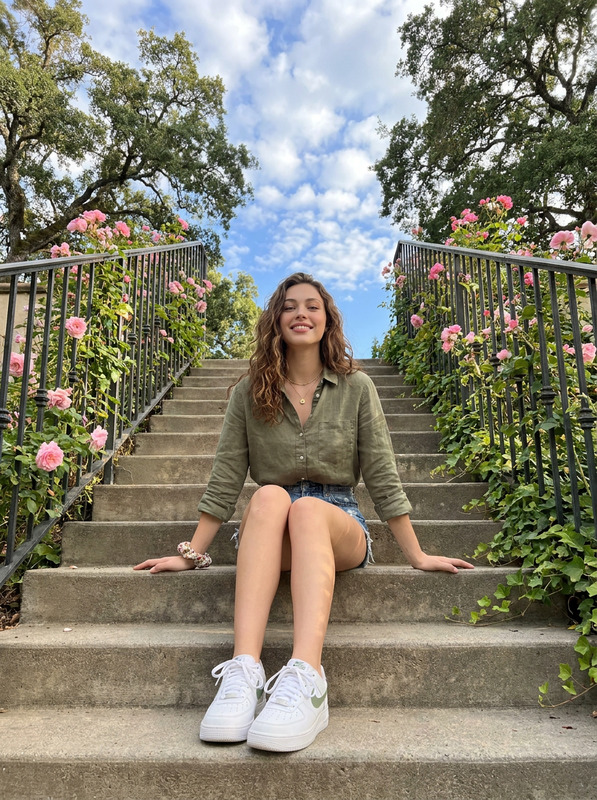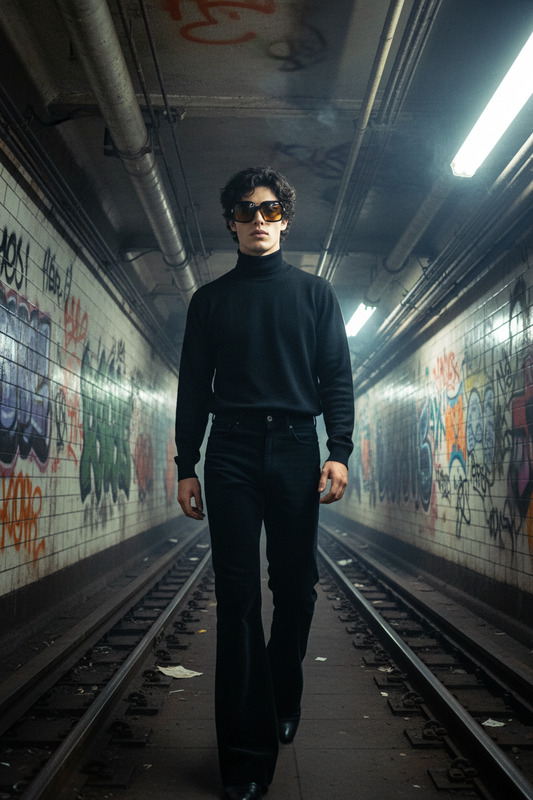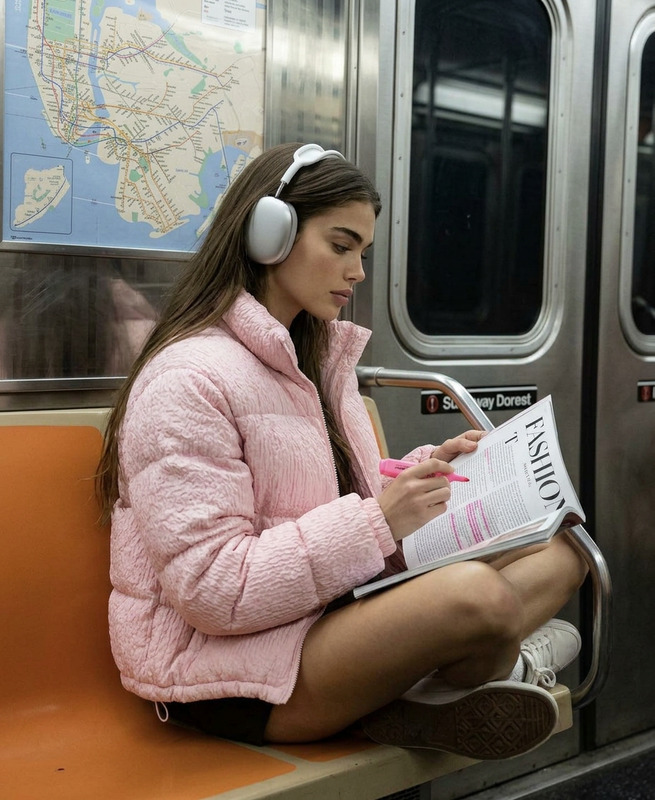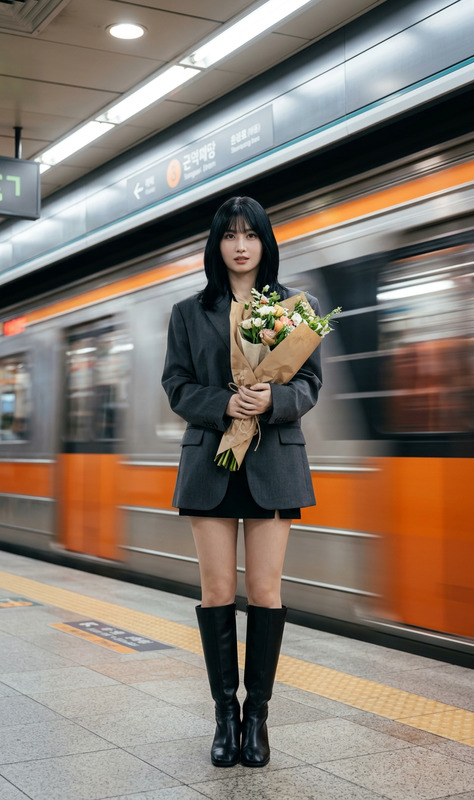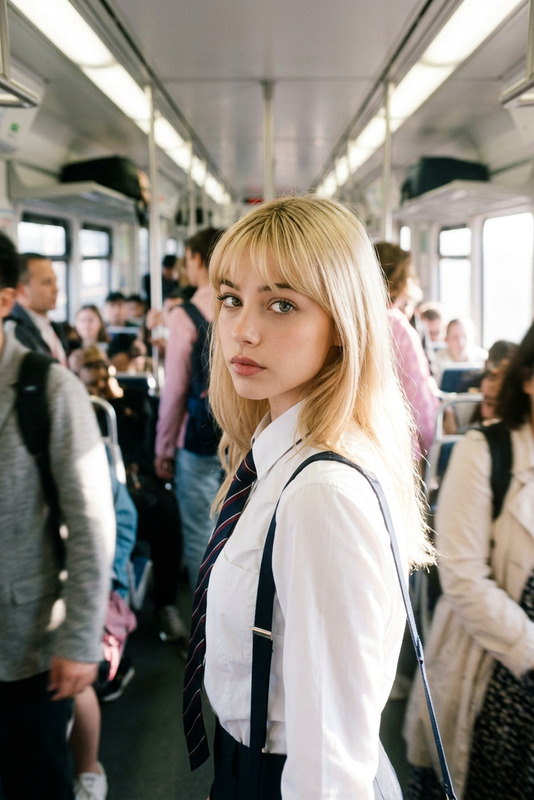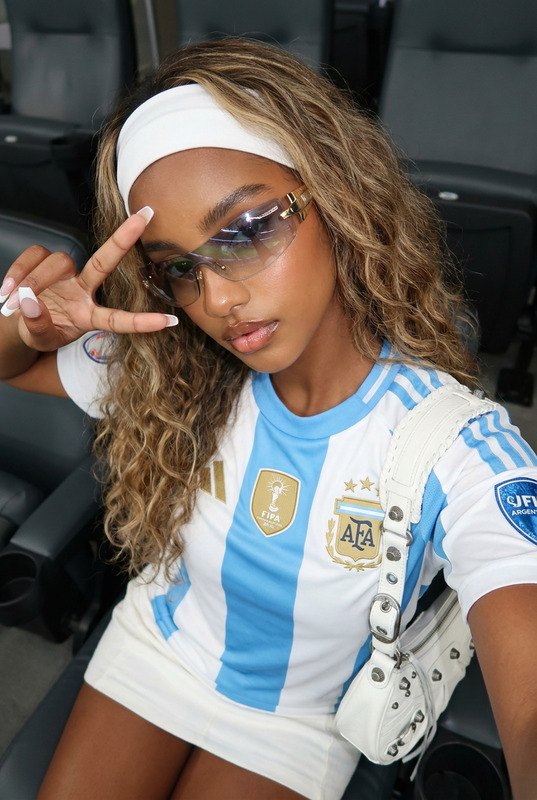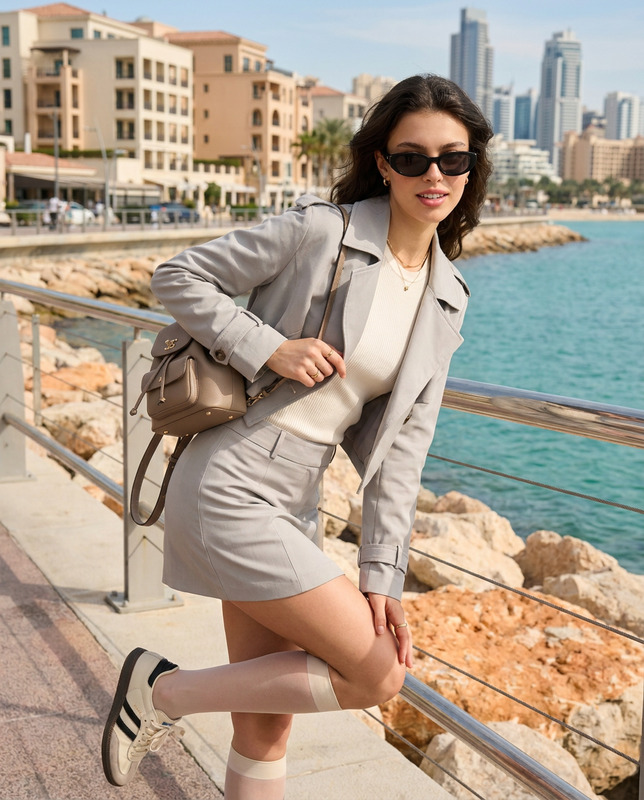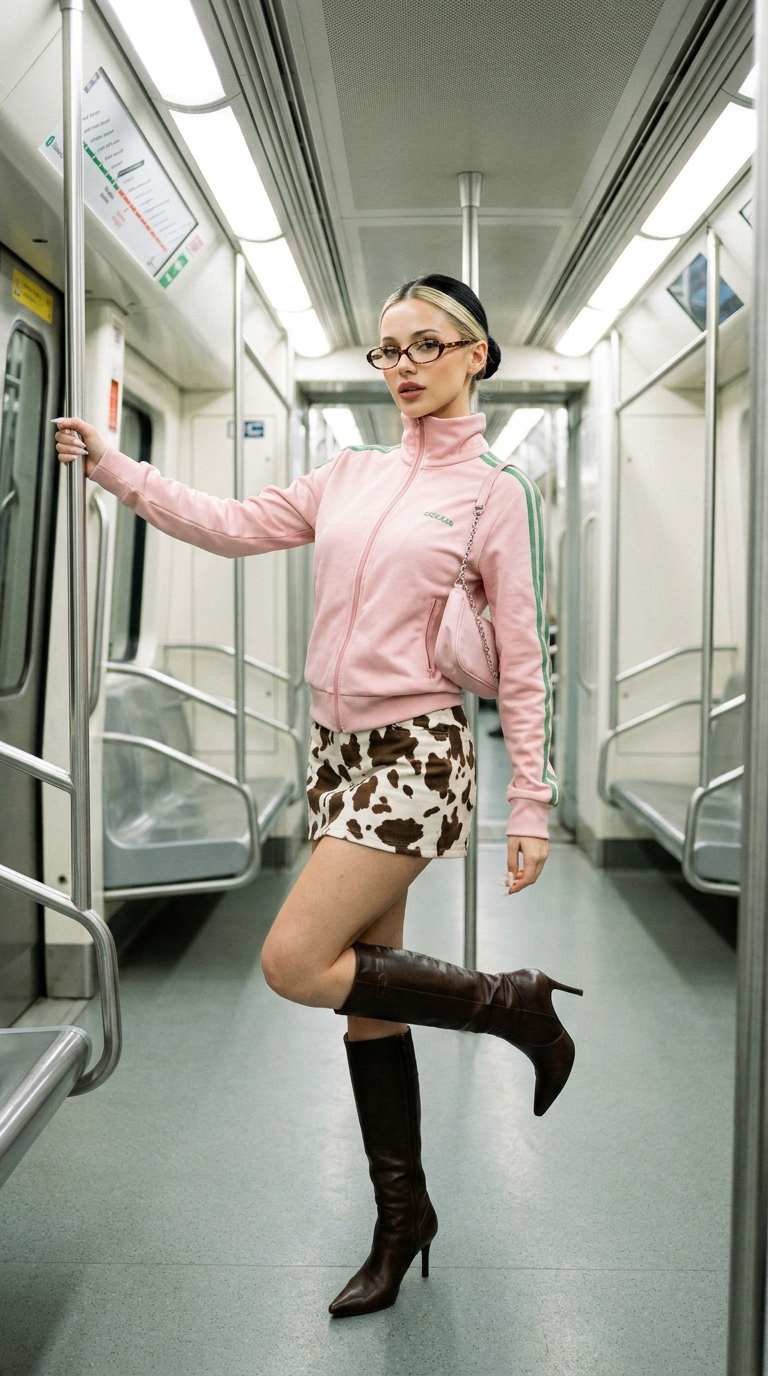
Subway Chic
- Model
- Nano Banana Pro
- Image
- 768 × 1376 px
Prompt
A full-body shot of [User Face and Features] with her hair tied back in a sleek bun, wearing oval tortoise shell glasses, posing confidently inside a modern subway car. She is wearing [a pastel pink sporty zip-up track jacket with iconic green stripes on the shoulders and arms, a high collar, paired with a black and white cow-print mini skirt. She is wearing dark brown knee-high leather boots with pointed toes], lifted one leg in a playful stance while leaning against a metal handrail. She is holding a small light pink shoulder bag with a chain strap. Bright, clean overhead subway lighting, nostalgic Y2K aesthetic, realistic texture, candid lifestyle photography, captured on a 35mm lens, hyper-detailed
Any aspect ratio
Overview
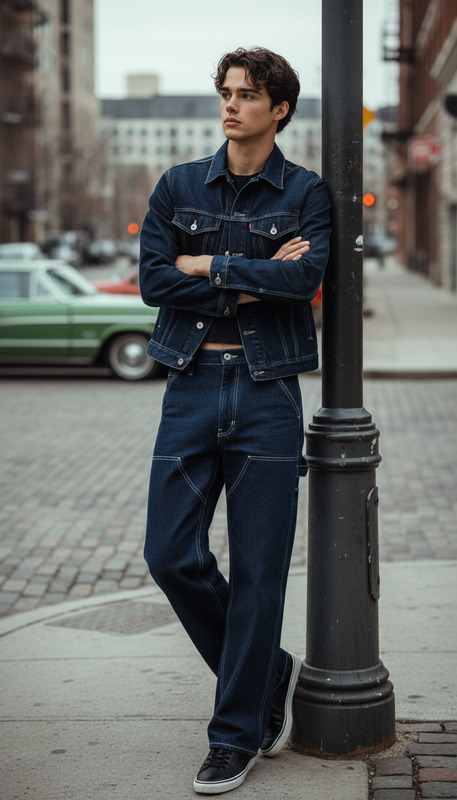
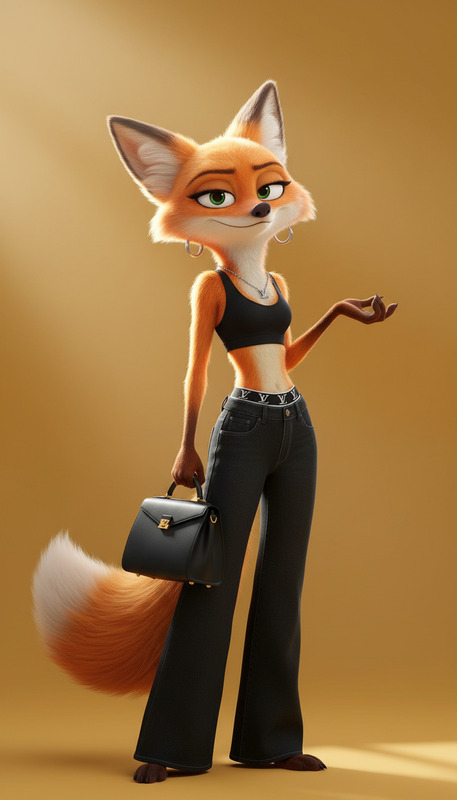
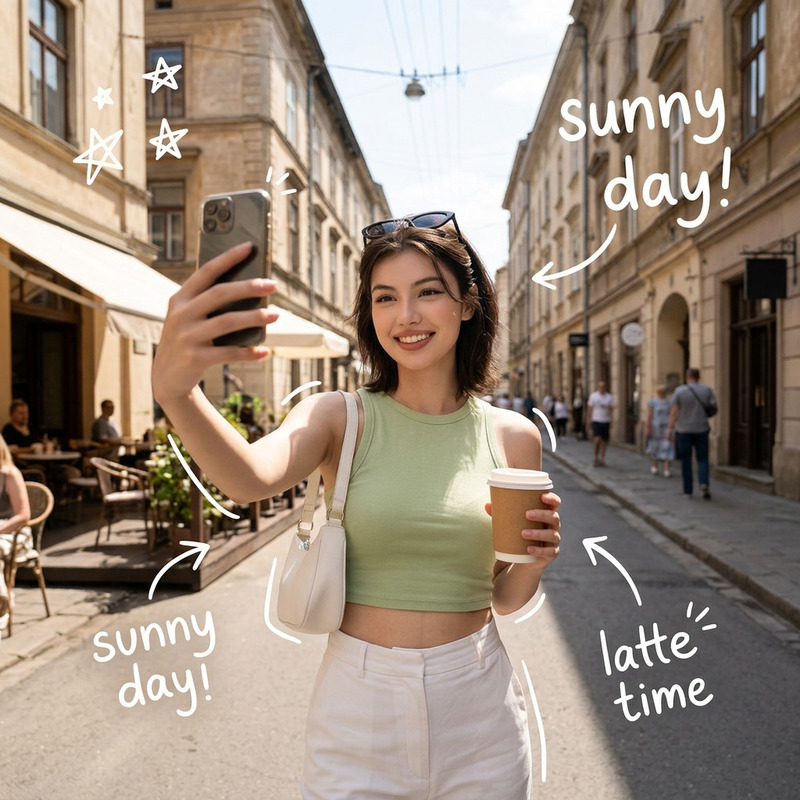
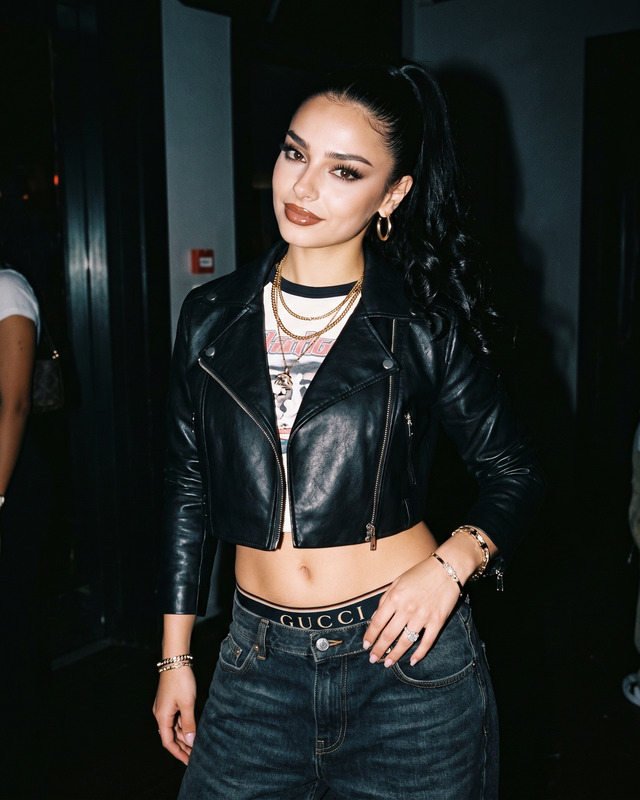
The "Subway Chic" AI Image Editor template invites users to transform their photos into vibrant, fashion-forward images with a Y2K-inspired aesthetic. Utilize this template to enhance photos with specified features and outfits, making your subject stand out in a modern subway setting. The hyper-detailed nano-banana-pro model ensures realistic textures and lively imagery.
What It Does
This template allows you to craft images that blend modern fashion and nostalgic elements, capturing a chic look inside a subway car. The AI Image Editor modifies facial features based on user inputs and embellishes them with the clothing and setting details described in the prompt. It generates engaging images with realistic light and textures.
Who It's For
Perfect for fashion enthusiasts, social media influencers, and photographers looking to add a trendy edge to their visual content. Creatives utilizing AI tools like the AI Image Editor can effortlessly develop themed photo series for their portfolios or social media profiles.
Summary
The "Subway Chic" template is designed for those wanting to transform their photos into stylish images with a nostalgic touch. Ideal for creating content that combines fashion with a modern twist. Tap into the power of AI with AI Ad Creative Generator or the AI Product Photography to further develop captivating visuals.
How to Use It
Choose Your Template

Customize Your Inputs

Generate the Image

Use Cases
Social Media Content Creation
- Curated themed photoshoots
- Engaging fashion stories
- Influencer collaborations
Fashion Portfolios
- Portfolio diversity
- Enhanced visual appeal
- High-quality fashion shots
Lifestyle Blogs
- Personal fashion representation
- Storytelling through images
- Diverse visual themes
Best Practices
Focus on Details
When defining facial features and clothing elements, pay attention to every detail to enhance the final image quality.Optimize Lighting in Edits
Adjust the lighting settings to maintain image consistency with the real-world subway setting for the most authentic look.Integrate with Other Products
Pair outputs with other Magic Hour tools like the AI Talking Photo for diverse multimedia projects.