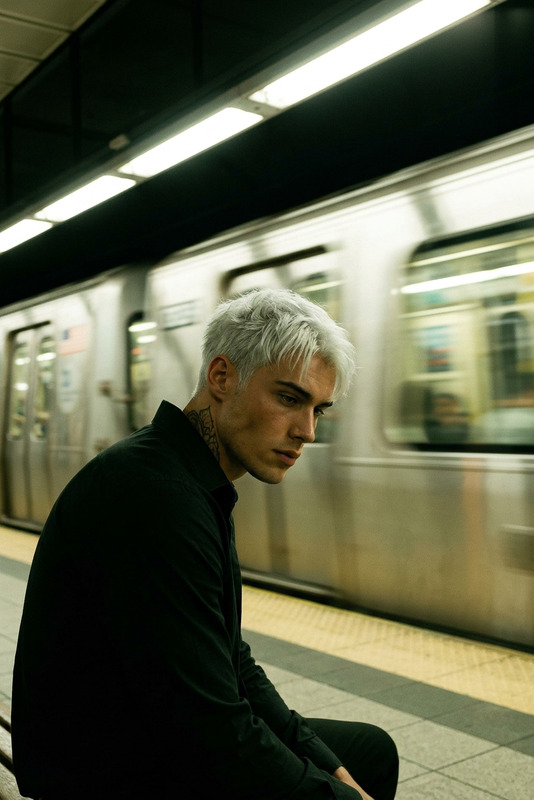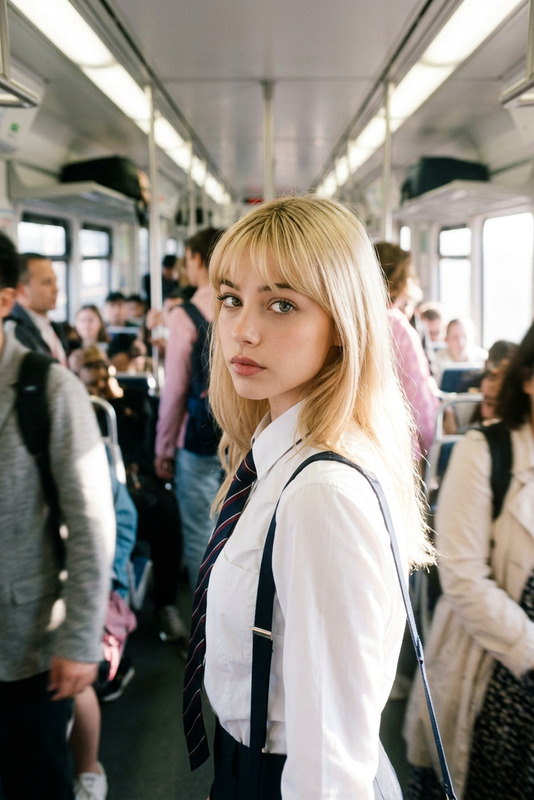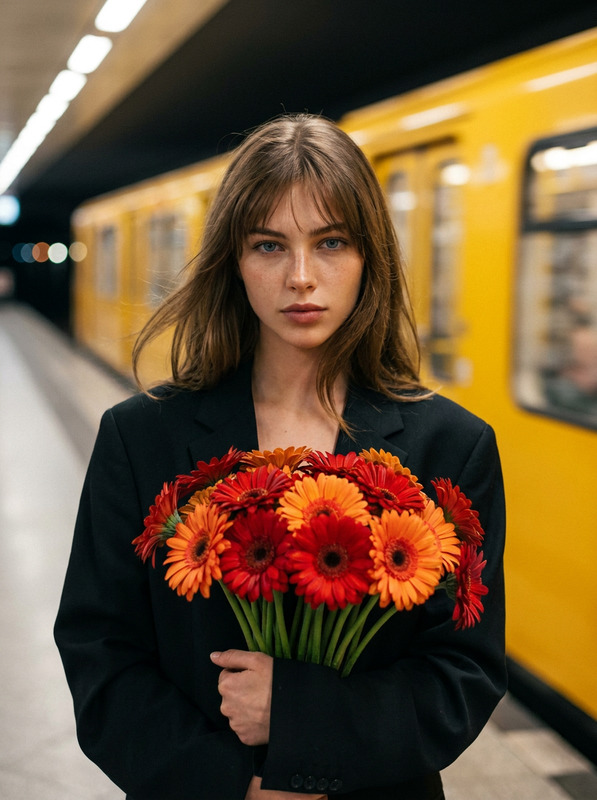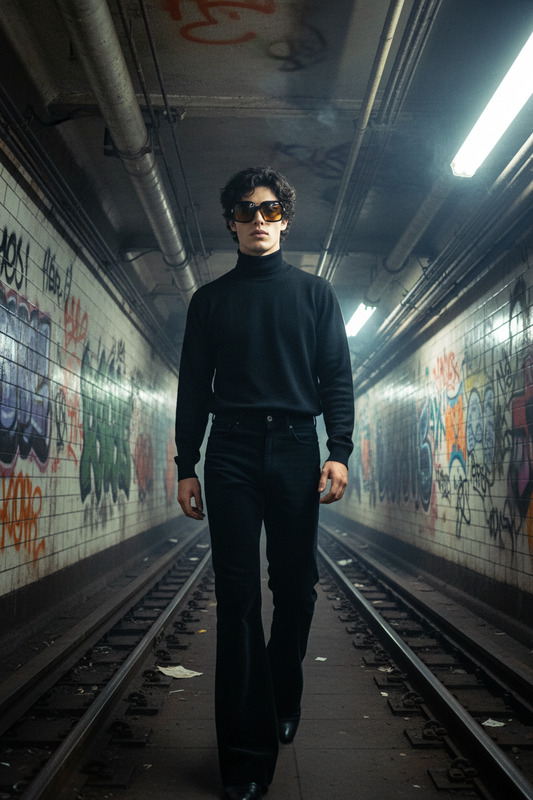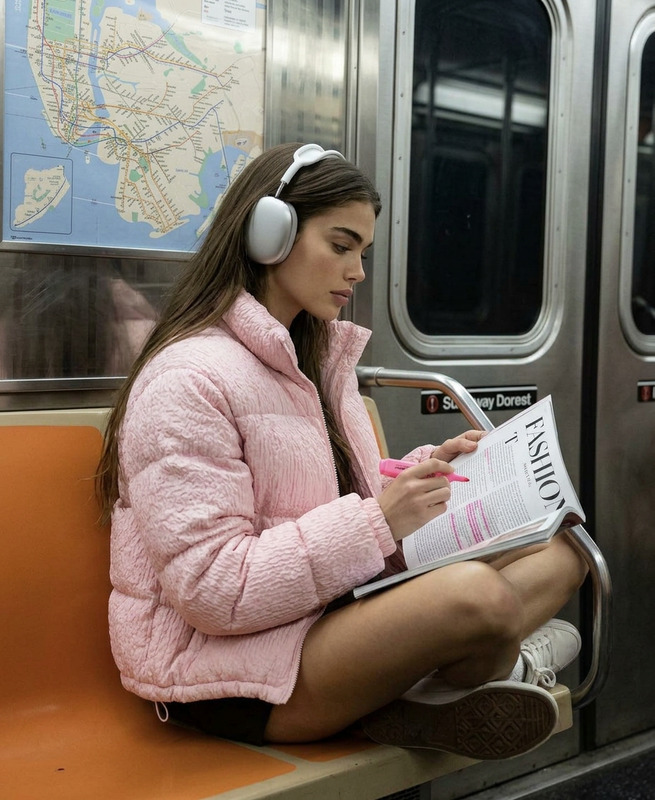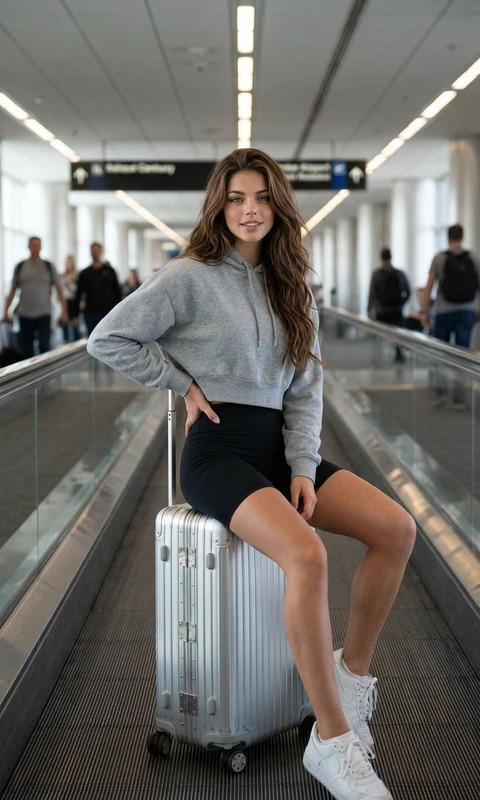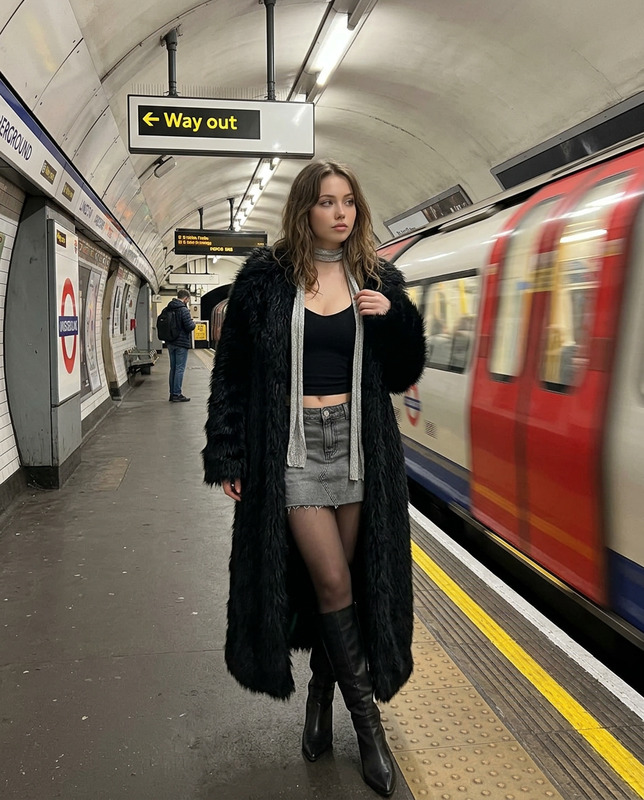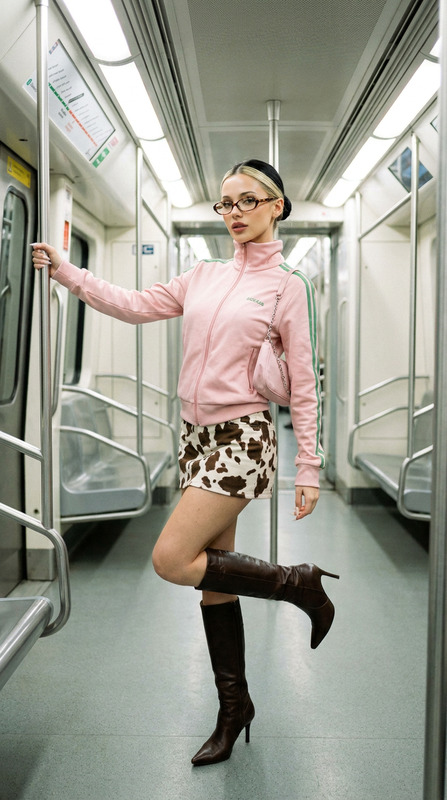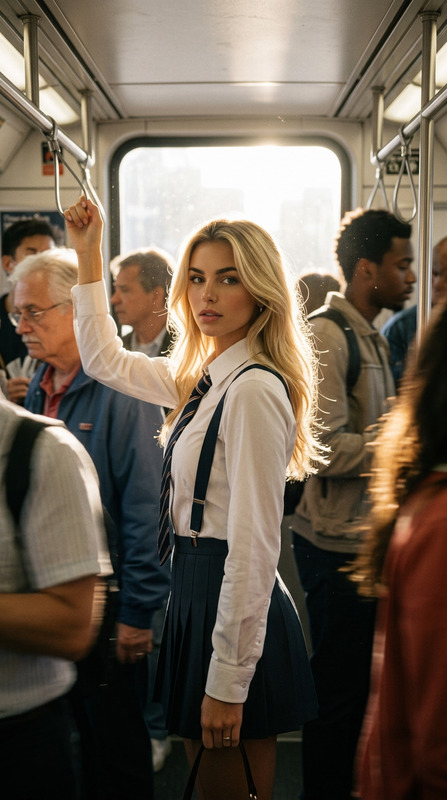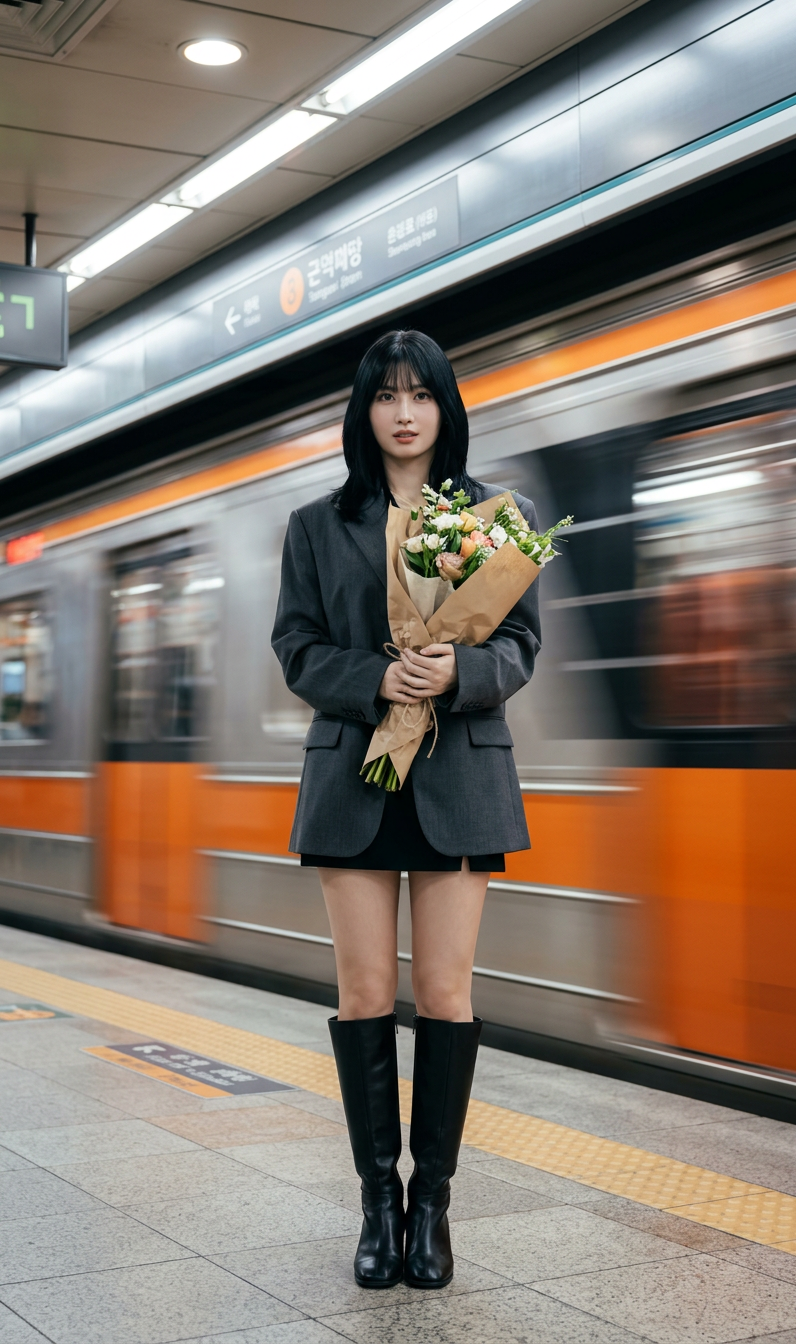
Subway Motion Contrast Portrait
ai-image-editor
Any aspect ratio
Use the uploaded image as the facial reference for the subject. Subject stands still on a subway platform while a train speeds past behind, creating strong motion blur streaks. The subject remains sharp and in perfect focus, looking slightly to the side with a calm, confident expression. One hand holds a bouquet of flowers wrapped in paper. Outfit: stylish modern look — oversized blazer, short skirt or shorts, knee-high boots. Environment: indoor subway station with soft cinematic lighting, natural tones from overhead lights. The moving train forms a blurred backdrop, while the floor subtly reflects light for added depth. Cinematic photography, high detail, strong motion contrast (sharp subject vs blurred background), atmospheric depth, realistic shadows, aesthetic composition.
Transform any photo into a polished, on-brand visual with Magic Hour’s AI Image Editor template. Use this template as a starting point, then remix it to build your own workflow for product photos, social content, ads, thumbnails, or creative experiments.
What this template does
This template is built on the AI Image Editor and is designed to help you:
- Clean up and enhance existing images
- Change backgrounds, lighting, and composition
- Remove or replace distracting objects
- Add or modify elements (text, props, accessories, scenes)
- Refine facial features, clothing, and style with AI
It’s ideal for:
- Creators and editors optimizing images for YouTube, TikTok, and Instagram
- Marketers testing variations of ads, hero images, and landing page visuals
- Startup teams quickly “productizing” rough photos into clean, usable assets
- Designers and technical teams who want a reusable, remixable image-editing pipeline
How to remix this template in Magic Hour
You can turn this template into your own custom image-editing tool in a few minutes:
Open the template
- Start from this AI Image Editor–based template inside Magic Hour.
- Duplicate it to create your own editable version.
Customize the instructions
- Edit the core prompt/instructions to define your use case, for example:
- “Make this a clean e‑commerce product photo on white background.”
- “Turn this into a cinematic portrait with soft lighting and a blurred city background.”
- “Convert this into comic‑book style artwork with bold outlines and saturated colors.”
- Add guidelines about brand colors, tone, or visual style if you have them.
- Edit the core prompt/instructions to define your use case, for example:
Define your I/O flow
- Input: your original image (product shot, portrait, logo, screenshot, etc.).
- Output: the transformed image, ready for publishing or further editing.
- Optionally chain this with other Magic Hour products like
- AI Image Upscaler to generate higher‑resolution assets
- Image Background Remover to isolate subjects before editing
- AI Photo Generator to create a base image, then refine it with this template
Save as your own template
- Save your customized version as a new template for your team.
- Use it as a repeatable workflow for campaigns, clients, or product updates.
Practical use cases
You can adapt this AI Image Editor template into specialized tools for:
1. Product and e‑commerce images
- Clean up rough product shots into studio‑style visuals
- Standardize backgrounds (white, gradient, brand color, lifestyle setting)
- Remove unwanted reflections, logos, or environmental clutter
- Combine with:
- AI Background Generator to place products in on‑brand scenes
- AI Clothes Changer or AI Fashion Generator for apparel visuals
2. Thumbnails, ads, and social content
- Turn raw screenshots and photos into scroll‑stopping visuals
- Add or refine text placement, faces, and composition for higher CTR
- Build preset “thumbnail styles” for your channel or brand
- Pair with:
- Thumbnail Maker to systematize YouTube or course thumbnails
- AI Meme Generator to spin out quick social variations
3. Brand and creator portraits
- Clean up founder photos, team headshots, and profile images
- Enforce consistent lighting, background, and framing across your team
- Experiment with LinkedIn‑, portfolio‑, or conference‑ready looks
- Combine with:
- AI Headshot Generator to generate net‑new professional portraits
- AI Face Editor or AI Face Generator for more advanced facial refinement
4. Creative and stylistic transformations
- Turn photos into illustrations, manga, or comic‑book style images
- Explore stylized variants for concept art, pitch decks, and moodboards
- Great for creative teams, game devs, and storytellers
- Explore:
5. Cleanup, restoration, and enhancement
- Remove background elements or unwanted people from photos
- Restore old photos, reduce blur, and improve clarity
- Fix lighting and contrast for more professional results
- Chain with:
- AI Remover or Remove Object from Photo to clean scenes
- Old Photo Restoration and Unblur Image for archival and family photos
- Photo Colorizer to bring black‑and‑white images to life
Building more advanced workflows with this template
This template can be the “image editing” node inside a more complex Magic Hour workflow. You can:
Generate → Edit → Animate
- Start with concept images from the AI Image Generator or AI Photo Generator
- Refine them with this AI Image Editor template
- Turn them into motion using:
Edit faces, then bring them to life
- Use this template with AI Face Editor, Gender Swap, or AI Selfie Generator
- Animate or speak the edited portraits with:
Create on‑brand visual systems
- Use this template to define your visual rules (color schemes, framing, background types)
- Standardize for:
- Product listings
- Pitch decks and investor materials
- Course assets and marketing funnels
Related Magic Hour tools worth exploring
Depending on your use case, you may want to connect or combine this template with:
Visual generation and design
Character and avatar creation
Environment, interior, and architecture
Visual experimentation and niche use cases
Why use an AI Image Editor template instead of starting from scratch?
For busy creators, marketers, and startup teams, templates are a way to:
Systematize quality
- Lock in prompts and rules that consistently produce usable results
- Reduce dependency on a single designer or editor for routine tasks
Move faster
- Reuse the same workflow across campaigns, channels, and clients
- Hand the template to teammates or contractors without long onboarding
Stay flexible
- Duplicate and evolve the template for new verticals (e.g., SaaS, e‑commerce, gaming, education)
- Test new visual directions without disrupting existing production workflows
By remixing this AI Image Editor template, you’re effectively creating your own internal “image editing app” inside Magic Hour—optimized for your brand, your content formats, and your team’s constraints.
Next steps
- Duplicate this AI Image Editor–based template in Magic Hour.
- Rewrite the instructions to match your specific use case (e‑commerce, thumbnails, brand portraits, concept art, etc.).
- Optionally chain it with tools like AI Image Upscaler, Image to Video, or the Video‑to‑Video Template for richer pipelines.
- Save and reuse it as a stable, high‑leverage part of your content production stack.