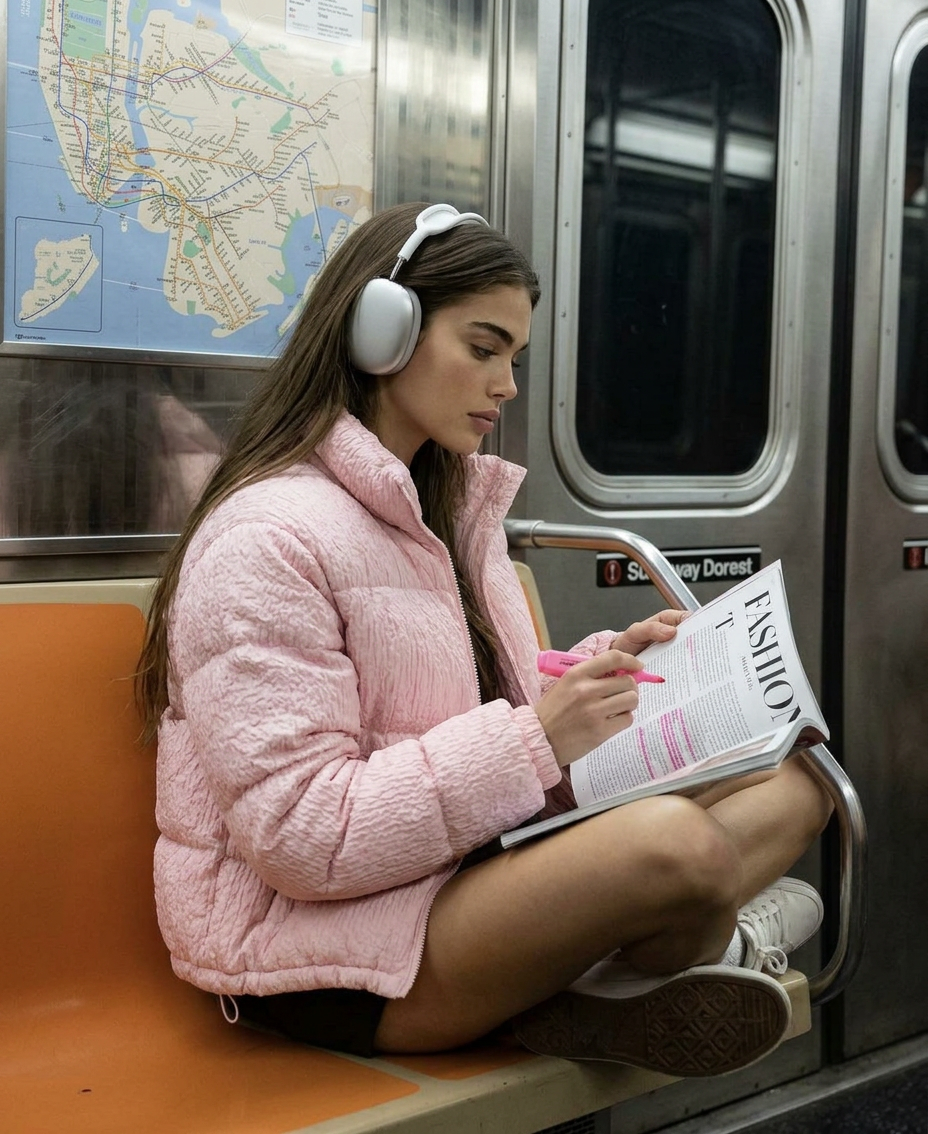
Night Ride Mood
ai-image-editor
Any aspect ratio
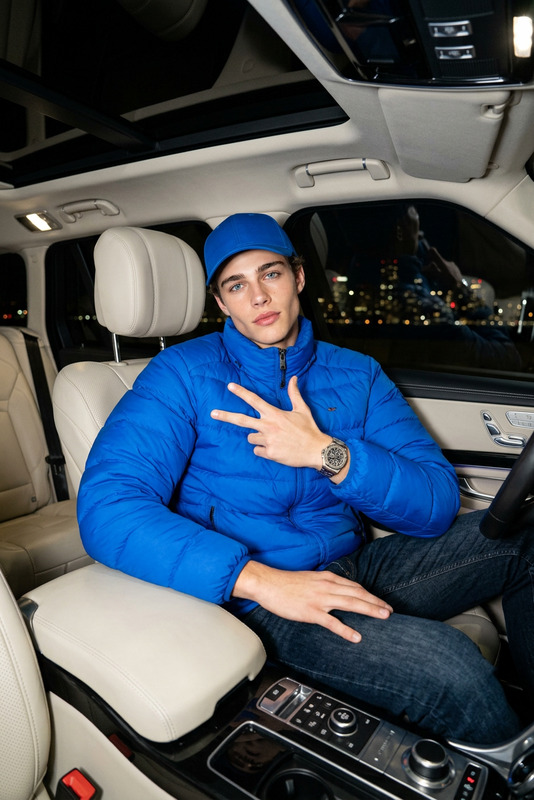
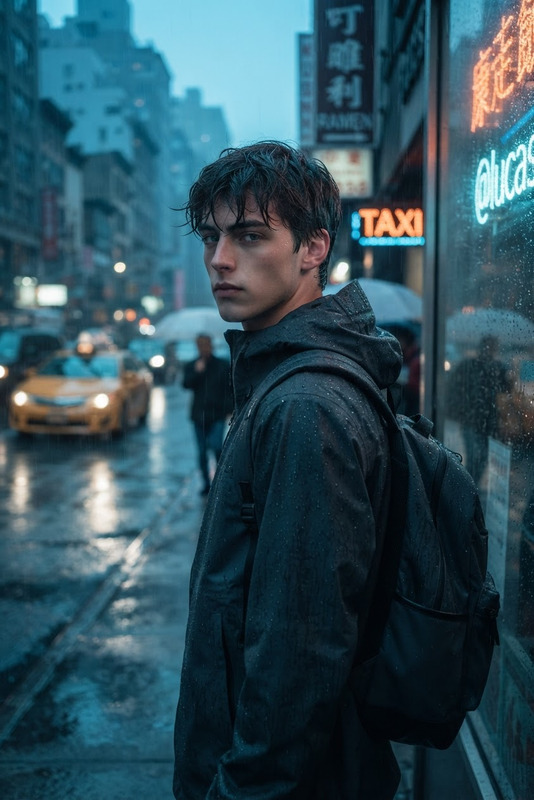
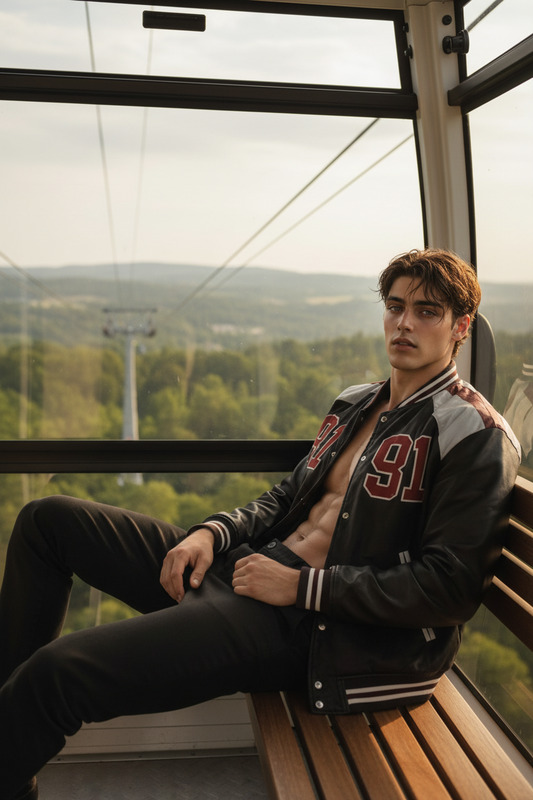
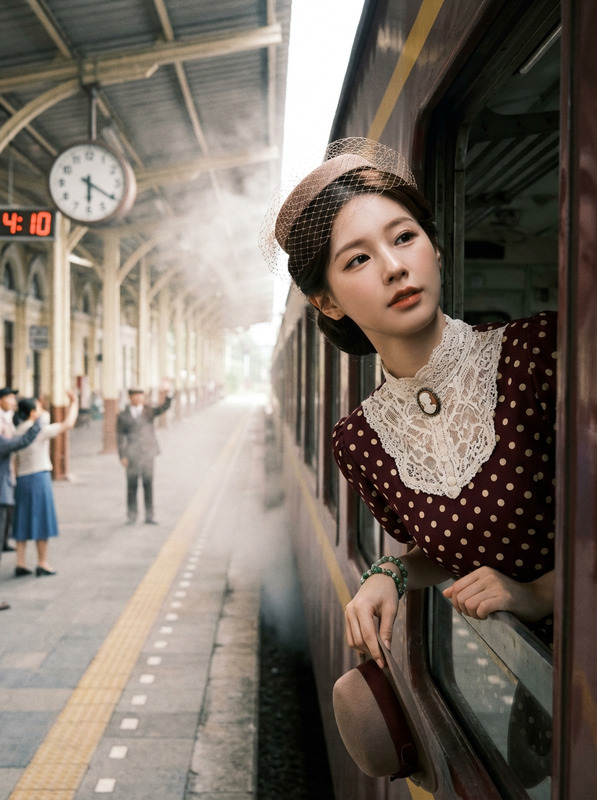
Generate a cinematic side-view fashion portrait inside a subway car, showing a subject sitting cross-legged on muted pastel-colored seats along the car wall, wearing a puffy baby-pink jacket with detailed fabric texture and silver over-ear headphones; the subject is holding an open fashion magazine and a highlighter, appearing absorbed in reading with a soft, dreamy, intimate expression; the subway interior features consistent muted seating stretching across the frame, a clearly framed subway map positioned above, and the edge of a subway door visible on the right; outside the window is the dark subway tunnel reflecting soft interior lighting, creating a calm nighttime atmosphere; casual layered streetwear fits naturally with relaxed, anatomically correct posture; soft diffused subway lighting gently illuminates the scene, emphasizing fabric detail, natural skin tones, subtle reflections on glass and handrails, and an immersive, cozy urban transit mood.
AI Image Editor Template: Smart Background Cleanup & Object Removal
Use this template to clean up product shots, social content, and portraits in seconds with Magic Hour’s AI Image Editor. It’s designed for fast, precise edits that look natural enough for e‑commerce, marketing campaigns, and professional portfolios.
What this template is best for
This template is optimized for:
- Removing stray objects, logos, or people from photos
- Cleaning up product shots for marketplaces or DTC sites
- Polishing social and ad creatives without a full design team
- Fixing “almost perfect” shots (trash cans, exit signs, background clutter)
- Preparing images for repurposing into video, GIFs, or ads
It’s based on the same inpainting and generative fill techniques described in modern image editing research (e.g., Pathak et al., “Context Encoders” and follow‑on work in generative inpainting), but packaged into a workflow that doesn’t require design or ML experience.
How to remix this template in Magic Hour
You can use this template as‑is or quickly adapt it for your own workflow:
Open AI Image Editor
Go to the AI Image Editor.Upload your base image
- Product photos (simple or complex backgrounds)
- Portraits and lifestyle shots
- Screenshots, mockups, or UGC content
Mark what you want to change
- Highlight unwanted objects, text, logos, or people
- Or select background areas you want to regenerate or simplify
Describe your ideal result
Use short, specific prompts. For example:- “Remove the person in the background and fill with street pavement”
- “Clean white studio background, no shadows”
- “Natural café interior, shallow depth of field”
Iterate quickly
- Generate multiple variations
- Pick the one that matches your brand look
- Re‑edit the same image if you want more subtle or more dramatic changes
Save your remix as your own template
- Use similar prompts and editing patterns on future images
- Keep a short “prompt library” for your team so everyone can recreate a consistent look and feel
Because Magic Hour tools are interoperable, you can chain this template with other products:
- Clean the image here, then animate it with Image to Video
- Remove background clutter, then turn the subject into a talking avatar with AI Talking Photo
- Polish a product shot, then repurpose it for vertical video using Text to Video
Example workflows using this template
1. E‑commerce & marketplace product cleanup
For founders and marketers selling on Shopify, Amazon, Etsy, or niche marketplaces:
- Import raw product photos.
- Use the template to remove props, stands, or distracting background elements.
- Prompt for a clean, consistent style:
- “Pure white background, e‑commerce ready”
- “Soft shadow, high‑end catalog look”
- Upscale the result for crisp thumbnails using the AI Image Upscaler.
- Turn best‑performing visuals into animated promos with Image to Video or Video‑to‑Video templates.
This aligns with marketplace best practices for conversion: clean backgrounds, consistent lighting, and clear separation of subject and background.
2. Social ads & performance creative
For growth teams and performance marketers:
- Remove clutter or people from UGC while preserving authenticity.
- Swap busy backgrounds for simpler, brand‑consistent environments.
- Create multiple ad variants from one base photo by changing the setting, props, or framing.
Workflow ideas:
- Edit the core hero image with this template.
- Generate brand‑new on‑brand variants using the AI Image Generator or AI Photo Generator.
- Convert top‑performing images into short loops with the AI GIF Generator.
- Add subtitles and messaging if you move into video, using the Auto Subtitle Generator.
3. Creator & influencer content polishing
For creators and agencies managing multiple accounts:
- Remove random bystanders from travel content.
- Clean up studio backdrops in reels and shorts cover images.
- Prepare thumbnails with simplified, high‑impact backgrounds.
Suggested stack:
- Use this template to refine the core photo.
- Generate eye‑catching YouTube or TikTok thumbnails with the Thumbnail Maker.
- If you want animated avatars of yourself, pair clean portraits with the Avatar Generator or Animated Characters Generator.
Advanced ways to extend this template
Once you’re comfortable with the base workflow, you can build more specialized templates by remixing it with other Magic Hour tools:
Brand‑consistent hero images
- Clean product or model shots with this template
- Then generate on‑brand scenes using AI Background Generator
- Use consistent prompt language across all products to codify your visual identity
From static images to talking heads
- Clean and refine a headshot or portrait
- Use AI Headshot Generator for professional variations
- Animate it with AI Talking Photo
- Add a synthetic voice with AI Voice Generator or AI Voice Cloner
Object removal + style transformation
- Remove unwanted elements or people using this template
- Then restyle the image entirely with tools like:
- This is useful for concept art, product moodboards, or pitch decks.
Related Magic Hour tools worth exploring
To get more value from this template, consider pairing it with:
- Image Background Remover for instant subject isolation
- Remove Object from Photo for targeted cleanup use cases
- Watermark Remover for cleaning artifacts on your own assets
- Unblur Image to rescue slightly soft or out‑of‑focus shots
- AI Face Editor when you need subtle face corrections after background edits
- AI Clothes Changer or AI Outfit Generator for fashion, catalog, and lookbook workflows
If you work with dynamic content, explore:
- Face Swap Video templates
- Lip Sync templates
- Animation templates
- Video Upscaler for final delivery
Tips for better, more consistent results
- Be specific in your prompts
Describe the environment (“studio lighting, white seamless background”) rather than just “clean up.” - Think like a retoucher
Decide what should stay, what should go, and what should be de‑emphasized before you start editing. - Standardize your language
Keep a shared doc of 5–10 prompts your team uses repeatedly (e.g., “DTC skincare brand, minimalist, soft daylight”). - Use upscaling at the end
Once you’re happy with the edit, run the final image through the AI Image Upscaler to preserve detail for web, print, or high‑res campaigns.
How to make this template your own
To create your own version of this template inside Magic Hour:
- Pick 5–10 representative images from your brand or client work.
- Run them through the AI Image Editor, repeating similar edit patterns.
- Save and document:
- Which types of elements you remove (props, clutter, text)
- The prompt phrasing that best matches your visual style
- Any follow‑up tools you consistently use (e.g., upscaler, background generator)
- Reuse that pattern across new projects so your team can replicate results in minutes instead of rebuilding from scratch.
This gives you a practical, reusable “AI editing system” rather than a one‑off effect—ideal for creators, agencies, and startups who need to move fast without sacrificing visual quality.