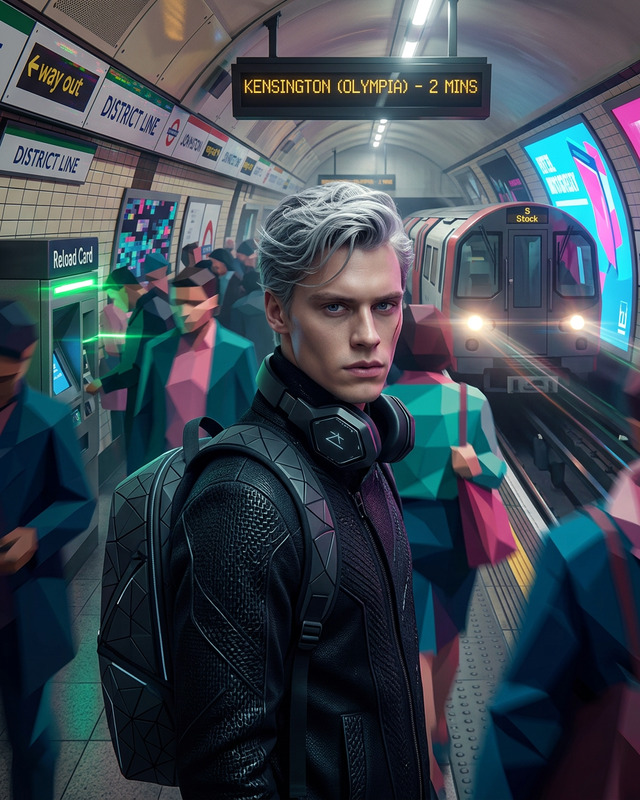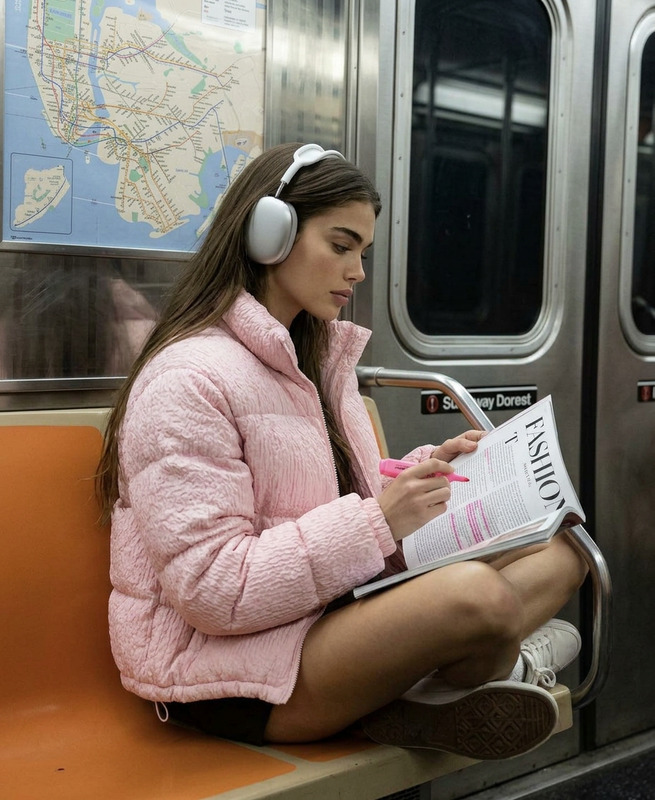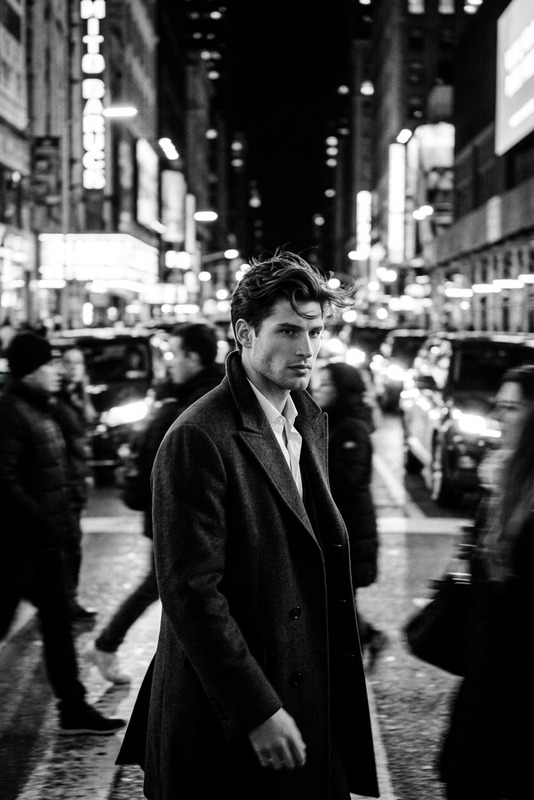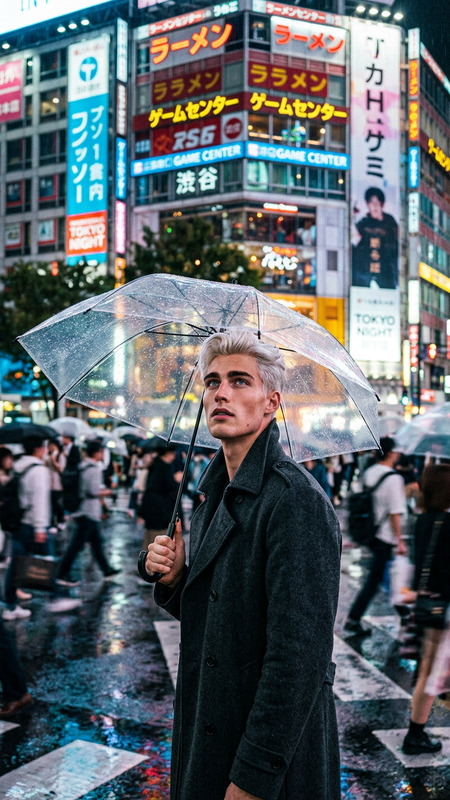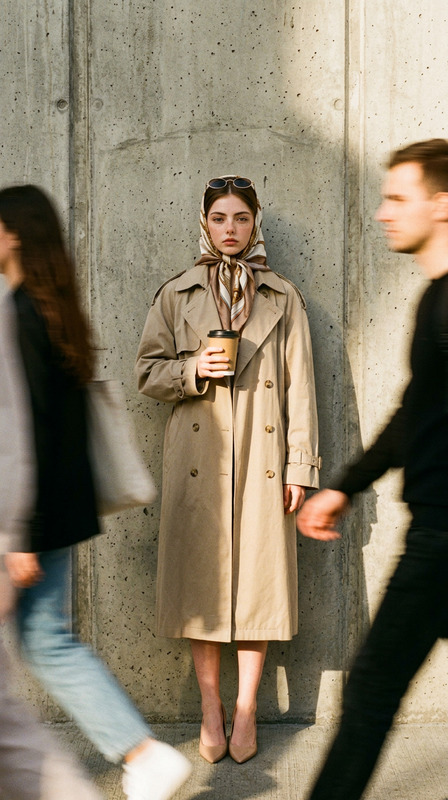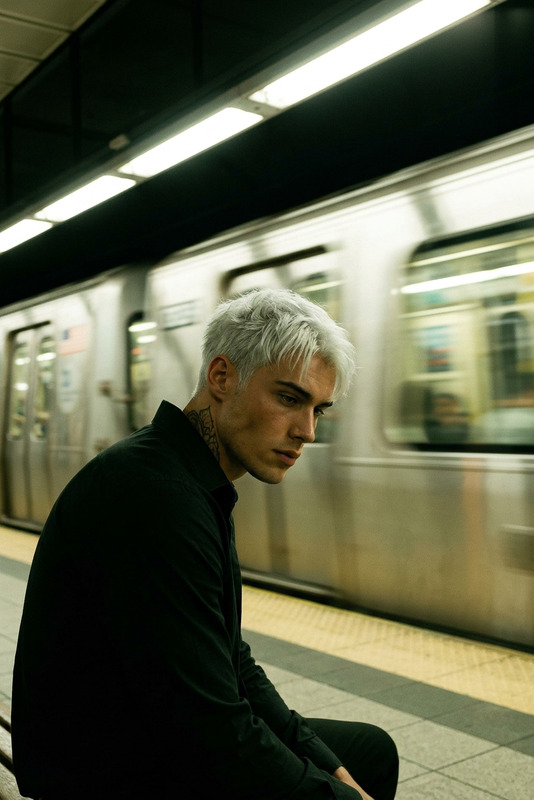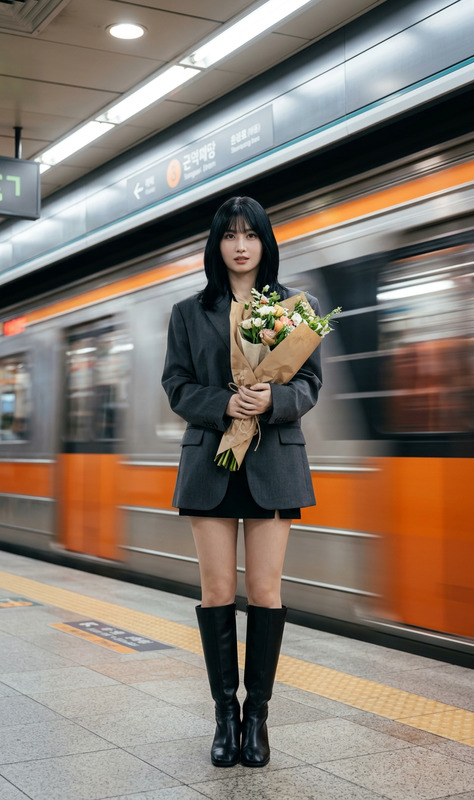
70s Subway Walk Cinematic Shot
ai-image-editor
Any aspect ratio
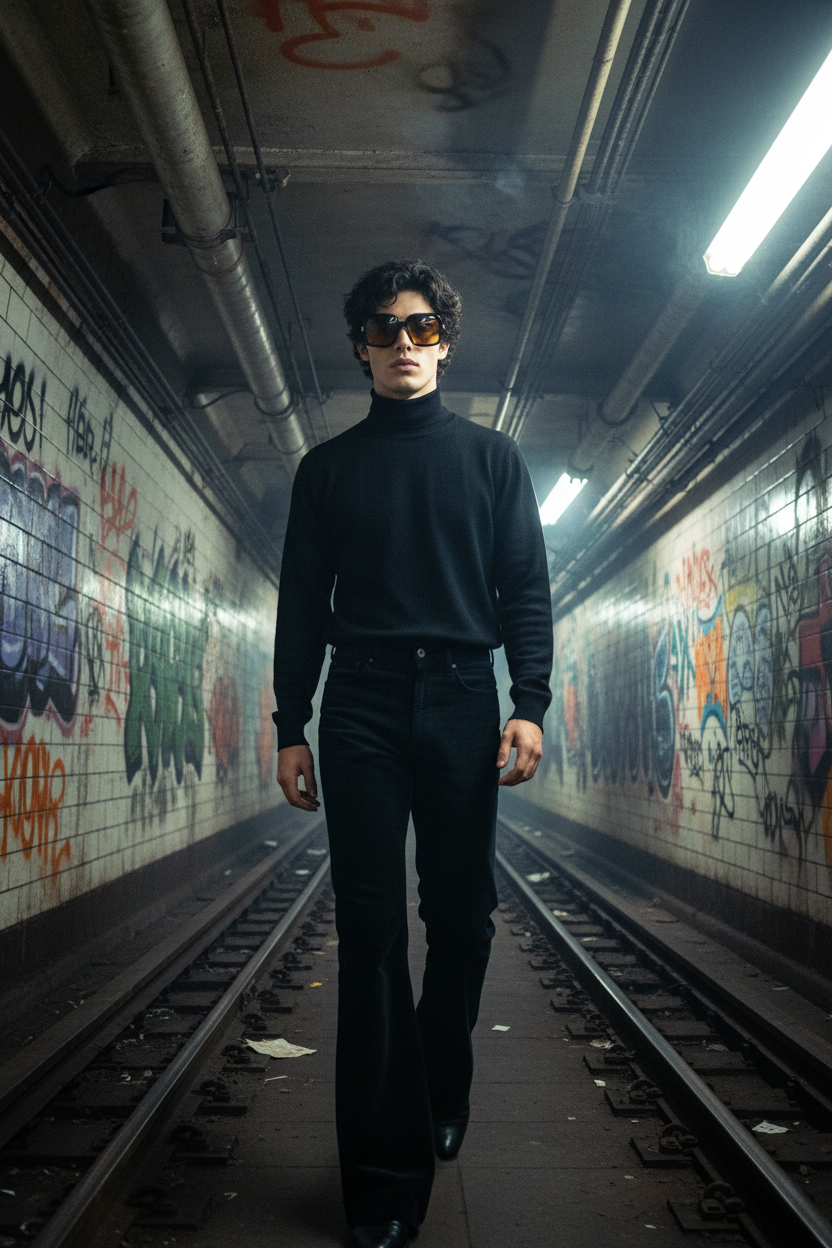
A low-angle medium shot of a subject walking through a gritty 1970s subway tunnel. The subject wears flared trousers, a dark turtleneck, and oversized tinted sunglasses. Neon lights reflect across the glasses and tiled walls, with graffiti and steam pipes in the background. Strong diagonal lighting casts sharp shadows, emphasizing facial structure and fabric texture. Shot on a wide 28mm lens, the tunnel stretches into a dramatic vanishing point. Vintage film grain, slight gate weave, and a muted dusk color palette create a cinematic, nostalgic atmosphere.
Tags
stylesAI Image Editor Template: Turn Any Photo Into High-Impact Visuals in Minutes
This template showcases what you can do with the AI Image Editor in Magic Hour: cleanly remove objects, swap backgrounds, refine faces, and create polished, on-brand images without opening Photoshop.
Use it as a starting point to:
- Edit product photos for ads and landing pages
- Clean up UGC and social content
- Create hero images, thumbnails, and campaign visuals
- Quickly iterate creative concepts for experiments and A/B tests
What This Template Does
This template is built on the AI Image Editor, which combines inpainting, outpainting, background replacement, and style-aware editing. Typical use cases:
Remove distractions
Cleanly erase unwanted people, logos, text, cables, or clutter using AI-powered object removal. You can also do this directly with the AI Remover or Remove Object from Photo tools.Replace or enhance backgrounds
Instantly swap messy or generic backgrounds with branded, cinematic, or studio-style scenes. For pure background work, see the AI Background Generator and Image Background Remover.Face and portrait cleanup
Smooth skin, refine facial features, and adjust lighting for profile images, team photos, and campaign creatives using the AI Face Editor or AI Headshot Generator.Extend and reframe images
Expand your canvas, change aspect ratios for ads or social, and generate new content around your subject. This is especially useful for repurposing one asset across multiple formats.Creative restyling
Turn a standard photo into a stylized illustration, anime, comic, or fantasy scene. Explore related tools such as AI Art Generator, AI Anime Generator, Comic Book Generator, and AI Illustration Generator.
How to Remix This Template in Magic Hour
You can create your own version of this template in a few steps:
Open AI Image Editor
Go to the AI Image Editor.Upload your base image
Use a product shot, portrait, brand asset, or any key visual you want to adapt.Decide what to change
Common edits for remixing:- Remove or replace the background
- Clean up objects, logos, or text
- Improve faces or expressions
- Add new elements or extend the scene
- Restyle for a particular brand look or genre
Use targeted tools for specific tasks
Depending on your goal, you can also pull in:- AI Background Generator for new scenes
- AI Photo Generator or AI Image Generator for new elements to composite into your image
- AI Image Upscaler or Unblur Image to increase resolution and clarity
- Watermark Remover for cleaning your own assets where you have rights to do so
Save your edited image as a reusable asset
Once you’re happy with the edit, export it and reuse it across:- Ad platforms (meta, Google, TikTok)
- Landing pages and product detail pages
- Email headers and blog imagery
- Organic social and thumbnails
Because the AI Image Editor is non-destructive, you can quickly iterate, test multiple variations, and refine your own internal “template” for a consistent, repeatable look.
Example Workflows for Creators, Marketers, and Builders
1. Performance Creative for Ads
- Start with a basic product shot
- Use the AI Background Generator to create multiple branded, high-contrast backgrounds
- Use AI Image Upscaler to ensure sharpness at ad-platform resolutions
- Spin off motion variants with:
You can further personalize campaigns by generating on-brand characters with the AI Character Generator or Avatar Generator and compositing them into your scenes.
2. Founder / Team Headshots and Social Branding
- Clean up and enhance your existing photo in the AI Image Editor
- If you don’t have a good source image, generate one with the AI Selfie Generator or AI Headshot Generator
- Use Photo Colorizer or Old Photo Restoration if you’re reviving legacy photos
- Create consistent avatars for all social channels using the Avatar Generator
3. Social Thumbnails and Content
- Compose a strong central subject with the Full Body Generator or Animated Characters Generator
- Edit, refine, and composite in the AI Image Editor
- Create platform-specific covers and preview images using the Thumbnail Maker, Album Cover Generator, or Book Cover Generator
- Turn stills into scroll-stopping loops with the AI GIF Generator
From Static Image to Video, Memes, and Interactive Content
Once you’ve polished an image with this template, you can evolve it into richer formats:
Talking photos and lip-sync
- Use AI Talking Photo to animate a portrait
- Synchronize speech with Lip Sync and generate voices via the AI Voice Generator or AI Voice Cloner
Face swap content
- Edit your source faces in the AI Image Editor, then apply them in motion with:
Video and animation variants
- Turn your edited image into motion with Image-to-Video or Text-to-Video
- Apply stylized transformations with the Video-to-Video template
- Build character-driven animations using the Animation template
Memes, QR codes, and interactive visuals
- Combine your edited image with captions using the AI Meme Generator
- Encode your brand visuals into scannable designs via the AI QR Code Generator
Specialized Creative Angles You Can Explore
If you want to push this template into more niche or experimental directions:
Fantasy, gaming, and worldbuilding
- Start with a basic character or environment, refine in the AI Image Editor, then expand with:
Brand and product visualization
- Generate or refine logos, packaging, and product visuals with:
Interior, architecture, and environment design
- Use your edited photo as a base and explore variations with:
Illustrated and stylized IP
- Move from photo to stylized IP using:
Photo-to-art transformations
- Convert real images into sketches or tattoos using:
Best Practices for High-Quality Edits
To get the most out of this template and the AI Image Editor:
Start from the highest-quality source you have
Higher resolution and cleaner inputs give more realistic edits. Use Unblur Image or AI Image Upscaler to improve older or lower-res assets.Focus on one clear visual goal per iteration
Decide if this round is about background, face, or composition—then iterate. It’s faster and produces more consistent results.Keep a consistent style across campaigns
Once you find a visual style that works—color palette, background type, character look—save sample images and reuse them as references in future edits for brand consistency.Think multi-channel from the start
Design with your end placements in mind (ads, product pages, short-form video) so you can easily adapt your edited image to:- Video via Image-to-Video or Video-to-Video
- Social thumbnails via Thumbnail Maker
- Talking or lip-synced formats with AI Talking Photo and Lip Sync
What You Can Build From This Template
By remixing this AI Image Editor template, you can build your own internal “visual pipeline” for:
- Always-on ad creative testing
- Rapid landing page and campaign asset creation
- Consistent founder / team visuals across channels
- Branded content, memes, and motion assets from a single source image
- Concept art and visual prototypes for new products, games, or IP
Use this template as a base, then layer in the broader Magic Hour toolset—AI Image Editor, AI Art Generator, Image-to-Video, Text-to-Video, Face Swap Video, Lip Sync, and Animation—to go from a single edited image to a full, multi-format creative system.