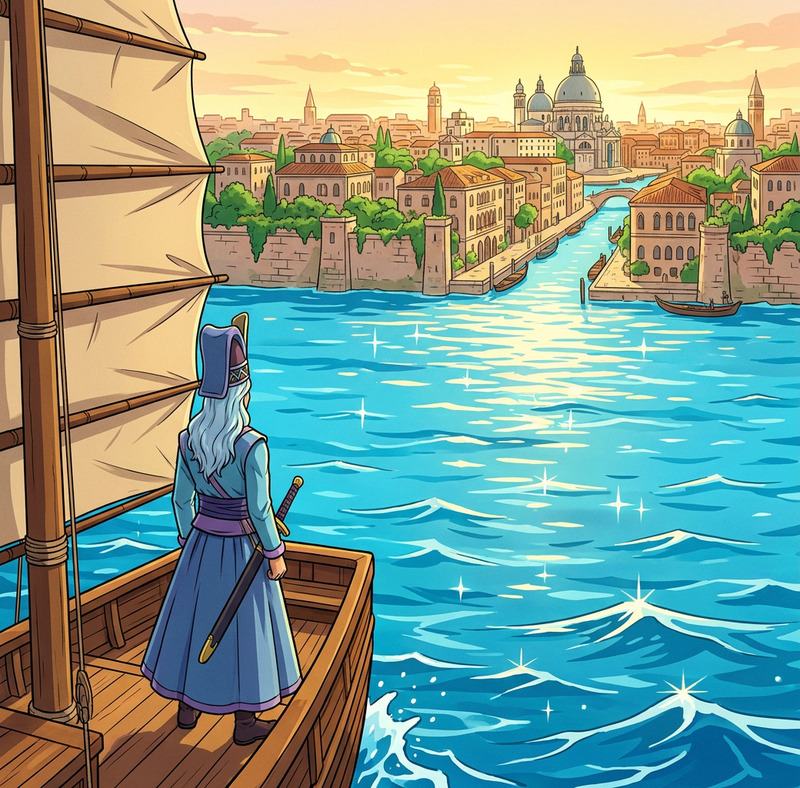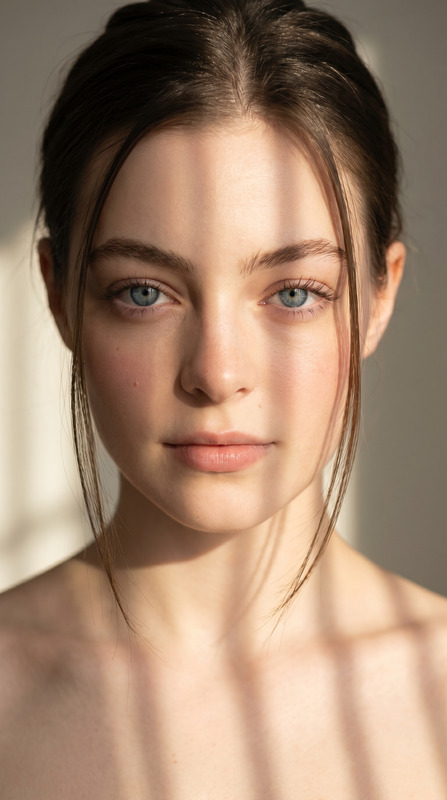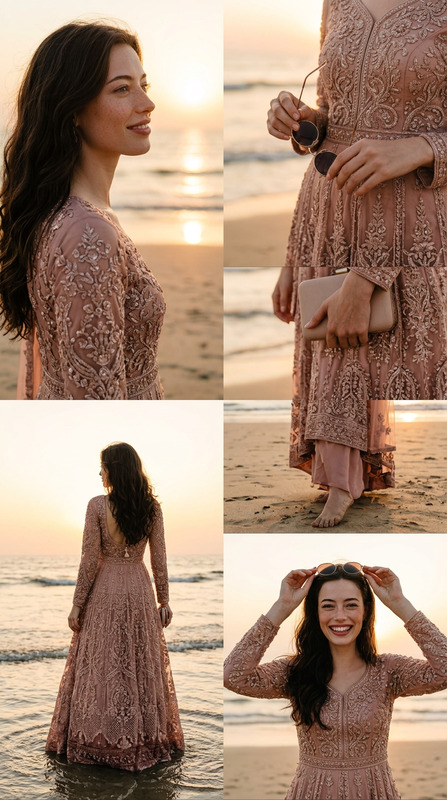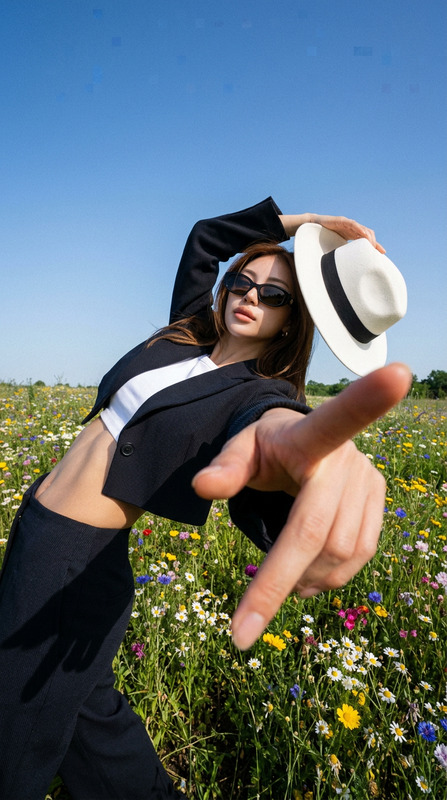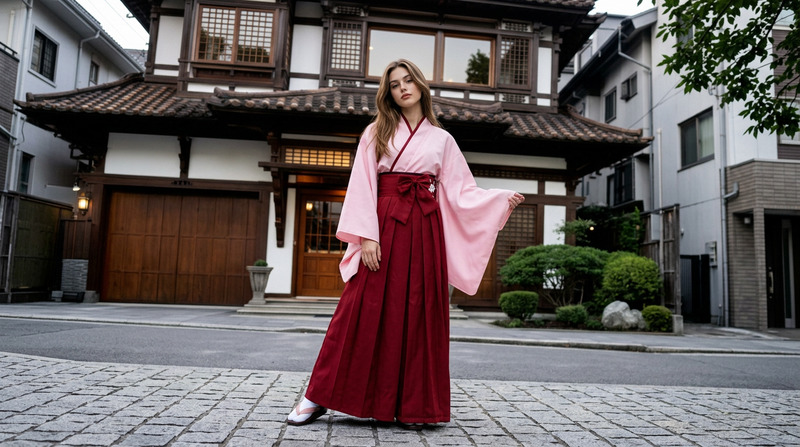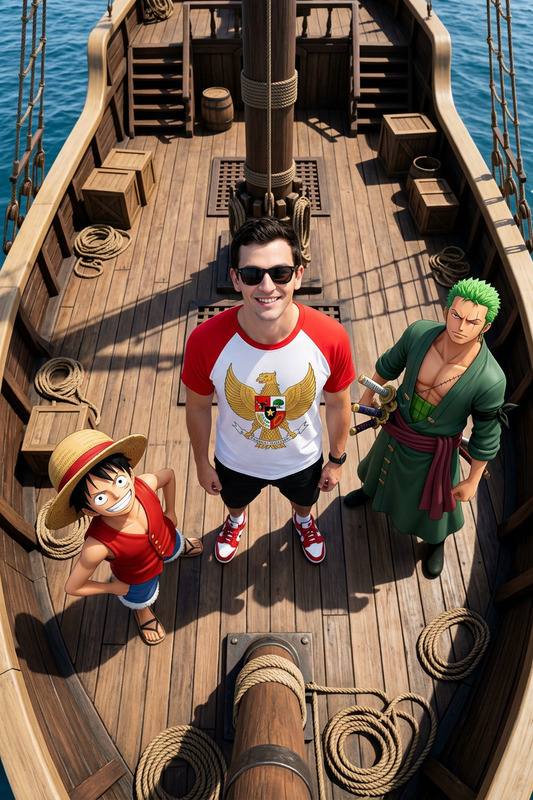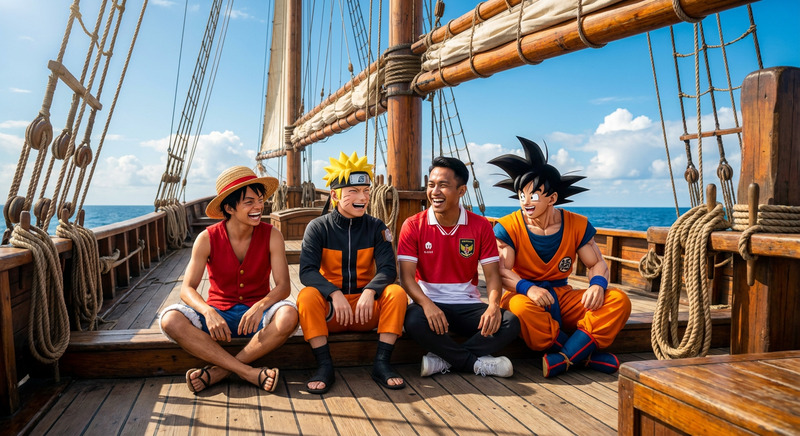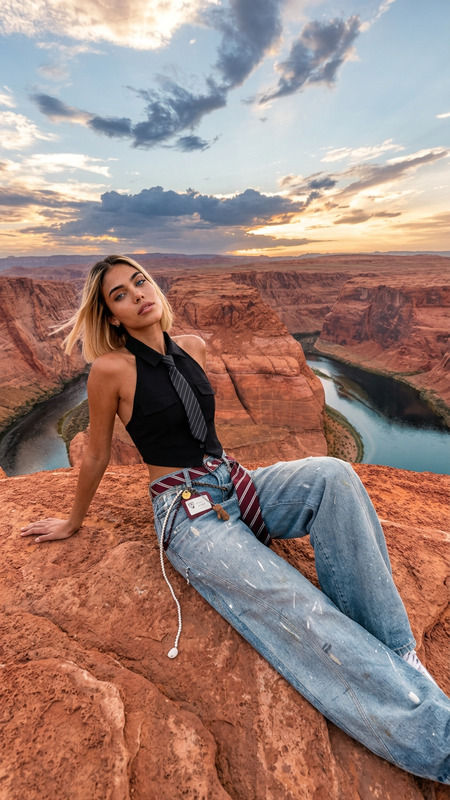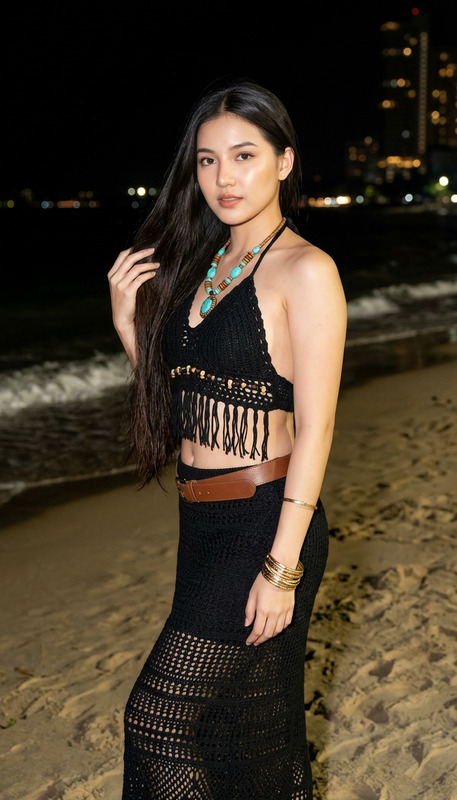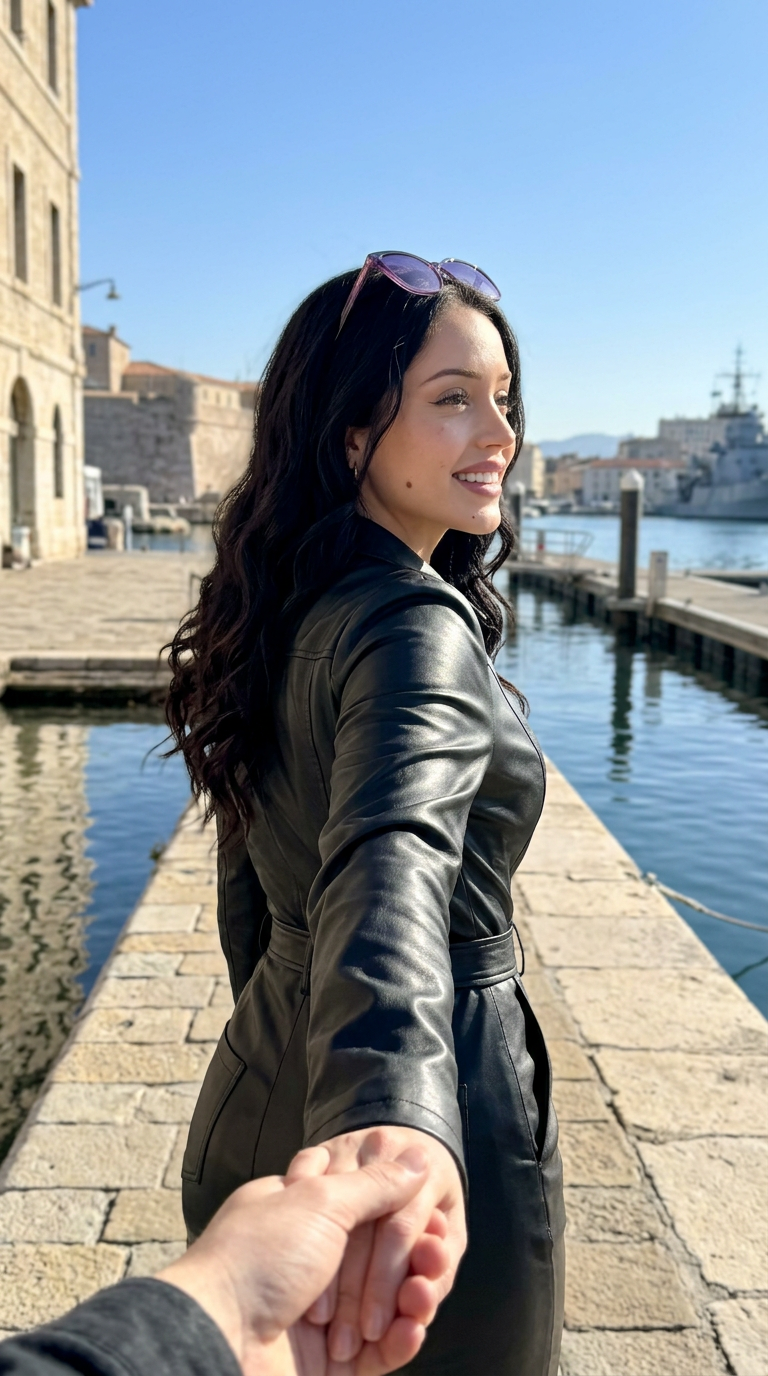
One Piece POV
- Model
- Nano Banana 2
- Image
- 768 × 1376 px
Prompt
Aspect Ratio: 9:16Theme: I've traveled into the world of {ONE PIECE} and used my {iPhone 16 Pro rear camera in portrait mode} to take photos of the {characters} from a POV perspective; the {characters} exist in the real world, not in 2D or 2.5D!Character: Nico RobinCamera: Eye-level, medium close-upCharacter Action: The {character} is holding my hand and walking forward; I see the {character}'s back, and when the {character} turns slightly, I can see their extremely beautiful profile;Character Details: Bright, youthful face, goddess-like demeanor, fair, milky skin; detailed skin texture, pores, and moles.Lighting: Bright natural light, fully exposed but not overexposed; the {character}'s classic pose and clothing, with their glasses perched on their hair above their forehead;Safety Constraints: No wardrobe malfunctions, no explicit content.
Any aspect ratio
Overview
Step into the universe of One Piece with the 'One Piece POV' template. Utilizing the power of the nano-banana-2 model, this AI Image Editor template transforms your imagery into a vivid portrayal of Nico Robin and other beloved characters, as if captured with a modern-day device in real-world dimensions. Ideal for enthusiasts looking to merge the realms of fantasy and reality.
What It Does
This template uses advanced AI imaging techniques to bring One Piece characters to life in a realistic setting. By selecting the character Nico Robin, you get an immersive POV shot that looks as though it were captured with an AI Image Editor. The result is a natural, lifelike depiction that maintains the essence and classic style of the character.
Who It's For
This template is perfect for manga enthusiasts, creative photographers, and social media content creators. If you're passionate about One Piece and want to produce unique, realistic art pieces, or if you're a photographer aiming to expand your portfolio with imaginative edits, this is the tool for you. Especially useful for those creating content around AI Talking Photos or looking to enhance their storytelling with vivid visuals.
Summary
The 'One Piece POV' template offers a compelling way to integrate beloved anime characters into our world. Delivering detailed, realistic imagery by employing the cutting-edge AI Image Generator technologies, it ensures high-quality outcomes that captivate and engage audiences, making ideal use of the vibrant imagery that manga inspires.
How to Use This Template
Choose the Template

Customize Your Settings

Generate and Download

Use Cases
Social Media Content
- Unique character perspectives
- Enhanced audience engagement
Anime Fan Art
- Unique interpretations
- Creative expression
Digital Marketing
- Increased viewer interaction
- Higher conversion rates
Best Practices
Focus on Character Details
Pay attention to the specific features and settings that make characters recognizable and authentic.Optimize Image Quality
Use high-resolution settings in the AI Image Editor to ensure clarity and detail.Test Different Poses
Experiment with different character poses and camera angles to discover the most engaging visuals.