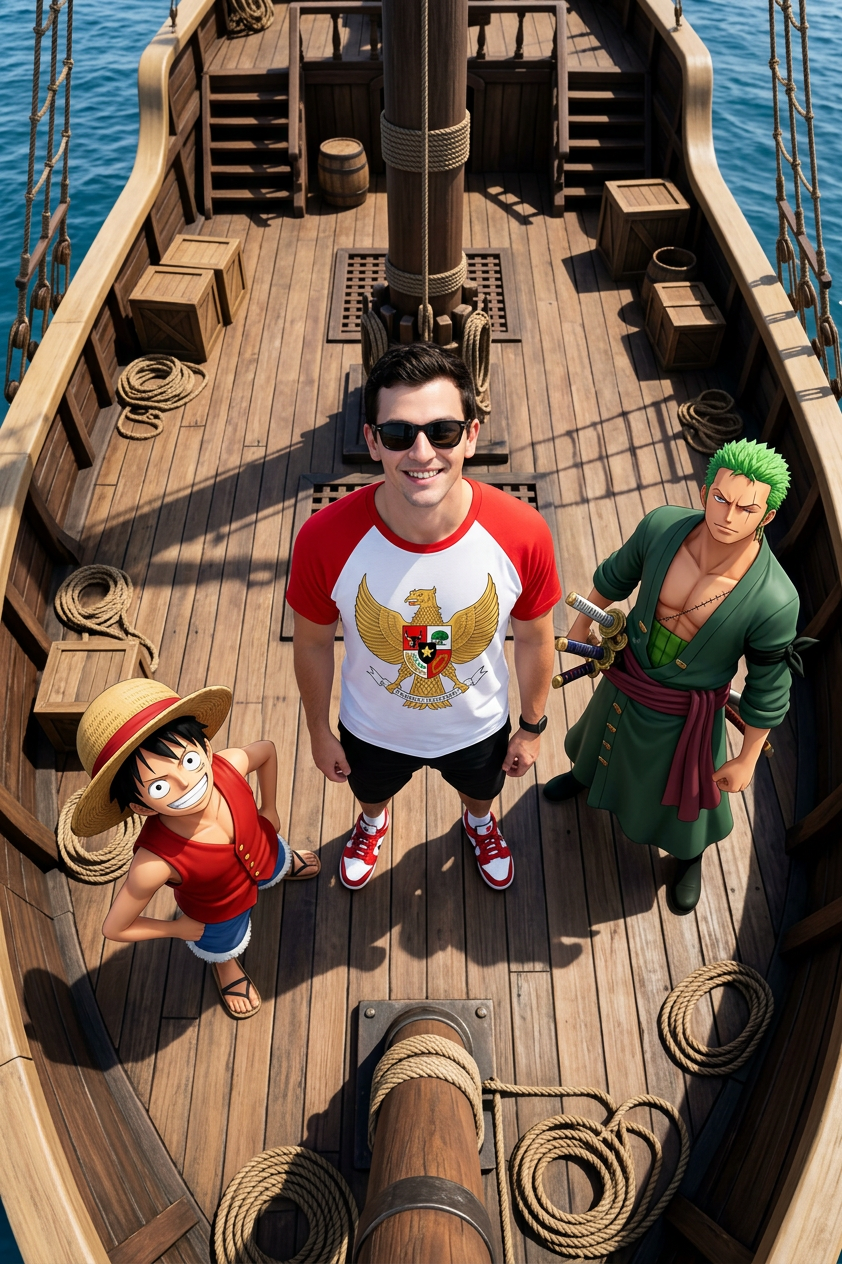
One Piece Pirate Ship Aerial
- Model
- Nano Banana 2
- Image
- 842 × 1264 px
Prompt
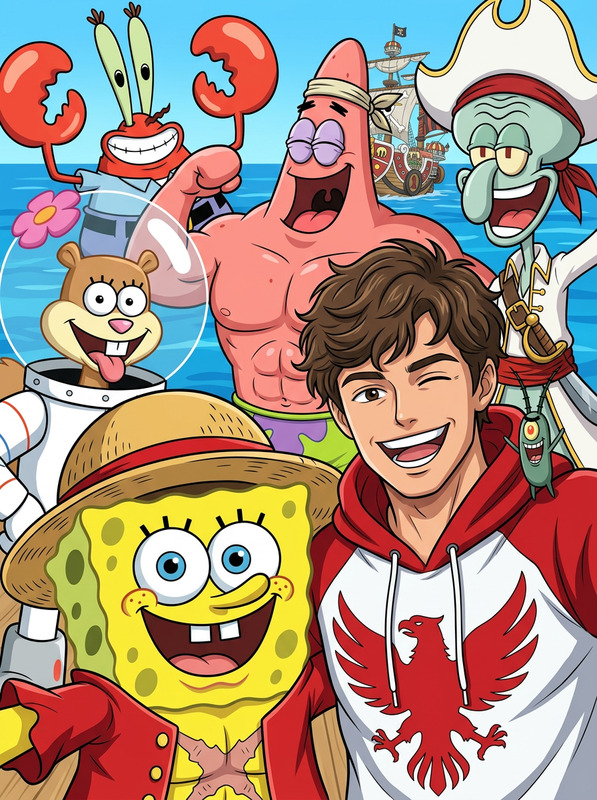
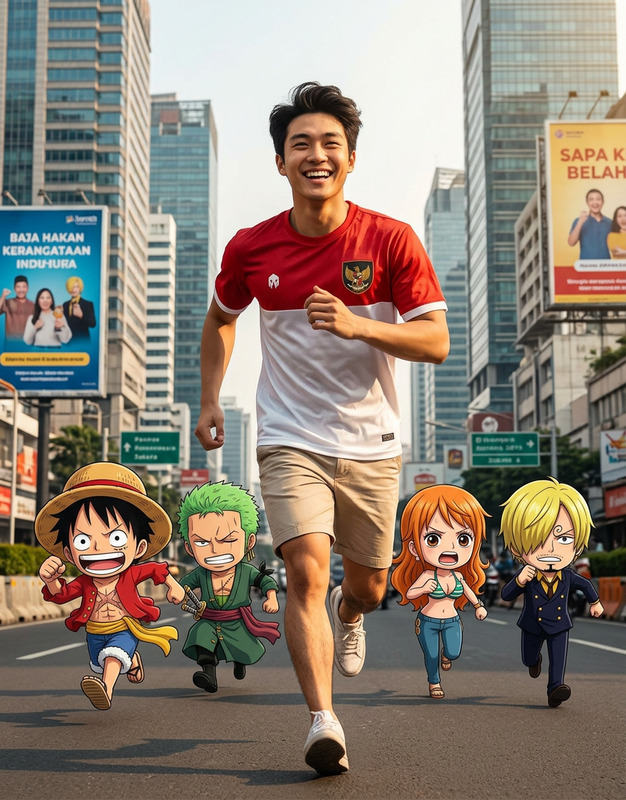
Bird's eye view of a man standing in the center, wearing sunglasses, a red and white t-shirt with the Indonesian Garuda Pancasila symbol, black shorts, and red and white sneakers. Beside him are 3D CGI anime characters One Piece Zero and Luffy on his right and left. They are all facing upwards. On a pirate ship. Bright lighting, very detailed, photorealistic, dramatic composition from above
Any aspect ratio
Overview
The One Piece Pirate Ship Aerial template is a detailed AI Image Editor designed to bring adventurous and dramatic compositions to life. Created using the nano-banana-2 model, this template captures a bird's eye view scene with immersive details and photorealistic quality. At the heart of the scene is a man surrounded by beloved anime characters, set against the backdrop of a pirate ship, perfect for visual effects and creative storytelling.
What It Does
This template transforms your creative vision into a high-quality image featuring AI Image Editor capabilities. The scene includes a man clothed in vibrant colors and iconic symbols, flanked by anime icons Zero and Luffy, all composed in a dramatically lit pirate ship setting. This service is designed to deliver a detailed and photorealistic result.
Who It's For
The One Piece Pirate Ship Aerial template is built for artists, content creators, and animators who seek to enhance their visual storytelling with elements that are both dynamic and familiar. It's especially ideal for those working in video-to-video transformations, educational content producers needing engaging graphics, or fans of the One Piece series wanting unique content featuring their favorite characters.
Summary
With the One Piece Pirate Ship Aerial template, users can bring vivid and immersive scenes to life. Whether you're aiming to create content for social media, educational purposes, or entertainment, this template facilitates the creation of complex images with ease. Make sure to explore the AI Video Generator for additional storytelling capabilities.
How To
Choose the Template

Customize Your Image

Generate and Download

Use Cases
Anime Fan Art
- Highlight pivotal scenes
- Use in web comics
- Add depth in fan fiction
Social Media Promotions
- Boost engagement
- Story-laden visuals
- Eye-catching posts
Educational Content
- Illustrate historical voyages
- Character studies
- Storytelling exercises
Best Practices
Specify Clothing Details
When customizing the prompt, include detailed descriptions of clothing and accessories to enrich visual outcomes.Use High Contrast
Incorporate bright lighting and distinct contrast to emphasize dramatic elements in the composition.Preview Before Finalizing
After initial generation, preview the composition to make any necessary adjustments for a polished result.