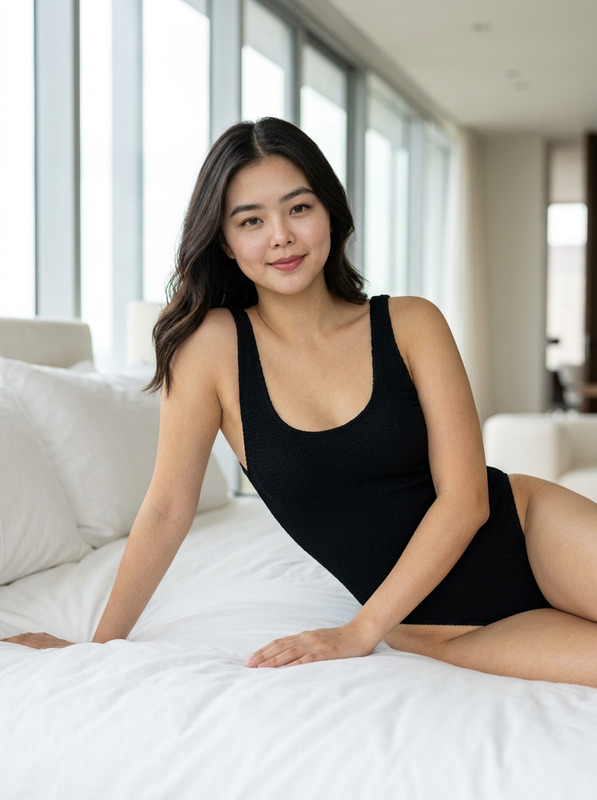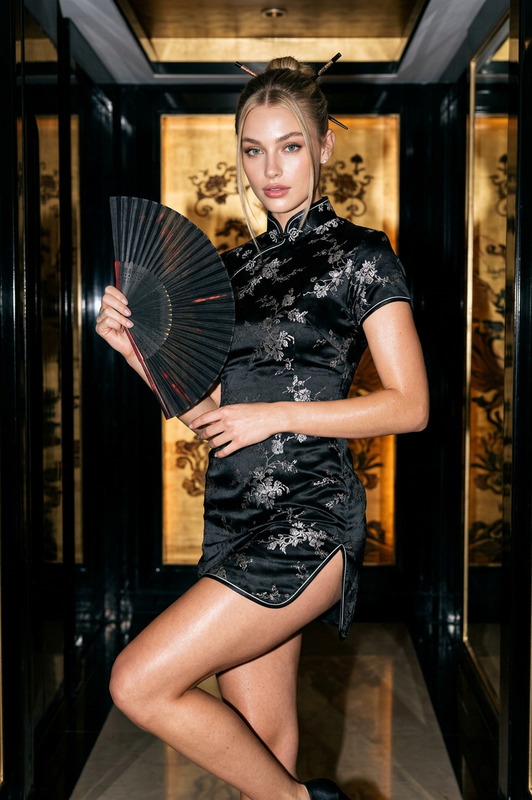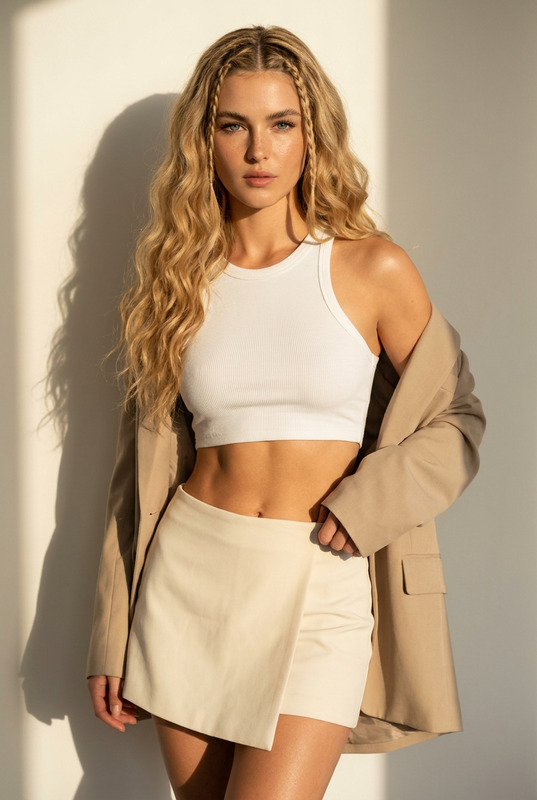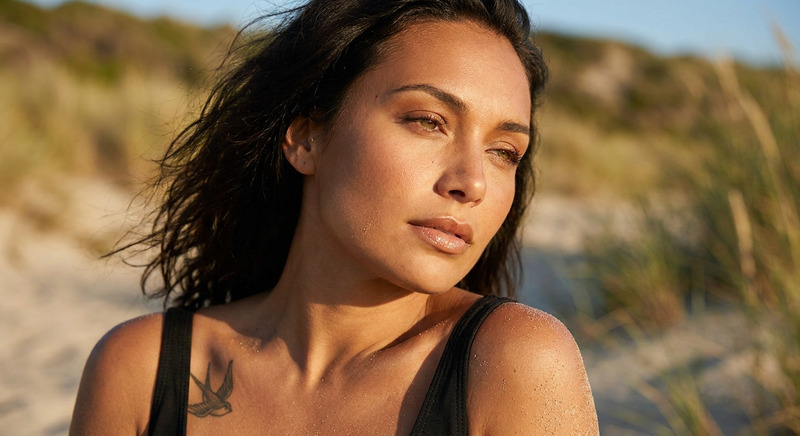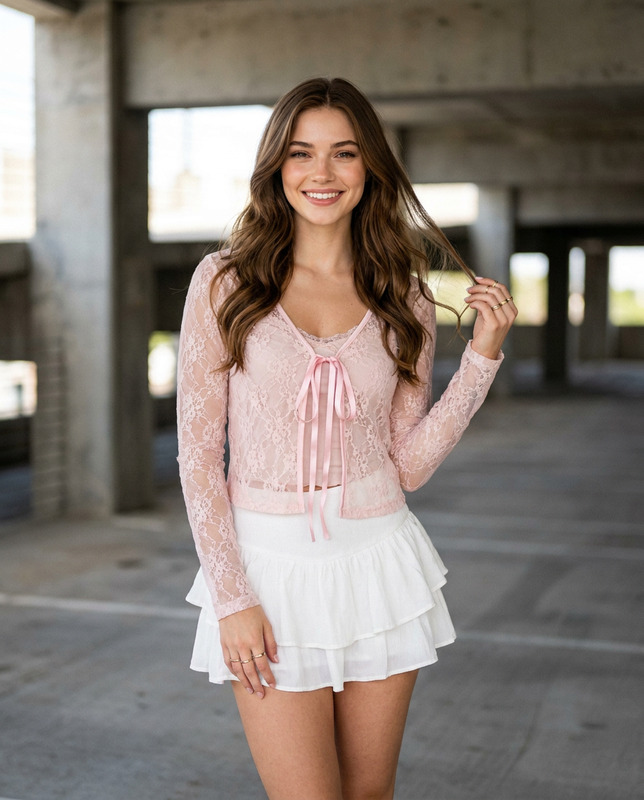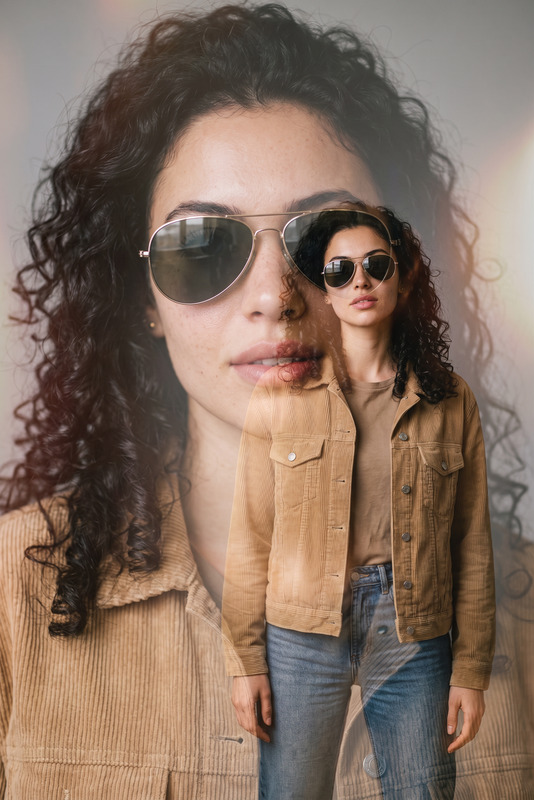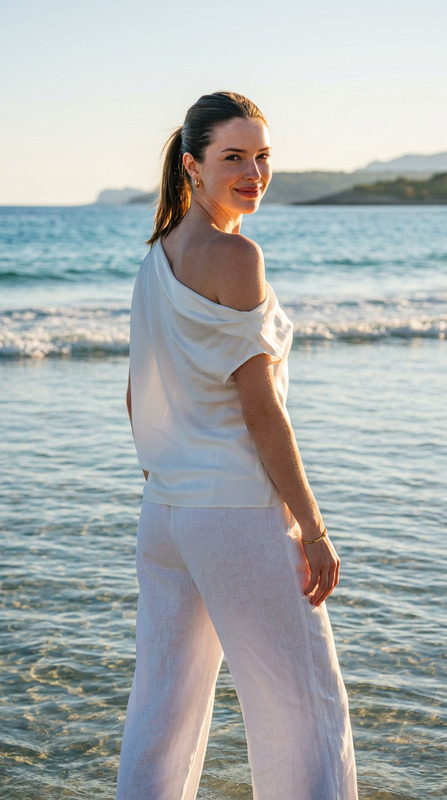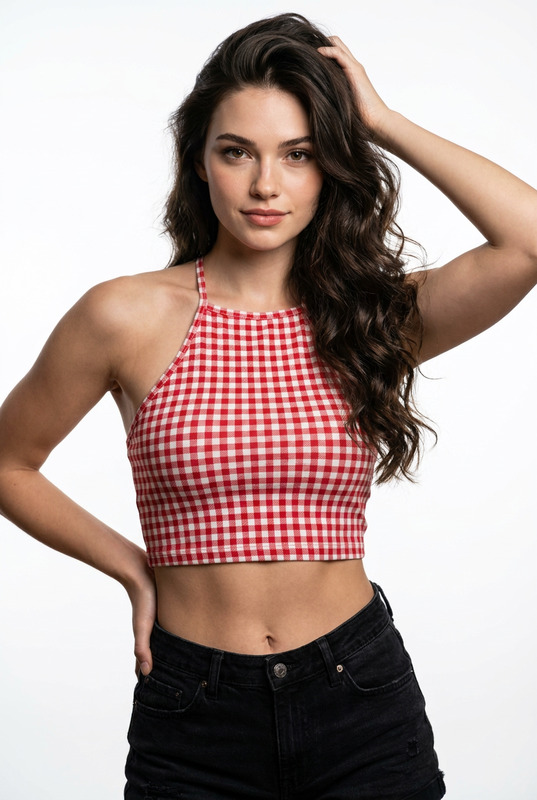
Penthouse Print Set
- Model
- Nano Banana 2
- Image
- 922 × 1152 px
Prompt
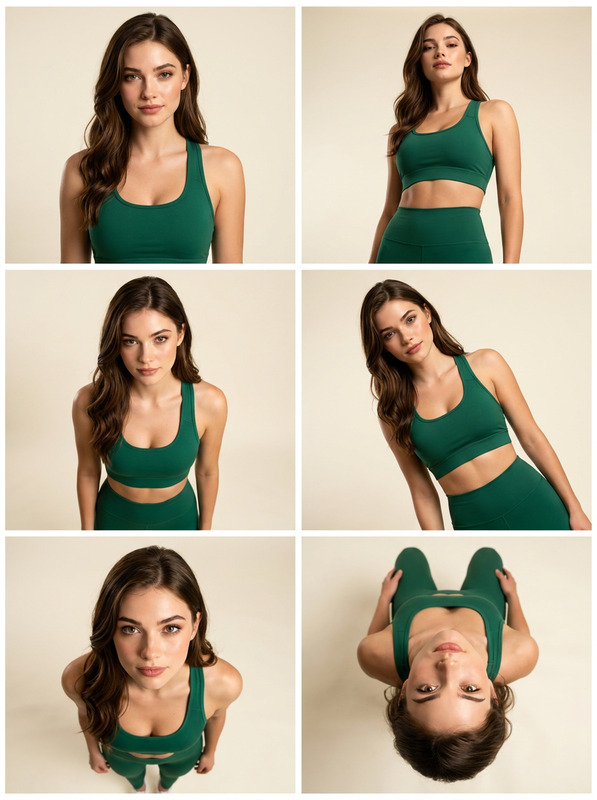
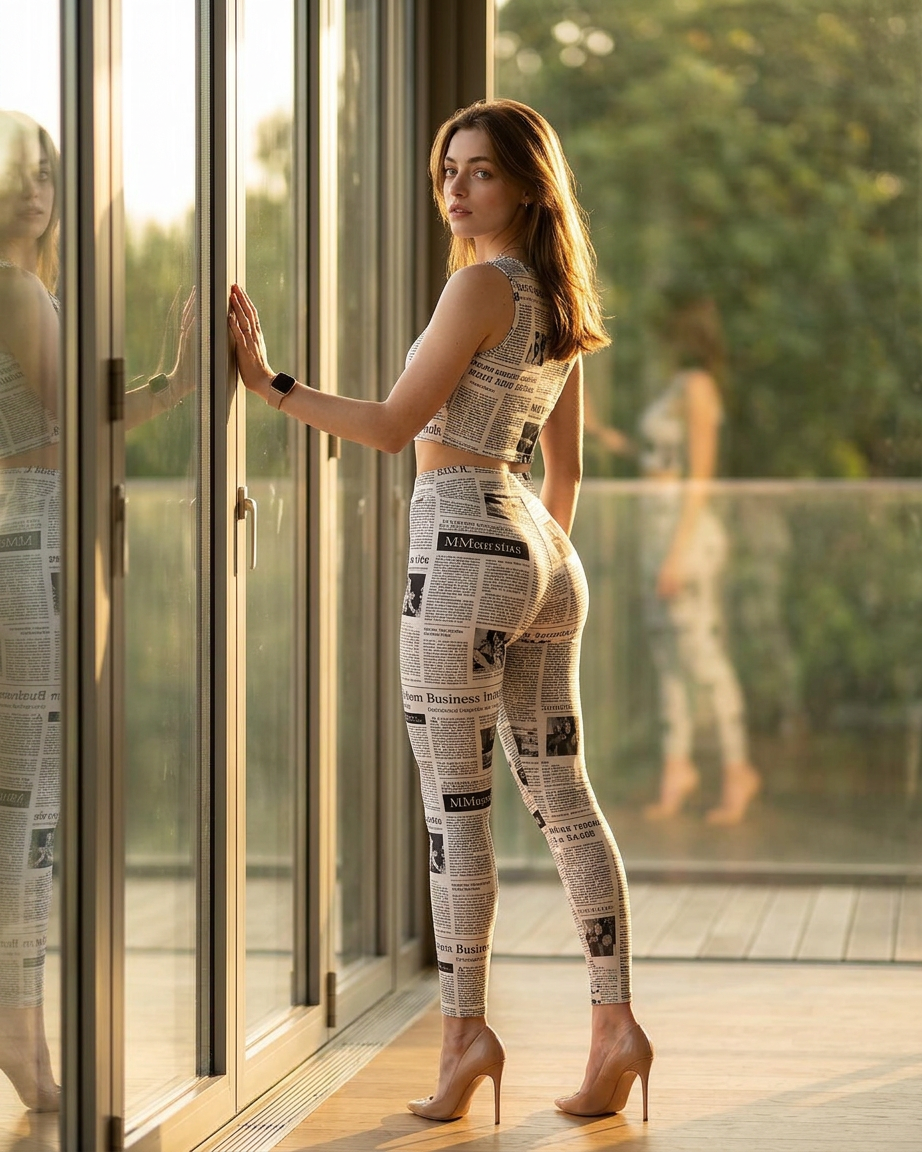
Use the reference image of the face while preserving 100% of the facial identity. Ultra-realistic 8K editorial fashion photograph, using the attached references for the face, hair and body, with realistic body proportions. Features large buttocks, a curvy aesthetic – rounded and voluminous – and an hourglass figure. Full-body shot positioned next to floor-to-ceiling glass windows in a modern luxury penthouse. Three-quarter back pose, with naturally tilted hips, left hand touching the glass, looking over the shoulder with a confident and elegant expression. Hair with soft volume. Natural, delicate makeup. Flawless skin. Wearing a matching set consisting of a sleeveless crop top and high-waisted leggings with a newspaper print, including realistic articles and photographic layouts. Nude-toned stiletto heels, subtle jewelry and a smartwatch. Golden late-afternoon light streaming through the glass, dramatic cinematic lighting, warm highlights, soft shadows and reflections on the glass. Luxurious interior, blurred greenery in the background. Magazine cover quality, sophisticated and elegant atmosphere. HDR, extremely detailed skin texture, realistic fabric folds, natural curves, premium fashion photography. Captured with a Sony A7R V camera, 85 mm lens, f/2.0 aperture, ISO 100, shallow depth of field, cinematic bokeh and photorealistic 8K rendering
Any aspect ratio
Overview
The "Penthouse Print Set" template empowers you to create stunning fashion photographs with an ultra-realistic, editorial flair. Leveraging the nano-banana-2 model, this AI Image Editor lets you transform standard images into sophisticated magazine-cover quality visuals. Using advanced techniques, the tool emphasizes natural curves, volumetric details, and premium fashion aesthetics.
What It Does
"Penthouse Print Set" enhances images with a focus on fashion photography elements such as realistic skin texture, natural lighting effects, and detailed fabric rendering. It captures the essence of elegance and sophistication through a full-body shot, perfect for high-end projects. With the ability to maintain facial identity accurately while altering body aesthetics, this tool is ideal for creating visual effects in AI Image Editor projects.
Who It's For
This template is tailor-made for professionals in fashion photography, visual effects, and print media. It's particularly beneficial for those looking to produce high-quality fashion images with a luxurious feel or creatives involved in editorial presentations demanding AI Product Photography standards. Whether you're a designer seeking new ways to showcase your garments or a marketer needing elegant visuals, this tool is your go-to solution.
Summary
The "Penthouse Print Set" offers a perfect blend of detailed fashion photography and AI-driven editing capabilities. Featuring dramatic lighting, sophisticated design elements, and photorealistic rendering, it's a powerful tool for elevating the quality of your visual content. It's designed to work smoothly with Magic Hour's wide range of templates, like those used for Gender Swap applications, ensuring a seamless creative workflow.
How To
Choose the Template

Customize Your Design

Generate and Download

Use Cases
Fashion Magazines
Editorial Campaigns
Visual Effects Projects
Best Practices
Adjust Lighting Settings
Play with the lighting settings to achieve the desired level of drama and realism in your image.Focus on Details
Pay attention to skin textures and fabric details to ensure the final output is as realistic as possible.Reference Quality
Use high-quality reference images to maintain the integrity of the facial identity and outfit details throughout the editing process.