Skyline Smile
- Model
- Nano Banana 2
- Image
- 928 × 1152 px
Prompt
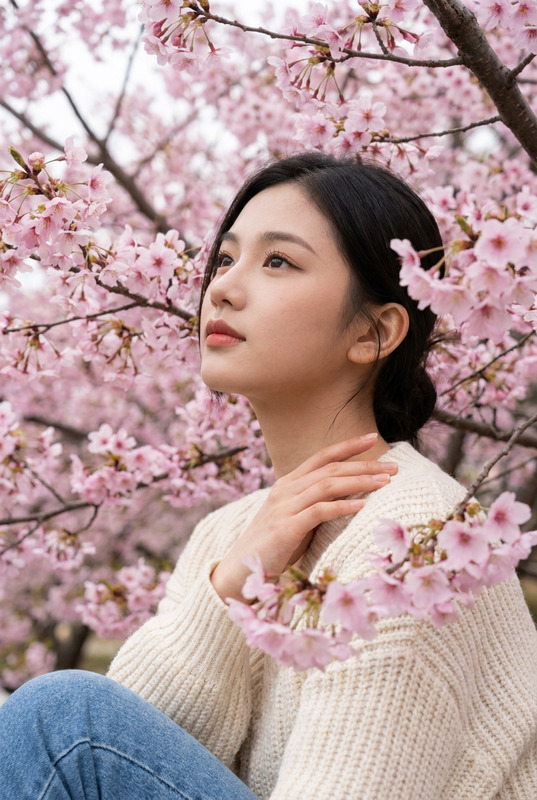
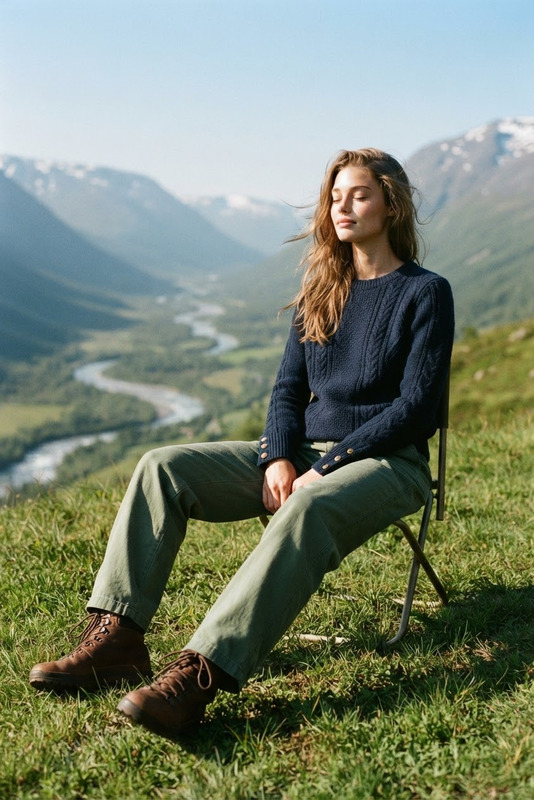
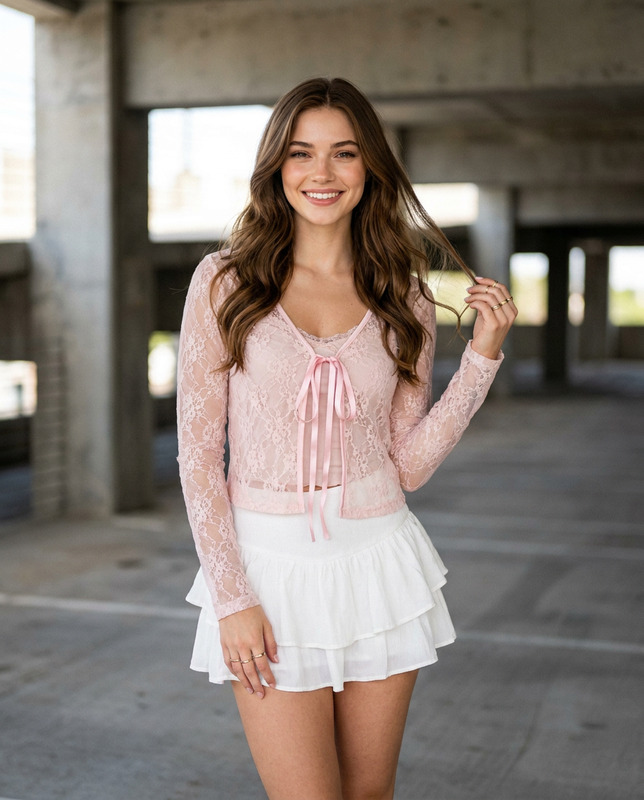
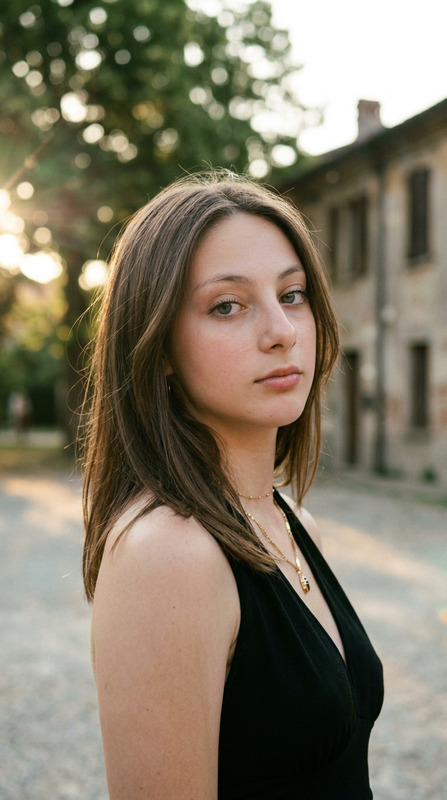
Create a photorealistic, full body, high-end editorial portrait of a female adult with a natural skin tone, standing outdoors on a grassy hilltop. Use the uploaded image strictly ONLY for 100% true face and identity reference. She has naturally styled hair. She wears a short-puff-sleeve top with a brown and cream geometric batik-style pattern and a small decorative bow at the neckline, paired with high-waisted tailored off-white linen trousers and crisp white classic sneakers. She has a friendly, confident, and natural smile, looking directly at the lens. Her pose is playful, standing angled to the side while lifting her left leg back at the knee. She holds a clear plastic cup of iced matcha latte in her hand. The background features a breathtaking, expansive view of a massive blue crater lake nestled between majestic, lush green mountains under a bright sky with soft clouds. Soft, beautifully diffused natural daylight provides even, flattering illumination across the subject with no overexposure. Subtle high-angle shot, camera positioned slightly above eye level and gently tilted downward. Captured on a Sony A1 using an 85mm f/1.4 lens at f/1.8, ISO 100, 1/1000 shutter speed. Shallow depth of field creates a creamy bokeh effect on the sweeping landscape background, keeping the subject in razor-sharp focus. 8k resolution, ultra-detailed, photorealistic, no warm tone. Aspect ratio 4:5
Any aspect ratio
Overview
The Skyline Smile template leverages the power of AI Image Editing to bring your editorial photography to life with precision and style. Using the nano-banana-2 model, this template offers a unique photorealistic approach to creating stunning outdoor portraits.
What It Does
Skyline Smile generates high-end editorial portraits instantly. By providing a face reference, the AI Image Editor applies realistic touches to ensure lifelike detail and clarity. With AI Image Editor, you gain the ability to customize scenes and incorporate specific styles that align with your creative vision. It emphasizes natural daylight and beautiful landscapes to create an inviting aesthetic.
Who It's For
This template is ideal for photographers, content creators, and digital artists who seek to add robust detail and realism to their portraits. Whether you're working on eCommerce ads, social media campaigns, or editorial features, Skyline Smile offers the tools needed to craft professional images with ease.
Summary
With its capability to produce ultra-detailed, photorealistic portraits, Skyline Smile empowers users to create captivating images. Utilizing an AI Image Generator, it provides a seamless integration of details, ensuring every element from clothing to backdrop is refined to perfection. Enjoy the simplicity of creating studio-quality work through an intuitive AI-driven process.
How To
Choose the Template

Customize Your Image

Generate Your Image

Use Cases
Editorial Photography
- Create covers that capture attention.
- Develop feature articles with stunning visuals.
Social Media Content
- Increase engagement with quality content.
- Add consistency to your brand image.
eCommerce Visuals
- Showcase apparel collections uniquely.
- Highlight product features visually.
Best Practices
Leverage Lighting
Utilize natural lighting to its fullest potential in enhancing subject and background.Focus on Portrait Detail
Ensure the uploaded face reference is clear for more accurate identity matching.Experiment with Angles
Capture different perspectives by slightly adjusting shot angles and background depth.