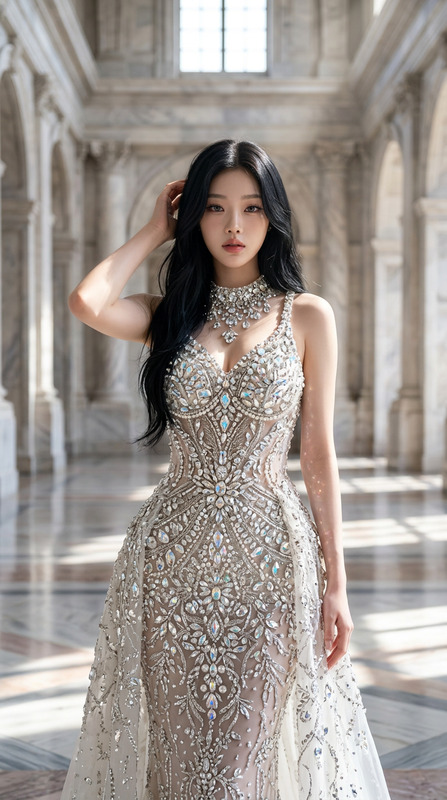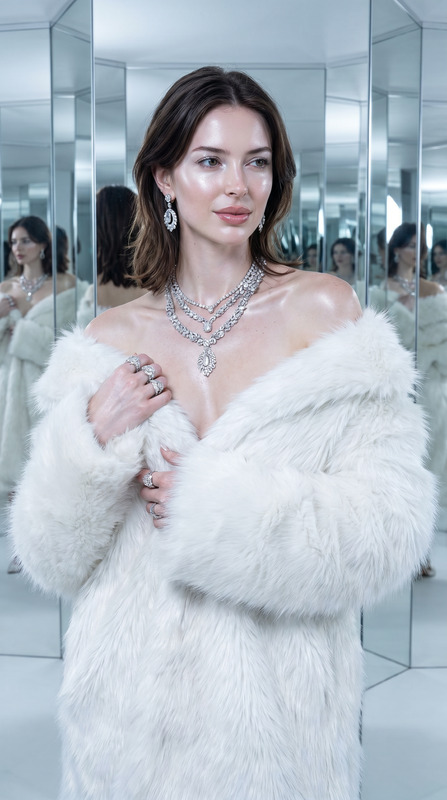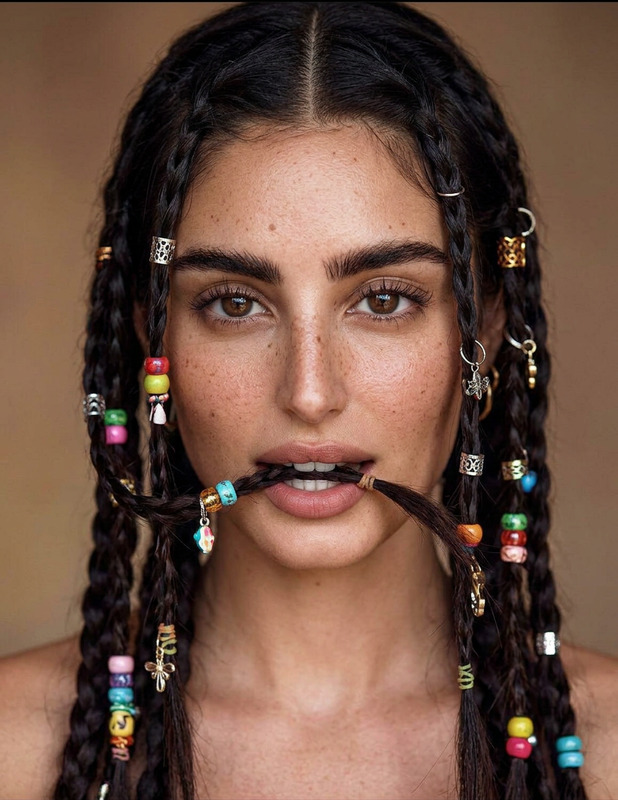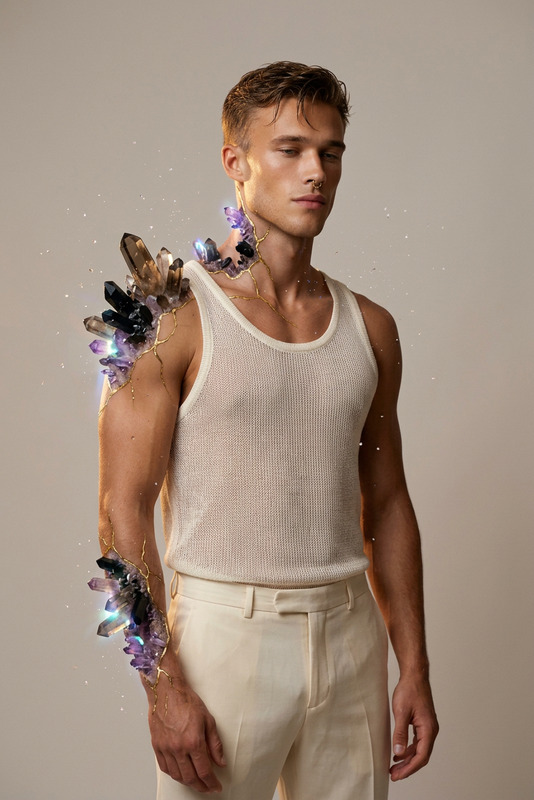
Crystal Veil Chrome
- Model
- Nano Banana 2
- Image
- 843 × 1264 px
Prompt
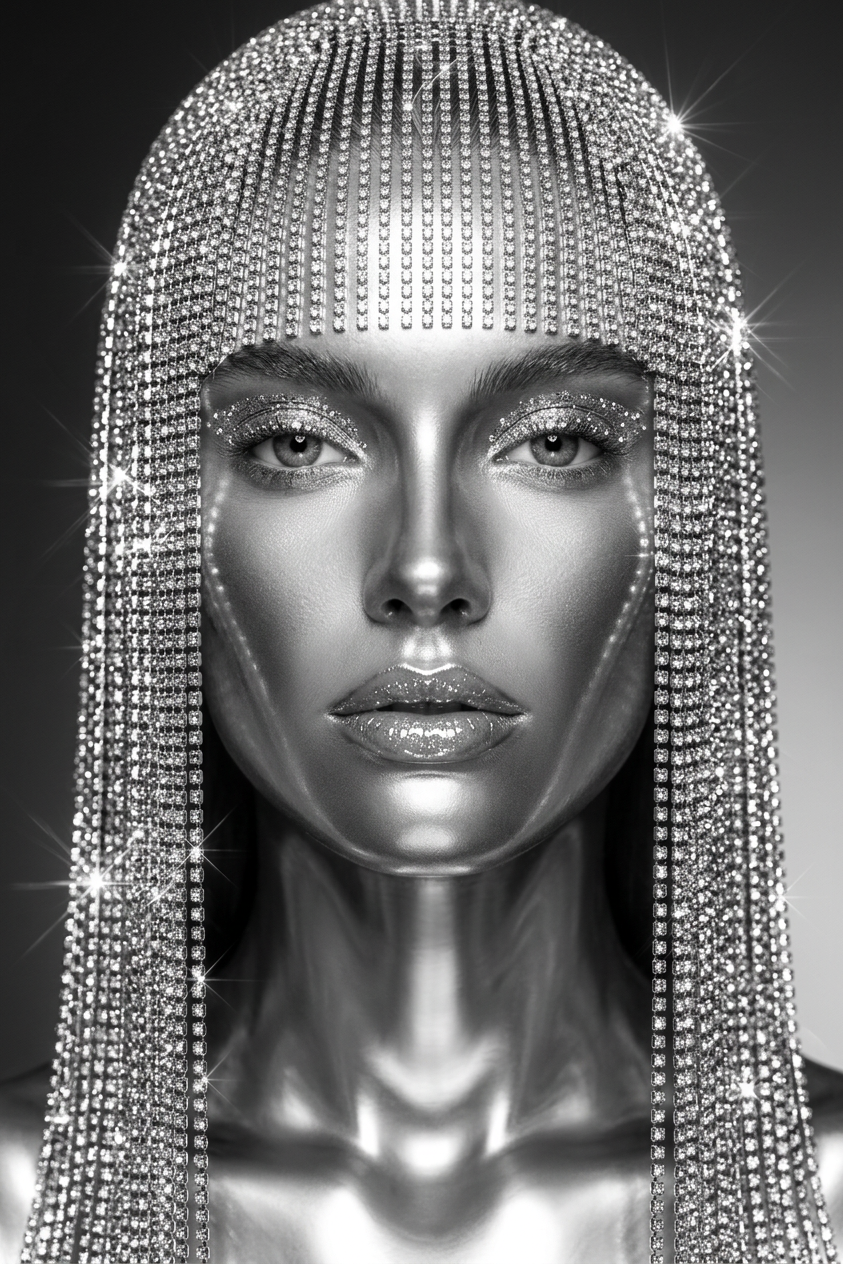
Create an ultra-realistic high-fashion black-and-white beauty portrait of the subject with a centered symmetrical composition and a refined luxury editorial aesthetic. The subject has a flawless sculptural appearance with a metallic chrome-like skin effect, resembling polished liquid metal while still maintaining realistic human facial structure, natural contours, and subtle reflective highlights across the skin surface. Use a soft gradient studio background with a clean minimalist atmosphere. Cover the entire head with a dense continuous curtain of crystal rhinestone strands forming a seamless shimmering veil. The crystal curtain must completely replace visible hair: no natural hair texture, no scalp, no gaps, no loose strands. The veil consists of extremely thin, straight, tightly packed, perfectly parallel crystal strands falling vertically like a solid reflective surface. The structure should appear uniform, precise, and luxurious, with realistic crystal density and material behavior. The crystal veil catches the studio light with intense starburst sparkles, micro-reflections, and controlled lens flares across the entire surface. The eyelids are covered with fine shimmering crystals resembling high-fashion crystal eyeshadow, producing elegant reflective highlights. The lips are glossy and slightly parted, coated with a wet micro-crystal finish that reflects light delicately. Use premium beauty editorial lighting with controlled studio highlights, sharp focus, and cinematic contrast. Emphasize the interaction between chrome-like skin, crystal surfaces, and reflective materials. The image should feel like a futuristic luxury magazine cover inspired by high-fashion beauty photography. Shot on an 85mm lens with shallow depth of field, ultra-clean composition, hyper-detailed textures, photorealistic rendering, cinematic lighting, Vogue-inspired editorial quality, high-resolution beauty photography.
Any aspect ratio
Overview
The Crystal Veil Chrome template is a high-caliber choice within our AI Image Editor offerings, designed for creating glamorous black-and-white beauty portraits. Utilizing the advanced capabilities of the nano-banana-2 model, this template produces striking images that blend the elegance of luxe fashion with futuristic aesthetics.
What It Does
This template applies a metallic chrome-like skin effect to your subject, transforming them into a hyper-realistic, polished image with fine metallic details. It constructs a unique crystalline veil, entirely replacing hair with a seamless curtain of rhinestone strands, ensuring that no hair texture interferes. The template's controlled lighting and detailed textures emulate the feel of a high-fashion luxury magazine cover, radiating sophistication.
Who It's For
Ideal for photographers, digital artists, and fashion brands seeking to create stunning visual content for editorial purposes, this template serves those who wish to craft images with a modern, luxurious edge. It's perfect for anyone aiming to enhance their portfolio with Vogue-worthy images or for brands looking to produce high-fashion promotional material.
Summary
Crystal Veil Chrome exemplifies style and modernity. It's a powerful tool for users of the AI Image Editor seeking to produce high-definition, editorial-quality portraits with cutting-edge design elements. The template transforms ordinary portraits into striking, magazine-style images that emphasize intricate details and contrast.
How-To
Select the Template

Customize Your Inputs

Generate Your Image

Use Cases
High-Fashion Editorials
- Fashion covers
- Editorial spreads
- Luxury branding
Digital Art
- Futuristic themes
- Metallic textures
- Art installations
Portfolio Enhancement
- Model portfolios
- Photography showcases
- Brand presentations
Best Practices
Opt for High-Resolution Inputs
Use high-resolution images for the best outputs. The clarity of details is vital for achieving the photorealistic effect essential in fashion photography.Adjust Lighting Thoughtfully
Leverage the template's lighting adjustments to highlight the chrome and crystal effects on the subject, mimicking professional studio settings.Experiment with Angles
While the template is optimized for centered compositions, experimenting with slight angle variations can add a fresh perspective and enhance the dynamics of the portrait.