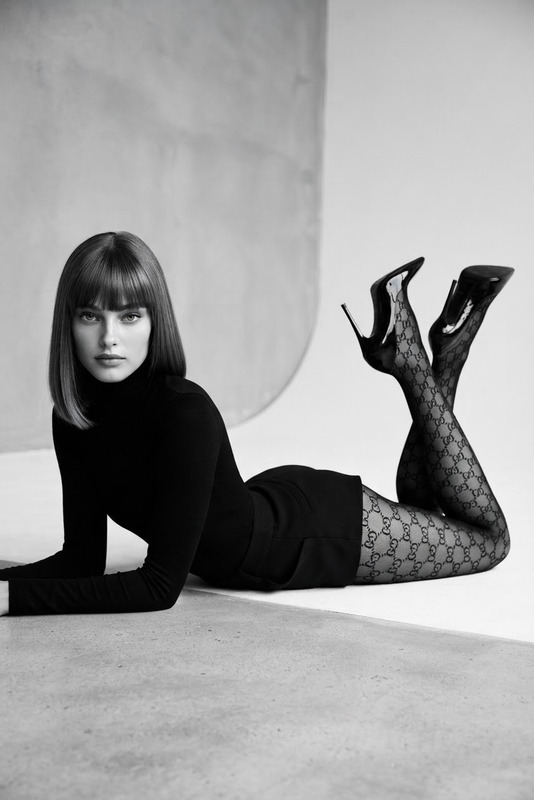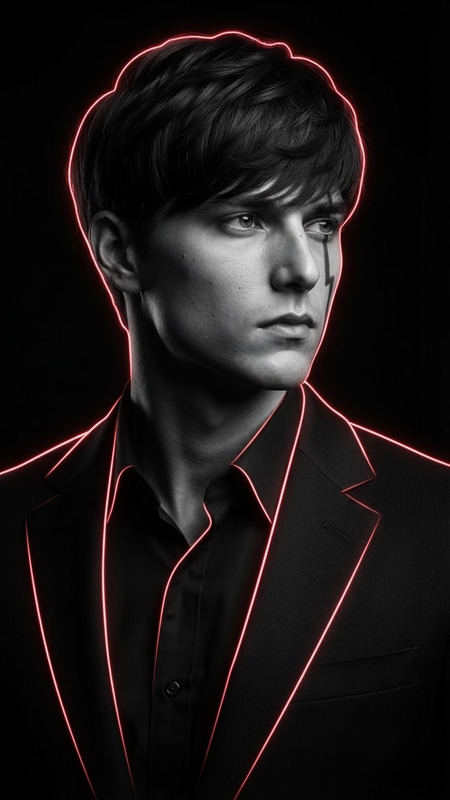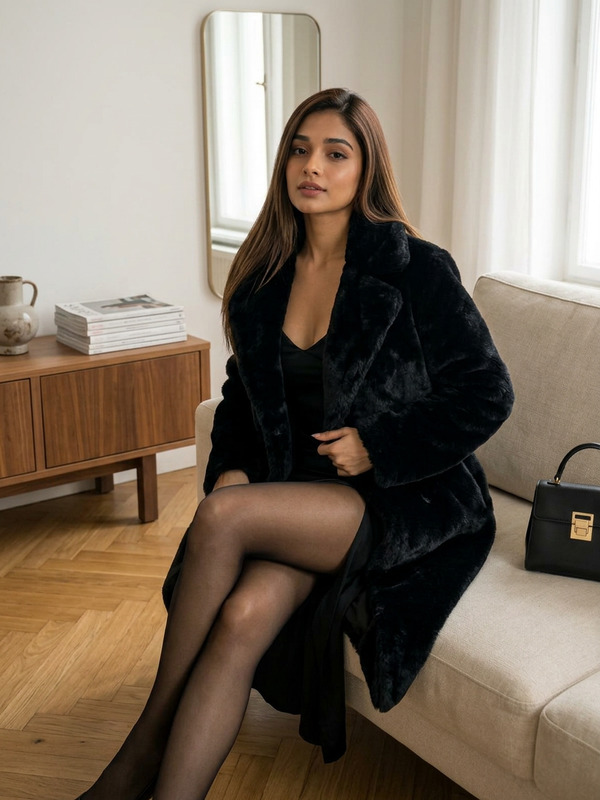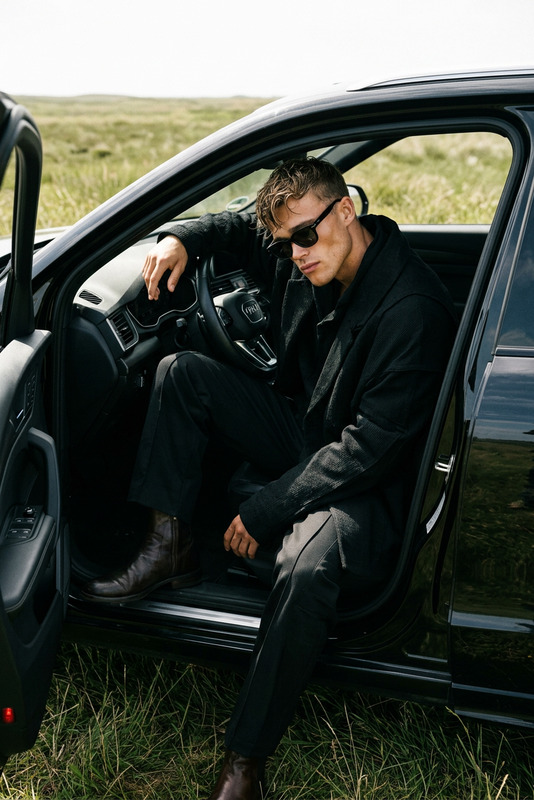
Noir Window
- Model
- Nano Banana 2
- Image
- 843 × 1264 px
Prompt
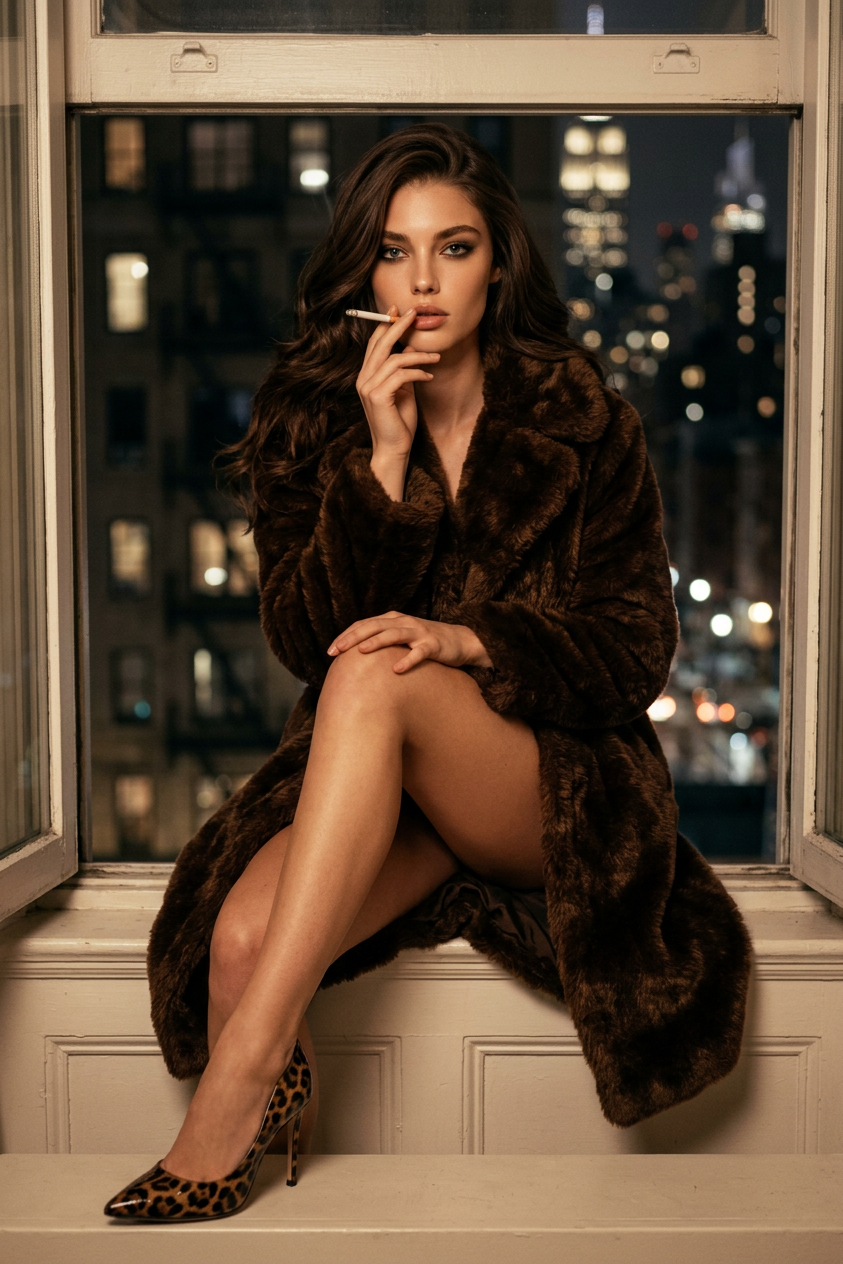
Create a photorealistic high-fashion editorial portrait of the subject seated confidently on a white windowsill at night. The subject has long, voluminous dark wavy hair and wears an oversized luxurious brown faux-fur coat with rich tactile texture that drapes naturally around the body while leaving the legs exposed. Leopard-print stiletto heels provide a bold fashion accent and complete the styling. The pose is relaxed yet intentionally composed: one knee is drawn toward the chest while the other leg extends outward, forming a dynamic V-shaped composition that naturally guides the viewer's eye. The subject gently holds a cigarette to the lips while looking directly into the camera with a confident, mysterious, femme-fatale expression. Illuminate the scene with cinematic lighting that blends warm interior illumination and deep atmospheric shadows, sculpting the facial contours while emphasizing defined eye makeup and naturally toned lips. An open window reveals softly blurred nighttime city lights and dark apartment facades, creating elegant urban depth through realistic bokeh. Prioritize rich material contrast between the plush faux fur, smooth skin, glossy leather heels, painted wood, and glowing ambient light. The composition should feel intimate, luxurious, timeless, and cinematic, combining classic noir aesthetics with contemporary luxury fashion photography. Ultra-photorealistic, medium-format camera quality, shallow depth of field, subtle filmic contrast, premium editorial styling, exceptionally detailed textures, realistic skin, natural light falloff, and refined color grading.
Any aspect ratio
Overview
The "Noir Window" template in the AI Image Editor range is designed for those looking to create an ultra-photorealistic high-fashion editorial portrait. Utilizing the nano-banana-2 model, this template expertly combines classic noir aesthetics with contemporary luxury fashion photography, producing a visually striking image.
What It Does
This template crafts a sophisticated and intimate portrait featuring a subject in a luxurious setting. It orchestrates a complex interplay of textures, including plush faux fur, glossy leather, and glowing ambient light, all while emphasizing a timeless, cinematic quality. The advanced model ensures high-resolution detail with realistic depth of field and precise color grading.
Who It’s For
This template is ideal for fashion photographers, editorial designers, and creatives who want to elevate their projects with high-quality, cinematic portraits. It's also a valuable asset for brands looking to produce elegant marketing materials or for AI Product Photography experts seeking a noir aesthetic.
Summary
"Noir Window" provides a robust platform for producing stylish editorial images with an emphasis on luxury and sophistication. The template is designed for those seeking a cinematic approach to fashion photography, making it a powerful tool for creating breathtaking visuals for professional or creative use.
How To
Select the Template

Input and Adjust

Generate and Save

Use Cases
Fashion Editorials
- High-fashion magazine layouts
- Branded fashion campaigns
- Luxury brand lookbooks
Cinematic Portraits
- Actor and model portfolios
- Dramatic poster and cover art
- Stylized personal shoots
Marketing Materials
- Lifestyle product ads
- Visual content for social media
- Chic web design assets
Best Practices
Pay Attention to Details
Focus on the contrast between different materials, like the plushness of the faux fur against smooth skin, to enhance the image's depth and realism.Leverage Lighting
Use lighting to sculpt the subject's facial features and emphasize the noir atmosphere. Control shadows and highlights to achieve a balanced composition.Experiment with Angles
Explore various pose angles by adjusting the leg positions and gaze direction to find the most compelling V-shaped layout for your subject.