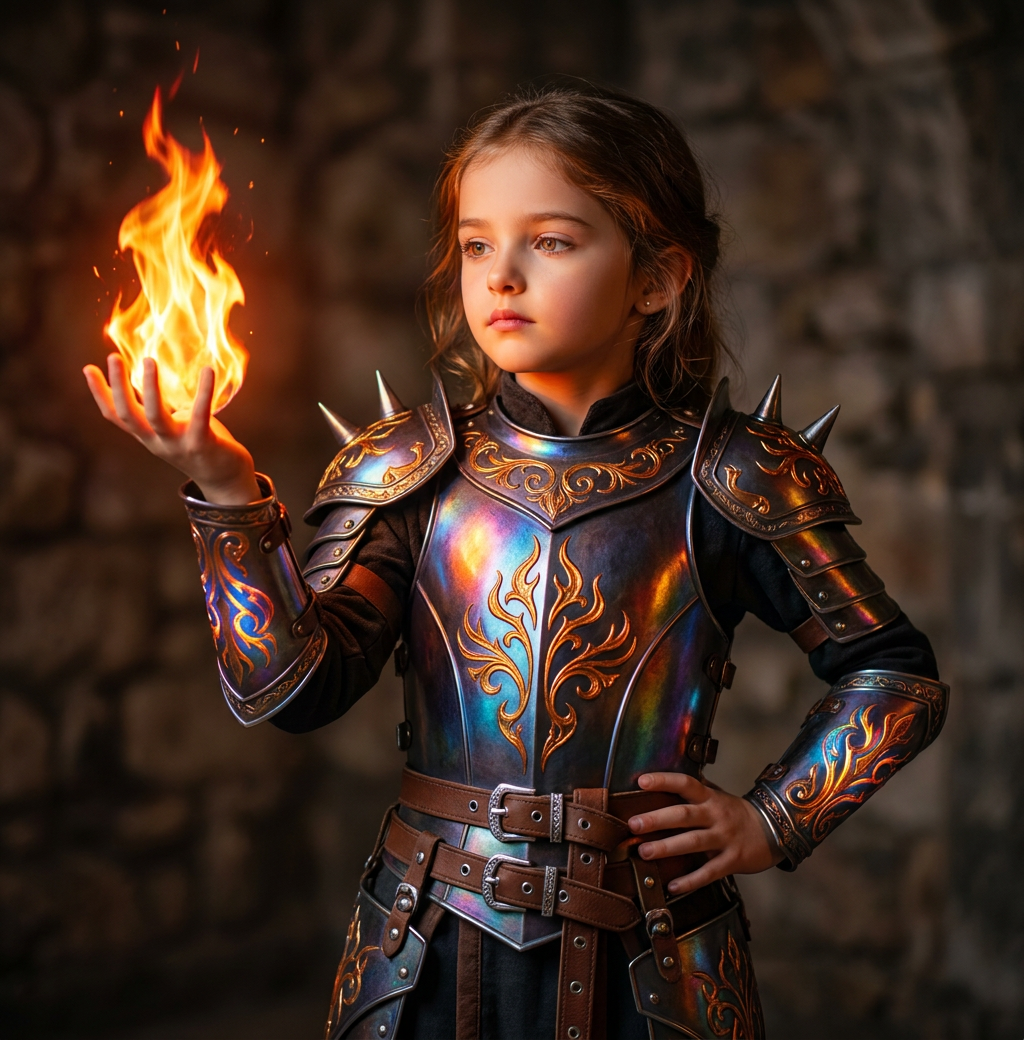
Fantasy Flame Summoner
- Model
- Nano Banana Pro
- Image
- 1024 × 1040 px
Prompt
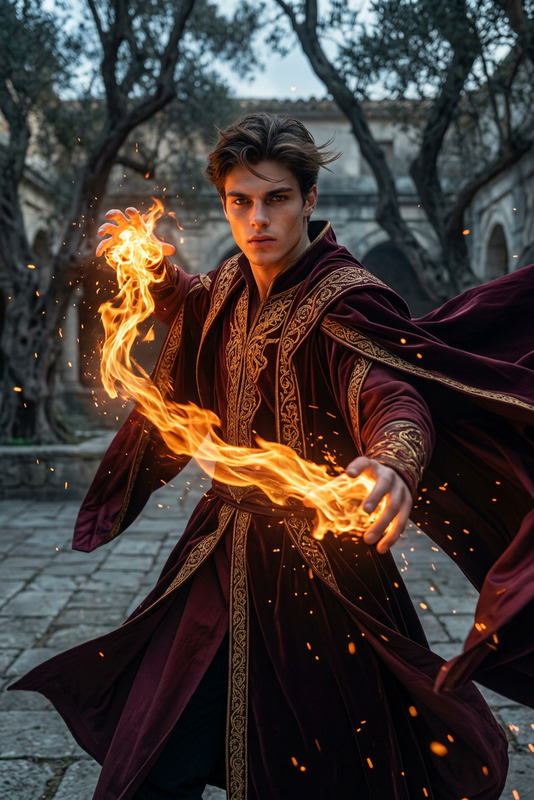
A young girl wearing intricate ornate fantasy armor: a dark metallic top with glowing iridescent rainbow reflections (blue, purple, orange), ornate golden-orange filigree and flame-like engravings, spiked shoulder pauldrons, detailed arm bracers with matching glowing patterns. She wears a brown leather belt with multiple silver buckles and straps, dark underclothing, and matching armored greaves visible at the bottom. Her right hand is raised elegantly, palm up, summoning a bright, intense magical flame with vibrant orange, yellow, and red fire that illuminates her face and armor with warm glowing light. Her left hand rests on her hip. Shot on a Canon EOS R5 with an 85mm f/1.2L lens at f/1.8 aperture, creating a beautiful shallow depth of field with creamy bokeh. Background is a dimly lit ancient stone castle cellar wall with rough texture and soft atmospheric bokeh.
Any aspect ratio
Overview
The Fantasy Flame Summoner template is your go-to for creating stunning images that blend fantasy and realism with intricate detail. This AI Image Editor template utilizes the powerful AI Image Editor capabilities, powered by the cutting-edge nano-banana-pro model, to bring your creative visions to life. Whether crafting visuals for storytelling or character design, this is the perfect tool for fantasy enthusiasts.
What It Does
This template transforms ordinary images into extraordinary pieces of fantasy art, featuring a young girl in ornate fantasy armor. It highlights vivid iridescent and flame-like details, creating a dynamic scene that draws viewers into a world of magic. Perfect for producing high-quality images with precise detail, this tool is ideal for those looking to enhance game graphics, novel covers, or unique character edits using the AI Image Editor.
Who It's For
This template is crafted for professional digital artists, storytellers, and hobbyists interested in fantasy worlds. It's also beneficial for game developers and content creators looking to produce high-impact visuals. The inclusion of a AI Image Generator makes it accessible for those who want to step into the world of digital fantasy creation easily.
Summary
Enhance your project with Fantasy Flame Summoner, a specialized AI Image Editor template, ideal for creating immersive fantasy-themed visuals. With intricate armor details and magical elements, it’s a valuable asset for creators aiming to deliver captivating and imaginative imagery. Leverage the power of recent models and tools such as the AI Image Editor and embrace new creative possibilities.
How-To
Choose the Template

Customize Your Inputs

Generate Your Image

Use Cases
Storyboarding Enhancement
- Intricate armor designs
- Realistic lighting effects
Game Character Design
- Vivid fantasy armor
- Dynamic magical settings
Fantasy Novel Covers
- Engaging visuals
- High detail quality
Best Practices
Maintain High Resolution
Use high-resolution images for input to ensure clarity in armor details and flame focus.Focus on Lighting
Pay attention to the lighting settings to enhance the ambience and depth of the scene.Balance Colors and Contrasts
Ensure that the color contrasts in the armor and flames create a harmonious and visually appealing effect.