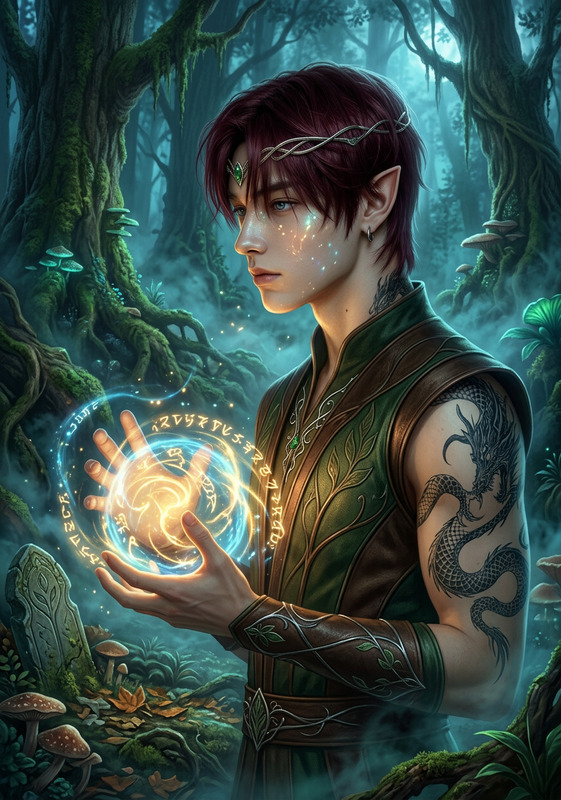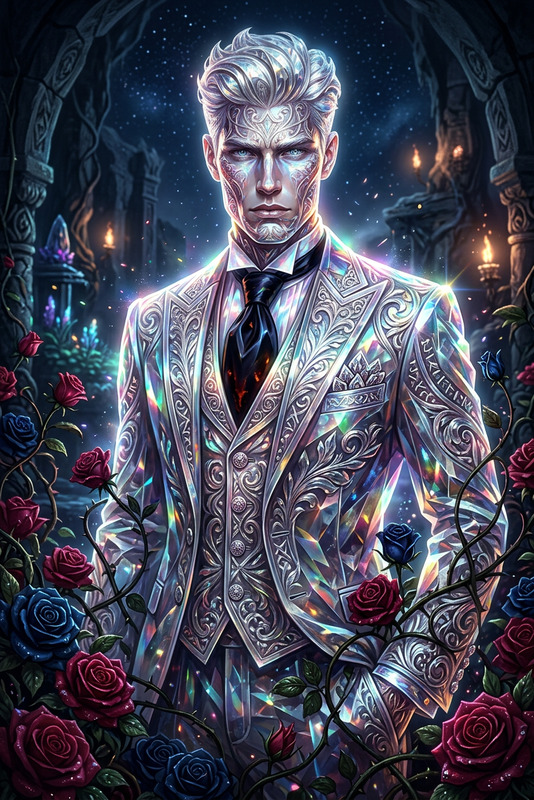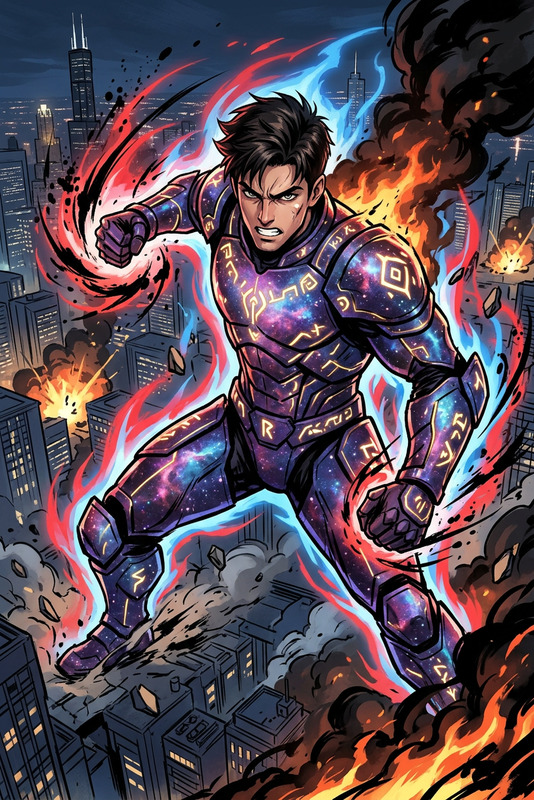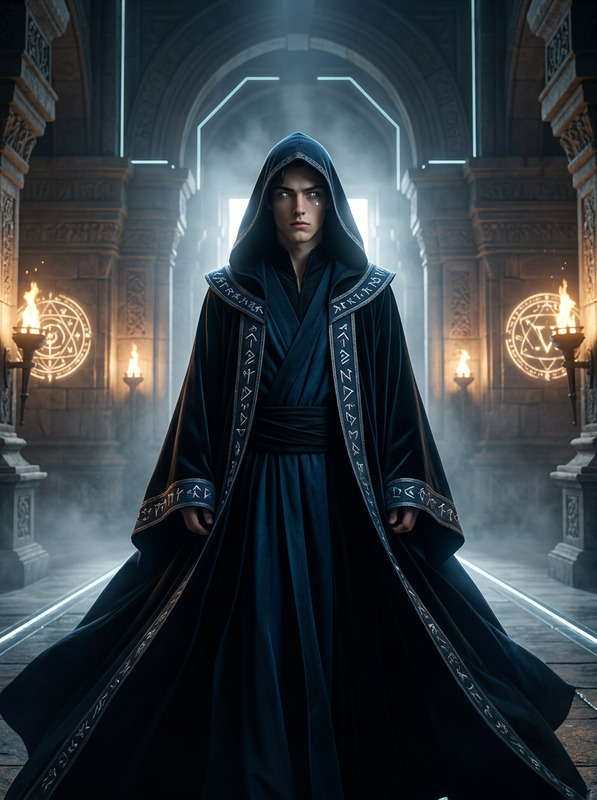
Runebound Forest Ascendant
- Model
- Nano Banana 2
- Image
- 843 × 1264 px
Prompt
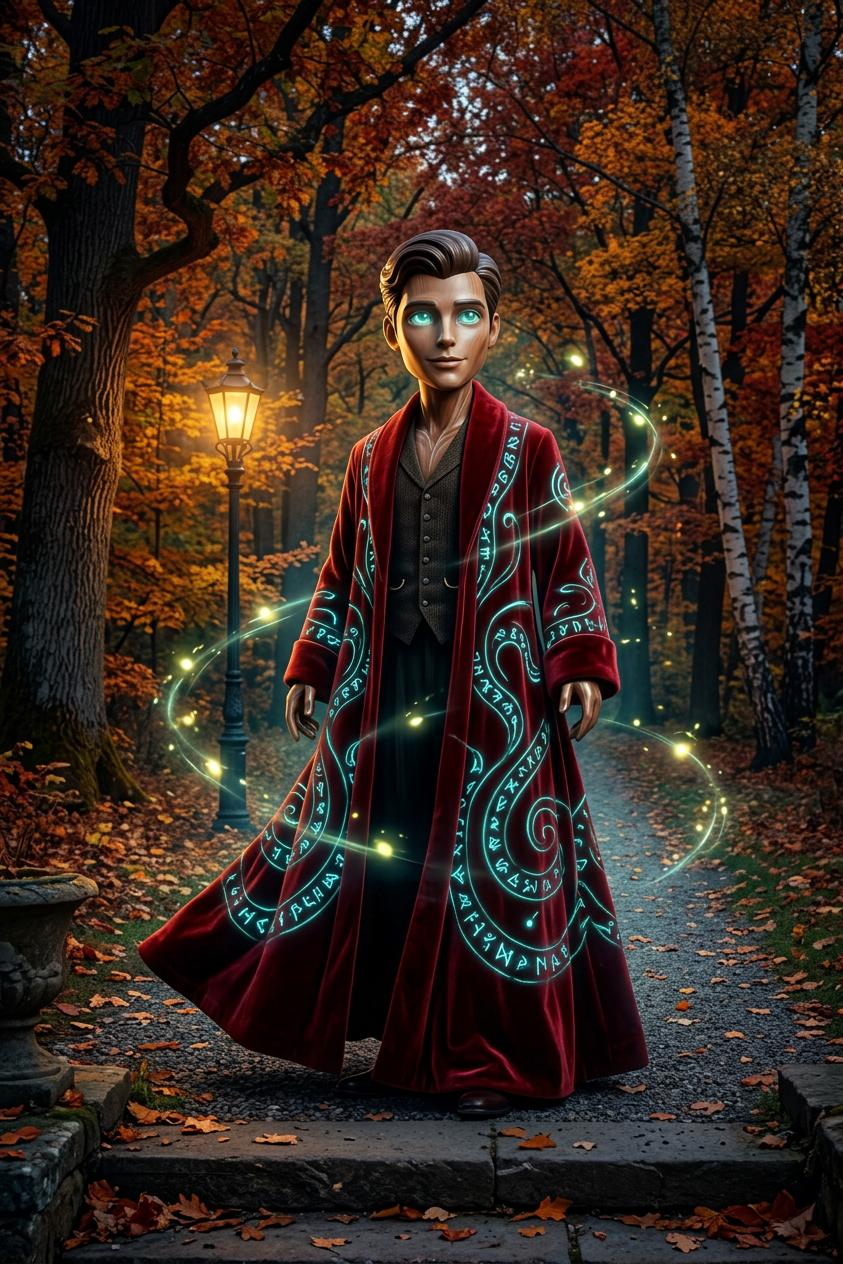
A subject transformation: a mystical robed entity emerging along a gravel path in a majestic autumn forest. Draped in a flowing red robe etched with glowing blue-green runes, the figure radiates quiet power. Low-angle perspective emphasizes presence and scale. A smooth, stylized head with softly glowing eyes adds a gentle, whimsical charm. Fireflies swirl through the air, catching light from an old lamppost, creating soft reflections and warmth. Slightly altered proportions enhance the endearing aesthetic. Cinematic lighting, rich autumn tones, ultra-detailed textures, harmonious composition, 8K, fantasy realism.
Any aspect ratio
Overview
The Runebound Forest Ascendant template is an AI Image Editor that transforms visuals into mystical, enchanting scenes, ideal for any project requiring a fantasy touch. Crafted with the AI Image Editor capabilities, this template allows users to create ultradetailed and harmoniously composed images, perfect for enhancing your storytelling assets.
What It Does
Using the Runebound Forest Ascendant template, you can transform an ordinary image into a breathtaking depiction of a mystical robed figure wandering through an autumn forest. This template leverages the AI Image Generator to apply ultra-detailed textures, cinematic lighting, and fantasy realism that make your visuals captivating and immersive.
Who It's For
This template is tailored for content creators, filmmakers, and graphic designers who wish to infuse their work with a fantasy aesthetic. Whether you're crafting scenes for a storyboard or creating art for a promotional campaign, the Runebound Forest Ascendant provides the tools needed to make your visuals stand out with magical realism.
Summary
Overall, the Runebound Forest Ascendant template offers a specialized transformation feature that enhances images with rich autumn tones and cinematic details. Utilize the Gender Swap tool along with this template to experiment with character features, making your creative projects more dynamic and visually appealing.
How To
Steps to use the Runebound Forest Ascendant template for transforming your images.
Choose Your Template

Customize Your Inputs

Generate and Download

Use Cases
Explore practical ways to leverage the Runebound Forest Ascendant template in various settings.
Fantasy Film Projects
- Add atmospheric imagery to settings
- Enhance character visuals with magical themes
Graphic Novels
- Ensure every panel resonates with mystical energy
- Bring characters to life with detailed transformations
Game Design
- Design captivating cutscenes
- Craft magical game art assets
Best Practices
Maximize the effectiveness of the Runebound Forest Ascendant template with these tips.
Customize Lighting Effects
Experiment with different lighting settings to highlight the mystical aura and enhance the overall mood of your images.Play with Proportions
Slightly altering proportions can add an endearing or whimsical touch to your characters, making your visuals more engaging.Combine with Other Tools
Use in conjunction with the AI Voice Cloner to craft immersive multimedia experiences.