Morning weekend
- Model
- GPT Image 2
- Image
- 1024 × 1024 px
Prompt
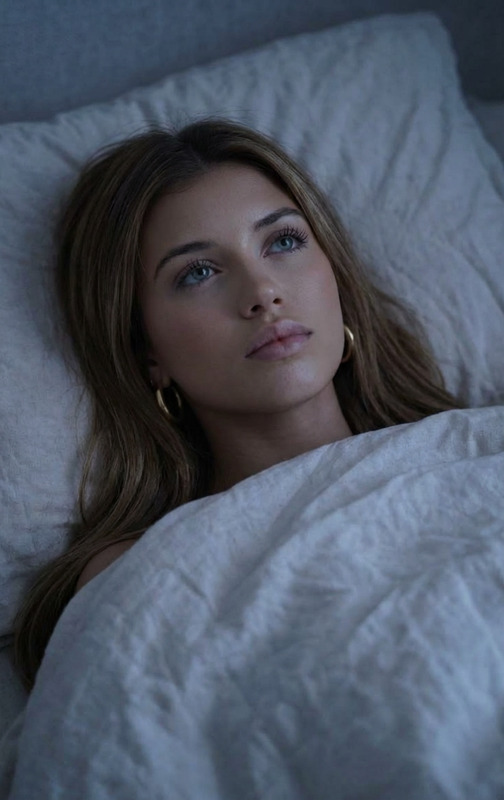
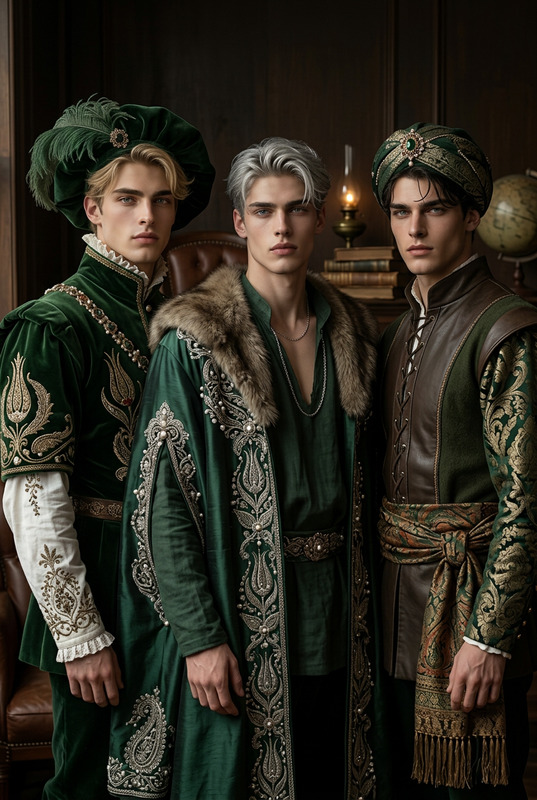
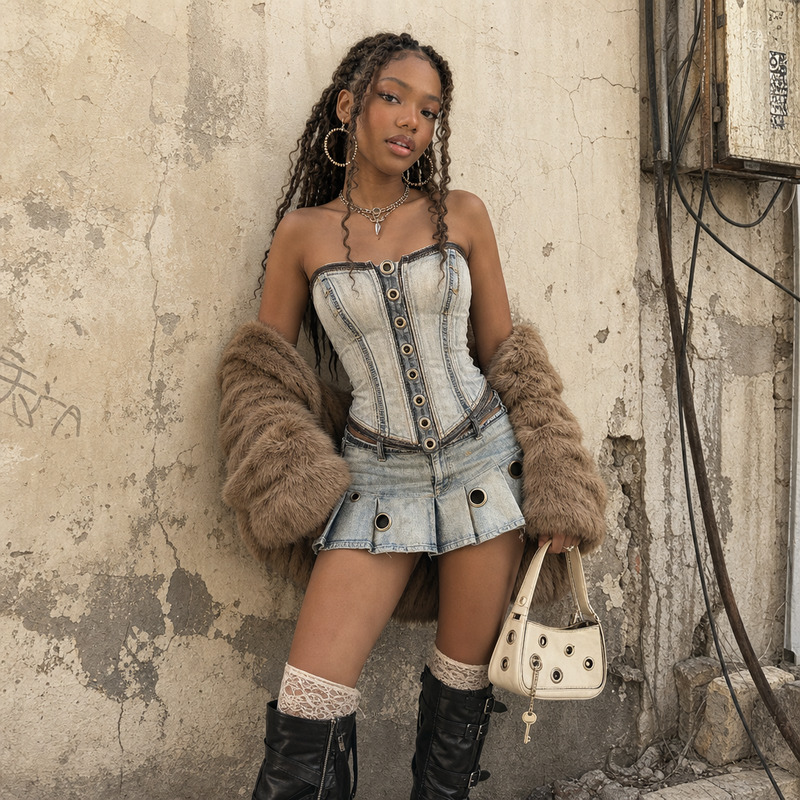
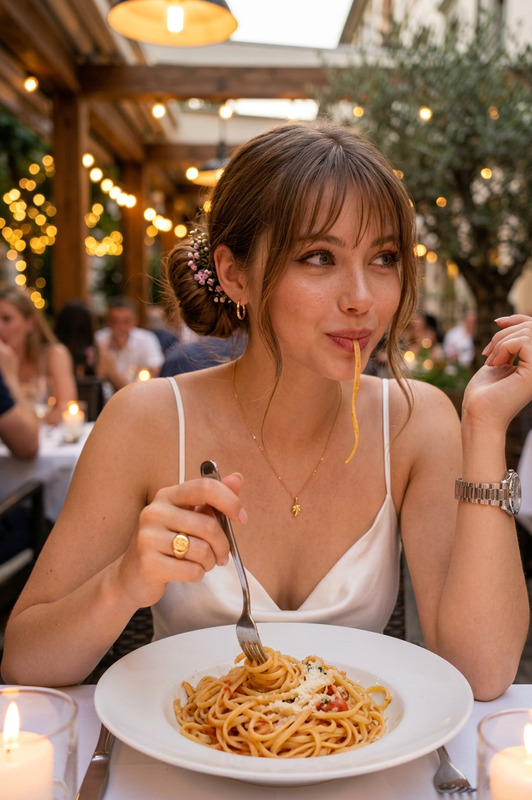
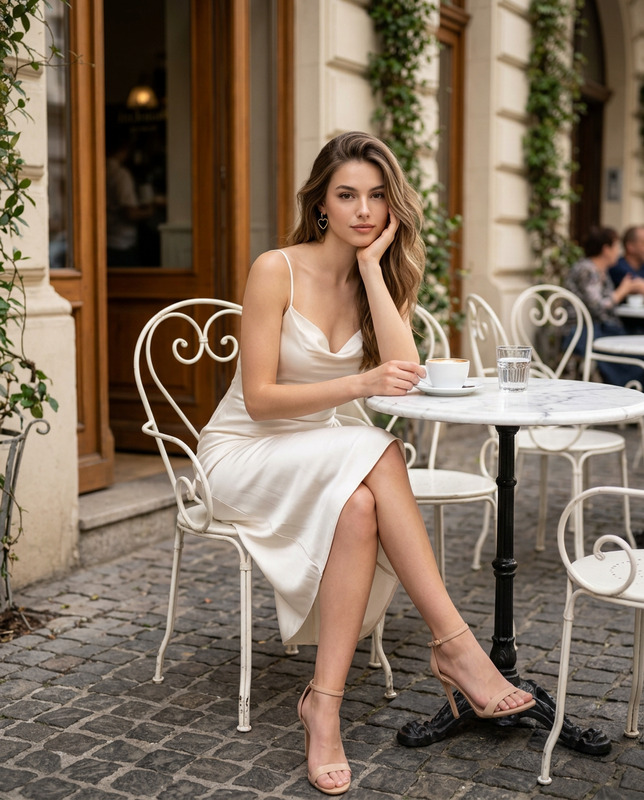
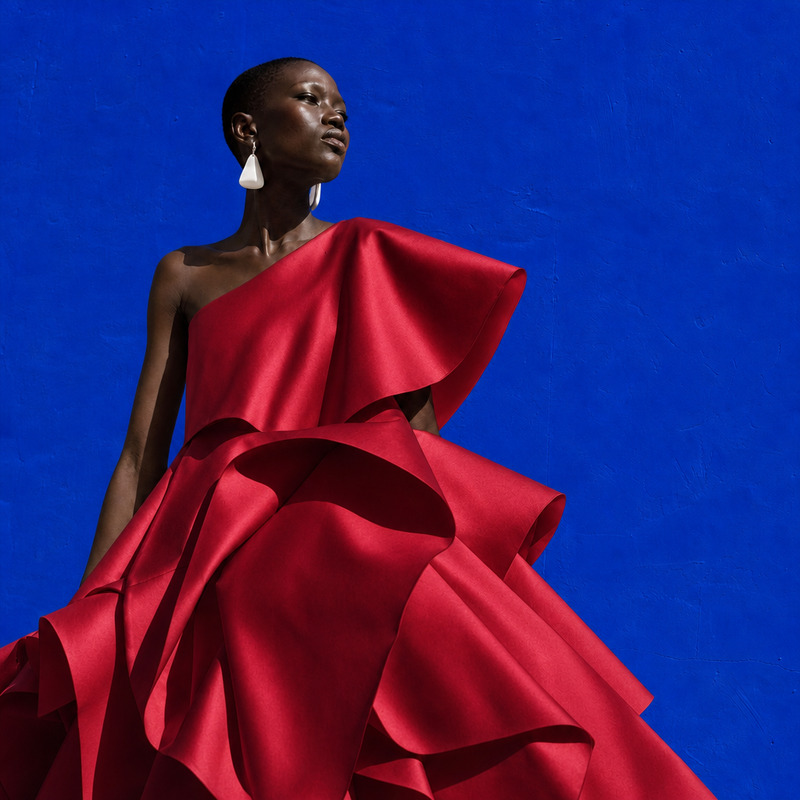
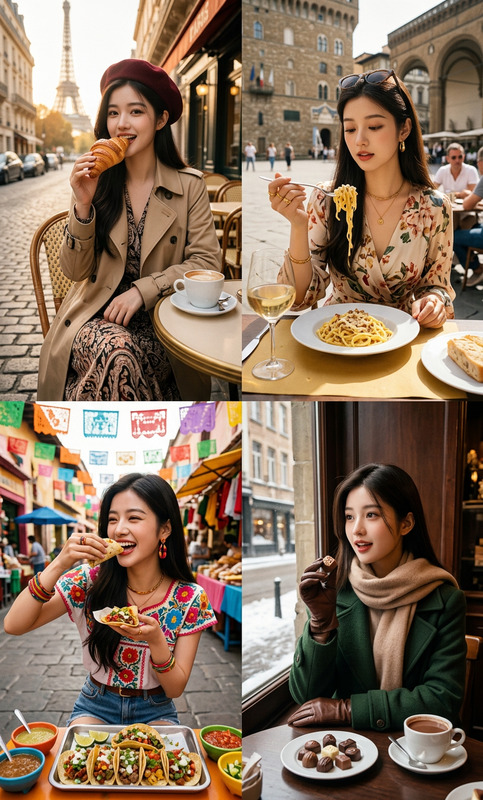
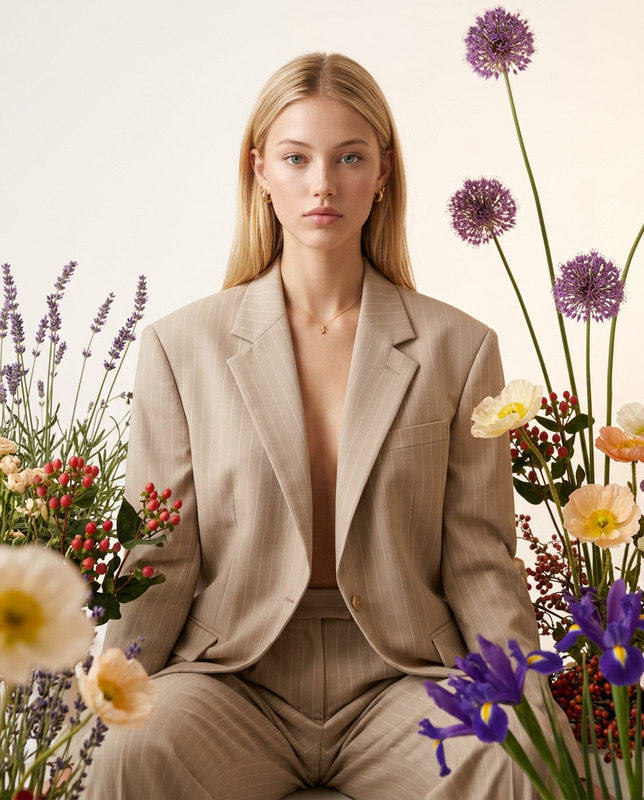
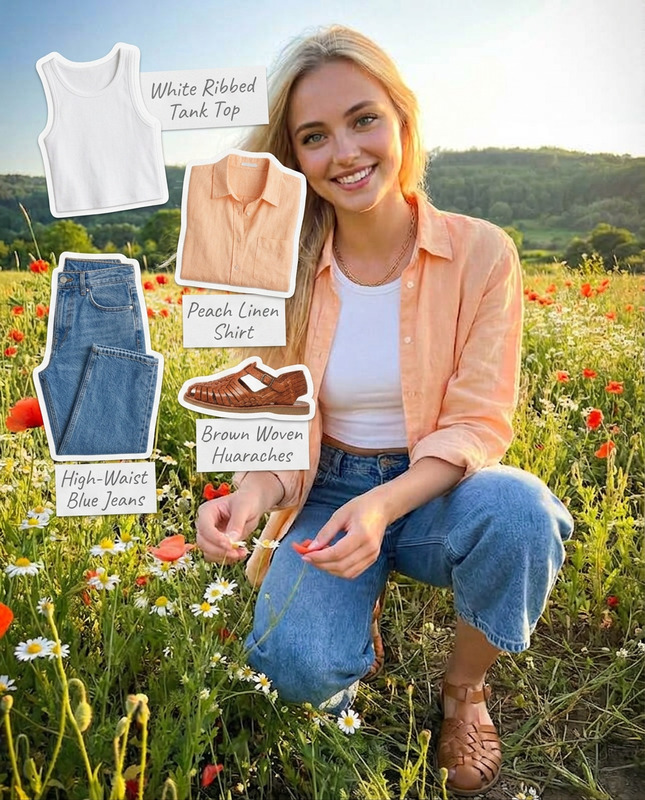
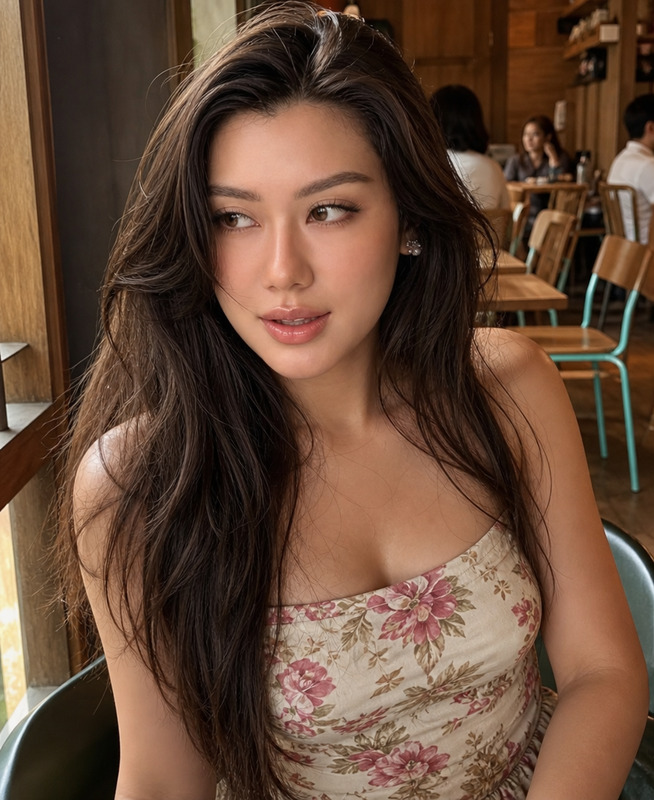
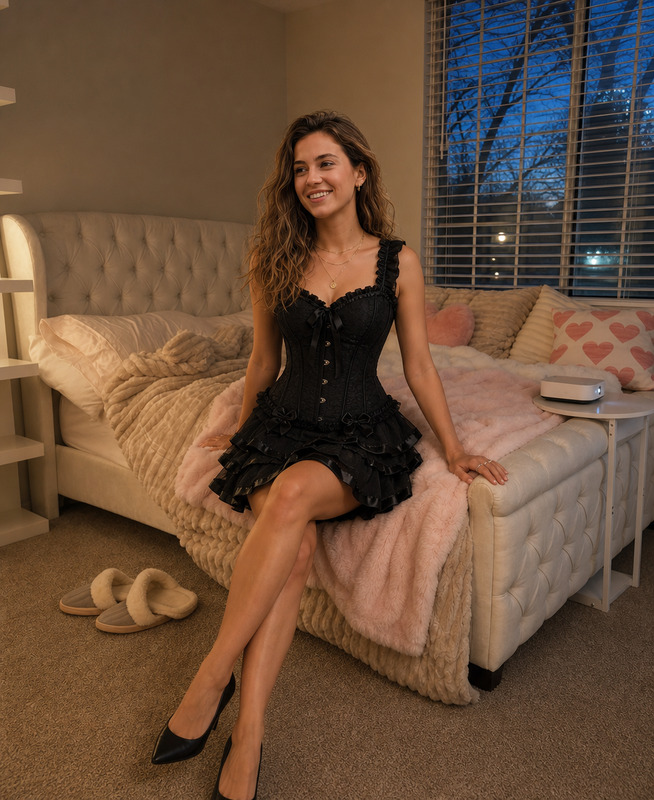
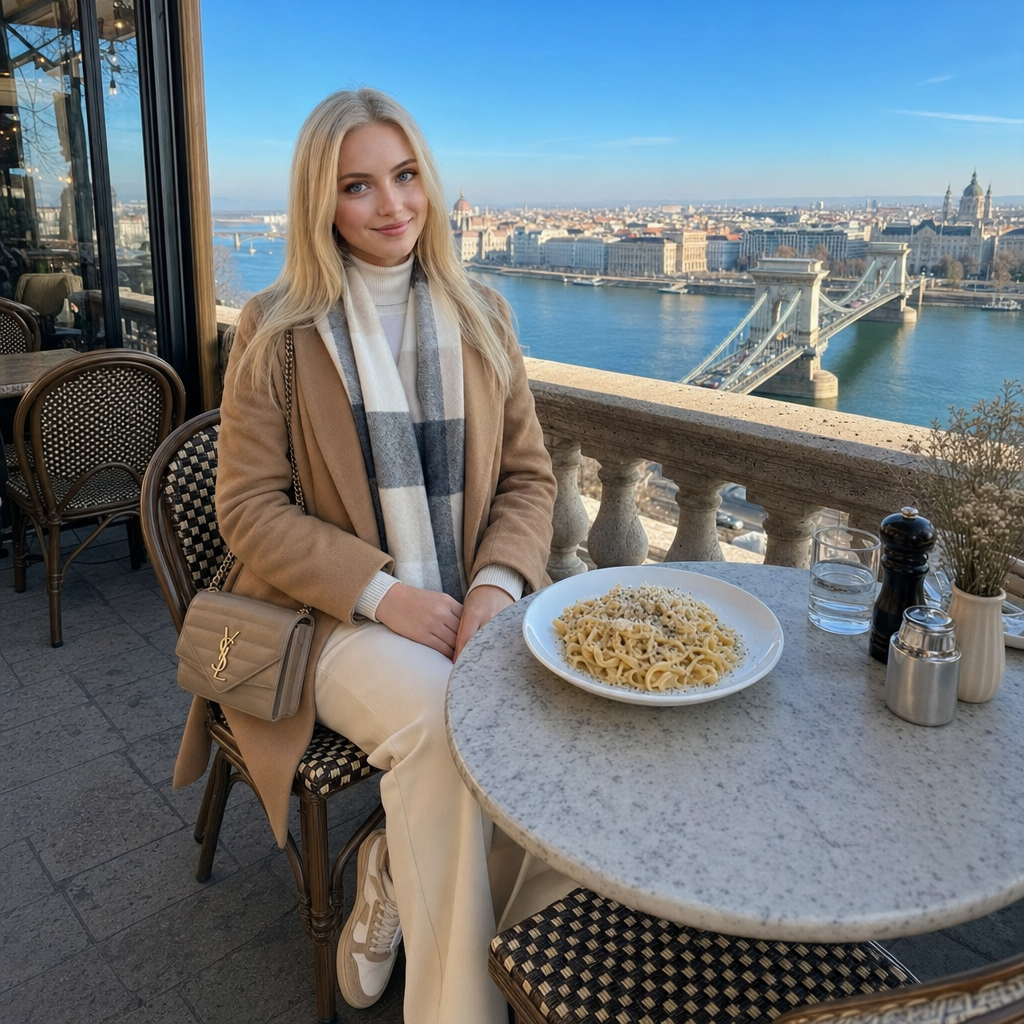
Place the pasta from the second photo on the table in front of the girl, keeping her pose, facial expression, lighting, and the café atmosphere exactly as in the first photo. Replace the girl’s outfit with the full outfit from the third image (top, pants, shoes, and bag), keeping her pose, facial expression, lighting, and the café environment exactly the same.
Any aspect ratio
Overview
The "Morning Weekend" template is part of our AI Image Editor suite, leveraging the gpt-image-2 model to artfully blend elements from multiple images. This template allows you to input three distinct images and output a cohesive, balanced composition that retains the essence of the original café scene while introducing new visual elements.
What It Does
"Morning Weekend" uses AI to superimpose a pasta dish onto the table fronting the girl from the second image into the setting of the first image, preserving her pose and facial expressions. The template also updates her attire using the outfit from the third image. This approach is useful for creating stylized photos that maintain consistency in lighting and atmosphere. For more versatile photo edits, consider using the AI Image Generator.
Who It's For
This template is perfect for content creators and digital artists seeking to experiment with photo compositions or refresh existing images with new elements. It's also ideal for marketing professionals who wish to create cohesive promotional materials without losing original photo integrity. Those looking to extend their visual storytelling might explore the Image to Video tool for dynamic outputs.
Summary
Explore new creative possibilities with the "Morning Weekend" template. This tool allows you to blend elements from different images into a consistent, high-quality photo, perfect for storytelling and marketing visuals. Discover how Lip Sync can elevate your video content to complement your edited images.
How-To
Choose Your Template

Customize Inputs

Generate Final Image

Use Cases
Social Media Campaigns
- Enhance lifestyle photos
- Highlight product placement
- Maintain brand aesthetics
Marketing Materials
- Brochures with styled imagery
- Website banners
- Email newsletter graphics
Personal Projects
- Customized photo albums
- Artistic wall hangings
- Themed digital scrapbooks
Best Practices
High-Contrast Images
Use high-contrast images to clearly define elements that will be overlaid or replaced.Consistent Lighting
Select images with similar lighting conditions to maintain a realistic look.File Formats
Ensure your images are in formats like JPEG or PNG for optimal compatibility.