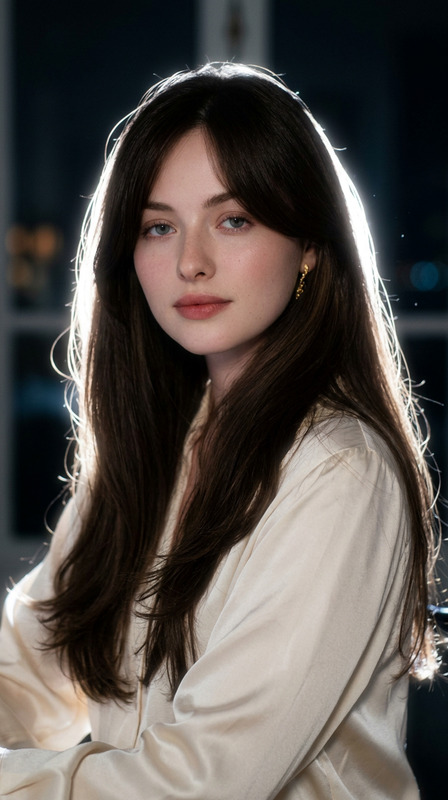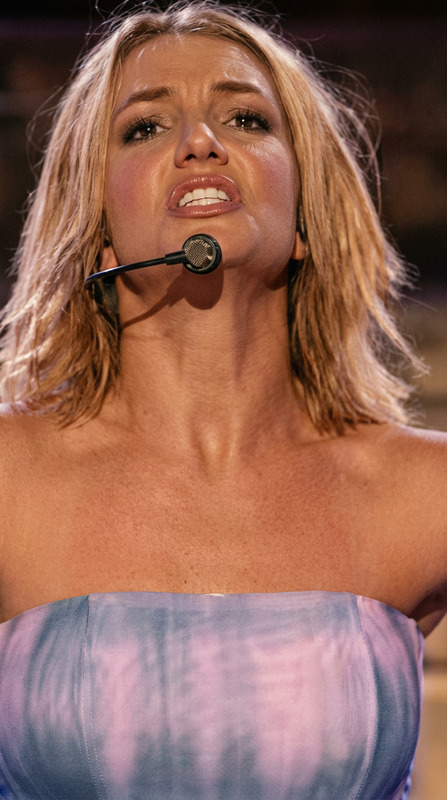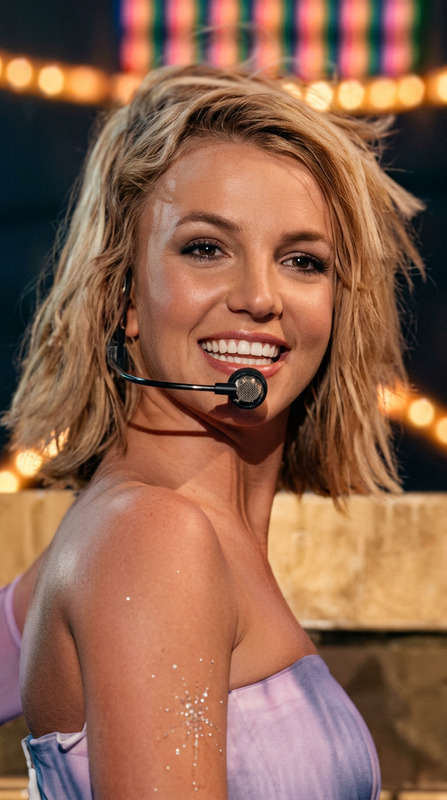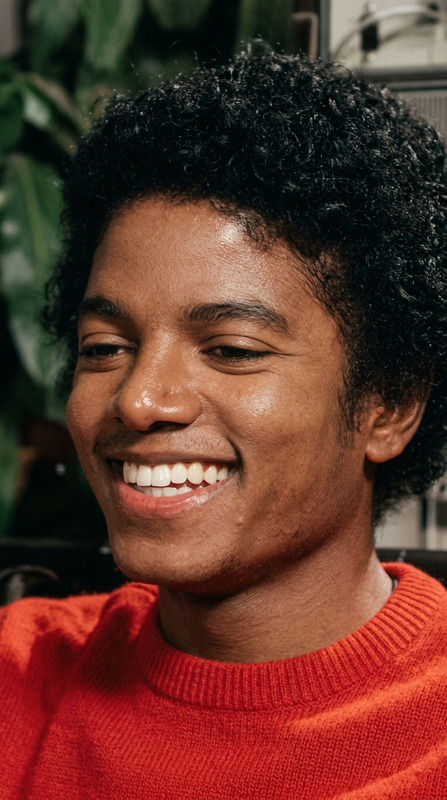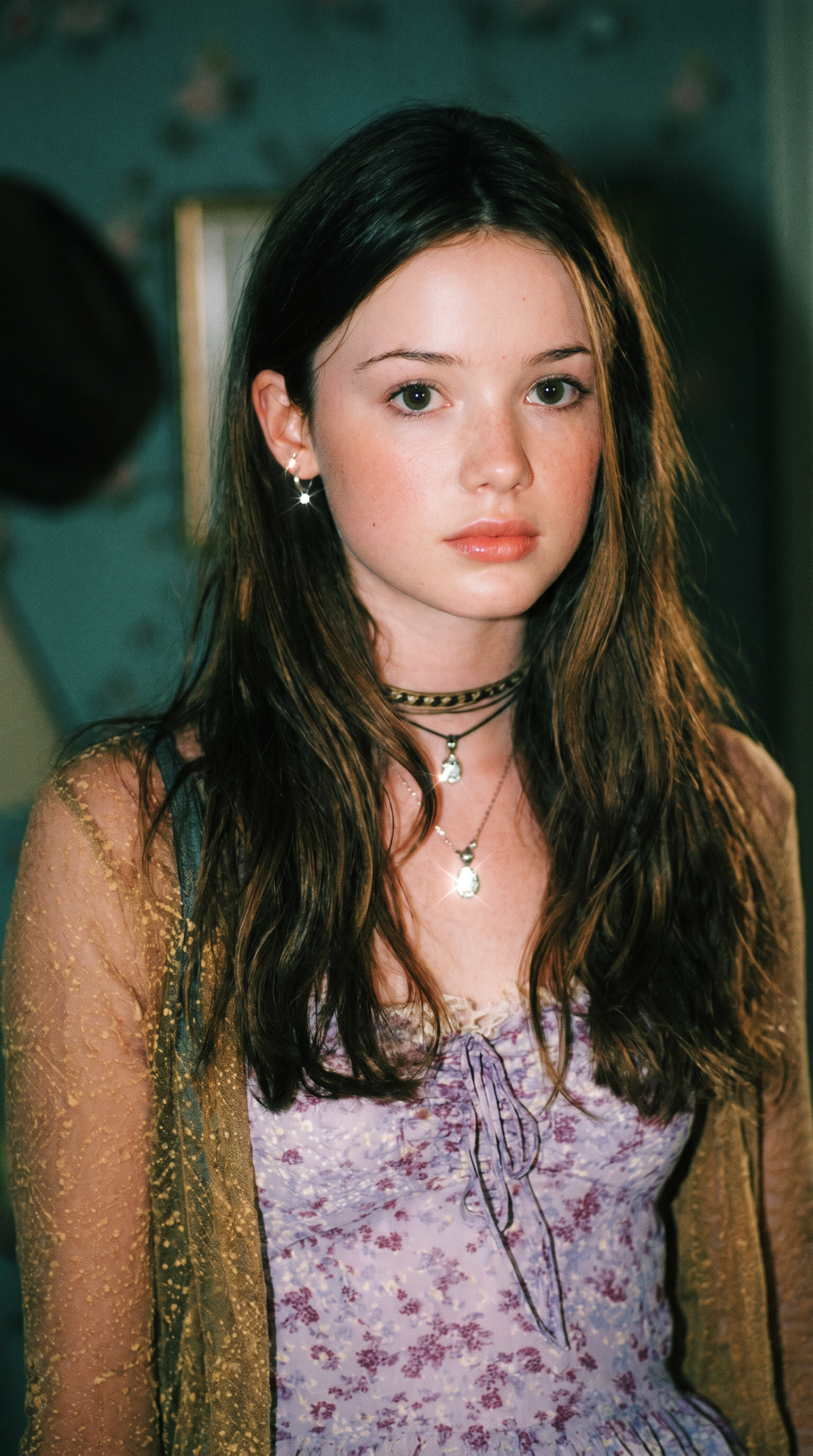
Instagram Flash Restyle
- Model
- Nano Banana Pro
- Image
- 1536 × 2752 px
Prompt
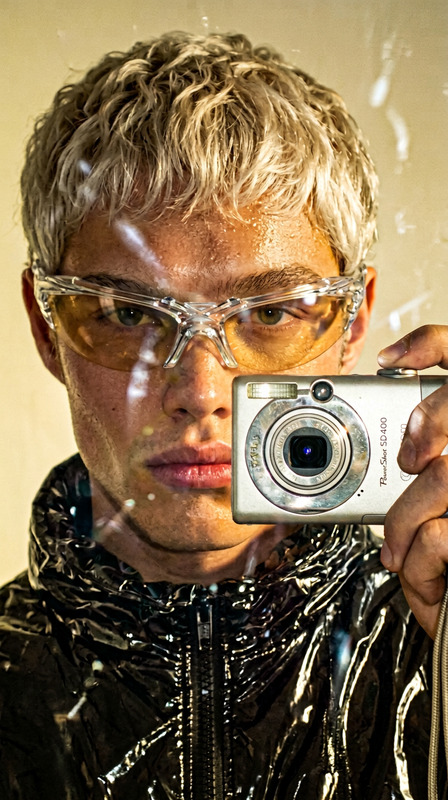
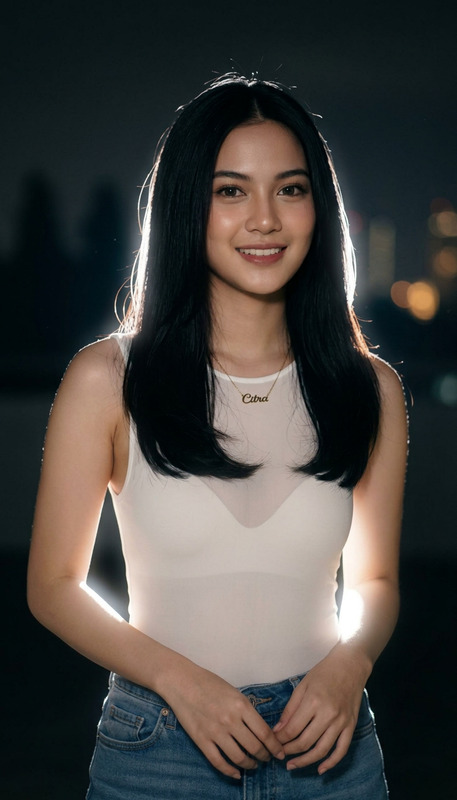
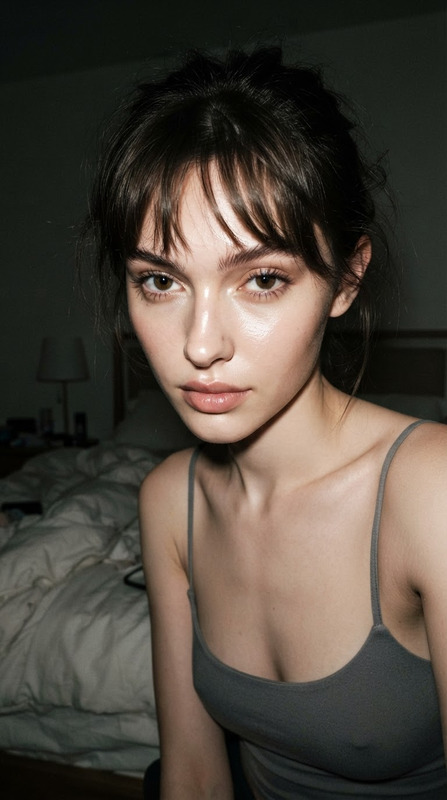
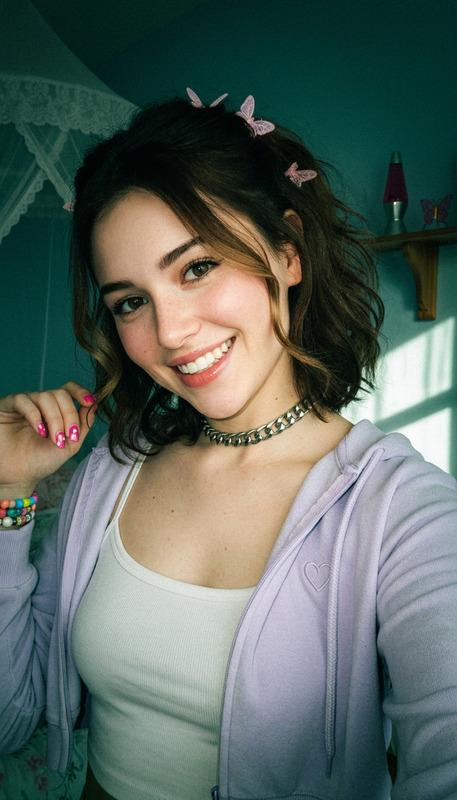
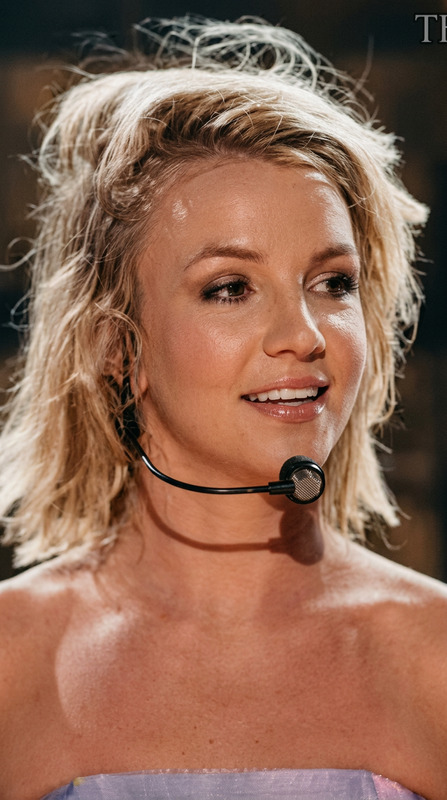
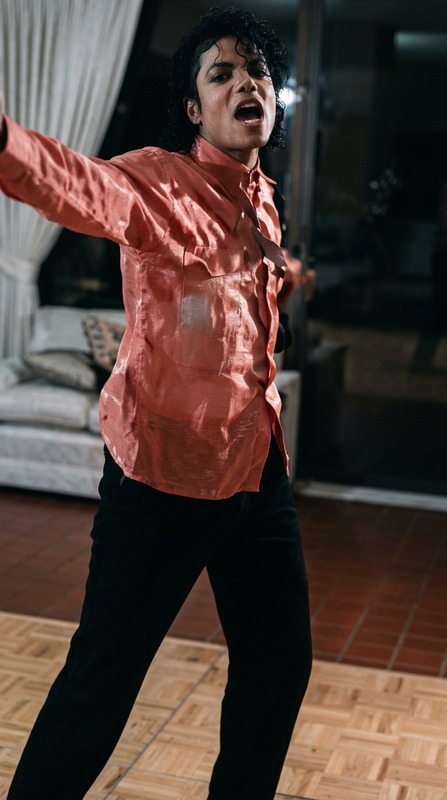
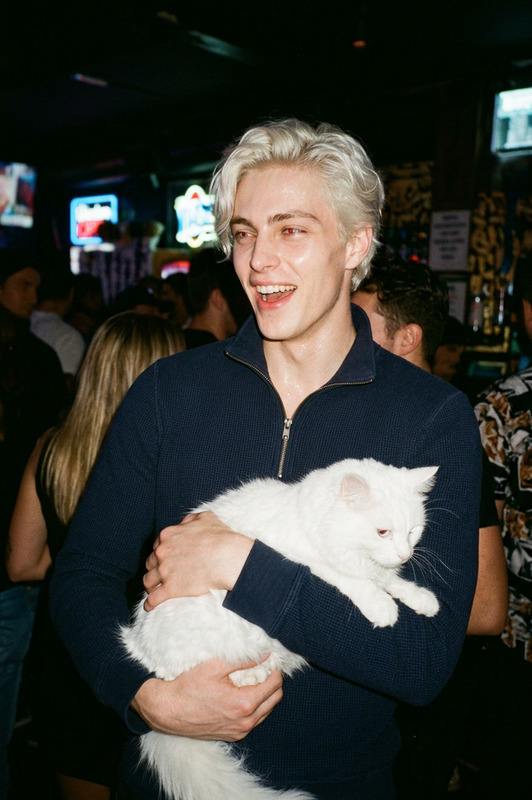
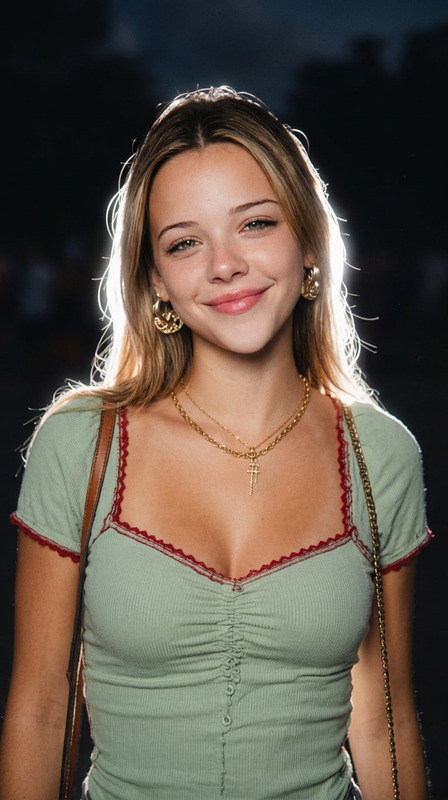
Apply only an Instagram Flash filter-style effect to the uploaded image. Do not regenerate, redesign, crop, reframe, beautify, retouch, or change any content. Preserve the exact same person, face, expression, pose, outfit, hairstyle, objects, background, framing, and composition. Change only the filter treatment: night conversion, direct flash behavior, color grading, visible noise, and film grain. Convert the image into a darker night-like / low-light version of the same scene. Make the environment cooler, moodier, and richer, with a strong green-cyan / teal ambience and deeper night density, while keeping the original scene recognizable. The background should become darker and cooler than the subject, but not muddy or fully black. The subject treatment is critical: light the subject with a strong direct on-camera frontal flash that is clearly visible in the result. The flash must dominate the subject more than the ambient light. The face, skin, hair, and clothing facing the camera should look brighter, flatter, more directly flash-lit, and slightly lifted in exposure. The subject should appear more illuminated and more separated from the surroundings, like a real camera-flash snapshot, not a softly relit portrait. Keep the skin warm, bright, glowing, and flash-washed, while the surroundings stay cooler and darker. If reflective, glossy, metallic, leather, glass, polished, or shiny surfaces are present, show realistic small flash reflections / specular pops where appropriate. If the scene geometry naturally allows it, include a believable subtle hard-edged flash shadow behind the subject or nearby objects, but only where it would occur naturally. Match the overall look of a rich Instagram Flash-style photo: stronger night mood, cooler green-cyan ambience, brighter flash-lit subject, slightly punchier contrast, and a more obvious filtered look. Add visible digital noise and fine 35mm color-negative film grain across the whole image. Keep the noise and grain clearly visible, especially in darker areas, smooth surfaces, and the background. If the original image already contains noise or compression texture, do not clean it up — blend it naturally into the overall grain structure. The final result should look like the same original photo captured at night with a strong direct camera flash, featuring richer green-cyan ambience, a much more obviously flash-lit subject, visible film grain, visible noise, and a filtered Instagram Flash look. Avoid: soft studio lighting, weak flash on the subject, polished portrait lighting, over-clean denoising, overly neutral colors, dull flat skin, muddy blacks, or changing the image content.
Any aspect ratio
Overview
The Instagram Flash Restyle template is a versatile tool within our AI Image Editor selection, designed to enhance your images with a specific flash photography aesthetic. Utilizing the powerful Nano Banana Pro model, this template applies a dynamic "Instagram Flash" filter to any uploaded image.
What It Does
This template specializes in transforming your images to mimic the dramatic flash photography style typical of Instagram filters. It achieves this by applying a darker, night-like treatment with a green-cyan ambiance while utilizing a strong direct flash on the subject. The template enhances contrast and separates the subject from a cooler, darker background, providing a noticeable filter effect without altering the original content of the image.
Expect to see enhanced film grain and digital noise, making your images appear as though they were shot with a physical flash at night. Reflective and glossy surfaces will retain realistic flash reflections, ensuring authenticity in the treated images.
Who It's For
This template is perfect for photographers, social media influencers, and brands who want to add a touch of distinct, flash-lit drama to their visuals. It's also a great choice for social media ad campaigns needing a dynamic and engaging aesthetic, or for creating mood boards that feature a unique night-time style.
For those looking to enhance their Instagram Reels with a vibrant twist, this tool offers the stylistic edge needed to stand out in the digital landscape.
Summary
The Instagram Flash Restyle template offers a distinct style by bringing a strong flash lighting effect to your imagery. By keeping the subject highlighted and the background moody, it replicates the aesthetics of a nighttime flash photograph. Use this tool to provide your content with a boost of creativity, ensuring a standout presentation in any media format.
How-To
Choose Your Template

Customize

Generate

Use Cases
Social Media Enhancements
- Preview product launches with engaging imagery.
- Create eye-catching social media ads.
Professional Photography
- Highlight fashion shoots with added drama.
- Enhance event photos with a flash-lit style.
Content Creation
- Design digital artwork with a flash-inspired backdrop.
- Develop compelling mood boards for creative projects.
Best Practices
Select Images Wisely
Choose images where the subject is well-defined. This helps the frontal flash effect stand out more prominently.Focus on Composition
Avoid altering the image composition during upload to ensure the flash effect maintains its integrity and purpose.Maintain Original Texture
Leverage images with some textural noise to seamlessly blend with the added film grain for a more authentic look.