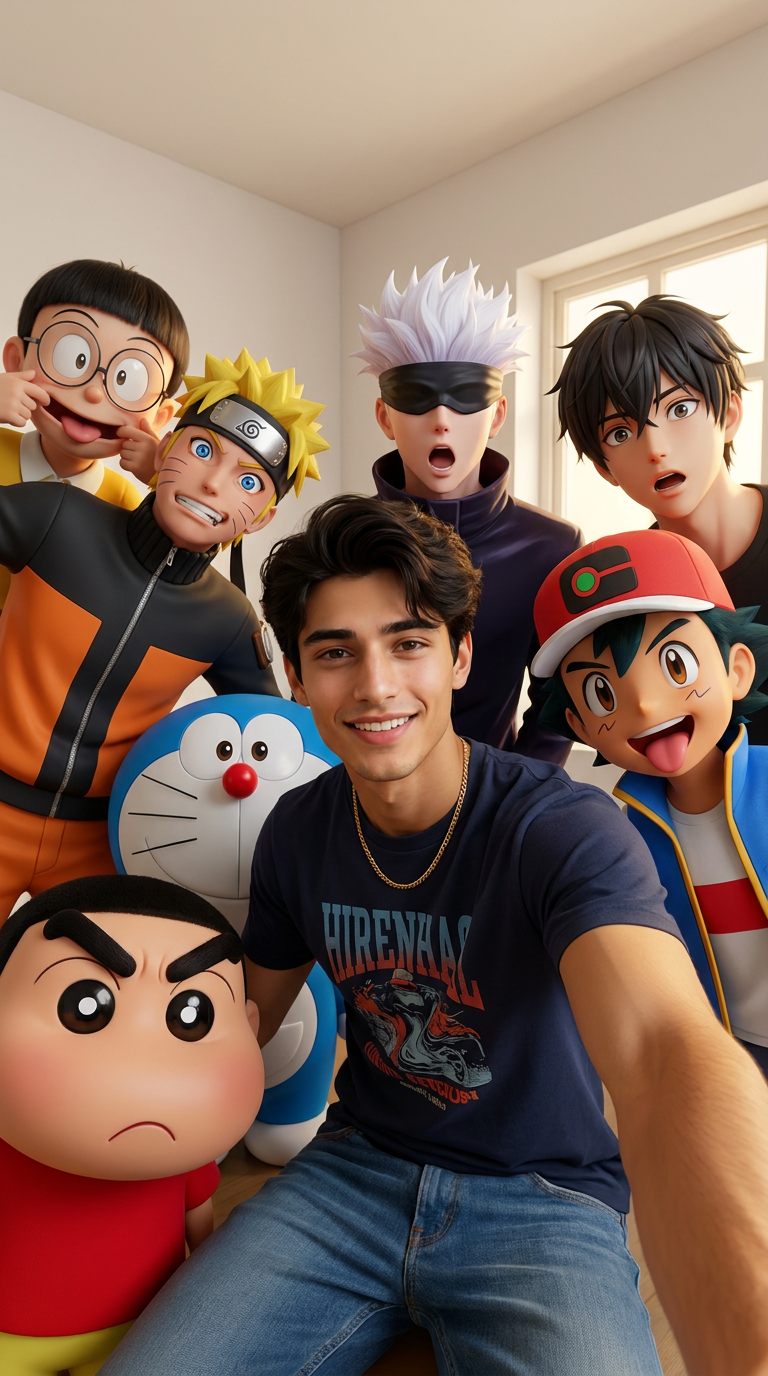
Anime Selfie Squad
- Model
- Nano Banana Pro
- Image
- 768 × 1376 px
Prompt
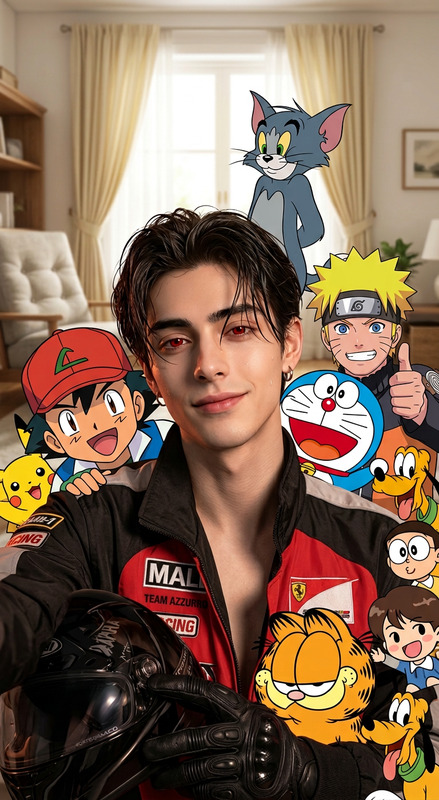
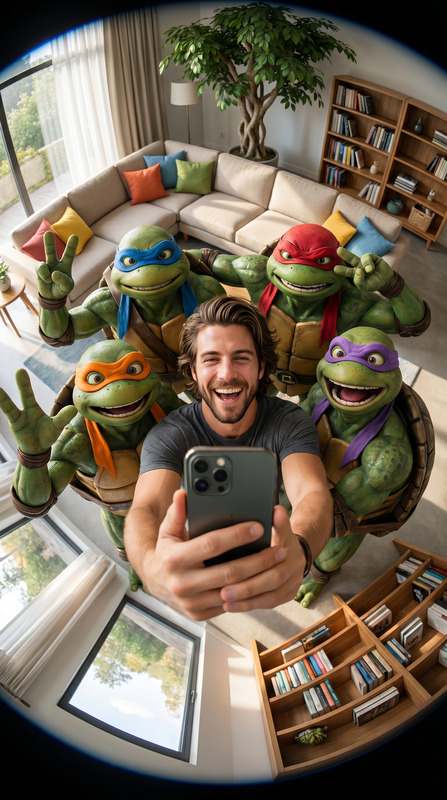
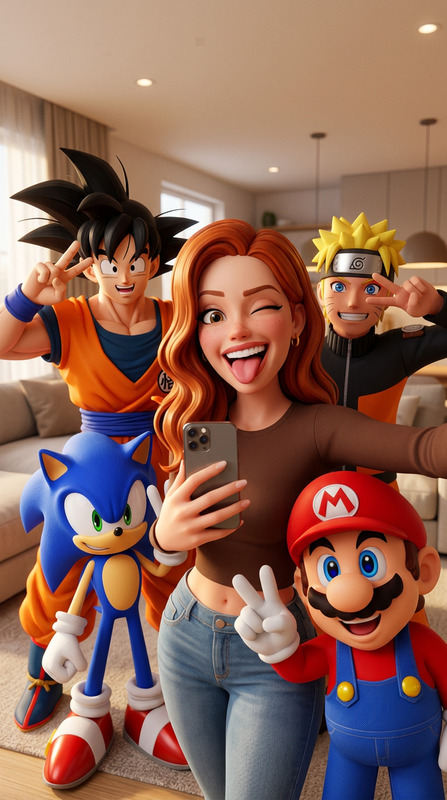
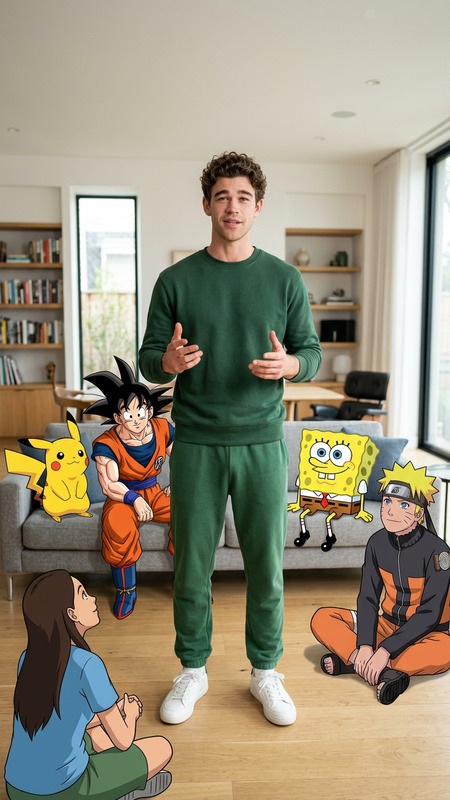
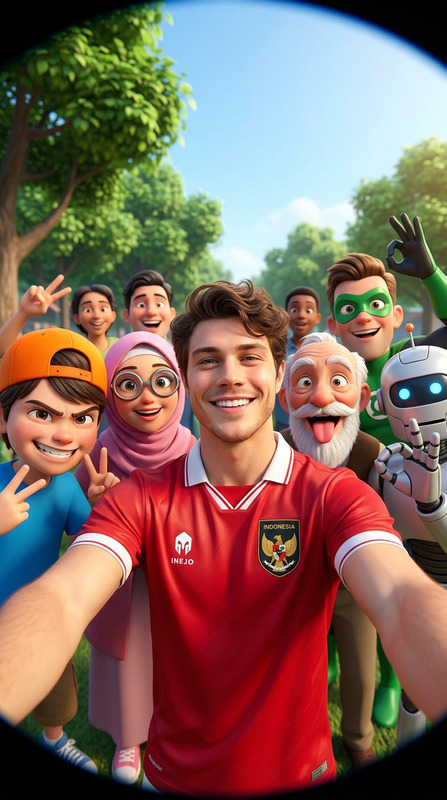
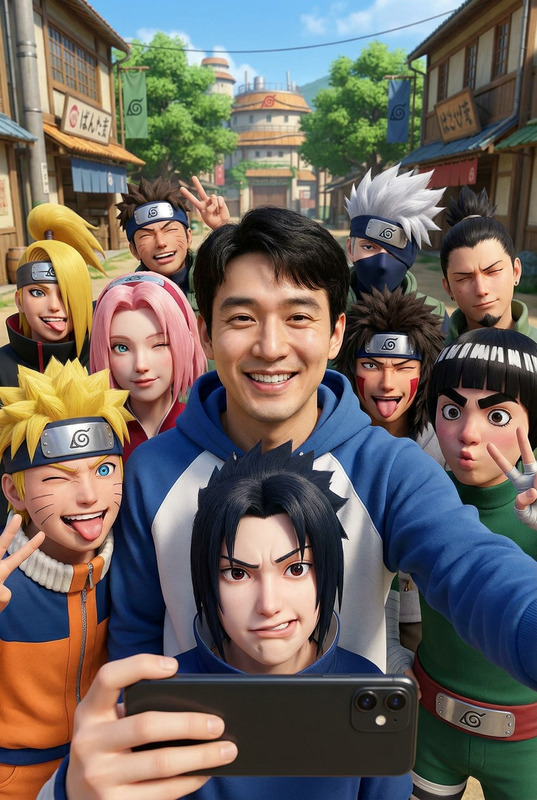
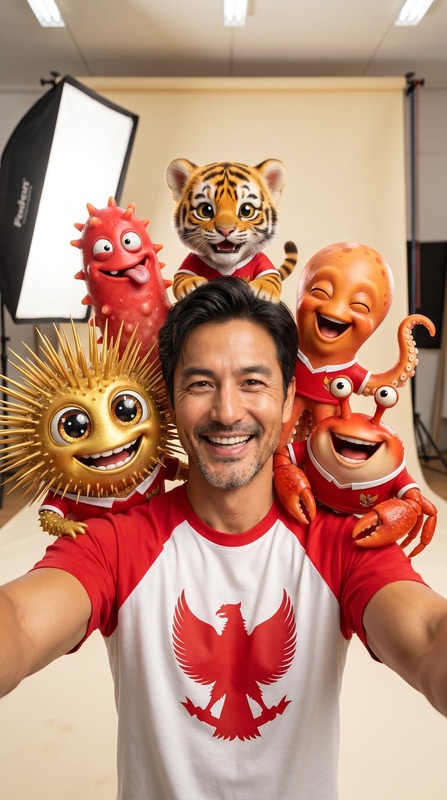
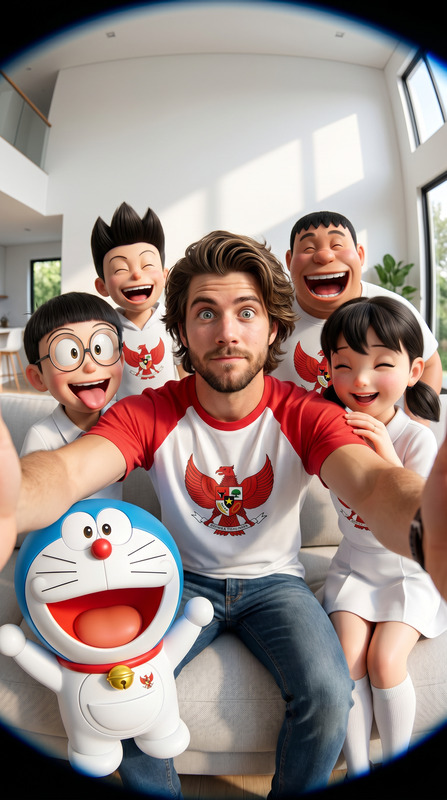
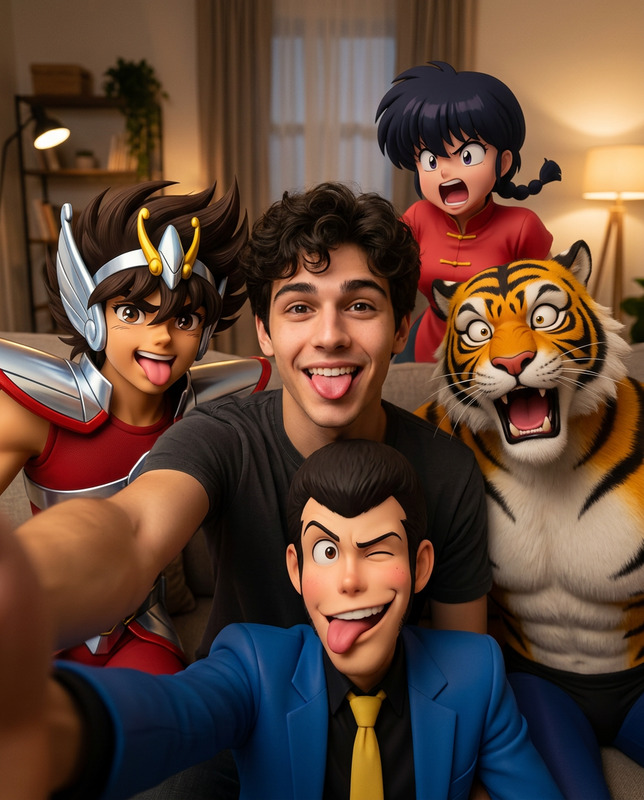
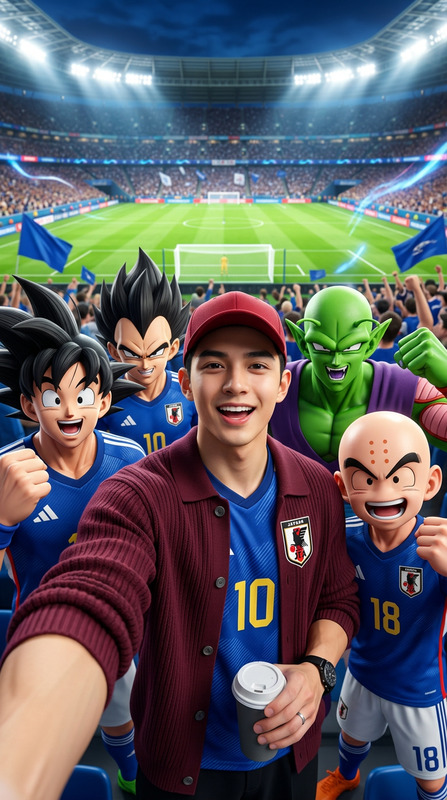
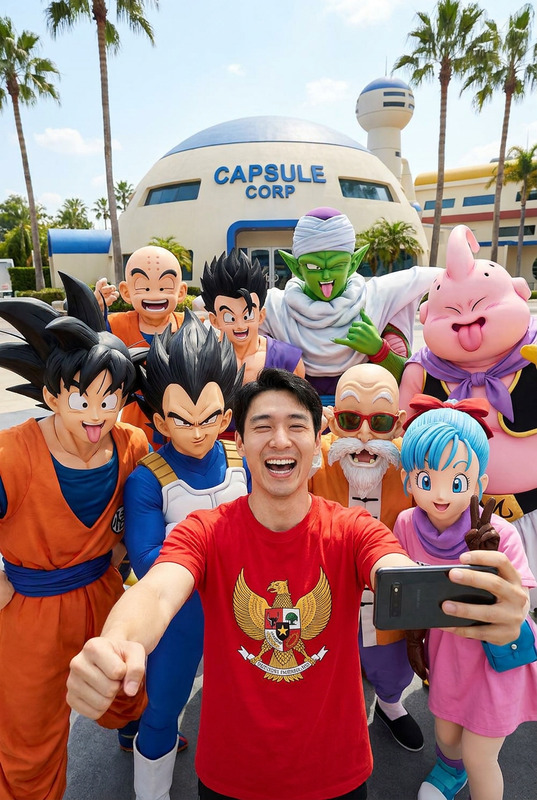
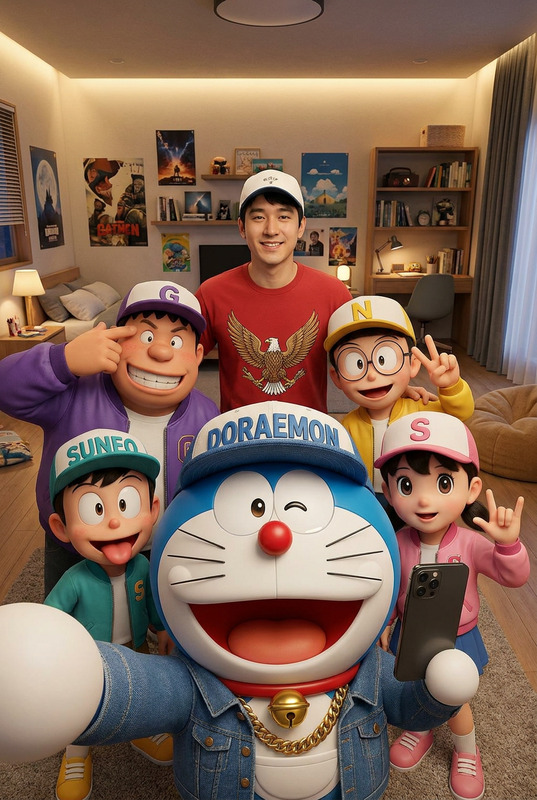
A dynamic wide angle group selfie photo of a young Indian man a gold chain, wearing a dark navy blue graphic t-shirt and blue jeans, smiling cheerfully at the camera while holding it from below. He is surrounded by a large group of seven different popular anime and cartoon characters rendered in hyper-realistic 3D style filling the entire frame. On the upper left are Nobita with glasses and Naruto in his orange and black ninja outfit both making funny faces. In the center top is Gojo Satoru from Jujutsu Kaisen with white spiky hair and his black blindfold making a surprised open mouth face. To his right is a handsome anime boy with dark hair and a surprised expression. On the right side is Ash Ketchum from Pokemon in his iconic red white cap and blue vest with tongue out. In the front lower left is a realistic 3D version of Shinchan from Crayon Shinchan with heavy brows frowning. Next to Shinchan is Doraemon looking curiously at the camera. The background is a plain off-white indoor room corner with a window. Warm natural indoor light. Aspect ratio 9:16. Photorealistic hyper-realistic 3D anime mixed media photography. The face must be 100% identical to the uploaded reference photo.
Any aspect ratio
Overview
The "Anime Selfie Squad" template allows you to create vibrant, group-selfie style images featuring a mix of anime and cartoon characters alongside a realistic portrait. Utilizing the nano-banana-pro model, this tool transforms your reference photo into a dynamic composition with hyper-realistic 3D anime character renderings. Ideal for social media profiles or creative projects, you can customize scenes down to the finest detail.
What It Does
This AI Image Editor template integrates popular anime and cartoon characters into a wide-angle selfie, achieving a hyper-realistic look. The model preserves the facial features of the uploaded photo while inserting characters like Naruto, Gojo Satoru, and Ash Ketchum in a 3D mixed-media style. Combine this with AI Image Editor tools to tweak lighting and background settings for perfect results.
Who It's For
The "Anime Selfie Squad" template is perfect for anime enthusiasts, social media influencers, and content creators looking to add a layer of creativity to their images. It's also a great fit for marketing teams that want to capture the attention of anime-loving audiences. Pair with the AI Image Generator for high-quality promotional materials or fun personal use.
Summary
Create captivating selfies that meld the real and animated worlds. The "Anime Selfie Squad" template provides a playful stage for your photo alongside beloved characters. Enhance your marketing content or simply curate unique memories by exploring other tools like the AI Talking Photo for broader storytelling options.
How To
Choose Template

Customize Scene

Generate Image

Use Cases
Social Media Engagement
- Engage followers with dynamic, colorful images.
- Increase the shareability of your posts.
Personalized Gifts
- Unique wall art or photo albums.
- Custom phone cases featuring your favorite characters.
Digital Storytelling
- Teachers can create educational stories.
- Marketers can develop themed campaigns.
Best Practices
Balance Character Proportions
Ensure characters are scaled proportionally to avoid overwhelming your main subject.Enhance Lighting Conditions
Use the AI Image Editor tools to adjust brightness and contrast for the best lighting effects.Choose Complimentary Outfits
Select clothing and accessories that complement your reference photo, adhering to anime styles for coherence.