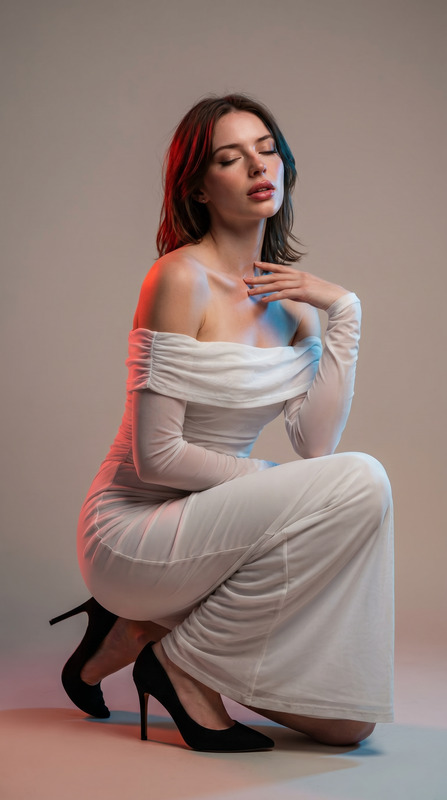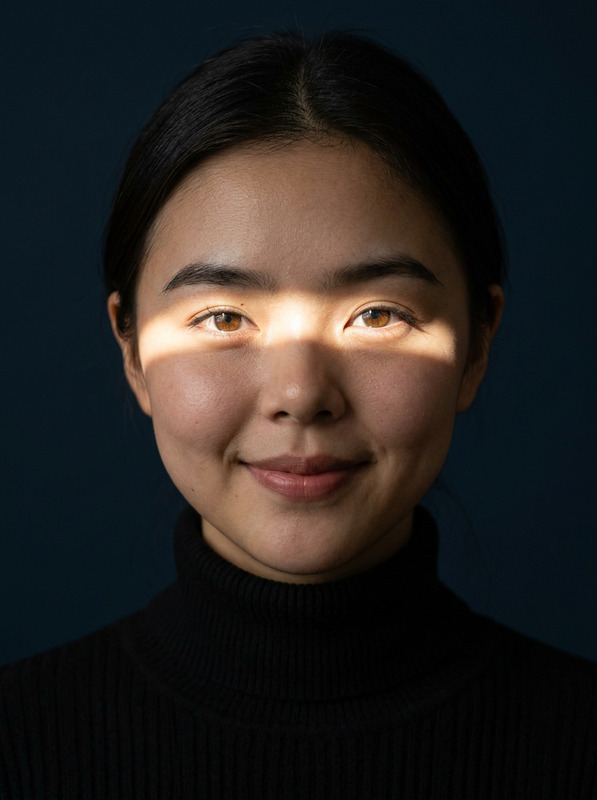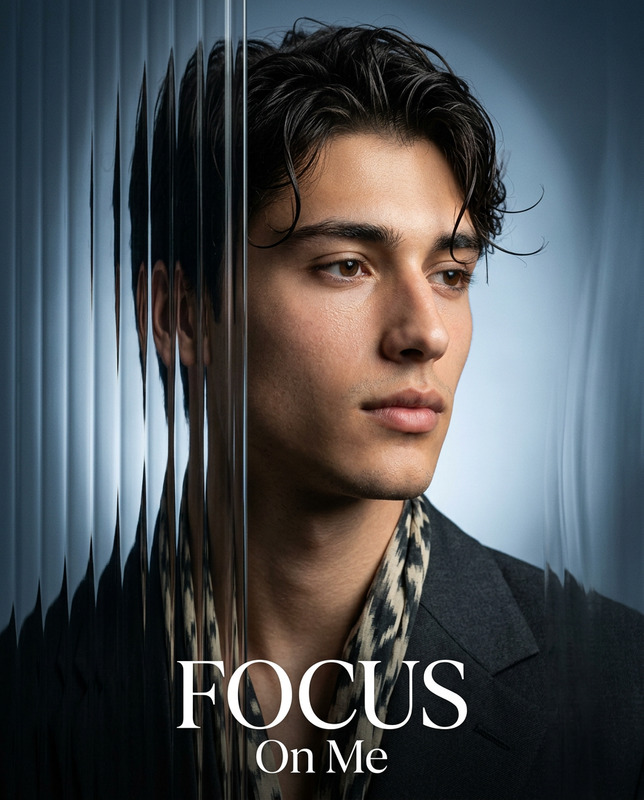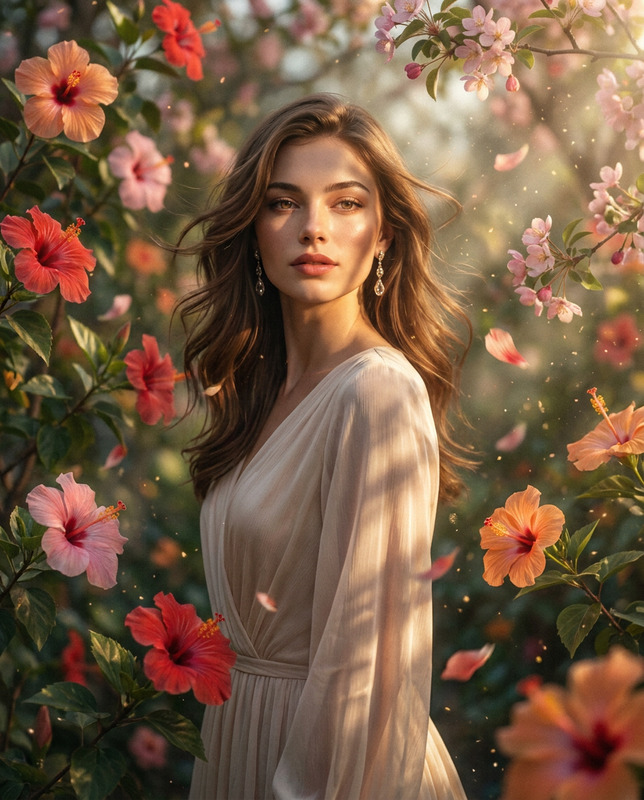
Vision Collage
- Model
- Nano Banana Pro
- Image
- 768 × 1376 px
Prompt
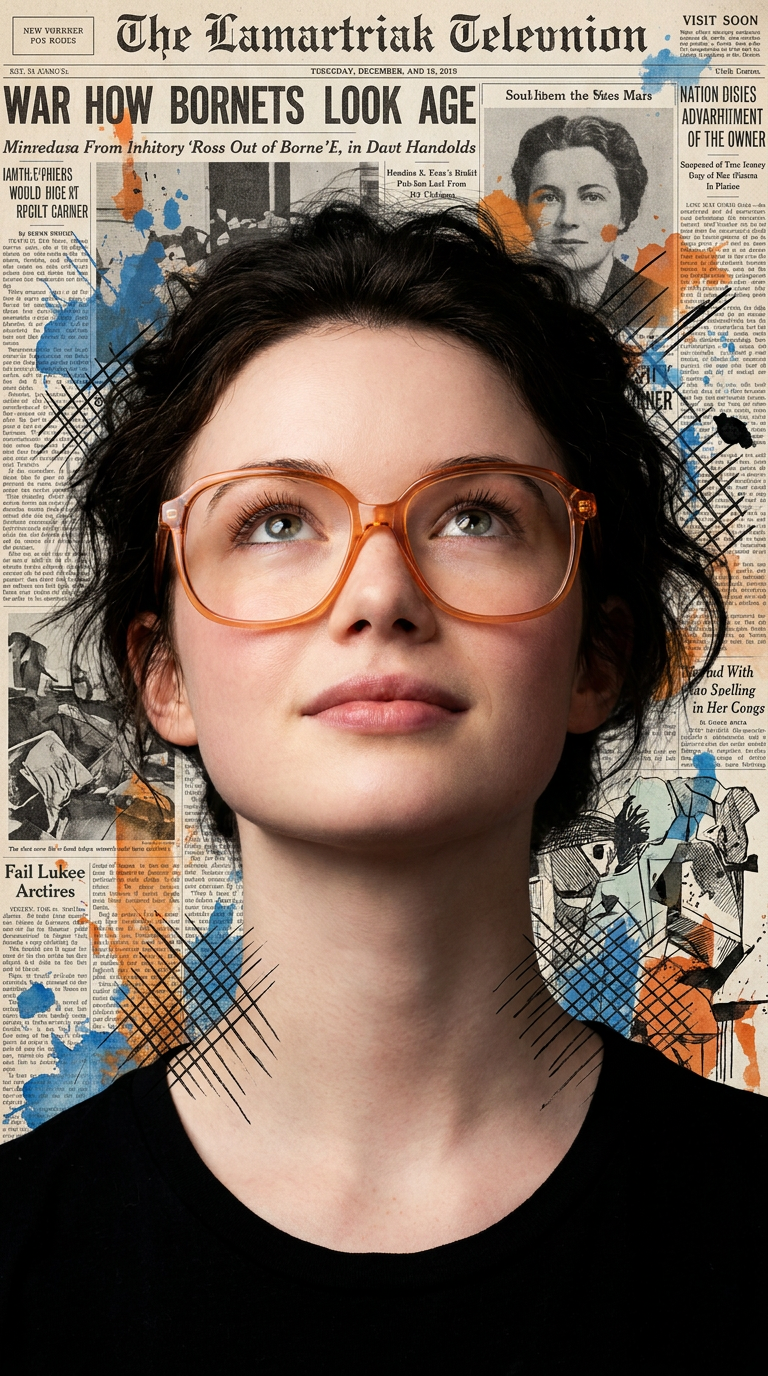
Prompt: Ultra-realistic IMAX-level Netflix-style cinematic mixed-media editorial portrait, 9:16 vertical composition, use the uploaded image as the primary facial reference with maximum face consistency, create a beautiful young adult woman in a striking upward-looking close portrait, keeping the same bold artistic newspaper-collage aesthetic. Her head tilts slightly upward as she looks above the frame with an inspired, thoughtful and quietly ambitious expression, featuring softly raised brows, focused reflective eyes, relaxed cheeks, softly parted lips and a refined feminine jawline. Her luminous fair porcelain milky-white skin rendered with ultra-smooth clean texture, soft natural pink freshness and perfect even face-to-body skin tone consistency. She wears stylish translucent orange oversized eyeglasses and a simple black top. Her dark hair appears soft, slightly tousled and naturally voluminous, framing her face with elegant texture. Surround her with a vintage newspaper-print background layered with expressive blue and orange paint splashes, black ink scratches, sketch-like crosshatching and mixed-media illustration details, creating a modern artistic poster feel. Strong facial focus, rich texture, premium colour contrast, contemporary editorial mood, highly detailed 8K quality.Negative Prompt: male face, distorted glasses, extra features, blurry details, watermark.
Any aspect ratio
Overview
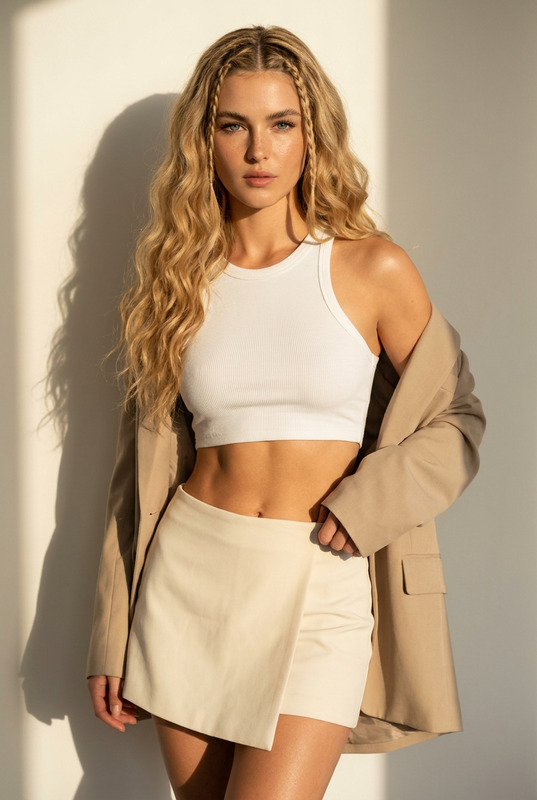
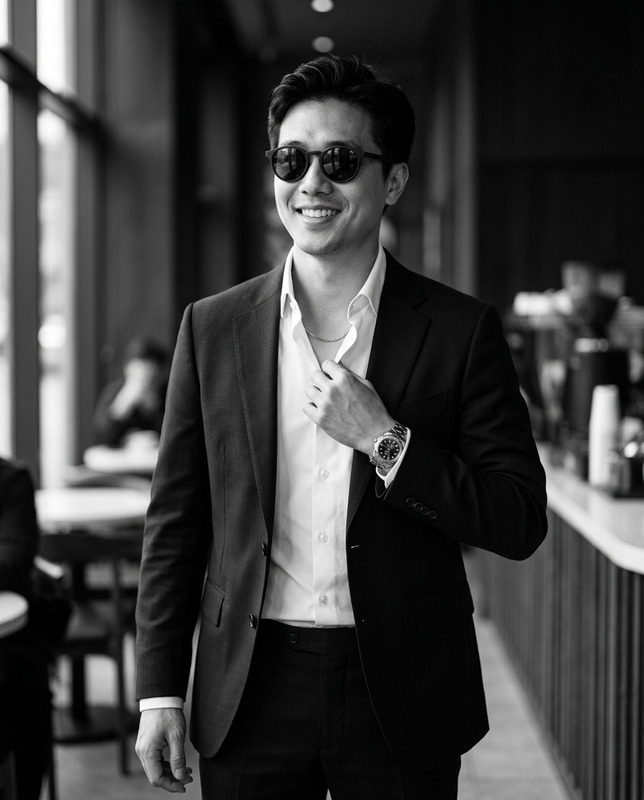
The Vision Collage template leverages the power of the nano-banana-pro model to transform any base image into a stunning editorial portrait. This AI Image Editor focuses on creating a modern artistic poster feel with cinematic quality. With a 9:16 composition, it uses a mixed-media collage aesthetic, combining rich textures and vivid colors for a truly dynamic visual impact.
What It Does
This template converts your uploaded image into a high-quality editorial portrait, maintaining face consistency and adding artistic elements like vintage newspaper prints, expressive paint splashes, and detailed illustrations. The result is a beautifully crafted portrait that exudes a contemporary editorial mood in 8K quality.
Incorporate this with AI Image Generator for even more creative options or pair it with the Full Body Generator to expand on the artistic vision.
Who It's For
This template is ideal for digital artists, content creators, and creative professionals seeking to produce cinematic-quality portraits for editorials, social media, or personal projects. It caters to those who value vivid textures, modern aesthetics, and premium color contrasts in their visual storytelling.
Summary
The Vision Collage template offers an advanced solution for creating cinematic mixed-media portraits with ultra-realistic detail. Whether for editorial features, personal branding, or creative projects, this tool ensures your images captivate and inspire. Enhance your workflow by exploring complementary tools like the AI Face Editor and the AI Video Generator for broader applications.
How To
Choose Your Image

Customize Your Settings

Generate Your Portrait

Use Cases
Editorial Portraits
- Distinctive cinematic aesthetic
- Perfect for fashion editorials
- Compliments contemporary designs
Social Media Content
- Eye-catching visuals
- High-quality 8K detail
- Unique artistic style
Personal Branding
- Consistent visual style
- Memorable artistic impressions
- Enhanced personal storytelling
Best Practices
Select High-Quality Base Images
Ensure your uploaded images are clear and high resolution to maximize the output quality.Utilize Negative Prompts Effectively
Use negative prompting to clean up artifacts and focus the AI on desired features.Experiment with Artistic Elements
Don't hesitate to adjust background and artistic prompts to better match your creative vision.