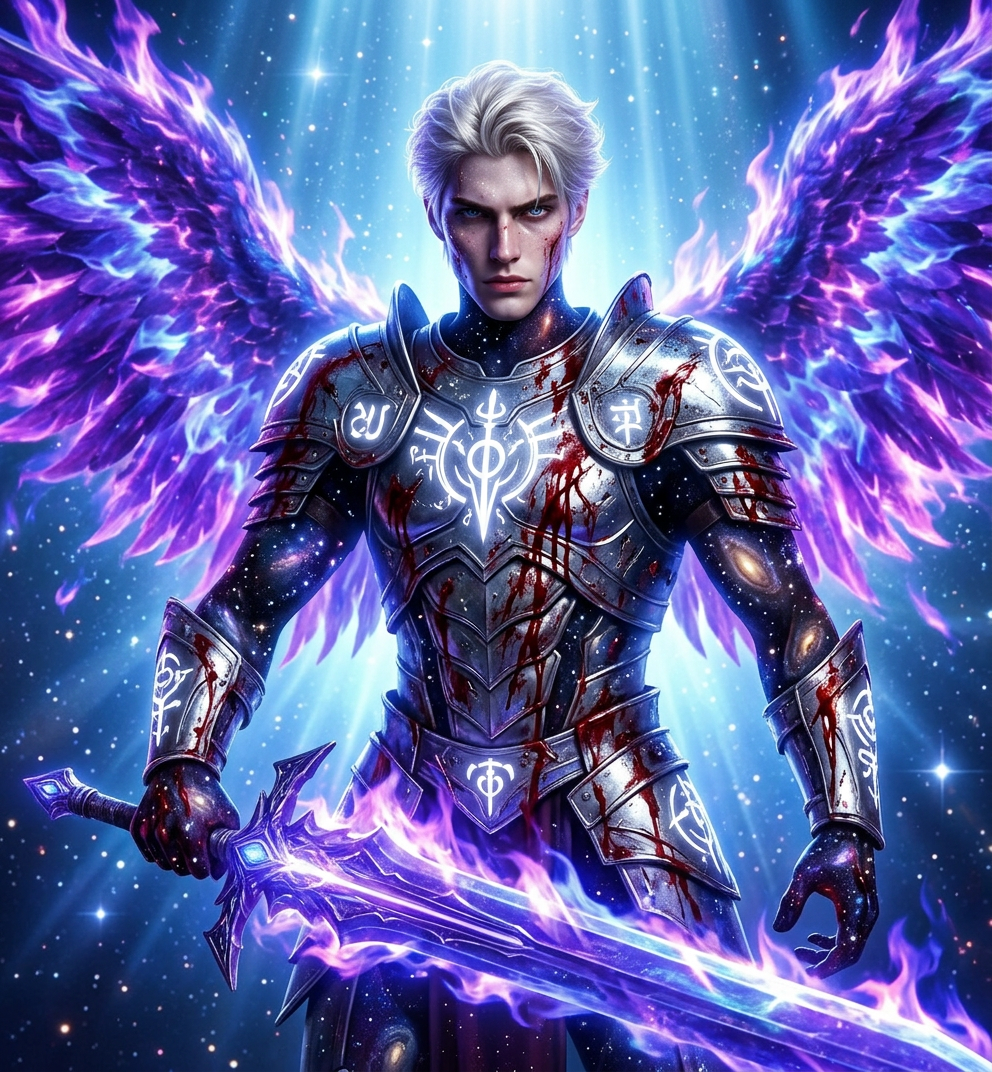
Seraph of Fallen Radiance
ai-image-editor
Any aspect ratio
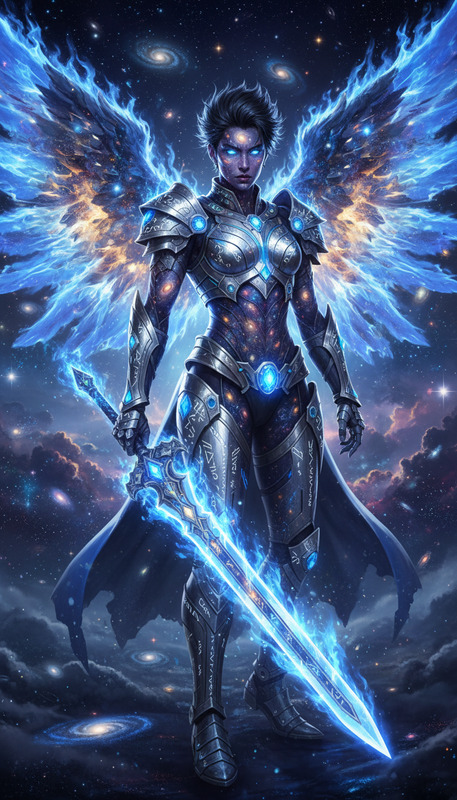
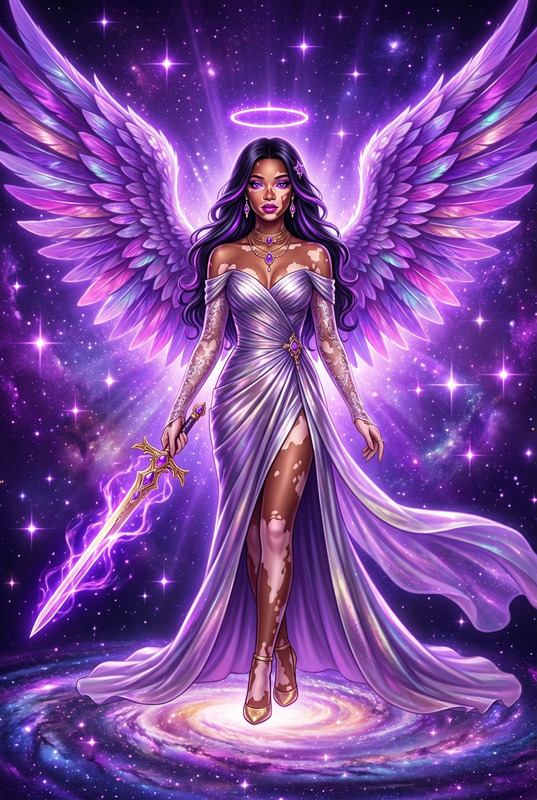
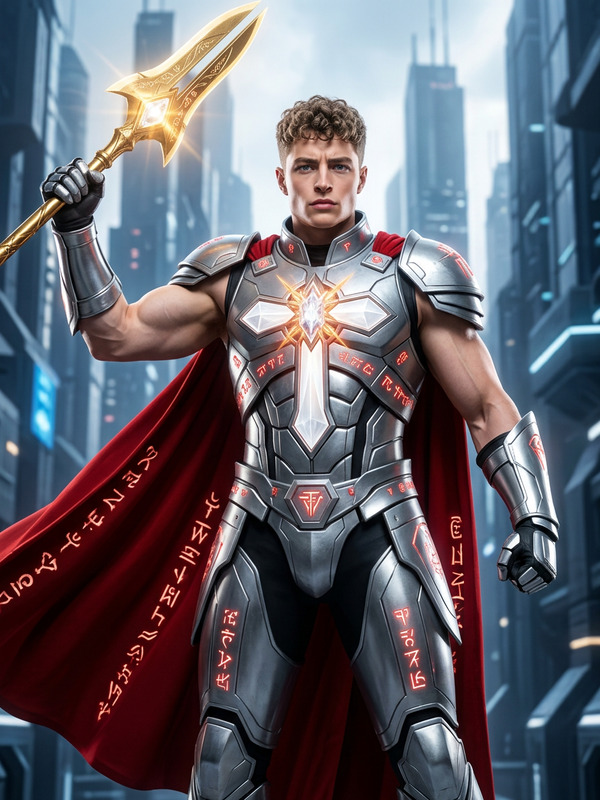
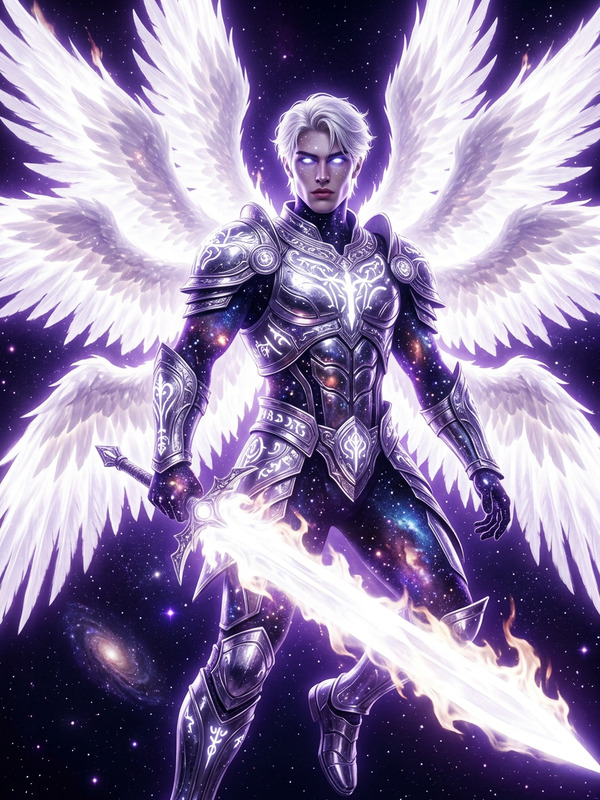
mythological portrait of the subject as a divine battle goddess and avenging angel, full body in a glowing celestial heaven with radiant blue background. Tall, athletic, statuesque form with skin as the fabric of the universe, filled with stars and galaxies. Wearing whole chrome armor with luminous white glyphs in full body. A massive wings of vivid purple celestial fire, wielding a colossal purple-blue flame sword of light. Body marked with heavy battle damage, blood flowing across form, contrasting against divine glow. Surrounded by radiant blue aura, drifting stardust, and heavenly light reflecting across metallic surfaces. Ultra-detailed, cinematic, intense, divine yet brutal, high-contrast masterpiece.
AI Image Editor Template: Turn Any Photo Into High-Impact Visuals in Minutes
Use this Magic Hour AI Image Editor–based template to transform, clean up, and enhance any image—without Photoshop. Perfect for founders, marketers, and creators who need production-quality visuals fast.
This template is built on the core AI Image Editor, and you can easily remix it into your own custom version.
What You Can Do With This Template
Use this template as a starting point to:
Fix or polish photos
- Clean up distracting elements
- Adjust composition (crop/extend canvas)
- Sharpen soft shots with the AI Image Upscaler
- Restore older or imperfect assets with Old Photo Restoration
Change backgrounds and environments
- Swap messy backgrounds for clean, branded ones
- Generate on-brand scenes with the AI Background Generator
- Remove unwanted objects with Remove Object From Photo or AI Remover
- Create transparent PNGs for decks and product pages using the Image Background Remover
Edit faces, outfits, and identity-driven visuals
- Refine facial details, expressions, and lighting with the AI Face Editor
- Generate or improve professional portraits with the AI Headshot Generator or AI Selfie Generator
- Change outfits and styling for campaigns or catalogs using the AI Clothes Changer or AI Fashion Generator
- Explore fun, social-friendly edits like Gender Swap or Face Swap and GIF Face Swap
Create on-brand marketing and product visuals
- Design polished promo images powered by the AI Art Generator or AI Image Generator
- Generate ad-ready creatives and thumbnails using the Thumbnail Maker
- Quickly mock up covers and assets via the Book Cover Generator and Album Cover Generator
- Design icons, logos, and app assets using the AI Icon Generator and AI Logo Generator
Generate creative and character-driven images
- Turn ideas into stylized illustrations with the AI Illustration Generator
- Create avatars and characters with the Avatar Generator, AI Character Generator, or Animated Characters Generator
- Explore genre-specific tools like the AI Anime Generator, Manga Generator, Disney‑style Generator, Dark Fantasy AI, or Comic Book Generator
Convert images into motion and video assets
- Animate still images using Image to Video or Text to Video
- Add lip sync or talking effects with Lip Sync Templates and AI Talking Photo
- Swap faces in clips with Face Swap Video Templates
- Turn images into looping content using the AI GIF Generator
How to Remix This Template in Magic Hour
You can duplicate and adapt this template inside Magic Hour in a few minutes:
Start from this template
- Open the template in Magic Hour.
- Review the existing prompts, masks, and edit flow to understand how it transforms the base image.
Swap in your own use case
- Replace the sample image with:
- Product photos
- Team headshots
- UGC or social content
- Concept art or line drawings
- Adjust the prompts to reflect your brand, audience, or campaign (e.g., “minimalist SaaS landing page hero image,” “streetwear product detail shot,” “LinkedIn-style founder headshot”).
- Replace the sample image with:
Chain with other Magic Hour tools for more automation
- Add an upscaling step using the AI Image Upscaler for final export.
- Add a background clean-up pass with Image Background Remover.
- If you’re going to video, plug the edited image into:
Create variations for testing
- Duplicate the template and vary:
- Visual style (realistic vs. illustrated vs. 3D)
- Backgrounds (studio, lifestyle, abstract gradient)
- Crops and framing (full-body with the Full Body Generator, close-up, flat lay)
- Use different prompts across versions for A/B testing in ads, landing pages, or email campaigns.
- Duplicate the template and vary:
Turn your remix into a reusable workflow
- Save your remixed version as a reusable template.
- Standardize your brand’s image pipeline so non-designers can drop in assets and get consistent results.
High-Impact Use Cases for Teams
This template is optimized for practical, repeatable workflows:
Startups & product teams
- Generate consistent product imagery without reshoots.
- Create multiple market-specific visuals faster than traditional design workflows.
- Prototype app store assets and landing-page hero art using the Thumbnail Maker, AI Icon Generator, and AI Logo Generator.
Marketers & performance teams
- Rapidly test creative angles: different hooks, backgrounds, and visual concepts.
- Generate creative for multiple channels—paid, email, social, landing pages—from a common base template.
- Add motion with Image to Video or AI GIF Generator.
Creators & content studios
- Build recurring series (e.g., weekly covers, episode thumbnails, templates for clients).
- Automate character- or IP-based content with AI Character Generator, Superhero Generator, Pokemon Generator, or Graffiti Generator.
- Quickly turn sketches into polished art via Photo to Sketch and AI Illustration Generator.
Designers & technical teams
- Use AI editing as a fast experimentation layer before handing off to traditional design tools.
- Generate multiple look-and-feel directions to validate with stakeholders.
- Produce visual specs for environments and spaces using AI Interior Design Generator and Architecture Generator.
Tips for Getting Strong Results
Even though this template handles most of the heavy lifting, a few best practices help you get consistent outcomes:
Use high-quality inputs whenever possible
- Start with the best photo you have; then enhance with the AI Image Upscaler or Unblur Image when needed.
- For legacy content, pre‑clean with Old Photo Restoration or Photo Colorizer.
Be specific in your text prompts
- Specify style, lighting, mood, and context (e.g., “soft natural daylight,” “high-contrast cyberpunk,” “editorial-style fashion shoot”).
- If you want a particular genre—anime, comic, Disney-style, dark fantasy—combine the AI Image Editor with:
Protect clarity and brand recognition
- Upscale final images if they’re destined for ads, print, or large-format use.
- Keep a consistent visual language (colors, layout, type area) across templates for recognizability.
Combine with text, voice, or QR experiences when needed
- Turn edited visuals into talking content with the AI Voice Generator and AI Talking Photo.
- Clone consistent brand voices with the AI Voice Cloner.
- Embed scannable journeys using the AI QR Code Generator.
Related Magic Hour Tools Worth Exploring
If this template fits your workflow, you’ll likely also find these tools useful:
Visual quality & cleanup
Identity, avatars, and people
Creative & niche generators
From image to video and beyond
Why Use an AI Image Editor Template Instead of Manual Editing?
AI-native image templates compress multiple time‑consuming steps—masking, retouching, background replacement, style matching—into a single reproducible workflow. For busy teams, that means:
- Faster iteration loops
- Consistent visual output across campaigns and channels
- Less dependency on full-time design resources for routine changes
- Easier collaboration: non-designers can get “good enough” results on their own
Remix this template, make it your own, and turn it into the backbone of your image pipeline in Magic Hour.