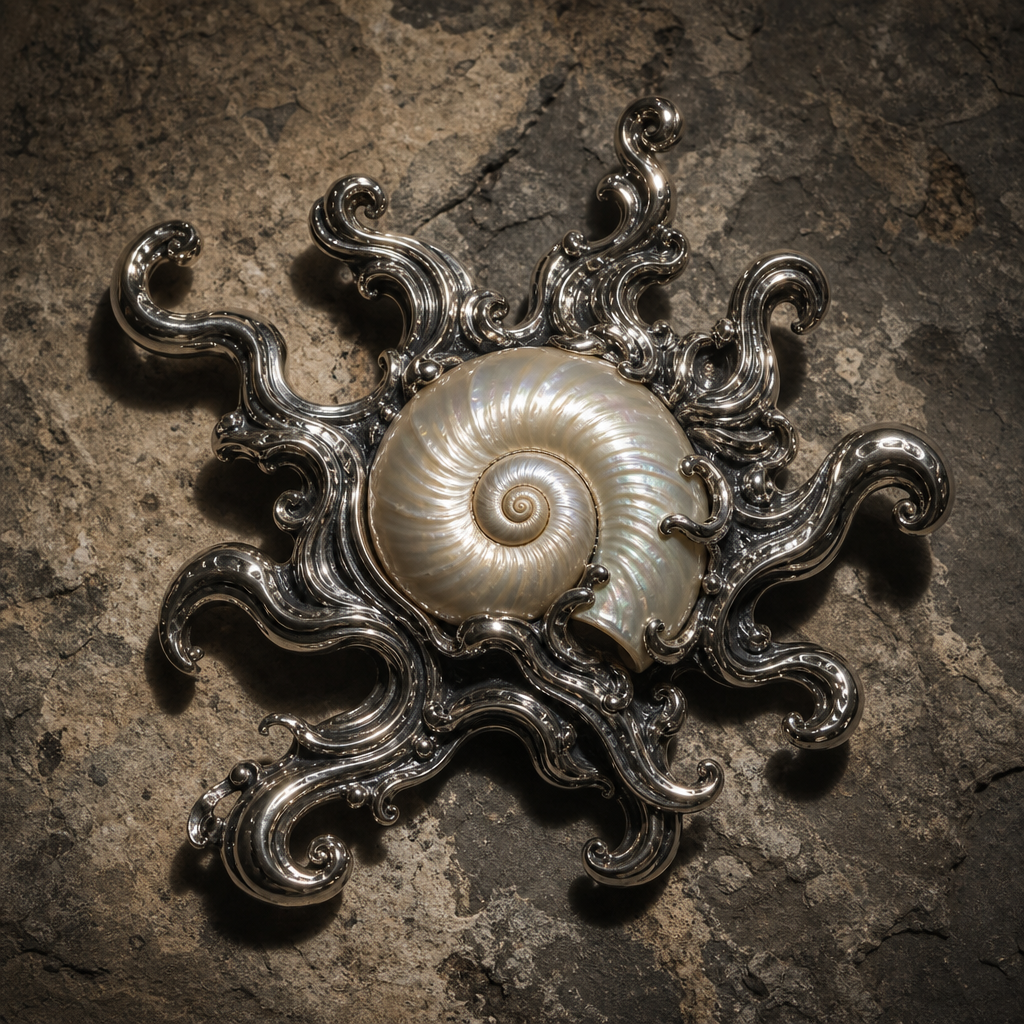
Intricate decorative object
- Model
- GPT Image 2
- Image
- 1024 × 1024 px
Prompt
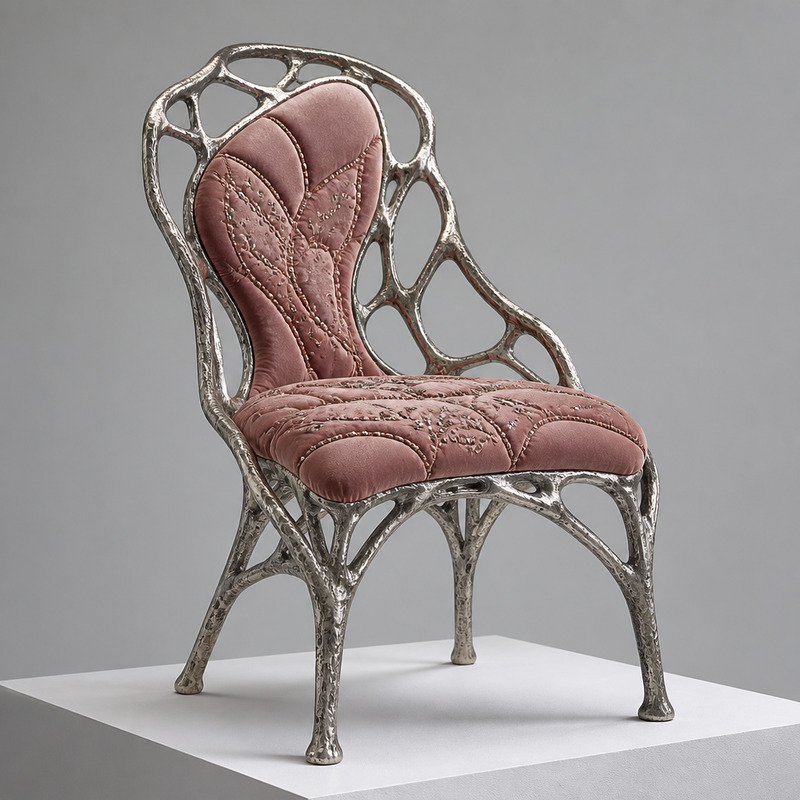
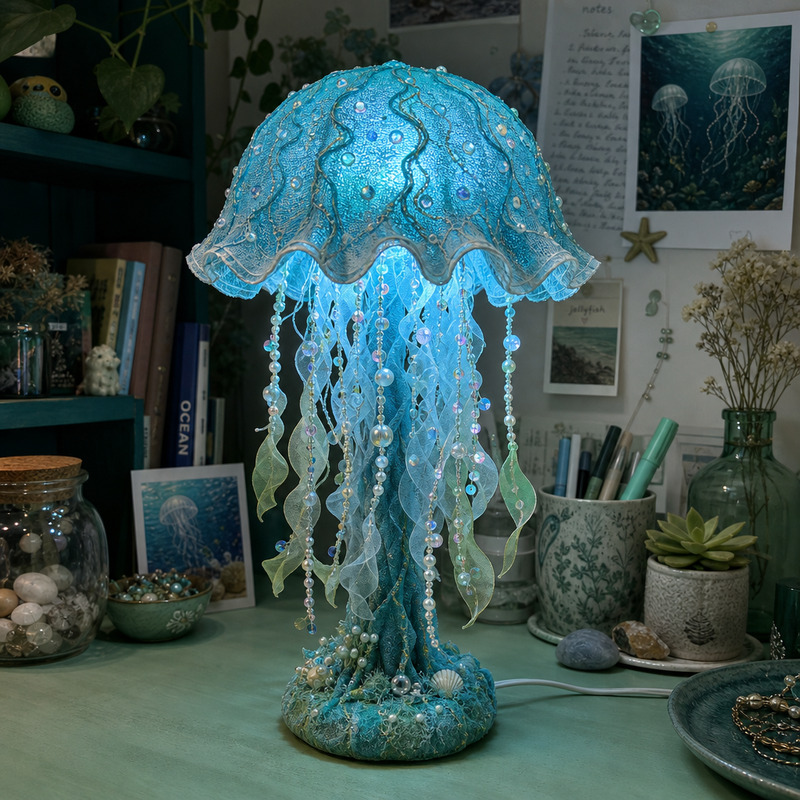
A top-down close-up captures an intricate decorative object resting on a rough-hewn stone surface. The central feature is a spiraled seashell, possessing a lustrous pearlescent sheen, mounted on a dramatic metallic base with swirling, wave-like tendrils. These statuettes extend outward, creating an organic, tentacle-like appearance, and are rendered in a glossy silver finish, reflecting the ambient light. The setting is minimally lit, with a single overhead light source casting defined shadows and highlights, emphasizing the texture of both the shell and the base. The stone surface beneath is mottled in various shades of gray and beige, contrasting with the slick metallic surface and the smooth luminescence of the shell. The overall ambiance of the image is one of opulence and artistic craftsmanship, with a slightly surreal and mysterious edge. HEX VALUES: ["#564d44", "#615950", "#aea79c", "#a29c91", "#968f84", "#8a8379", "#7c766c", "#6f675b", "#49433b", "#36342e", "#271e13", "#686865"]
Any aspect ratio
Overview
The Intricate Decorative Object template is crafted for showcasing the exceptional detail within artistic creations. Utilizing the capabilities of the AI Image Editor, this template emphasizes the delicate intricacies of a decorative object resting on a stone surface. It's designed to convey textures, reflections, and the ambiance of handcrafted luxury.
What It Does
The template meticulously enhances the nuanced details of your decorative pieces. The focus is on rendering the shine of a spiraled seashell and the reflective nature of its metallic base. By utilizing the AI Image Generator, it highlights the shadows and highlights set by soft lighting, providing a realistic yet artistic rendering. The use of contrasting colors and swirls gives a touch of grandeur to the imagery.
Who It's For
This template is ideal for artists, designers, and marketers seeking to present intricate decorative items with artistry and precision. Whether you're involved in creating mood boards for artistic projects or producing high-quality product visuals for marketing, this tool is tailored to elevate the visual appeal of intricate objects.
Summary
This template serves as a bridge between realistic depiction and artistic interpretation. It leverages the power of AI Image Upscaler for refining texture details and enhancing image quality. Perfect for those who wish to capture the essence of opulence and masterful craftsmanship in their decorative pieces.
How-To
Select Template

Customize Elements

Generate Image

Use Cases
Artistic Product Showcasing
- Use for online art galleries
- Ideal for print catalogs emphasizing product details
Custom Interior Design
- Enhance mood boards
- Perfect for client presentations
Marketing and Advertising
- Effective for high-end product ads
- Suitable for luxury brand marketing
Best Practices
Focusing on Texture
Emphasize the textures of your elements by choosing contrasting surfaces, like the smooth shell and rough stone.Lighting Effects
Adjust lighting carefully to ensure highlights and shadows enhance the intricate details without distraction.Balance in Composition
Maintain a harmonious composition that draws the viewer's eye through the decorative object's intricacies.