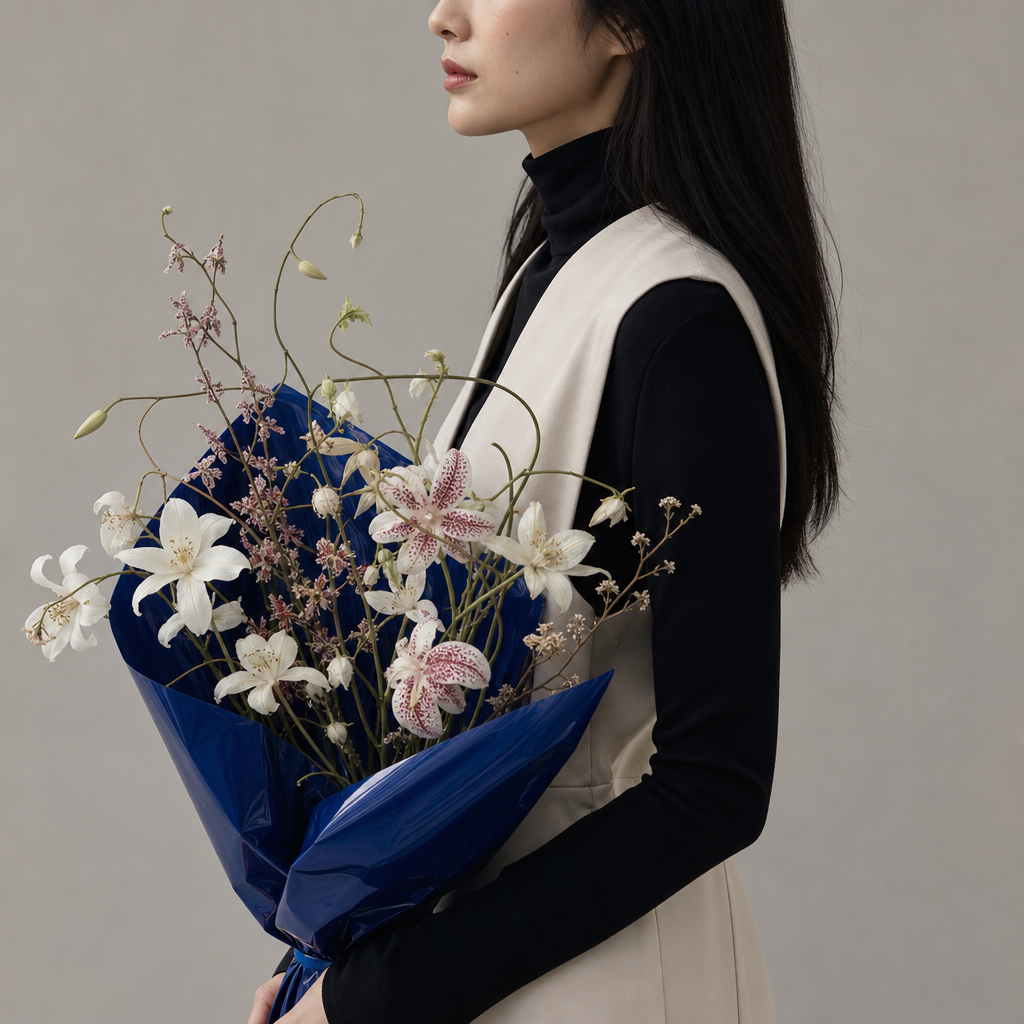
A striking bouquet
- Model
- GPT Image 2
- Image
- 1024 × 1024 px
Prompt
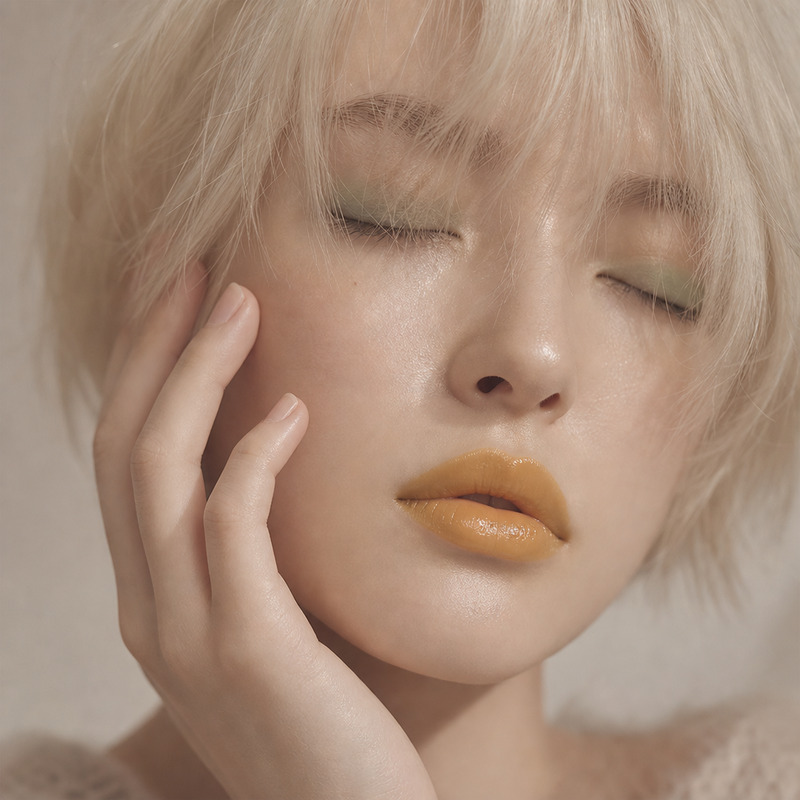
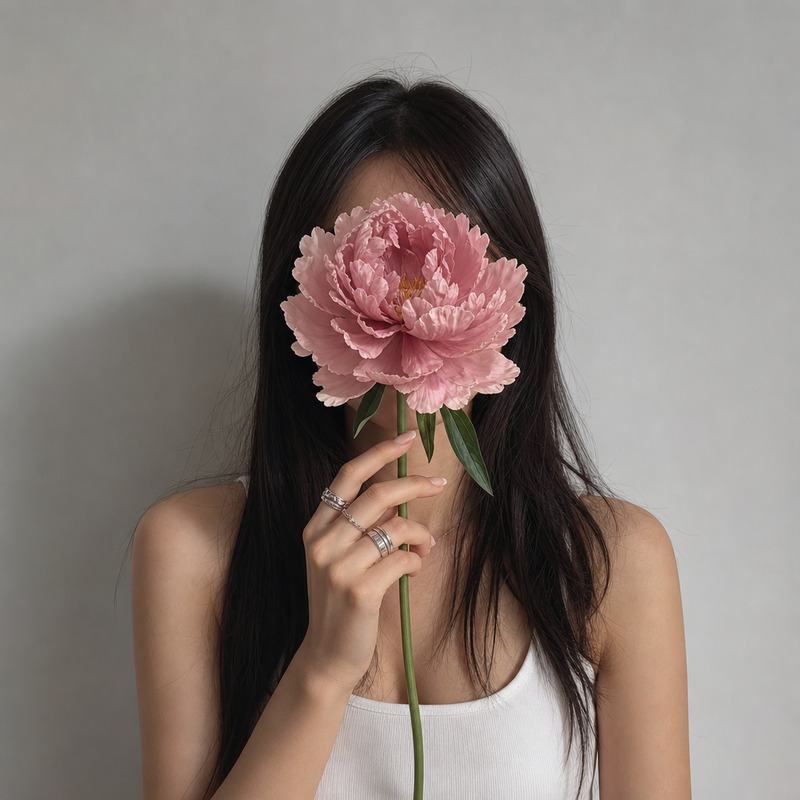
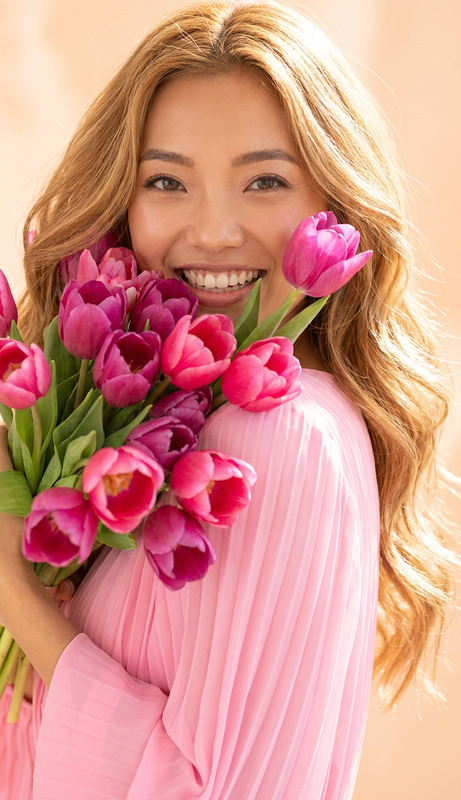
A side-profile medium shot captures a young East Asian woman in her mid-20s holding a striking bouquet wrapped in a vibrant, glossy blue material. The bouquet features a mix of delicate white flowers and speckled pink blooms with long, slender stems and swirling tendrils, arranged artistically. She wears an ivory sleeveless dress over a black turtleneck, with her straight, dark hair cascading over her shoulder. The plain, light gray background enhances the minimalistic and modern aesthetic. The lighting is soft and diffuse, highlighting the textures of the fabric and flowers, with gentle shadows adding depth. The color palette contrasts the vivid blue and soft pastels of the flowers with the stark black and ivory of her attire. The framing focuses on a portion of her face, set against the minimalist backdrop. The overall atmosphere is artistic, contemporary, and serene. HEX VALUES: ["#b4b0ac", "#aca7a0", "#bfbcb8", "#9a9da5", "#103381", "#a59685", "#060608", "#082161", "#8f7a6a", "#dbd5cc", "#efede8", "#141a2a"]
Any aspect ratio
Overview
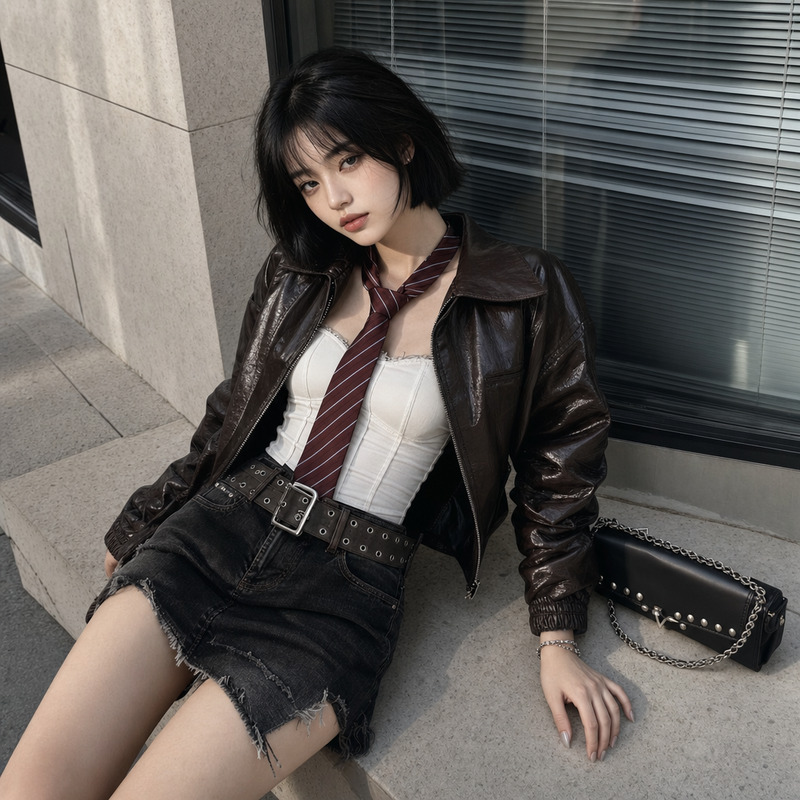
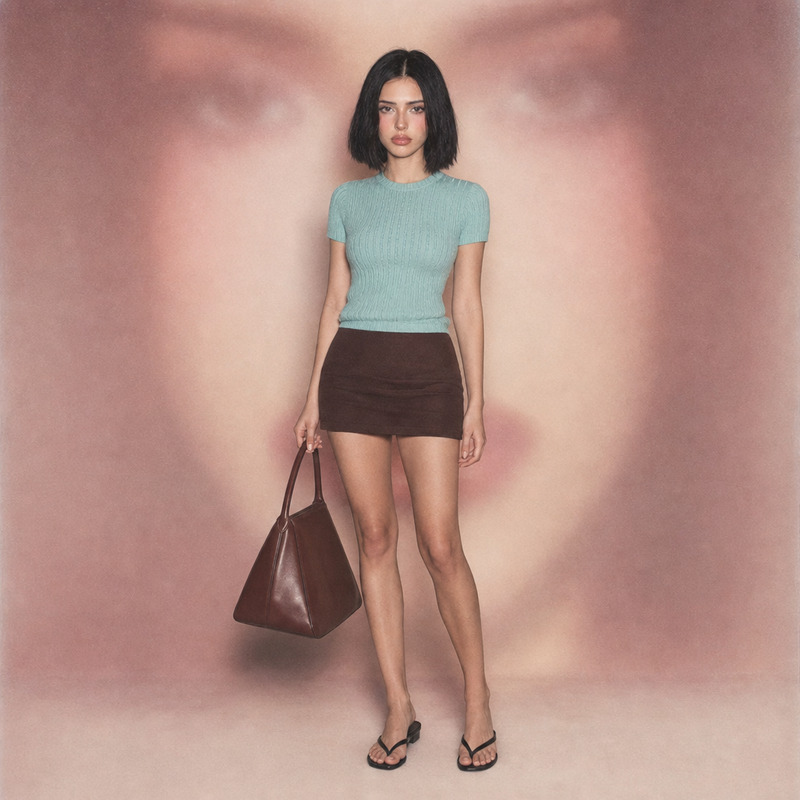
"A Striking Bouquet" is an AI Image Editor template that capitalizes on the precision and creativity of the GPT-Image-2 model. With a detailed prompt describing a serene and contemporary scene, this template is designed for enhancing portraits with artistic floral elements and a minimalist aesthetic.
What It Does
The template enables users to create stunning visual compositions that feature artistic arrangements of flowers held by a subject. It focuses on balancing colors and textures, spotlighting contrasts between the vivid bouquet and the subject's attire. Additionally, it leverages soft and diffuse lighting to enhance the visual texture, creating a blend of contemporary serenity and artistic depth.
Who It's For
This AI Image Editor template is ideal for photographers, digital artists, and content creators seeking to produce visually compelling imagery that highlights modern aesthetic qualities. It's also suitable for those in fashion, editorial design, and marketing who aim to boost visual storytelling through enhanced imagery.
Summary
"A Striking Bouquet" provides an avenue for creators to develop vivid and serene portraits utilizing AI-driven enhancements. With its focus on contrasting hues and a minimalist setting, the template is suitable for diverse applications such as promotional content, art prints, or enhanced portraits. Consider pairing it with the AI Image Generator and AI Image Upscaler to expand creative possibilities even further.
How to Use
Choose Your Template

Customize the Inputs

Generate Your Image

Use Cases
Portrait Enhancement
- Add artistic depth to simple portraits
- Create unique and personalized imagery suitable for display
Fashion Photography
- Highlight clothing and accessories against a minimalist background
- Elevate editorial shoots with artistic coherence
Decorative Art
- Develop art pieces for personal or commercial sale
- Design attractive compositions for interior decor
Best Practices
Color Coordination
Align the bouquet's colors with the overall theme of your project to maintain cohesion and appeal.Lighting Adjustments
Experiment with lighting to highlight textures and create mood, enhancing the artistic feel of the image.Subject Placement
Ensure the subject's pose and facial orientation complement the bouquet and overall composition for balanced visual storytelling.