Studio Portrait With Chibi Doll
- Model
- Nano Banana 2
- Image
- 928 × 1152 px
Prompt
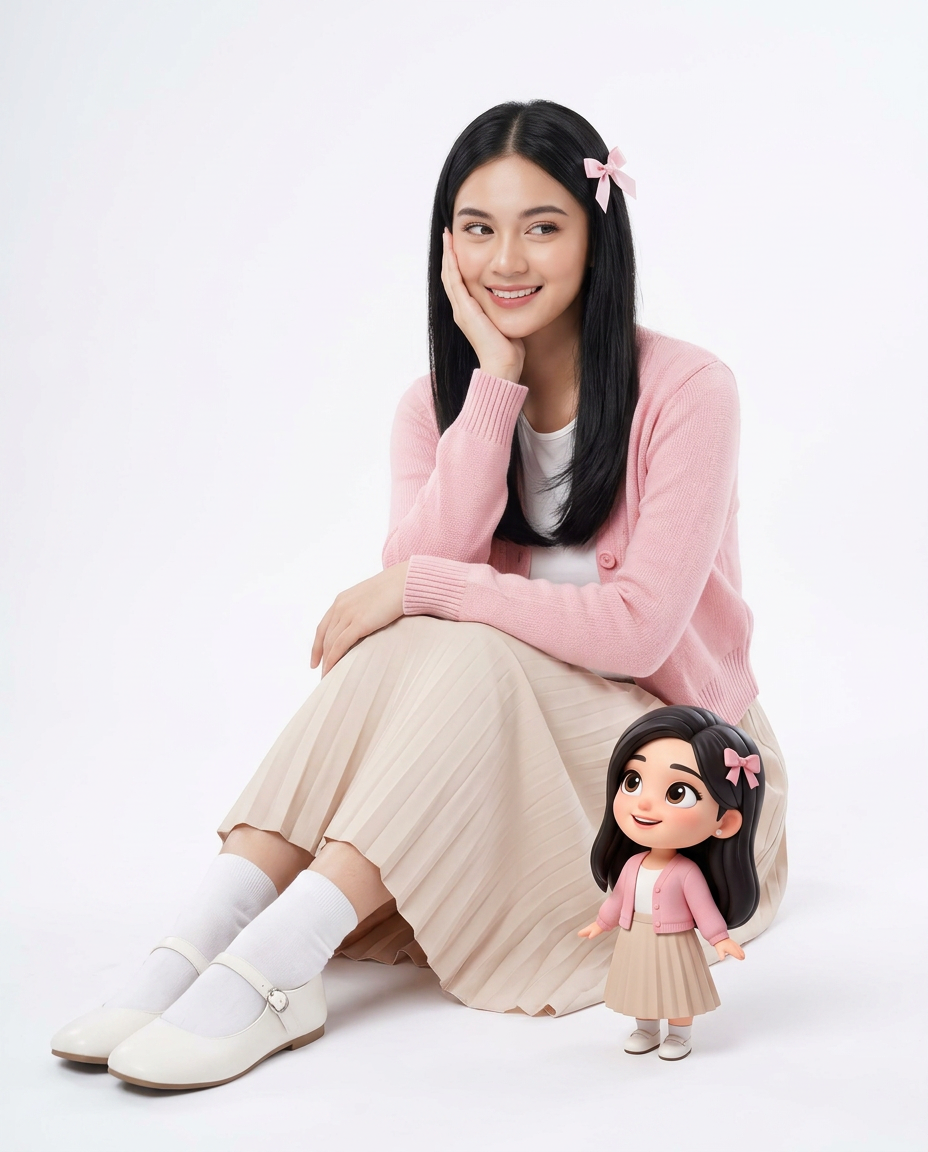
Use the uploaded image only for the female subject’s identity, facial features, hair, and overall likeness. Preserve her apparent age correctly. Do not change her age group, facial maturity, or body proportions. Create a high-quality studio portrait in a vertical 4:5 aspect ratio. Show the subject seated on a clean seamless white studio floor/background in a soft, charming, visually pleasing pose. She is seated with her knee bent upward and her leg extending forward toward the camera, creating a natural foreground perspective. One hand rests gently against her cheek, while the other arm relaxes naturally across the bent knee or lap. Her body is angled slightly to the side, and her gaze is directed softly sideways with a gentle, warm, natural smile. Dress her in a soft pastel pink knitted cardigan, a light beige pleated long skirt, white socks, and white Mary Jane shoes. Add a small pink ribbon bow clipped to one side of her hair. Keep the styling neat, soft, elegant, and feminine. Place a small premium 3D chibi doll version of the same subject beside her near her knee or leg. The doll should clearly resemble the subject’s face, hairstyle, age impression, and outfit colors, wearing the same pink cardigan, beige skirt, white socks, and matching bow. The doll should have a cute polished animated look with large expressive eyes, soft detailed hair, and a cheerful expression. The real subject and the animated doll should look like they are clearly interacting and communicating with each other — as if sharing a sweet moment. Their eye-lines, facial expressions, and body language should feel connected, with the doll looking up at the subject and the subject appearing engaged with the doll in a natural, affectionate, visually clear way. Use soft diffused high-key studio lighting, subtle natural shadows, clean minimal composition, realistic skin texture, crisp fabric texture, detailed hair strands, and a warm, innocent, premium mood. Keep the main subject dominant, the doll proportionally smaller, and the framing close, balanced, and subject-focused with minimal empty space. No text, watermark, or extra props.
Any aspect ratio
Overview
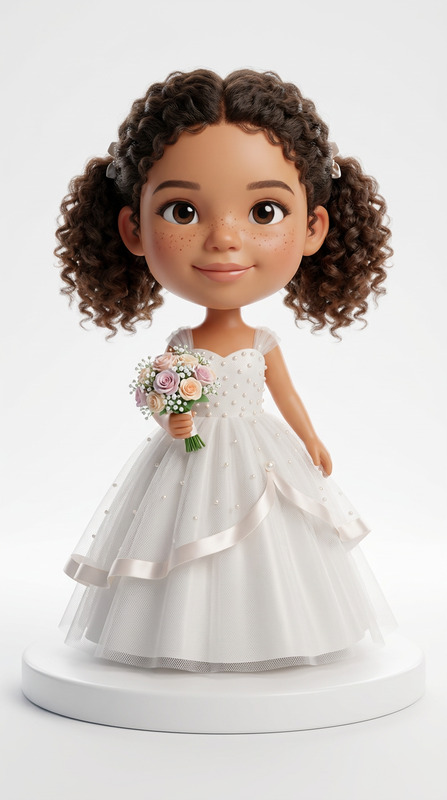
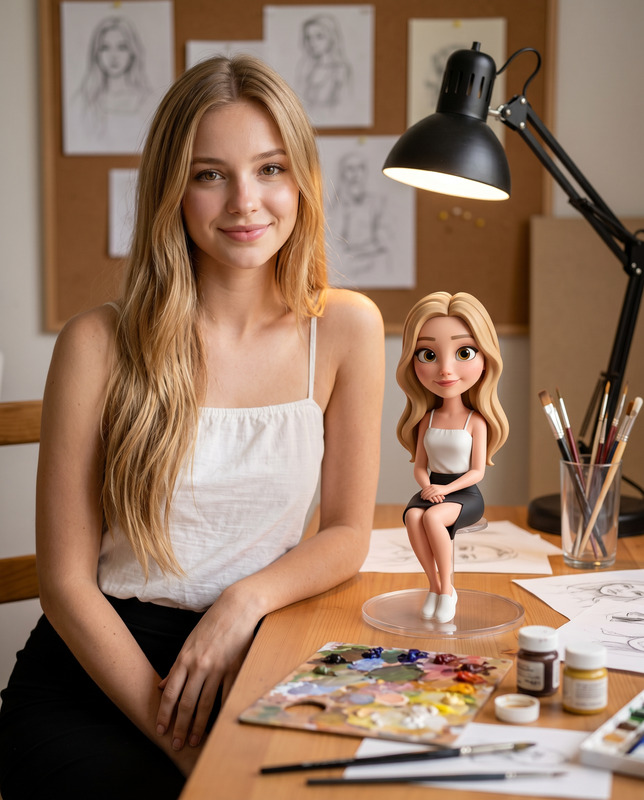
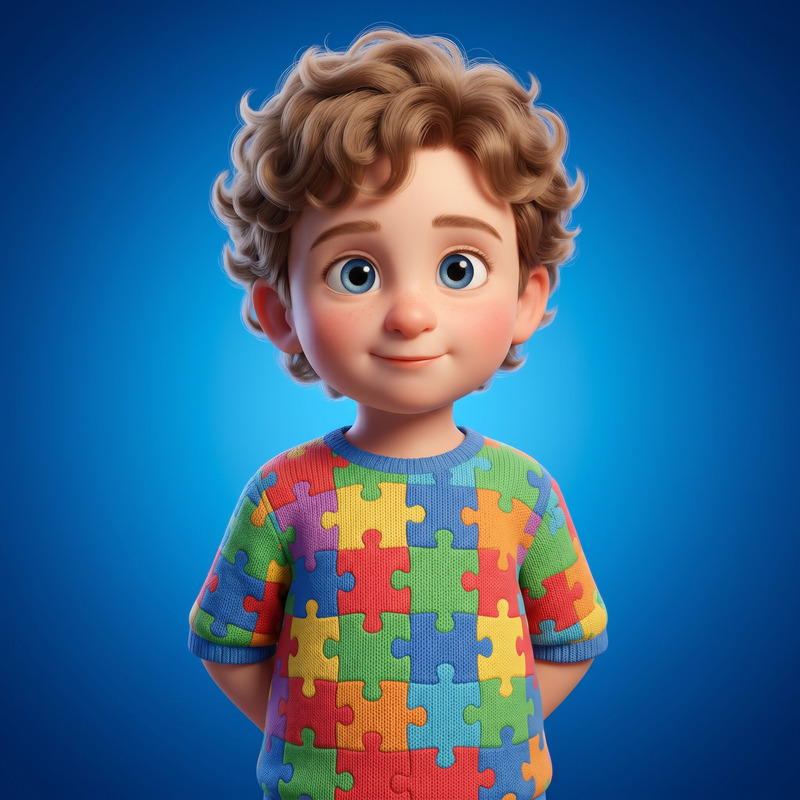
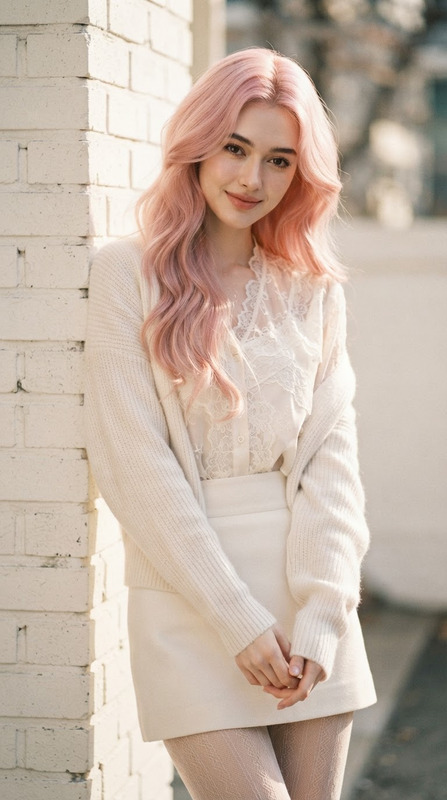
The Studio Portrait With Chibi Doll template allows creators to craft charming, high-quality studio portraits of a female subject seated in an elegant pose, accompanied by a cute chibi doll version of the subject. Ideal for adding a touch of whimsy, the template emphasizes a soft, pastel aesthetic while maintaining realism in the main subject.
What It Does
The AI Image Editor uses the nano-banana-2 model to produce a detailed studio portrait with your uploaded image. It ensures the likeness, age, and proportions of the subject are preserved. This template integrates a 3D animated chibi doll resembling the subject, enhancing the image with a playful, interactive element.
Who It's For
This template is perfect for photographers, illustrators, and digital artists who wish to experiment with blending realism and animation. It's especially beneficial for those working on mood boards or storytelling projects where a unique visual touch can elevate the narrative. Those in branding and character design can also make great use of the consistent representation provided by the chibi doll integration.
Summary
This template excels in delivering a visually engaging portrait that combines reality with animation, ensuring a cohesive and aesthetically pleasing final product. With its professional studio setup, attention to detail, and harmonious design, it supports a wide spectrum of visual storytelling needs. Explore more with our AI Image Editor to expand your creative toolkit.
How to Use
Choose Your Template

Customize Your Scene

Generate and Download

Use Cases
Creative Portrait Photography
- Client commissions
- Personal artistic projects
Branding and Character Design
- Marketing campaigns
- Storytelling mediums
Mood Boards and Concept Art
- Visual storyboards
- Project pitches
Best Practices
Maintain Likeness
Ensure the uploaded image clearly shows the subject’s features to maintain accurate likeness and details.Lighting Considerations
Use soft diffused lighting to enhance the warmth and charm of the scene, helping the elements to blend seamlessly.Engage with Composition
Position the chibi doll effectively within the space to create an engaging interaction between the subject and the doll.