Mini Me Chibi
- Model
- Nano Banana 2
- Image
- 1856 × 2304 px
Prompt
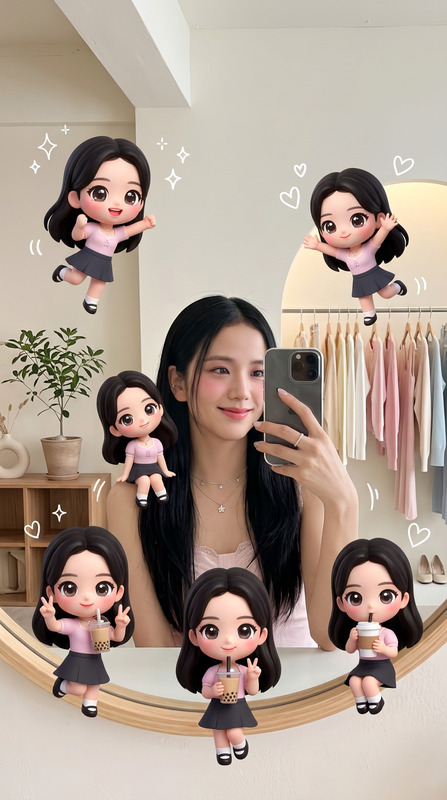
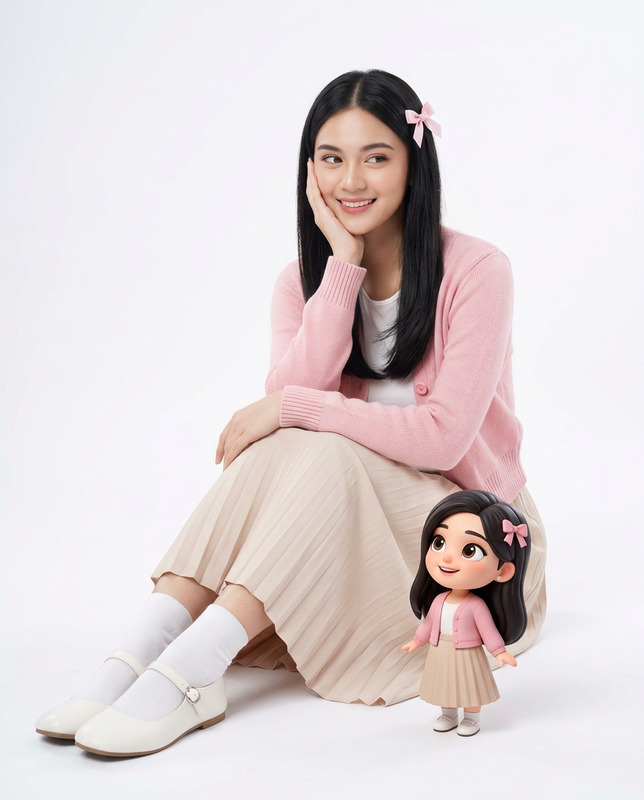
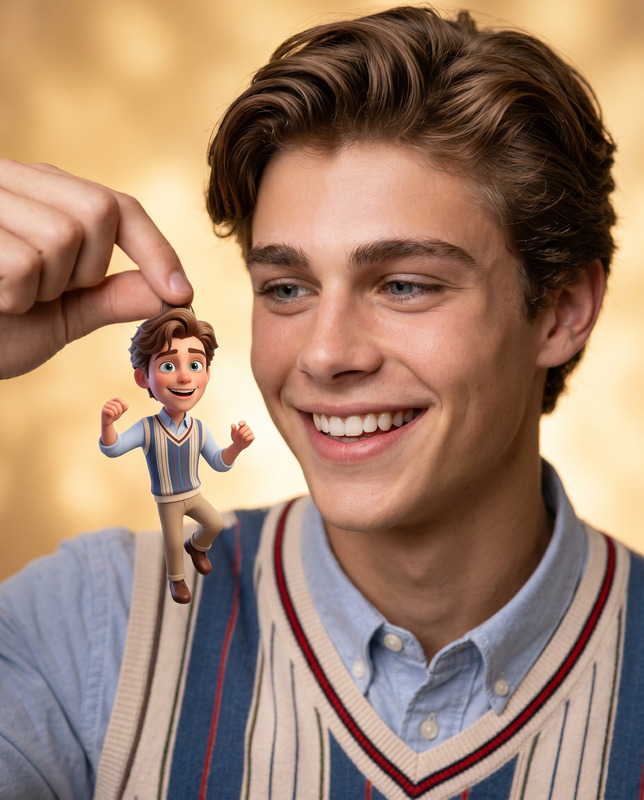
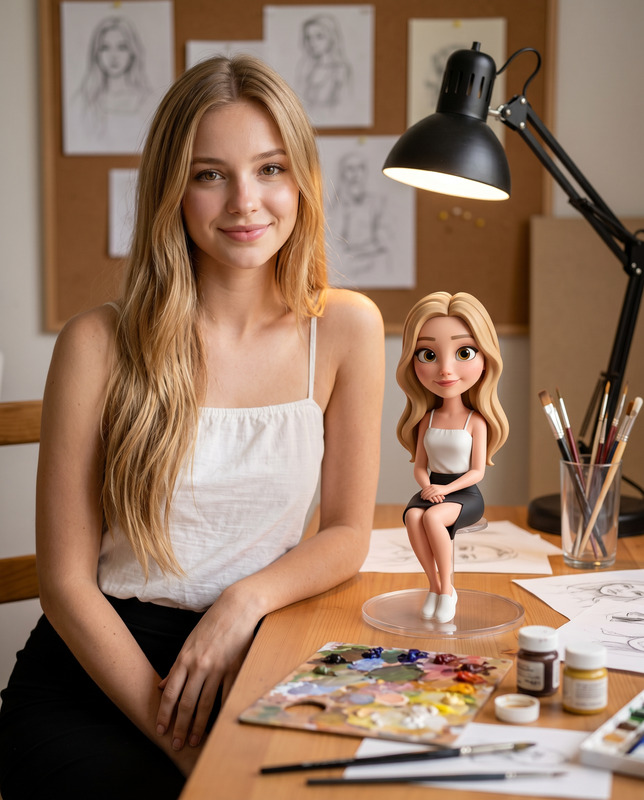
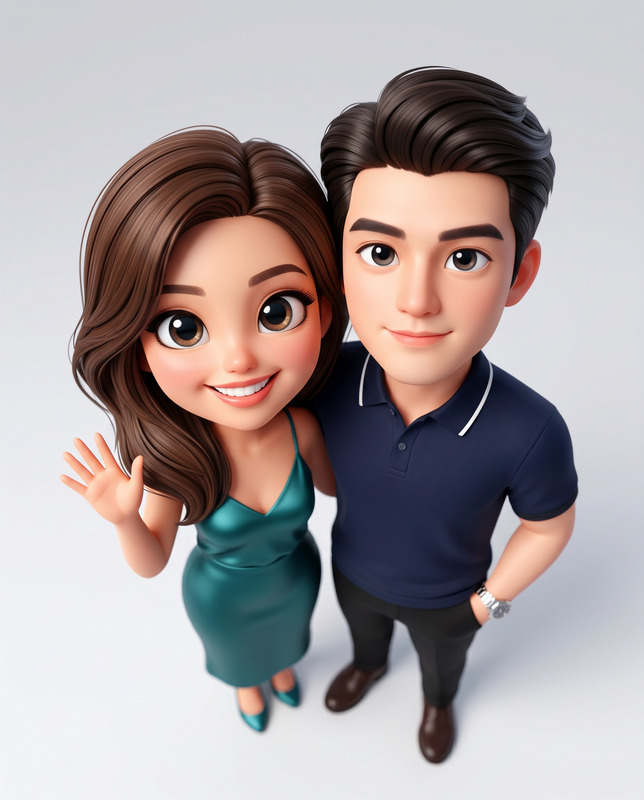
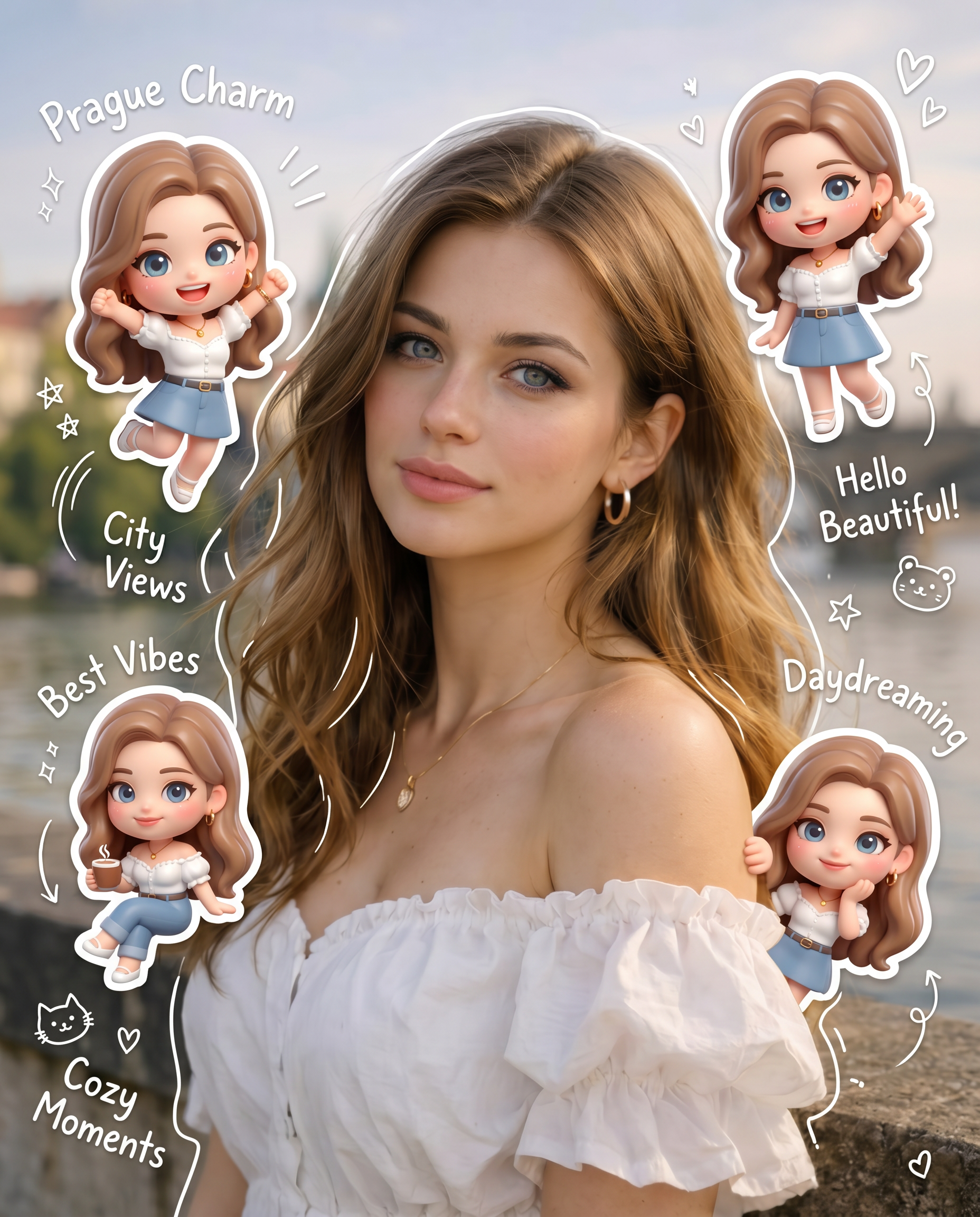
Use the provided reference photo as the model, keeping the original facial features fully intact and recognizable.aspect ratio 4:5 The background should match the reference exactly, with warm, soft, and clean lighting and subtle shadows to enhance depth and create a cozy, aesthetic atmosphere. Around the main figure, add multiple mini 3D chibi versions of the same character in playful poses and expressions, such as jumping cheerfully, waving, sitting relaxed, holding a drink, and other lively, cute gestures. Maintain consistent facial features between the main figure and all chibis. Incorporate hand-drawn white doodle elements: thin outlines around the main figure, stars, hearts, sparkles, motion lines, and small cute icons. Add aesthetic handwritten words in a casual doodle font that are contextual to the photo’s mood and environment—for example, beach photos might include “sunny vibes,” “good waves,” urban scenes might include “city energy,” “fresh ride,” or autumn forest scenes might include “cozy,” “fall feels.” Words should feel natural, playful, and adapt to each unique photo rather than repeating the same set everywhere. Ensure the overall composition is clean, Instagram-ready, and visually balanced, with soft pastel color tones and a cohesive, charming style. Chibis should have a high-detail 3D glossy look, inspired by cute Korean style, appearing tactile and playful. Use white sticker outlines around doodles and chibis to make them pop gently against the background. The main figure should remain the focal point, with chibis and doodles enhancing the composition without cluttering it.
Any aspect ratio
Overview
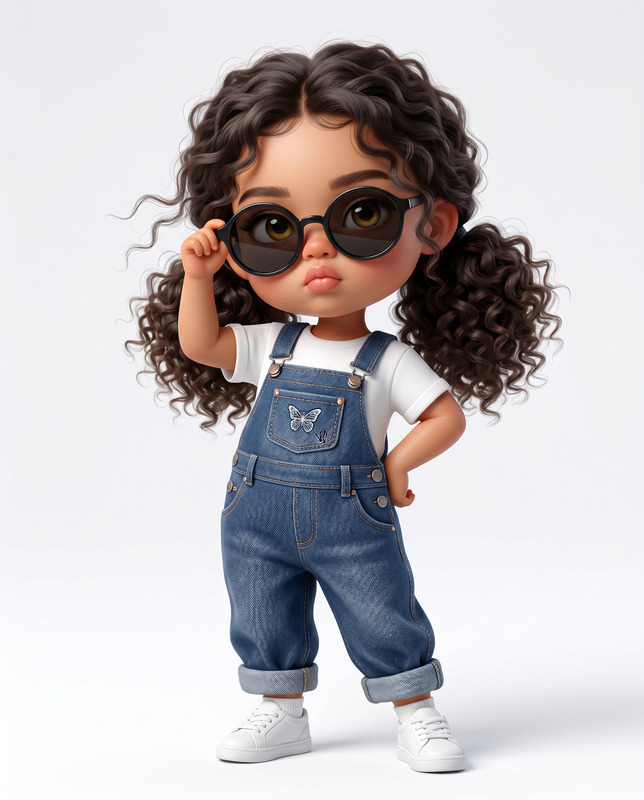
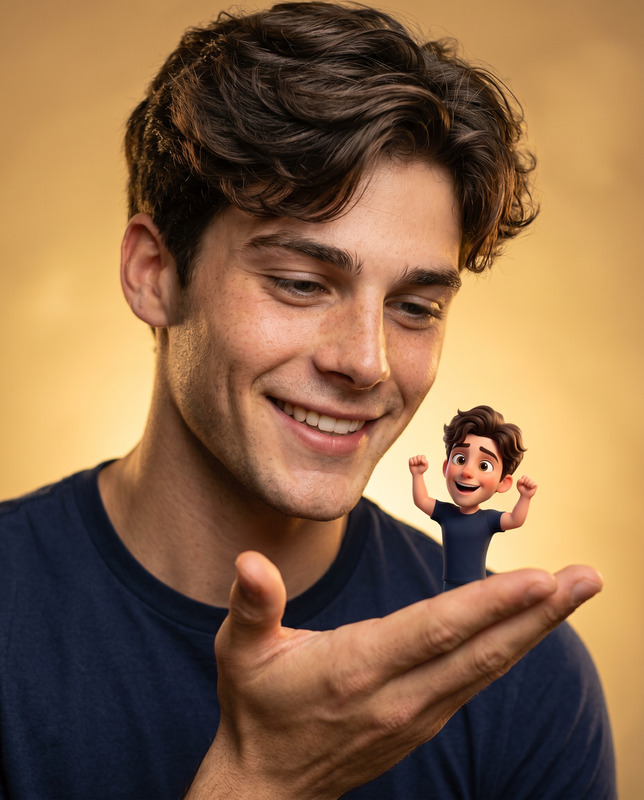
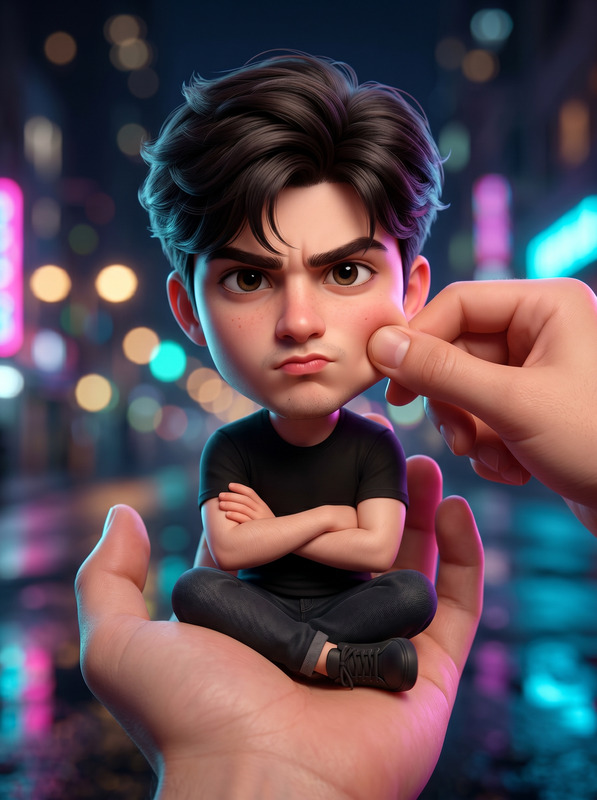
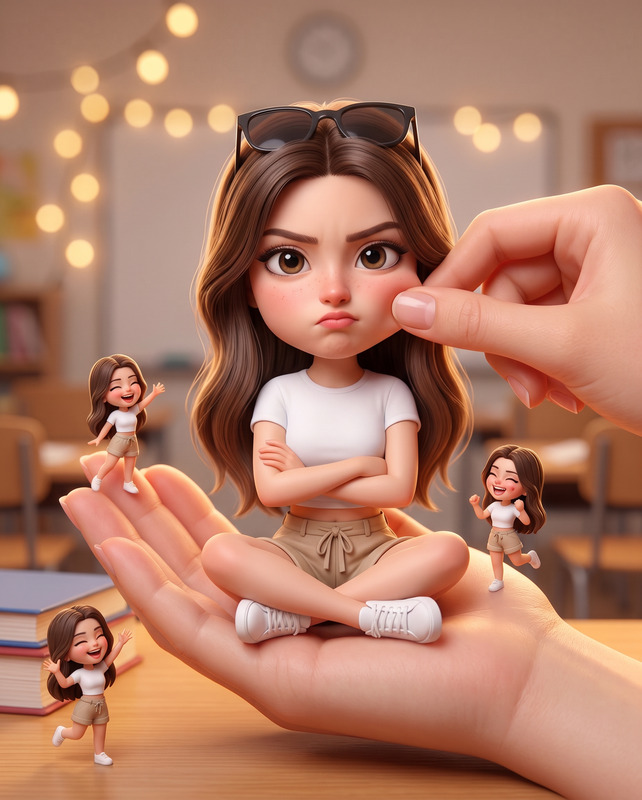
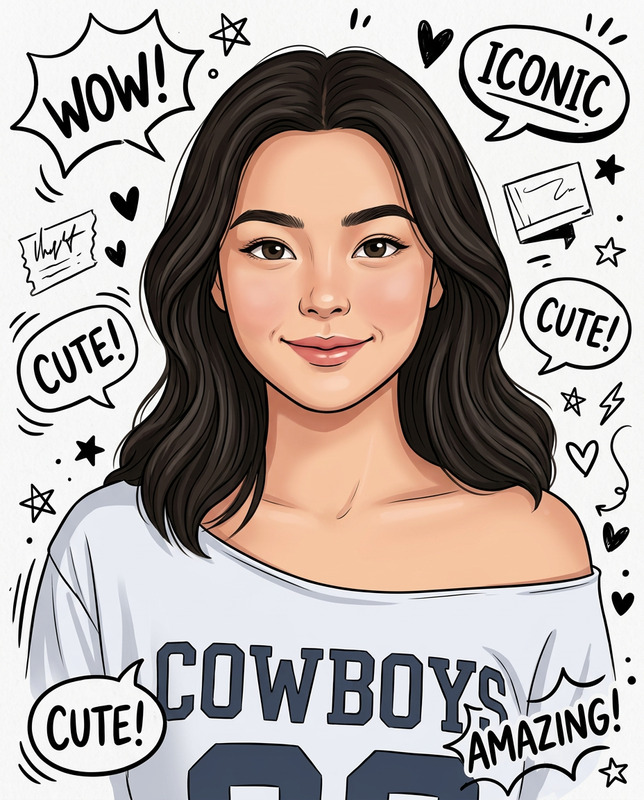
The Mini Me Chibi template, powered by the nano-banana-2 model, offers a delightful AI Image Editor experience that transforms any standard photo into a whimsical scene. This template expertly integrates 3D chibi characters and doodle elements while preserving the core features of the original image, making it ideal for fun and creative compositions.
What It Does
This AI Image Editor template is designed to craft visually engaging scenes with a perfect blend of the real and the playful. The template retains the main figure's facial features, enhancing it with 3D chibi versions in various playful poses. Additional doodle elements like stars, hearts, and motion lines, combined with context-sensitive words, add depth and thematic consistency to the image. The final outcome is suitable for social media posts, especially on platforms like Instagram.
Who It's For
Mini Me Chibi is perfect for creatives, content creators, and social media enthusiasts looking to add a playful touch to their images. It's also a great tool for influencers and marketers in need of eye-catching visuals for social media ads. Additionally, it is suited for graphic designers who enjoy mixing light-hearted art styles with personalized photography.
Summary
Utilize the Mini Me Chibi template to transform pictures into unique, adorable compositions. Its integration with the AI Image Editor ensures precise edits that maintain photo integrity while incorporating stylish chibi elements and charming doodles. The result is a cohesive and captivating image meant to delight viewers across various platforms.
How To
Choose Your Template

Customize Your Image

Generate Your Image

Use Cases
Social Media Enhancements
- Instagram-ready visuals
- Engaging Facebook posts
Personalized Gifts
- Custom photo albums
- Creative greeting cards
Marketing Materials
- Colorful flyers
- Unique ad creatives
Best Practices
Maintain Image Balance
Ensure the chibi characters and doodles enhance the photo without overwhelming the main subject.Be Contextual
Select doodle elements and handwritten words that truly resonate with the image theme, like using 'beach vibes' for coastal scenes.Utilize Pastel Tones
Stick to soft pastel shades for chibis and doodles to maintain the aesthetic harmony of the final image.