Pixar Doll
- Model
- Nano Banana Pro
- Image
- 768 × 1376 px
Prompt
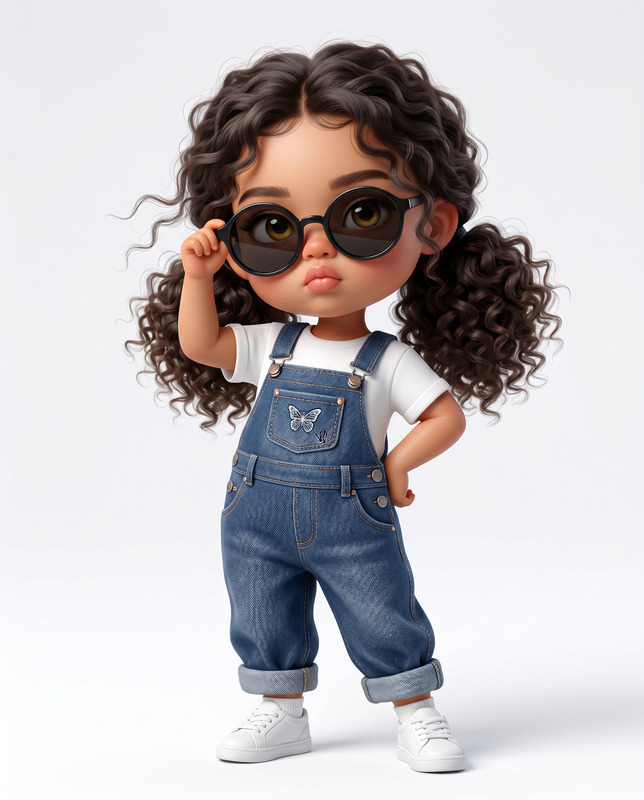
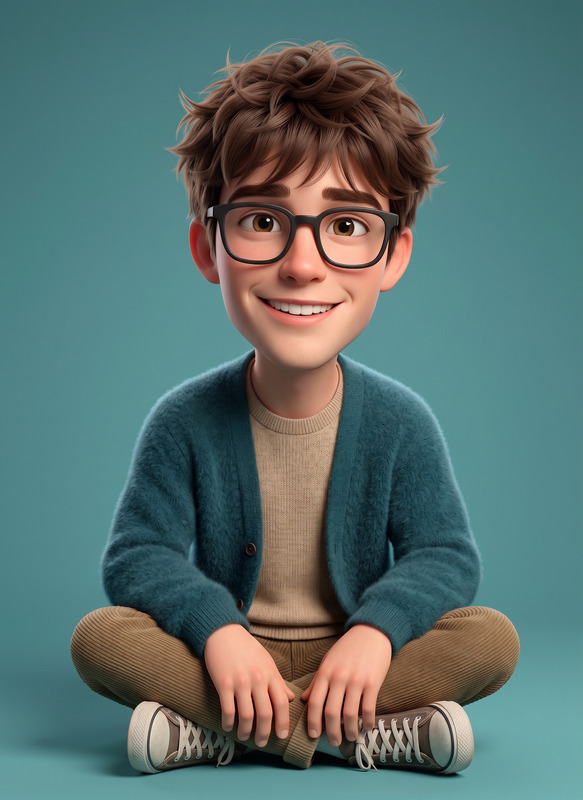
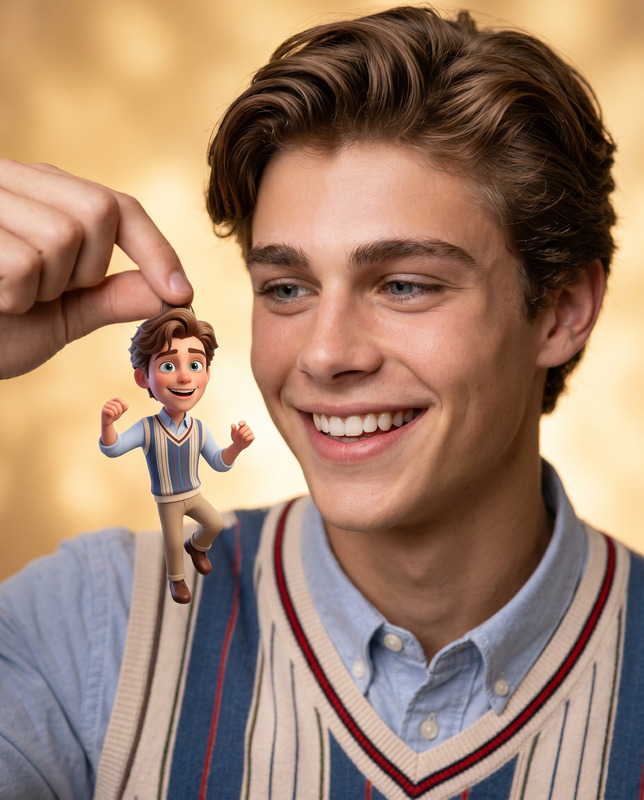
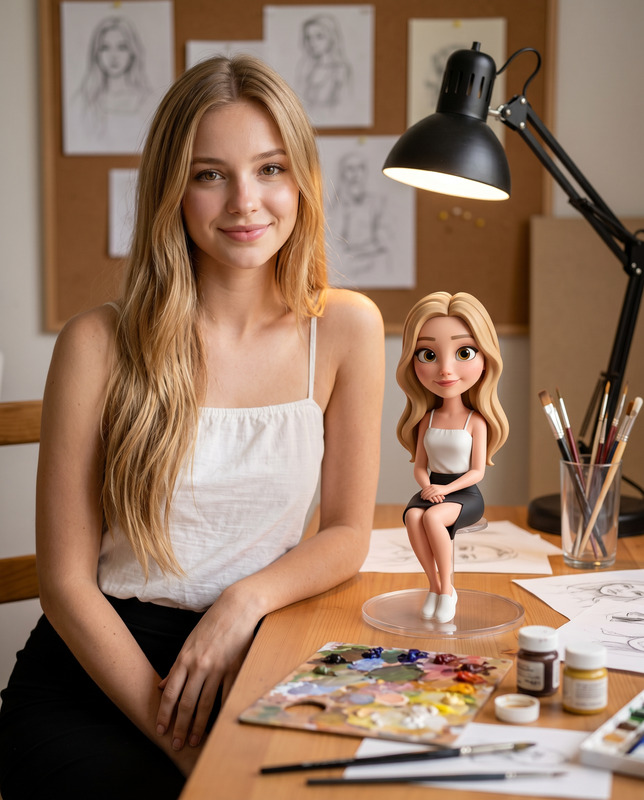
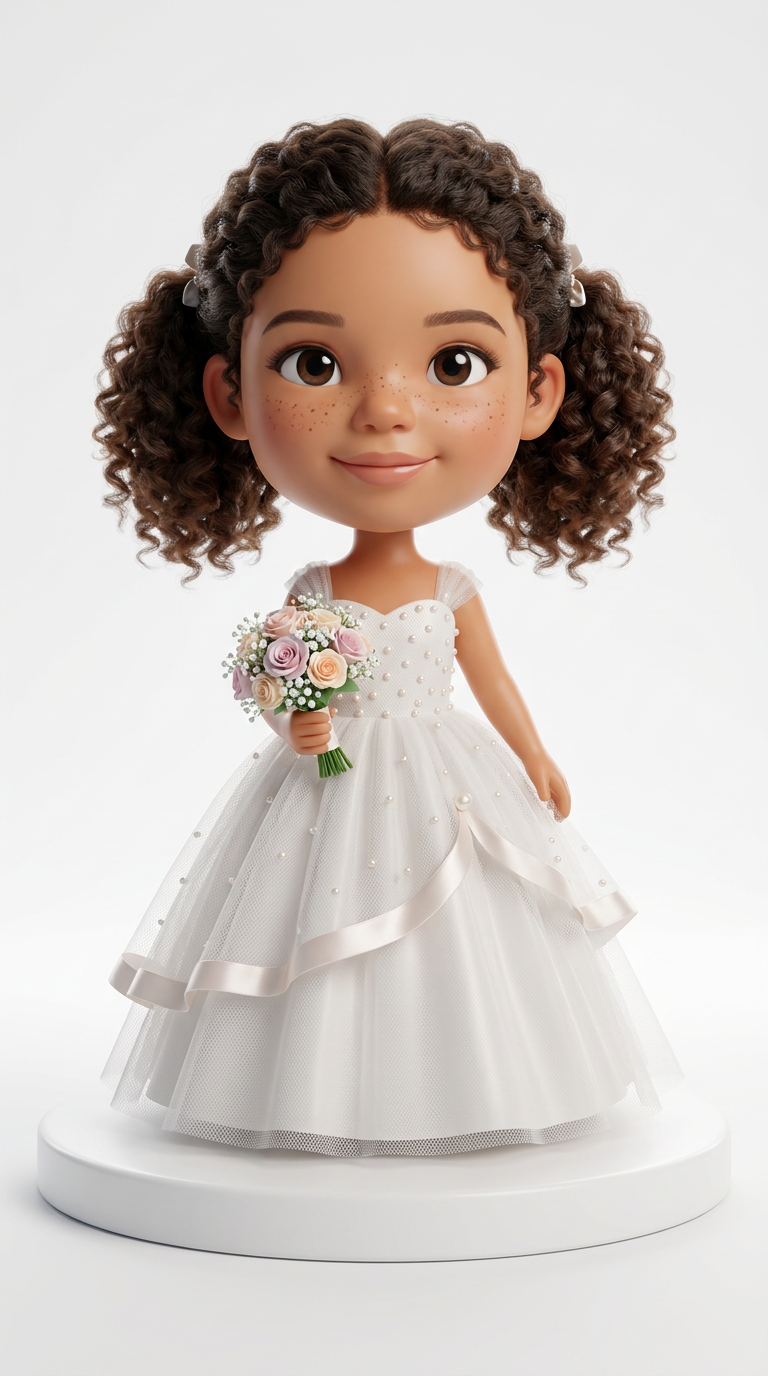
Use the attached girl photo as the exact facial reference. Preserve her real facial features precisely with no changes to her eyes, nose, smile, skin tone, face shape, hairstyle, or expression. Create a cute stylized 3D bobblehead/chibi figure in the exact same style as the reference boy image. She is wearing an elegant white wedding dress with layered tulle, tiny pearl embroidery, and soft satin details, holding a pastel flower bouquet in one hand. Keep her natural curly dark hair exactly as in the original photo. Big head small body collectible figurine proportions, luxury toy aesthetic, cinematic studio lighting, soft shadows, ultra detailed realistic face, glossy premium render, standing on a clean white round platform, minimal white background, Disney-Pixar inspired, highly detailed, full body centered composition, vertical 9:16 ratio. Most important: keep the girl’s face identical to the uploaded image with maximum likeness preservation.
Any aspect ratio
Overview
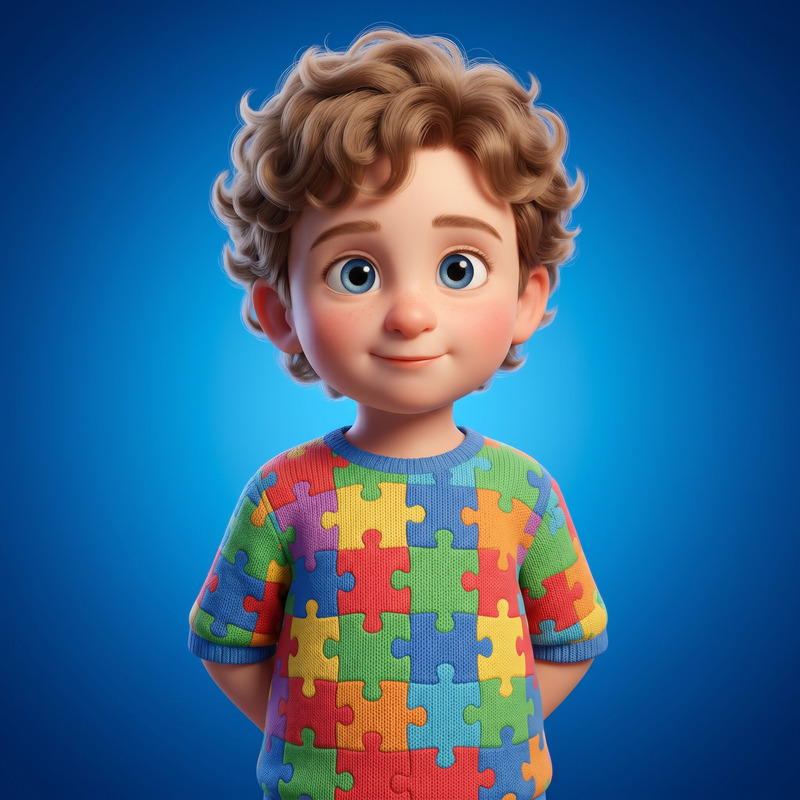
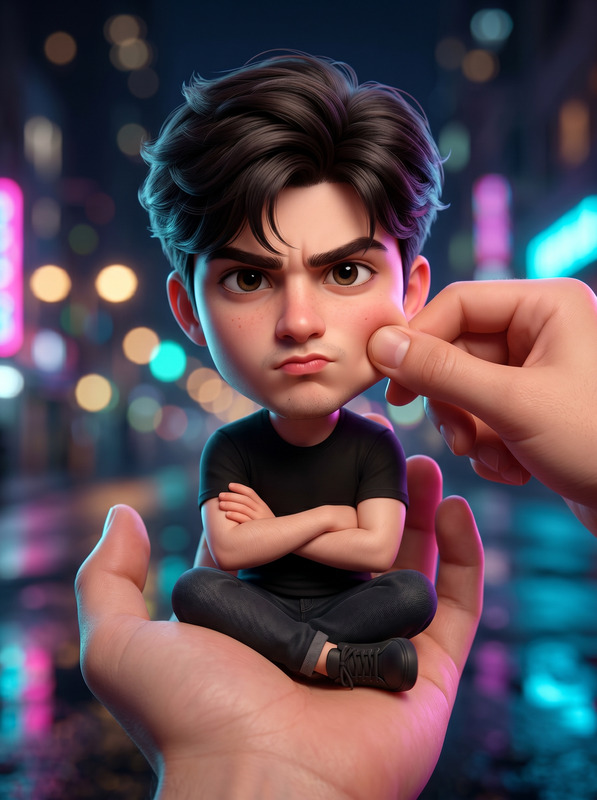
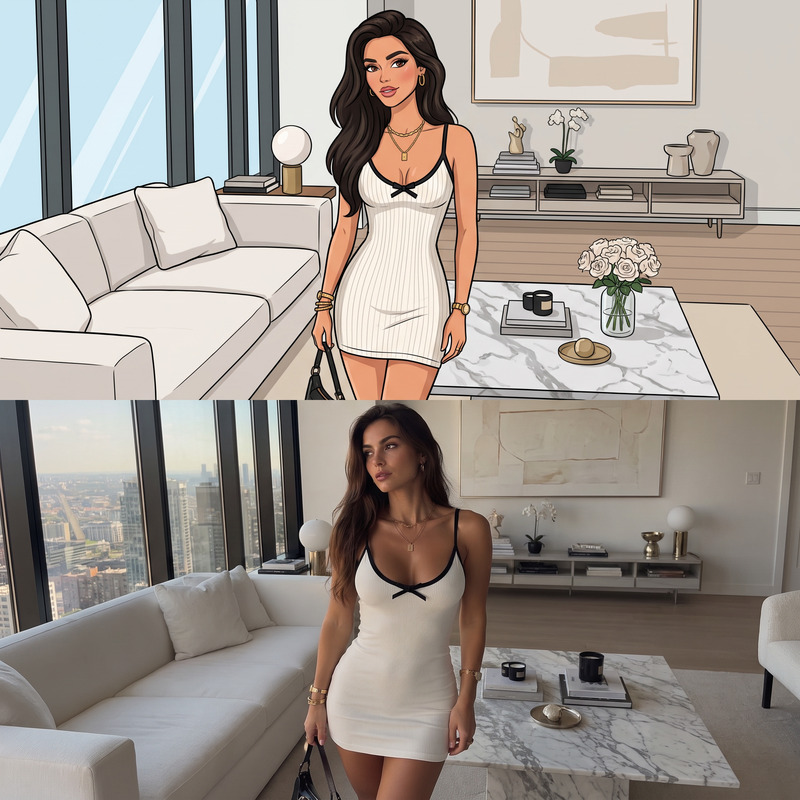
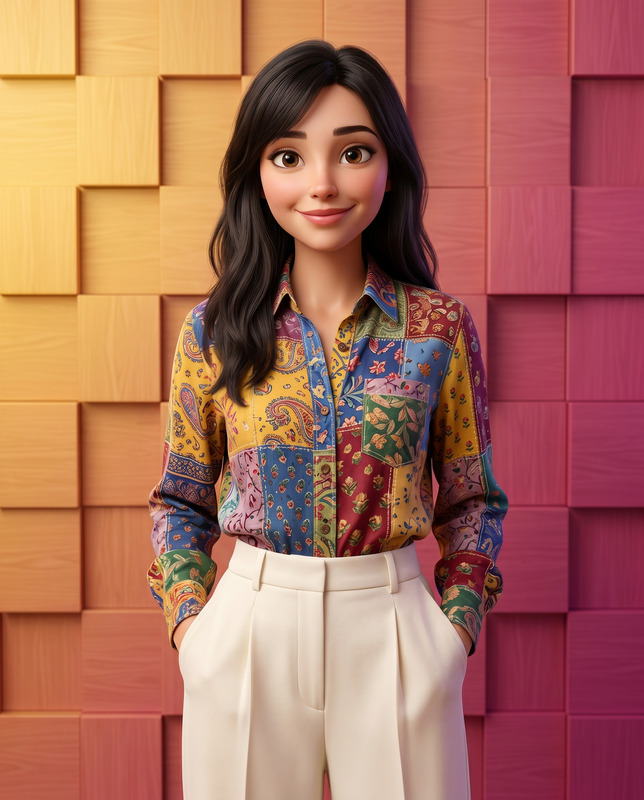
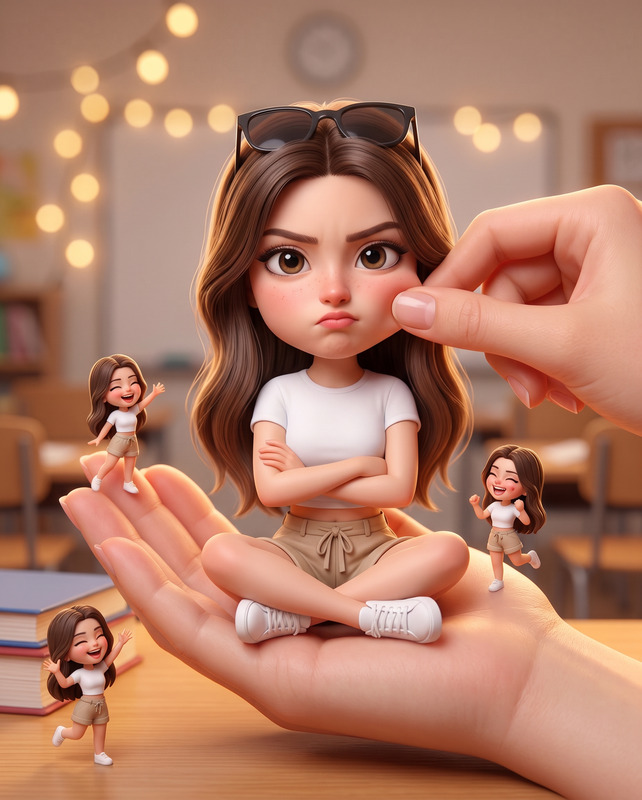
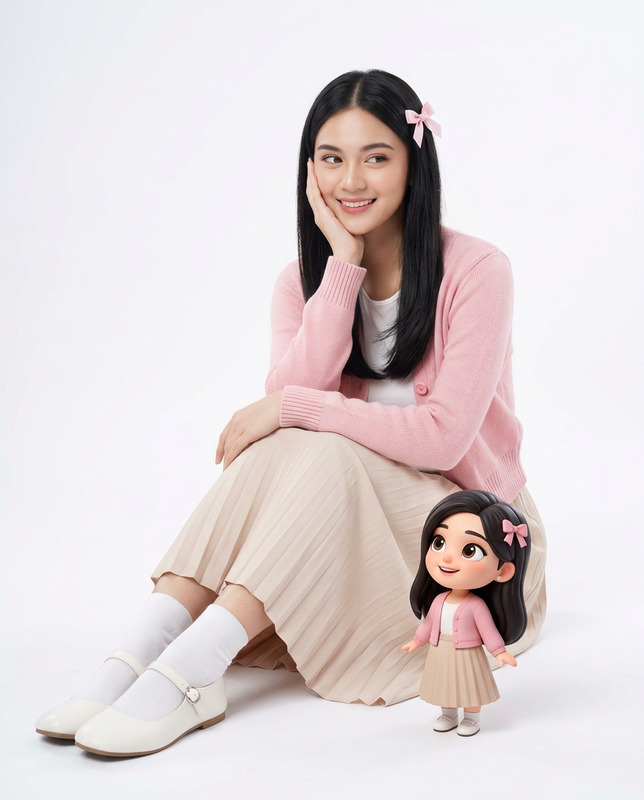
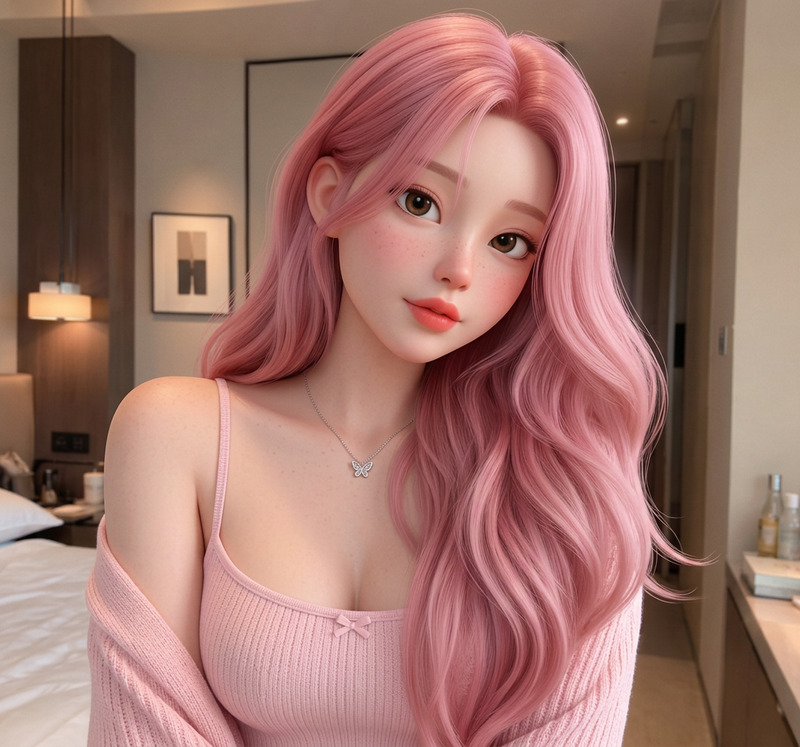
The Pixar Doll template allows you to transform your images into hyper-realistic Pixar-inspired 3D models. Perfect for anyone interested in generating high-quality collectible figurine visuals with intricate detail and Disney-Pixar charm.
What It Does
This AI Image Editor template uses the nano-banana-pro model to create detailed, stylized 3D renditions of your images. By preserving facial likeness with maximum accuracy, it renders figures with a luxury toy aesthetic, complete with cinematic lighting and ultra-realistic features.
Who It's For
Ideal for digital artists, content creators, and Pixar enthusiasts, this tool enhances creativity by delivering studio-quality 3D visuals. Whether you're crafting for personal projects or commercial ventures, professionals in the collectible figurine and animation industries will find this invaluable.
Summary
Overall, the Pixar Doll template is a powerful tool in the AI Image Generator suite, allowing precise transformation of realistic facial details into captivating 3D models. It's ideal for creating luxury toy visuals with a unique, stylish twist.
How to Use the Pixar Doll Template
Choose Your Template

Customize Your Input

Generate the Image

Use Cases
Creating Collectible Figurines
- Perfect for showcasing new toy lines
- Great for client presentations and pitches
Animation Projects
- Enhance short films with unique characters
- Ideal for educational animations
Digital Marketing
- Boost engagement on social media
- Use in product launch campaigns
Best Practices
High-Quality Photos
For best results, upload high-resolution photos to capture intricate details accurately.Consistent Lighting
Ensure the original photo has good lighting to maintain consistency with the Pixar-inspired aesthetic.Facial Feature Focus
Pay attention to preserving facial features to ensure the rendered model is as accurate as possible.