Mermaid
ai-image-editor
Any aspect ratio
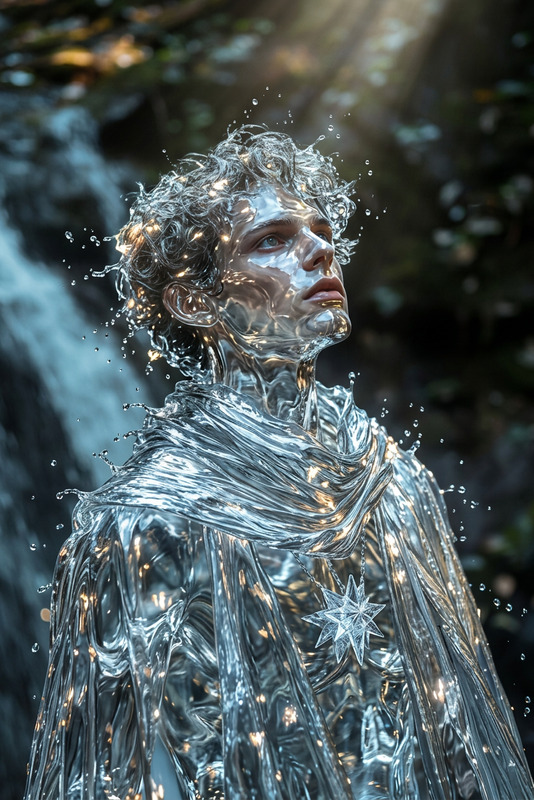
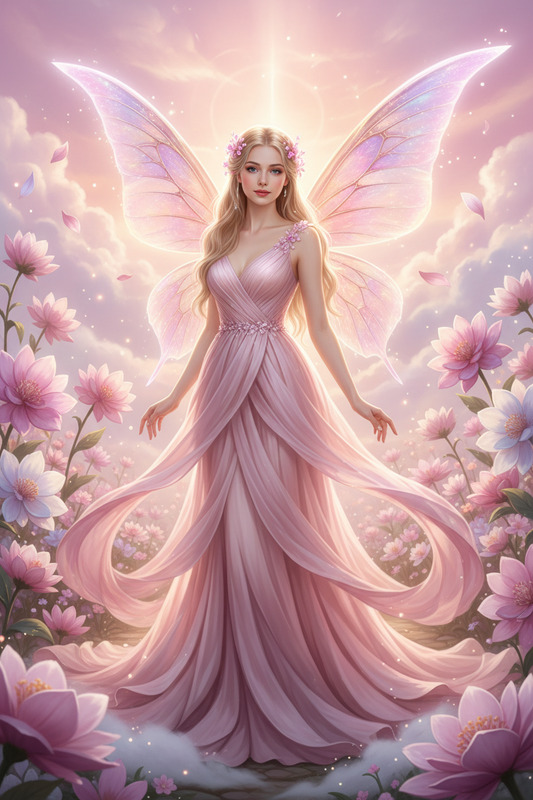
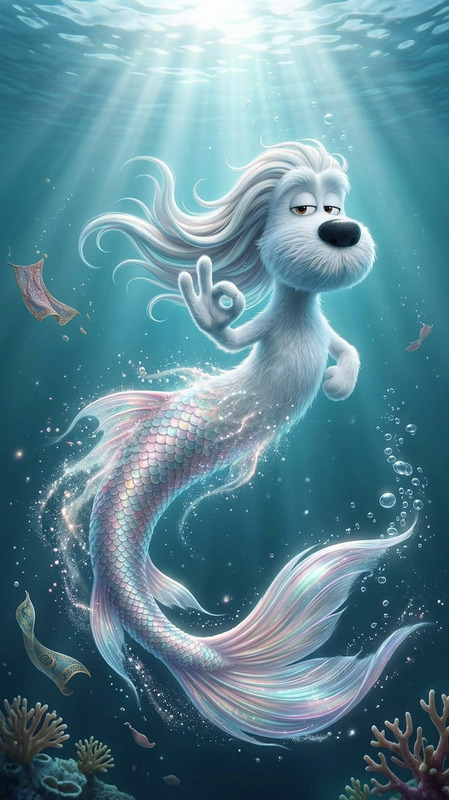
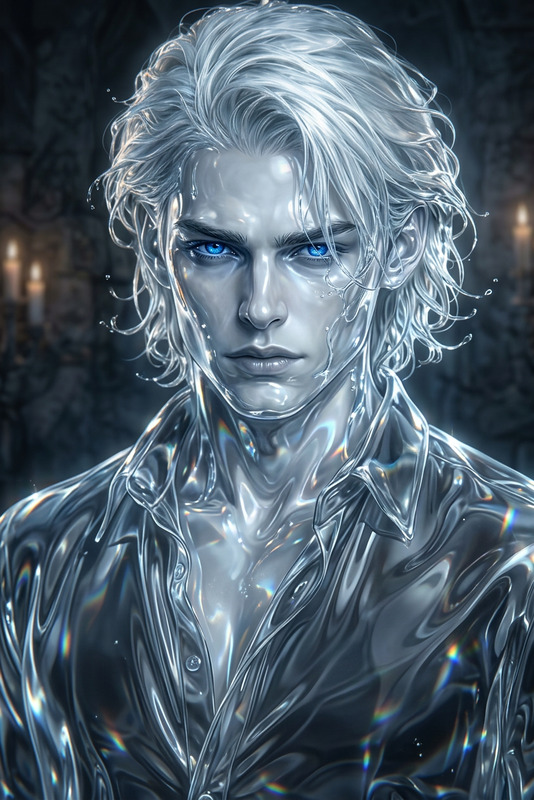
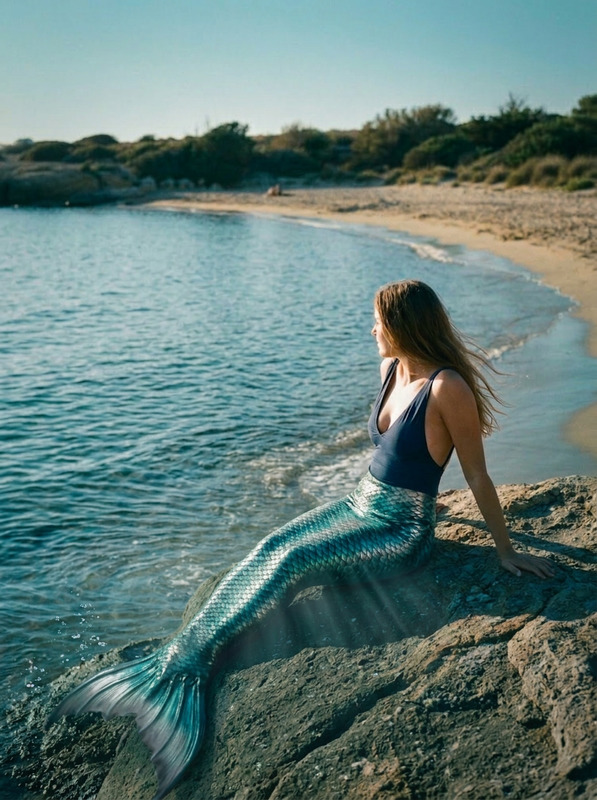
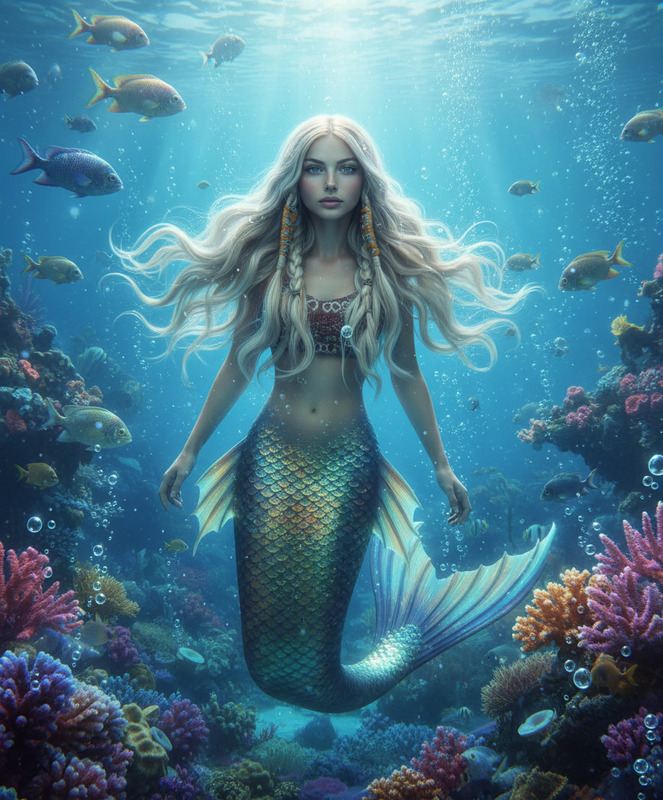
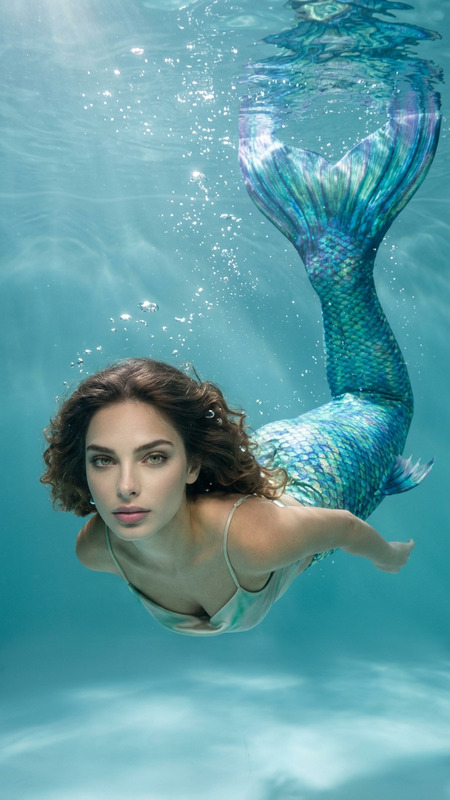
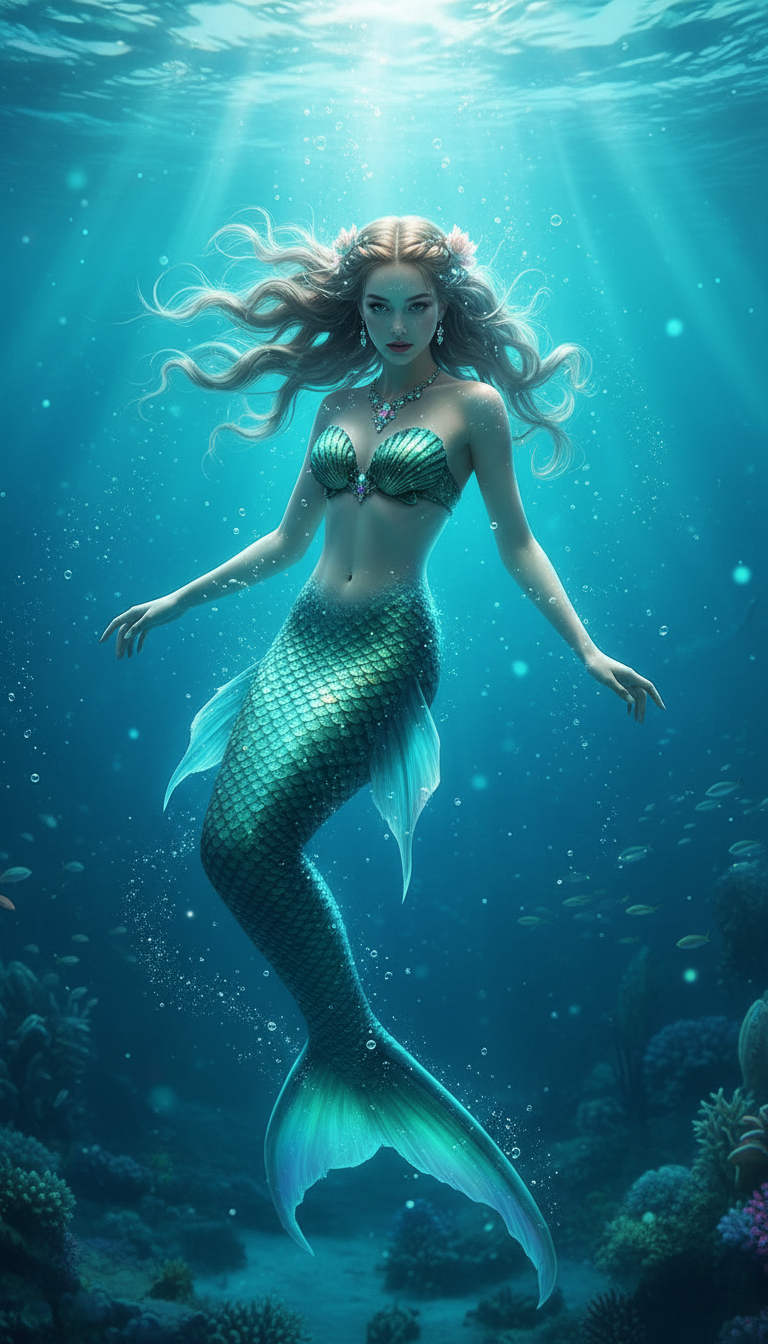
A subject gracefully transforms into a mermaid beneath the ocean, hair flowing weightlessly. They wear a shimmering green seashell top and an iridescent glowing scale tail. Soft sunlight rays pierce through the water, illuminating bubbles and floating particles. Vibrant turquoise ocean, dreamy magical atmosphere, elegant pose, gentle motion, cinematic lighting, soft focus, ultra-detailed, fantasy realism, 4K
Tags
transformationspopularAI Image Editor Template: Turn Any Image Into High-Impact Creative in Minutes
Use this template to quickly transform, fix, or restyle any image with the AI Image Editor. It’s built for busy creators, marketers, founders, and product teams who need production-quality visuals without opening Photoshop or briefing a designer.
This page explains what the template does, when to use it, and how to remix it into your own reusable workflows inside Magic Hour.
What You Can Do With This Template
This AI Image Editor–based template is optimized for:
Background cleanup & replacement
- Remove cluttered or distracting backgrounds
- Replace with clean studio backgrounds, brand colors, or environments
- Ideal for product photos, profile images, thumbnails, and ads
- Related tool: Image Background Remover
Object removal & content cleanup
- Erase logos, watermarks, people in the background, or unwanted objects
- Clean up screenshots, social posts, mockups, and landing page visuals
- Related tools: AI Remover, Remove Object From Photo, Watermark Remover
Face & portrait enhancement
- Subtle retouching, lighting fixes, and corrections
- Change facial expressions, makeup, or mild style updates
- Use alongside: AI Face Editor, AI Headshot Generator, AI Selfie Generator
Branding & creative variations
- Generate multiple on-brand variants of a single asset
- Swap colors, add props, or change environments to match campaigns
- Combine with: AI Art Generator, AI Logo Generator, Thumbnail Maker, Album Cover Generator, Book Cover Generator
Repurposing existing assets
- Turn a single image into multiple formats and styles for different channels
- Extend into motion using Image to Video or AI GIF Generator
- Add talking effects or voice with AI Talking Photo, AI Voice Generator, or AI Voice Cloner
How to Use This Template in Magic Hour
You don’t need to be a designer. This template is structured so you can:
Start from the template
- Open this AI Image Editor template from the Magic Hour template gallery.
- Upload your base image (product shot, selfie, banner, concept art, etc.).
Describe the edit you want
- Use natural language: for example,
- “Remove the person in the background and replace the background with a clean white studio.”
- “Turn this office photo into a cyberpunk-style scene with neon lighting.”
- “Make this product photo look like a polished e‑commerce listing.”
- The template is tuned to respond well to concise, goal-oriented prompts.
- Use natural language: for example,
Preview and refine
- If the first result isn’t perfect, adjust your description to be more explicit about:
- What should stay exactly the same
- What can change (background, colors, style, mood)
- Re-run until the output matches your use case.
- If the first result isn’t perfect, adjust your description to be more explicit about:
Export and repurpose
- Download your final image for landing pages, paid ads, product launches, social content, or internal decks.
- For video or animation, feed your edited image into:
- Image to Video to add motion
- Text to Video if you want to script a full sequence
- AI GIF Generator for looped animations
How to Remix This Template for Your Own Workflow
One of the most powerful aspects of Magic Hour is the ability to remix templates. You can use this AI Image Editor template as a base and adapt it for your own brand or product.
Here are practical remix patterns:
1. Brand-Specific Product Shot Template
Use this template to standardize all your product imagery.
- Upload a representative product photo
- Edit once to match your brand: lighting, background, angle, overall mood
- Save your edited prompt as your “house style”
- Remix ideas:
- “Create a consistent white background with soft shadows for e‑commerce.”
- “Place each product on a wooden desk with a blurred office background.”
- “Generate seasonal variants (holiday, summer, back-to-school).”
For more product-focused imagery, you can pair with:
- AI Background Generator for custom scenes
- AI Outfit Generator or AI Fashion Generator for apparel and fashion products
2. Creator / Influencer Visual System
If you’re a creator or marketer, turn this into a visual system for your personal brand.
- Start from a portrait or headshot
- Use the AI Image Editor to define a consistent aesthetic: colors, framing, style
- Save the prompt as your “channel identity” and reuse it across new images
Then extend with related tools:
- Avatar Generator for profile icons
- AI Meme Generator for content hooks
- AI Talking Photo + Auto Subtitle Generator to quickly produce short-form video
3. Concept Art & Character Workflows
For game studios, authors, or world-builders, this template is a fast way to refine concept art.
- Upload sketches or rough compositions
- Use AI Image Editor to clean lines, apply style, or change environments
- Iterate quickly across multiple directions
You can chain this with:
- AI Character Generator
- Animated Characters Generator
- AI Anime Generator or Manga Generator
- Fantasy Map Generator or DND AI Art Generator for world assets
Connect This Template With Other Magic Hour Templates
To build more advanced pipelines, combine this AI Image Editor template with other Magic Hour template-based flows:
Face Swap Video
- Start with a clean portrait from AI Image Editor
- Feed into the Face Swap Video template to map that face onto existing footage
- Supports creators doing UGC variations, personalized ads, or quick casting tests
Lip Sync
- Use AI Image Editor to refine still portraits
- Turn them into talking clips with the Lip Sync template
- Combine with AI Voice Generator or AI Voice Cloner for fully synthetic talent
Video to Video
- Extract key frames from your footage, enhance them with AI Image Editor, then use the Video to Video template to propagate that style across a whole video
Animation
- Use AI Image Editor to finalize still character or scene designs
- Feed them into the Animation template to generate stylized motion
Example Use Cases for Teams and Builders
Marketing teams
- Turn raw photos into polished ads without waiting on design
- Localize visuals for different audiences and platforms
- Keep a consistent brand aesthetic across campaigns
Product & growth teams
- Generate high-quality app store assets, promo visuals, and landing page art
- Rapidly A/B test visual directions by reusing this template with small prompt changes
- Create on-the-fly visuals for experiments and user research
Founders & small teams
- Replace outsourced one-off edits with a repeatable, in-house workflow
- Standardize visuals across pitch decks, landing pages, and product UI
- Use AI Icon Generator and AI Art Generator in tandem for a coherent design system
Creators & solo operators
- Maintain a recognizable style across thumbnails, covers, and posts
- Use Thumbnail Maker, Comic Book Generator, or Optical Illusion Generator as complementary tools
- Repurpose a single photo into multiple content formats quickly
Best Practices for Prompting the AI Image Editor
To get consistent, high-quality results when using or remixing this template:
Be explicit about what must not change
- Example: “Keep the person’s face and pose the same; only change the background to a modern office.”
Describe the final use case
- Example: “Make this image look like a clean e‑commerce product photo suitable for Amazon listing.”
Use visual language and references
- Mention genres, materials, or references (e.g., “studio lighting,” “minimalist,” “flat illustration,” “cinematic”).
Iterate in small steps
- If the change is large (e.g., street photo → fantasy world), break it into stages and reuse this template at each step.
Related Magic Hour Tools You May Want to Explore
If this template fits your workflow, these tools often pair well:
Image editing & enhancement:
- AI Image Editor (core engine for this template)
- AI Image Upscaler
- Unblur Image
- Photo Colorizer
- Old Photo Restoration
- Photo to Sketch
Generation from scratch:
People, fashion, and faces:
Style & niche generators:
Why Use This Template Instead of Starting From Scratch?
- Speed: Skip setup and go straight into editing with a prompt structure that already works well.
- Consistency: Remixed versions of this template will keep your visual language stable across campaigns and assets.
- Scalability: Once you have a template tuned to your brand, any team member can generate on-brand assets in minutes.
- Interoperability: The outputs plug directly into other Magic Hour products (image-to-video, face swap video, lip sync, animation, and more) to build more complex, automated creative pipelines.
Use this AI Image Editor template as your base, then remix, chain, and extend it across the rest of Magic Hour to build a visual workflow that’s as fast and adaptive as your product roadmap.