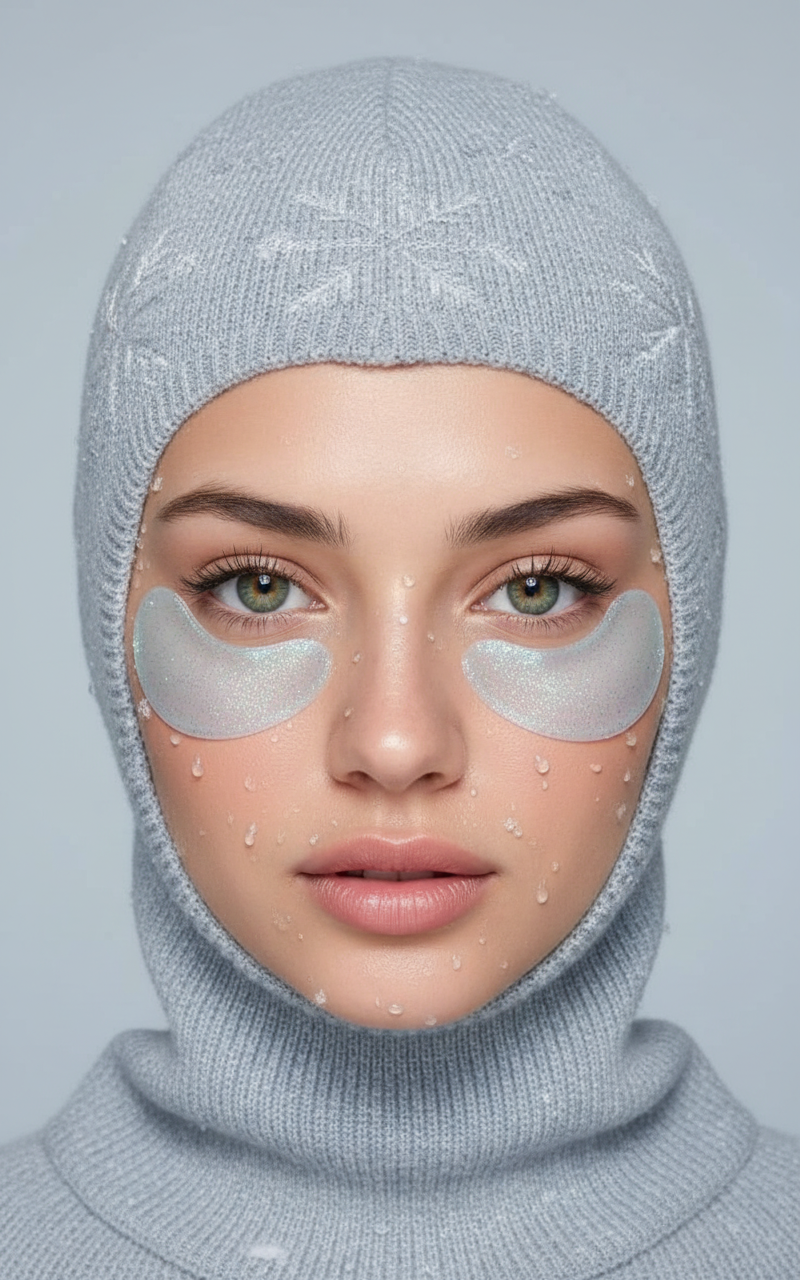
Balaclava Blue
- Model
- Nano Banana
- Image
- 800 × 1280 px
Prompt
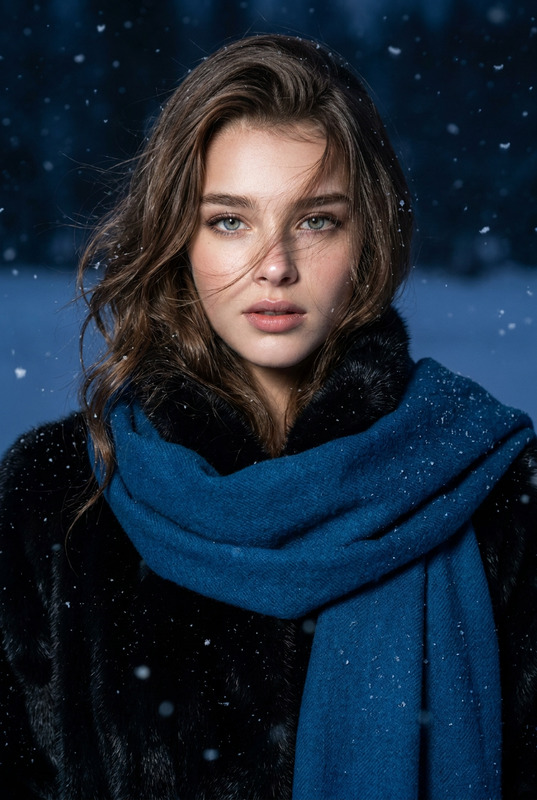
Create a highly detailed studio portrait of a woman with exact facial features, skin tone, and expression as in the reference image. She wears a soft knitted balaclava in Pantone 15-4205 with ice crystal textures. Under her eyes, apply semi-transparent hydrogel patches in Pantone 15-4205, adorned with glitter and frost edges. Show drops of water and snow on her cheeks and patches, with melting snow on the knit fabric. Use soft studio lighting against a seamless background in Pantone 14-4102, focusing sharply on her eyes to evoke the style of a luxury cosmetic campaign.
Any aspect ratio
Overview
The "Balaclava Blue" template empowers photographers and creators to elevate their portrait work using the AI Image Editor. By focusing on precise facial rendering and unique visual elements like Pantone color gradients and ice textures, this template is designed to craft luxurious photo campaigns.
What It Does
"Balaclava Blue" leverages the nano-banana model to create detailed portraits with a focus on facial accuracy. It offers customization of skin details, facial expressions, and unique features such as knitted balaclavas and hydrogel patches with artistic frosty effects. Ideal for creating high-end cosmetics visuals, the template ensures a stunning and evocative output.
Who It's For
This template is perfect for professional photographers, makeup artists, and brands within the beauty and fashion industry looking to produce high-quality, detailed images. Whether you're working on an advertising campaign or enhancing your portfolio, "Balaclava Blue" provides a sophisticated touch to your visual projects.
Summary
With the "Balaclava Blue" template, detailed portrait artistry meets advanced AI technology. Utilize this tool to transform your images with precise styling features outlined in this template. Consider integrating additional tools like the AI Background Changer or the AI Image Generator for expanded creative options.
How To Use
Choose the Template

Customize the Details

Generate the Image

Use Cases
Luxury Cosmetic Campaigns
- Detailed facial features
- Unique textures and fabrics
Fashion Editorials
- Precision in styling
- Pantone color application
Personal Branding
- Sharp focus on eyes
- Studio lighting simulation
Best Practices
Maintain High-Quality Reference Images
Ensure your reference image is of high quality for the AI to accurately replicate facial features and expressions.Experiment with Color Variations
Utilize Pantone color options to see how different hues affect the final output, particularly in the balaclava and background.Focus on Detail
Pay attention to small details like water drops, which can enhance the realism and appeal of the image.