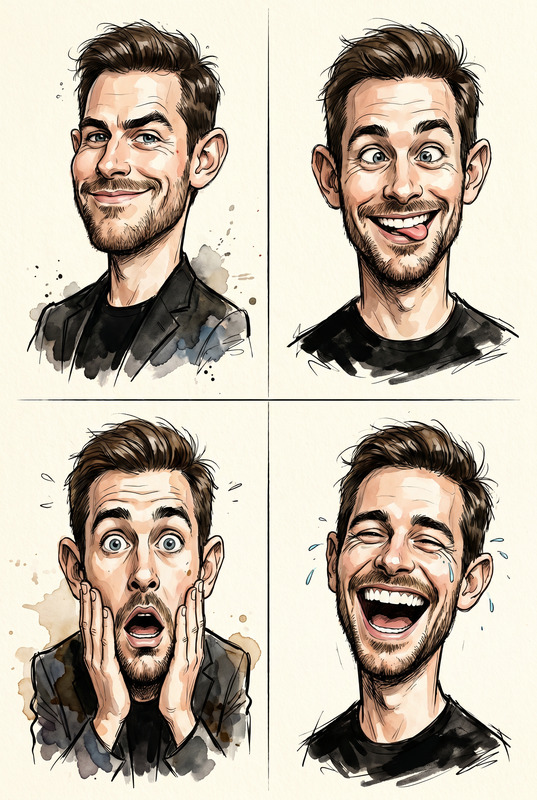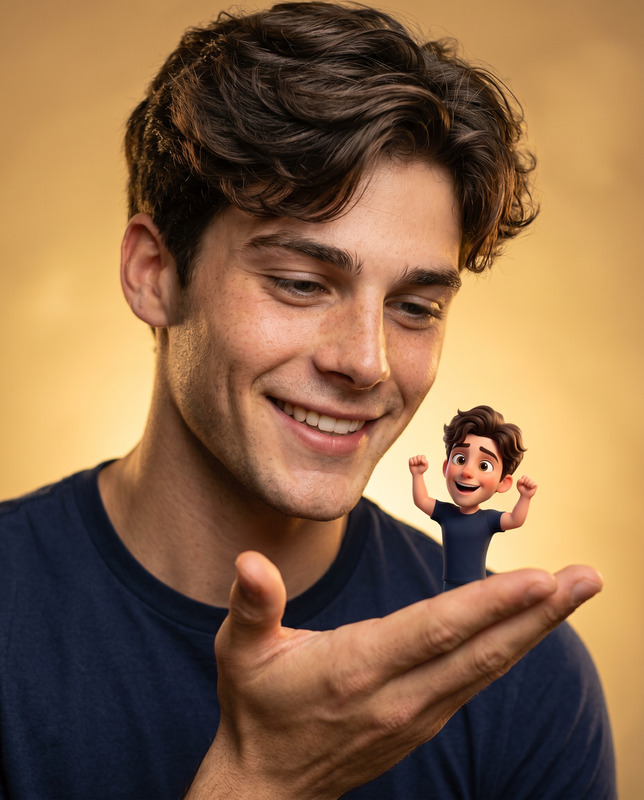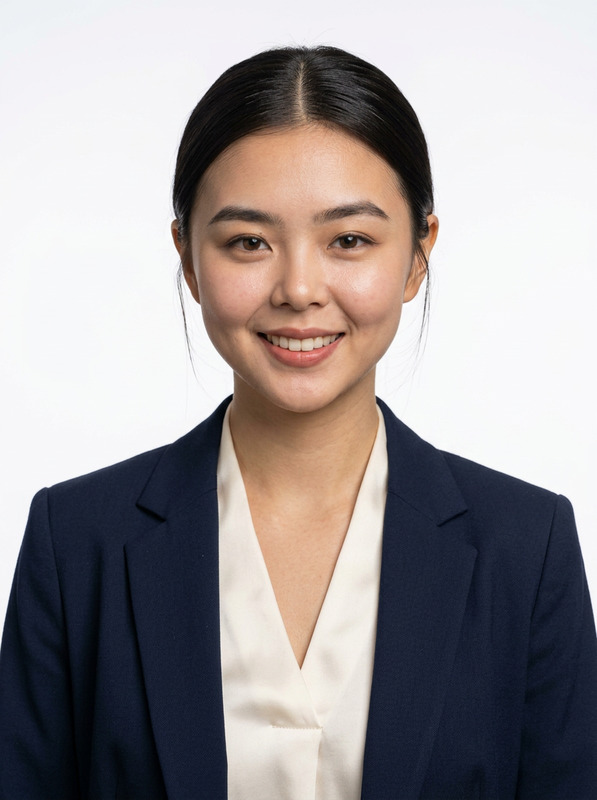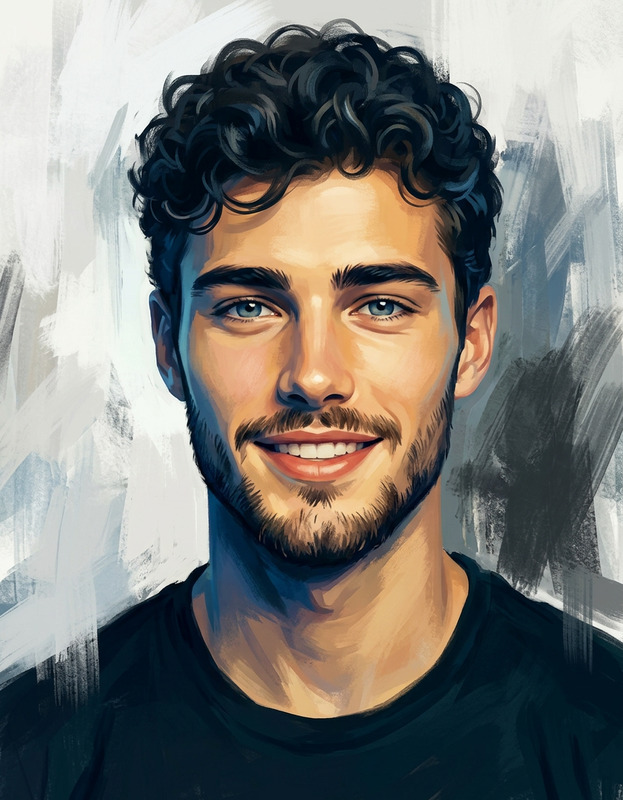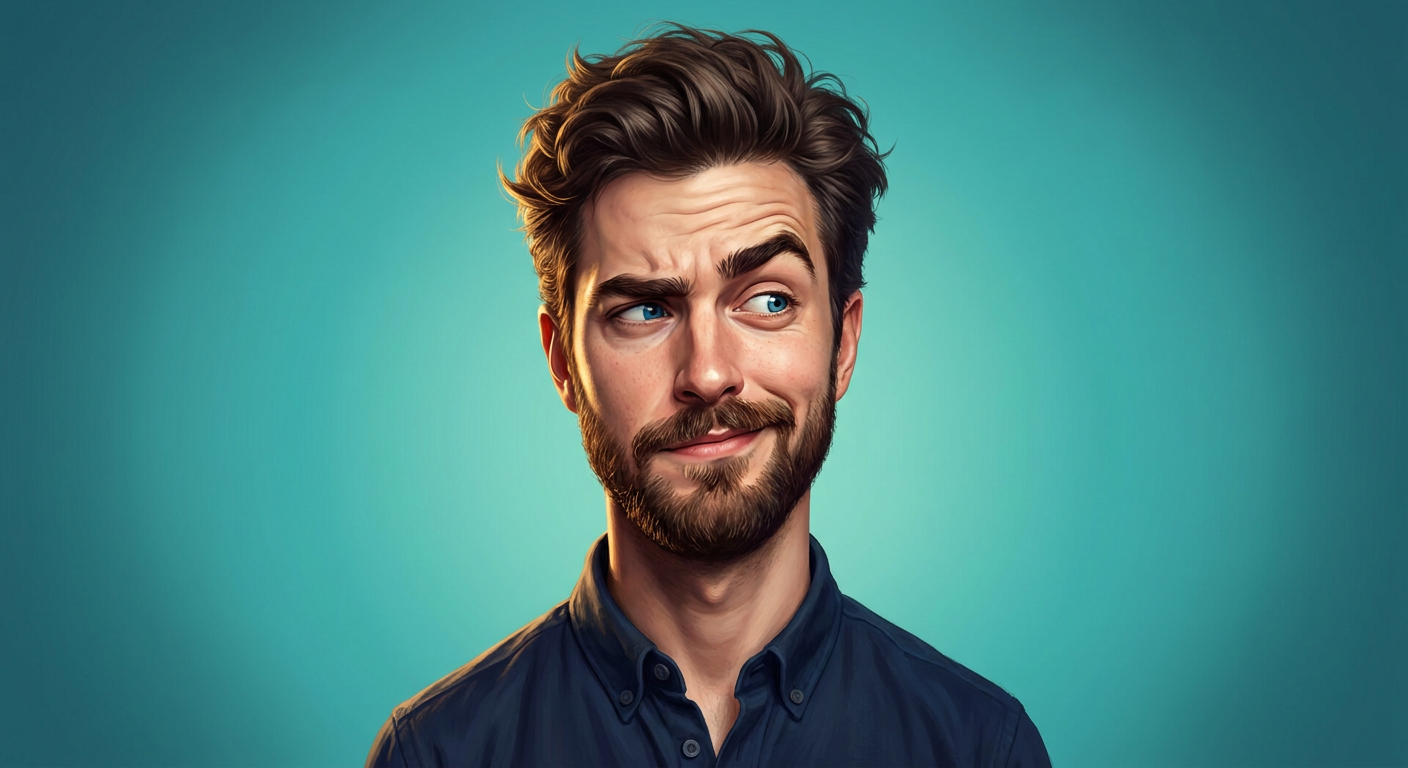
Playful Caricature
- Model
- Nano Banana Pro
- Image
- 1408 × 768 px
Prompt
Create an ultra-detailed stylized digital portrait of a young adult man with a humorous, mischievous expression. He has thick dark brown slightly messy hair with lots of texture and volume, a neatly trimmed full beard and mustache, striking bright blue eyes, thick expressive eyebrows, and fair skin with realistic pores, wrinkles, and facial texture. His expression is playful and sarcastic: one eyebrow raised, eyes looking sideways, and an asymmetrical smirk that makes him look amused and slightly goofy. His forehead is wrinkled naturally from the raised eyebrow, adding personality and exaggeration. He has a slim face, defined jawline, slightly oversized ears, and a long elegant neck. He is wearing a dark navy-blue button-up shirt with the top buttons open. Style the portrait as a premium semi-realistic digital painting with subtle caricature proportions—slightly enlarged eyes, expressive eyebrows, elongated neck, and enhanced facial features while keeping believable anatomy. Background: smooth teal-to-turquoise gradient with soft vignette and cinematic studio lighting. Warm rim lighting around the hair, soft key light illuminating the face, rich color grading, and dramatic contrast. Hyper-detailed brushwork, ultra-sharp focus, realistic skin texture, painterly finish, high dynamic range, vibrant colors, premium concept art quality, ArtStation-level rendering, 8K resolution, centered composition, head-and-shoulders portrait, shallow depth of field, clean background, no text, no watermark. Negative Prompt: > blurry, low quality, extra eyes, extra ears, asymmetrical face, deformed anatomy, bad hands, cropped head, watermark, logo, text, oversaturated colors, plastic skin, low resolution, noise, artifacts, duplicate facial features, crossed eyes, expressionless face, flat lighting.
Any aspect ratio
Overview
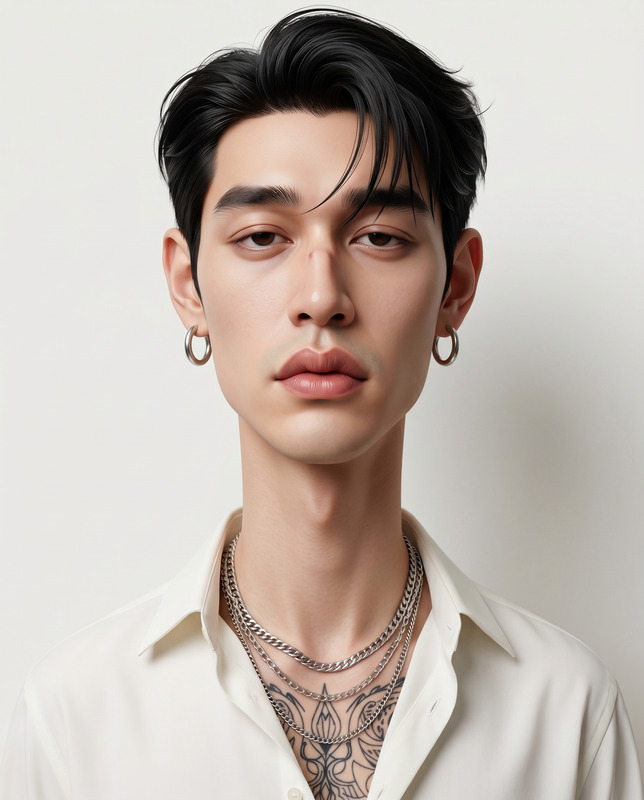
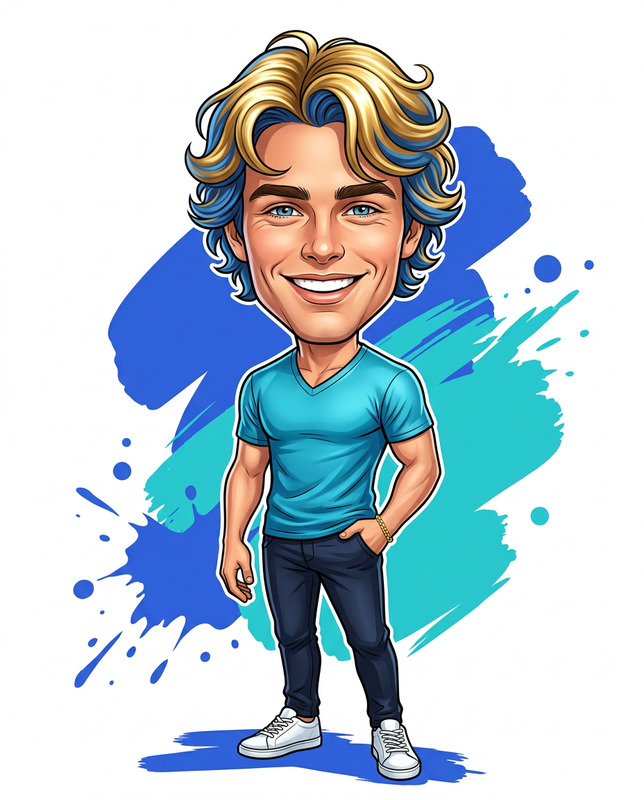
The Playful Caricature template in our AI Image Editor is perfect for creating a detailed, stylized digital portrait. Focused on humor and expressive style, this template captures every nuance while offering flexibility in artistic interpretation. It's designed to transform a simple portrait into a semi-realistic digital masterpiece with a playful edge.
What It Does
This template allows users to craft ultra-detailed caricatures by leveraging advanced AI capabilities from the AI Image Generator. The output is a vibrant, high-resolution digital painting that maintains believable anatomy while exaggerating key features like the eyes and neck for a humorous effect. Ideal for artists looking to enhance their digital art portfolios or for anyone wanting to create unique avatars.
Who It's For
Perfect for digital artists, content creators, and designers, the Playful Caricature template is tailored for those who want to experiment with creative portrait styles. It's particularly beneficial for artists focused on premium concept art and professionals seeking to add a unique, playful touch to their projects within the AI Talking Photo platform.
Summary
Incorporate a humorous and exaggerated style into your portraits with the Playful Caricature template. Ideal for creating ArtStation-level digital art, this template combines sophisticated AI algorithms with user-driven customization to deliver stunning, high-quality digital paintings. Whether you're a seasoned professional or a creative hobbyist, this tool offers the precision and artistic flexibility you need.
How to Use
Choose Your Template

Customize Your Design

Generate Your Portrait

Use Cases
Artistic Portfolios
- Create visually striking art pieces
- Add variety with playful styles
Social Media Avatars
- Generate attention-grabbing avatars
- Tailor expressions to fit personal brand
Digital Content Creation
- Use in educational material
- Incorporate into amusing blog posts
Best Practices
Optimize Lighting and Colors
Utilize the template’s tools to adjust lighting and colors, ensuring the portrait stands out with a professional finish.Maintain Proportion Balance
While exaggerating features, maintain overall anatomical balance to avoid a jarring outcome.Input High-Quality Details
The higher the quality of your inputs, the more nuanced and detailed your final artwork will be.