Formula
- Model
- Nano Banana 2
- Image
- 921 × 1152 px
Prompt
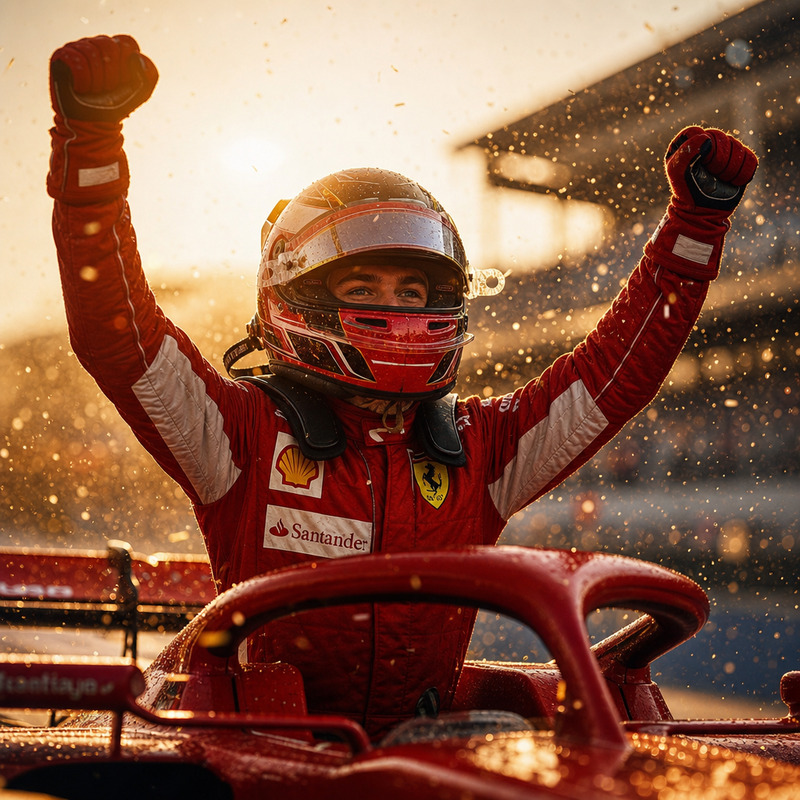
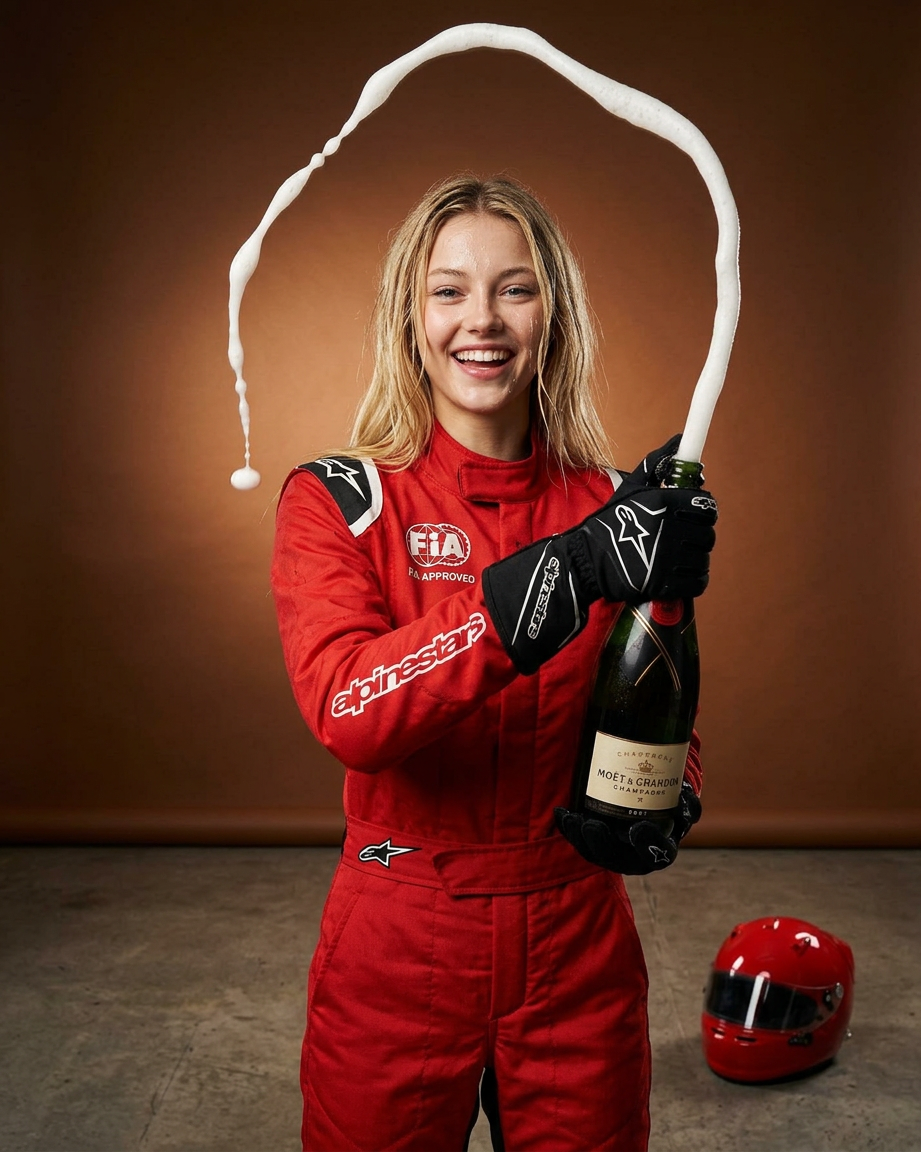
A character in a bright red racing suit and black gloves stands in a studio against a warm brown gradient background, opening a bottle of champagne. The champagne spray forms a dramatic arc above the head, creating a sense of motion and celebration. A red racing helmet rests on the floor nearby, reinforcing the motorsport victory atmosphere. The photo is styled as a high-fashion studio shoot with crisp detail, frozen splashes, and soft directional lighting.
Any aspect ratio
Overview
The Formula template in the AI Image Editor suite offers a highly stylized approach to transforming images. Leveraging the power of the nano-banana-2 model, this template is perfect for capturing the high-energy essence of motorsport victories with every edit.
What It Does
Formula uses advanced AI technology to edit and enhance images with an emphasis on showcasing dynamic motion and luxury style. It can transform a simple photo into a high-fashion studio shoot, capturing detailed textures, vibrant colors, and the excitement of a celebratory moment.
Who It's For
This template is ideal for photographers, designers, and content creators working in the product launch and motorsports arenas. It's also a great fit for users looking to create glamorous images for profile enhancements or advertisements.
Summary
With the Formula template, users can transform ordinary racing photos into extraordinary studio-quality images. The AI-driven model excels in producing eye-catching edits that maintain high resolution and visual fidelity, ensuring that every moment looks like it's straight out of a magazine.
How To
Choose the Template

Customize Your Input

Generate Your Image

Use Cases
High-Octane Motorsport Images
- Capture victory moments with stylized detail
- Highlight the dramatic motion of celebrations
Product Launch Visuals
- Enhance brand storytelling
- Elevate marketing campaigns
Advertising & Campaigns
- Engage audiences with dynamic visuals
- Boost advertisement impact
Best Practices
Focus on Details
Use the template's high resolution to emphasize the intricacies of movement and celebration.Tweak Lighting to Suit the Mood
Experiment with the directional lighting settings to match the desired atmosphere of your shoot.Balance Colors for Dramatic Effect
Ensure contrasting colors are well balanced to keep the image vibrant and appealing.