Marine Muse

Marine Muse

AI Image Editor
1 image
1 use

Any aspect ratio

Prompt

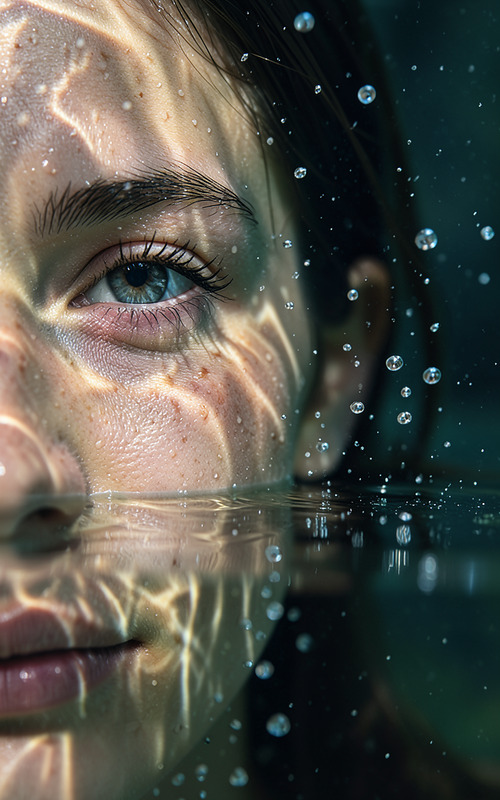
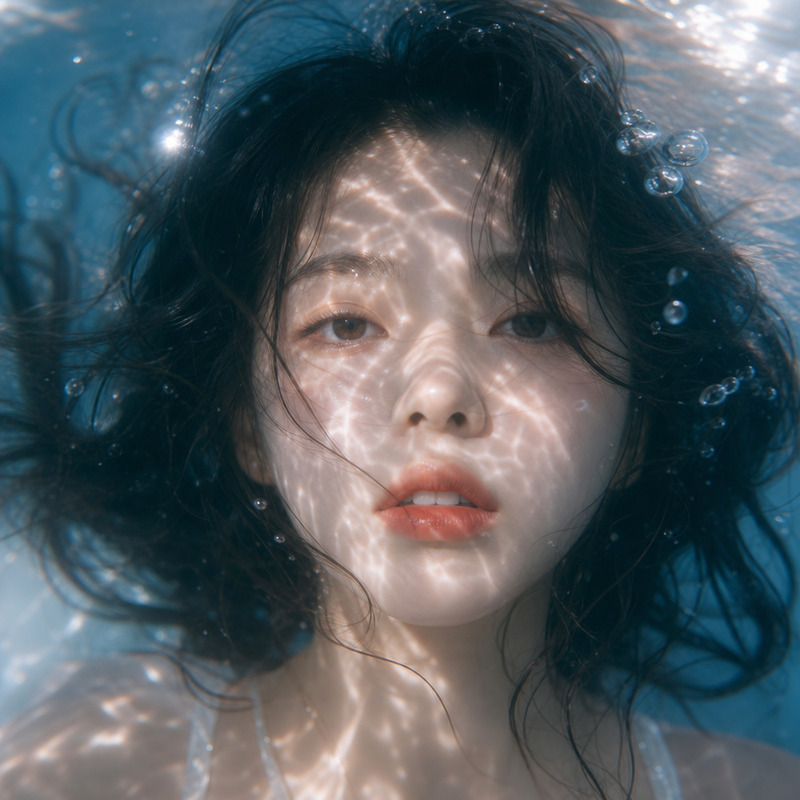
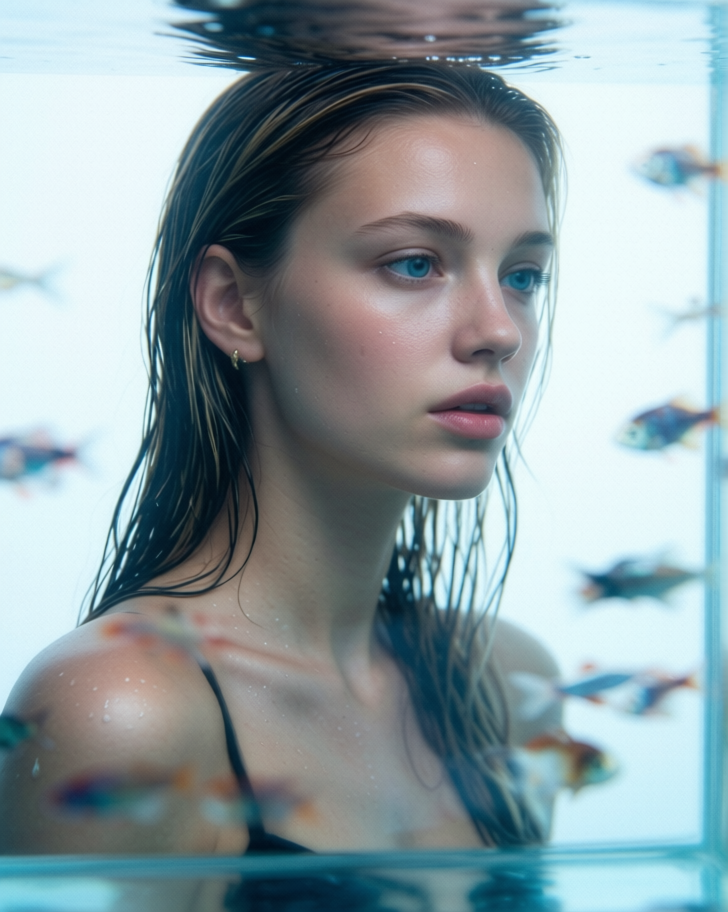
Preserve the character exactly as in the reference photo: same face, proportions, expression, eyes, skin tone, hair, and all distinctive traits, with no interpretation or changes. Create a square ultra-realistic editorial beauty portrait with a cold aquatic mood: tight close-up, 3/4 angle, unfocused sideways gaze, slightly parted lips, wet sleek hair, bare shoulders, seen through clear aquarium glass and water against a soft white background. Small fish of different colors and shapes drift naturally at different depths, with heavy foreground blur, subtle refraction, soft reflections, cool blue grading, low contrast, light film grain, and natural dewy skin. Negative prompt: repeated fish, cartoon fish, oversaturated colors, hard flash, harsh contrast, plastic skin, text, logo, watermark.

Overview

The "Marine Muse" template in Magic Hour's AI Image Editor suite offers a creative gateway to crafting ultra-realistic editorial beauty portraits with a unique aquatic vibe. Designed using the Qwen-Edit model, this template ensures that every aspect of your reference photo is impeccably preserved, leading to breathtaking portraits underlain by a cold, watery aesthetic.

What It Does

This template utilizes advanced AI capabilities to meticulously maintain the character's original features and proportions from your reference photo. It crafts an editorial beauty portrait focusing on a cold aquatic theme, featuring elements like soft reflections and colorful small fish drifting naturally. The template includes careful grading to ensure a cool blue tone, accompanied by subtle film grain for a touch of realism.

Who It's For

The "Marine Muse" template is ideal for photographers, digital artists, and content creators who seek to produce high-caliber editorial portraits without the hassle of manual adjustments. Fashion magazines, advertising agencies, and art directors can greatly benefit from its precise feature preservation and stylized aquatic aesthetics. It's perfect for projects that demand visual consistency and stunning, unique imagery.

Summary

With the "Marine Muse" template, you can transform ordinary photographs into striking editorial beauty portraits with a cold aquatic mood. This tool is an indispensable asset for anyone aiming to create captivating, realistic images that align perfectly with their creative vision. Explore similar possibilities with our AI Profile Picture Generator and Photo Colorizer tools to expand your creative toolkit.

How-To

Transform your reference photo into a stunning editorial portrait with these three simple steps.
    01

    Choose your template

    Navigate to the Magic Hour AI Image Editor section and select the "Marine Muse" template to start your project.
    02

    Customize your input

    Upload your reference photo. The template will automatically retain the character's original details. Adjust the aquatic elements and visual effects options as desired to fit your vision.
    03

    Generate your portrait

    Once you're satisfied with the customizations, click 'Generate' to create your stellar portrait. You can then download the final image directly from your project dashboard.

Use Cases

The "Marine Muse" template opens up a variety of possibilities when it comes to professional image creation.
📰

Editorial Photography

Use this template to create visually stunning beauty portraits for fashion spreads.
  • Fashion magazines
  • Lifestyle publications
  • Creative advertising
🎨

Digital Art Creation

Transform original photographs into works of art with a serene aquatic ambiance.
  • Art exhibitions
  • Social media campaigns
  • Online galleries
📢

Advertising Campaigns

Develop unique visuals that capture attention and convey brand stories.
  • Billboards
  • Online ads
  • Promotional materials

Best Practices

To achieve the best results with the "Marine Muse" template, consider the following tips and best practices.
  • Select the right photo

    Choose a high-quality reference photo with clear facial features to ensure the model captures the subject accurately.
  • Leverage aquatic elements

    Experiment with the placement and depth of fish to enhance the natural aquatic atmosphere without overcrowding the scene.
  • Adjust lighting delicately

    Subtle tweaks to lighting can preserve the low-contrast, dewy skin effect inherently designed in the template.

Frequently asked questions

The template uses the Qwen-Edit model to maintain extremely high fidelity to the original reference photo, preserving all unique features.

Yes, as long as the photo is clear and provides a good view of the subject's characteristics for the AI to accurately replicate them.

You can upload and download standard image formats such as JPEG, PNG, and TIFF, ensuring compatibility with most design workflows.

You can fine-tune elements like fish placement and the overall aquatic mood through the template's customization options.

More Like This

Aquarium Dream
96
Aquarium Dream
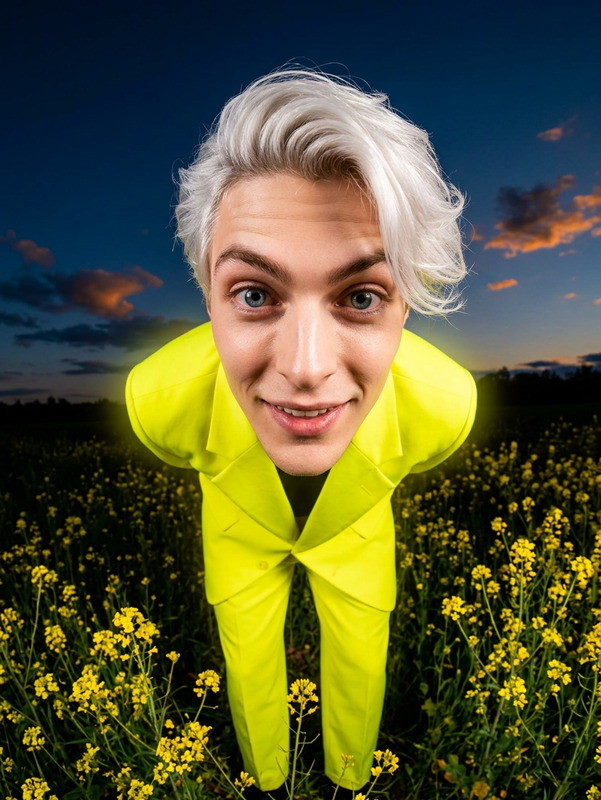
Retro-Futuristic Fisheye Editorial Portrait
17
Retro-Futuristic Fisheye Editorial Portrait
Underwater Dive
1
Underwater Dive
Sunset
14
Sunset
Coastal Elegance
1
Coastal Elegance
Sunlit Waters
Sunlit Waters
Goldfish Sunbeam Reading
5
Goldfish Sunbeam Reading
Ethereal Coastal Fashion Portrait
8
Ethereal Coastal Fashion Portrait
Tropical
23
Tropical
Liquid Reverie
1
Liquid Reverie
Midnight Pool Elegance
38
Midnight Pool Elegance
Monochrome Ocean Muse

AI Image Editor