Liquid Reverie
- Model
- Flux 2 Klein
- Image
- 640 × 1024 px
Prompt
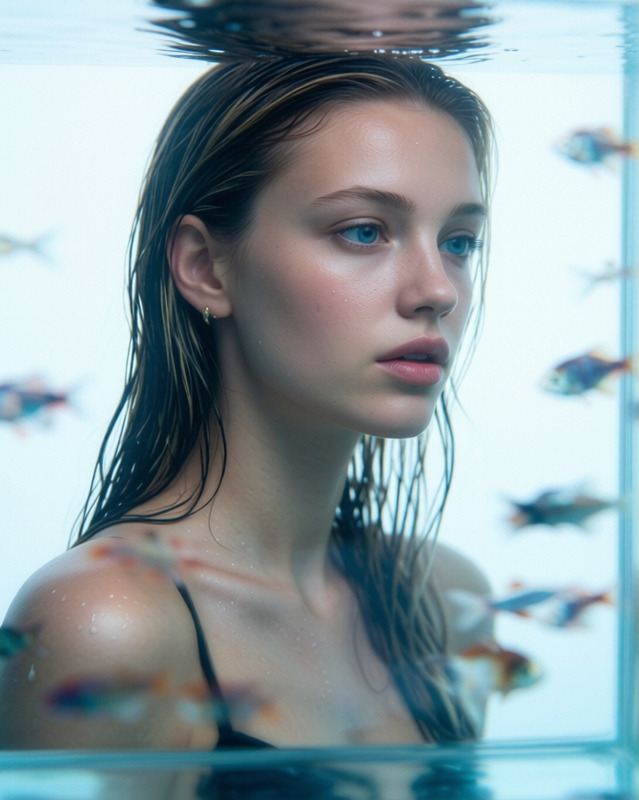
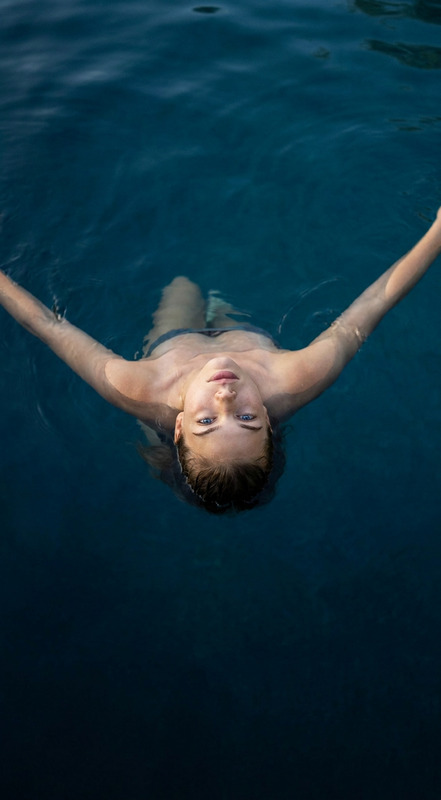
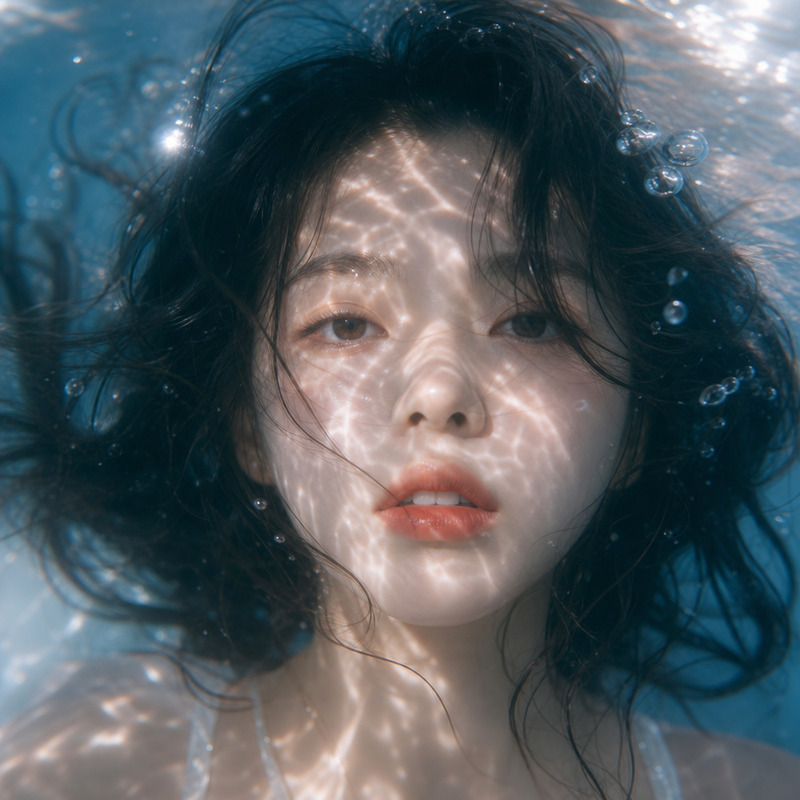
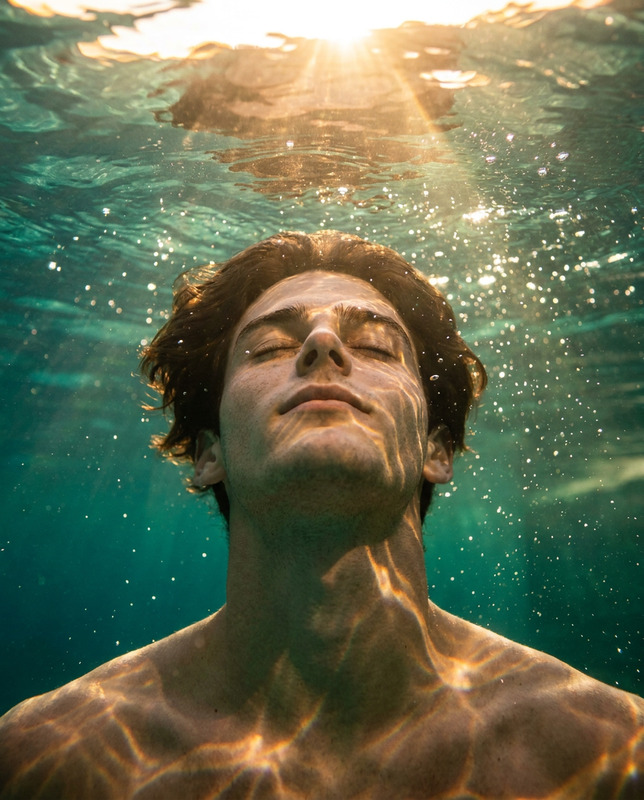
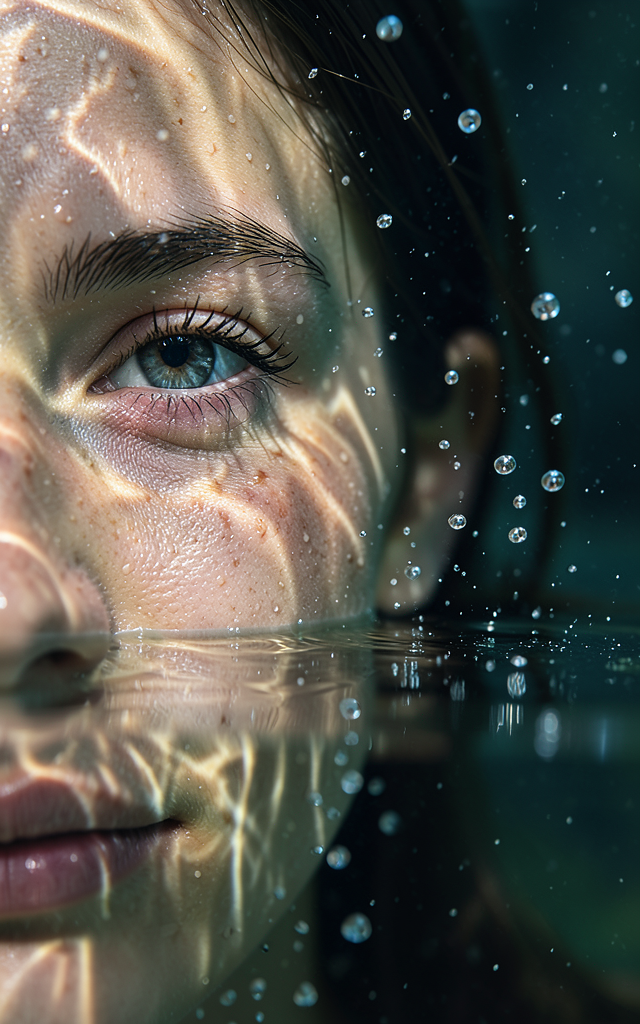
Hyper-realistic, ultra-detailed close-up portrait featuring **the subject**, with only the left half of the face visible and partially submerged beneath the water's surface. A single eye remains in critical sharp focus near the far-left edge of the frame, becoming the emotional and visual anchor of the composition. Refracted light rays pass through the water, projecting intricate caustic patterns across the skin. Suspended droplets, tiny air bubbles, and subtle particulate matter create dimensional depth and a sense of stillness within the aquatic environment. Photorealistic textures are rendered with extraordinary fidelity, including visible skin pores, natural lip moisture, individual eyelashes, delicate wet-skin reflections, and realistic subsurface light scattering. Every material interaction follows physically plausible behavior. Cinematic lighting balances soft shadow transitions with crisp highlights, emphasizing the interplay between water, skin, and light. The illumination remains dreamlike yet grounded in realism, enhancing both intimacy and mystery. A shallow depth of field isolates the visible eye and nearby facial details while allowing surrounding elements to dissolve gradually into softness. The underwater macro perspective amplifies texture, scale, and emotional presence. The overall atmosphere is surreal, tranquil, and contemplative—evoking a liminal space between memory and reality. Quiet, immersive, and visually poetic without sacrificing realism. Ultra-detailed, photorealistic, cinematic underwater portraiture, realistic optical refraction, macro photography aesthetics, physically accurate lighting, natural textures, premium image quality, 3:4 aspect ratio.
Any aspect ratio
Overview
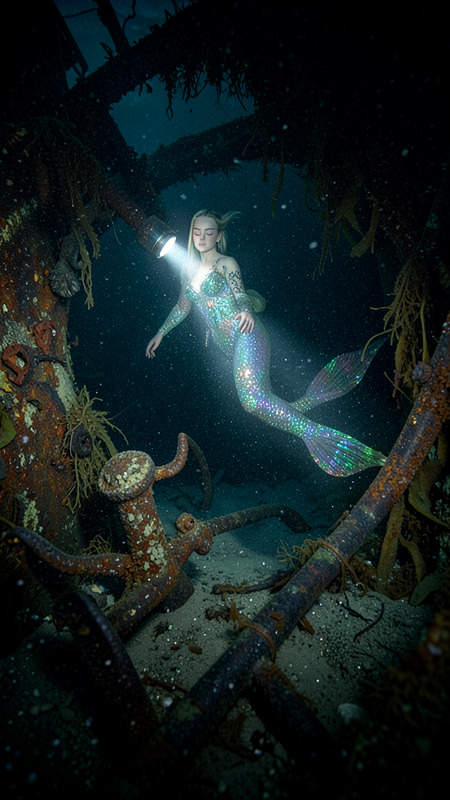
"Liquid Reverie" is an advanced template within the AI Image Editor category, built on the cutting-edge flux-2-klein model. This template delivers exquisite hyper-realistic and ultra-detailed underwater portraits. The detailed prompt encourages a deep exploration of intricate cinematic lighting, photorealistic textures, and dreamlike yet grounded compositions.
What It Does
The "Liquid Reverie" template specializes in creating hyper-realistic underwater portrait images. Its focus is on the left half of the subject's face with intricate light and shadow play, enhancing textures and dimensions. The model ensures your outputs are of premium image quality, capturing every nuance of water-based refractions and subtle atmospheric details.
Who It's For
This template is ideal for photographers, digital artists, and creative designers looking to create emotionally resonant underwater portraits. It suits projects where capturing intricate details of facial features and water effects are crucial. Whether you're working on an art display or cinematic visual effects, the "Liquid Reverie" enhances creative storytelling.
Summary
Engage in the art of underwater photography with "Liquid Reverie." Perfect for blending memory and reality, this template provides tools to create stunning, immersive images. For an even broader range of image edits, explore the capabilities of our AI Image Generator for more dynamic compositions.
How to Use Liquid Reverie
Choose the Liquid Reverie Template

Customize Your Inputs

Generate and Download

Use Cases
Editorial Photography
- Showcase emotional depth
- Focus on intricate details
Cinematic Visual Effects
- Integrate with existing footage
- Enhance story immersion
Art Installations
- Include in digital presentations
- Interact with viewers through rich visuals
Best Practices
Detail Orientation
To maximize realism, pay extra attention to the prompt settings for light and shadow adjustments.Test Different Lighting
Experiment with various lighting scenarios to see how they alter the mood and detail within the image.Combine Tools for Enhanced Results
Use the AI Image Upscaler to enhance resolution post-generation for large display needs.