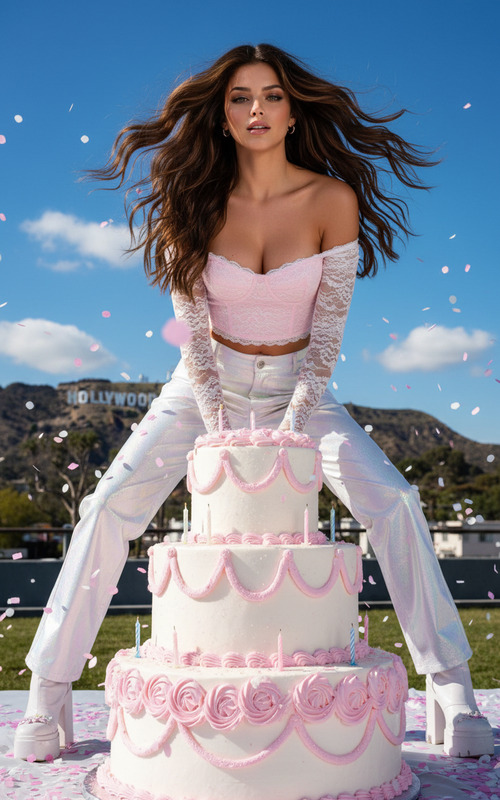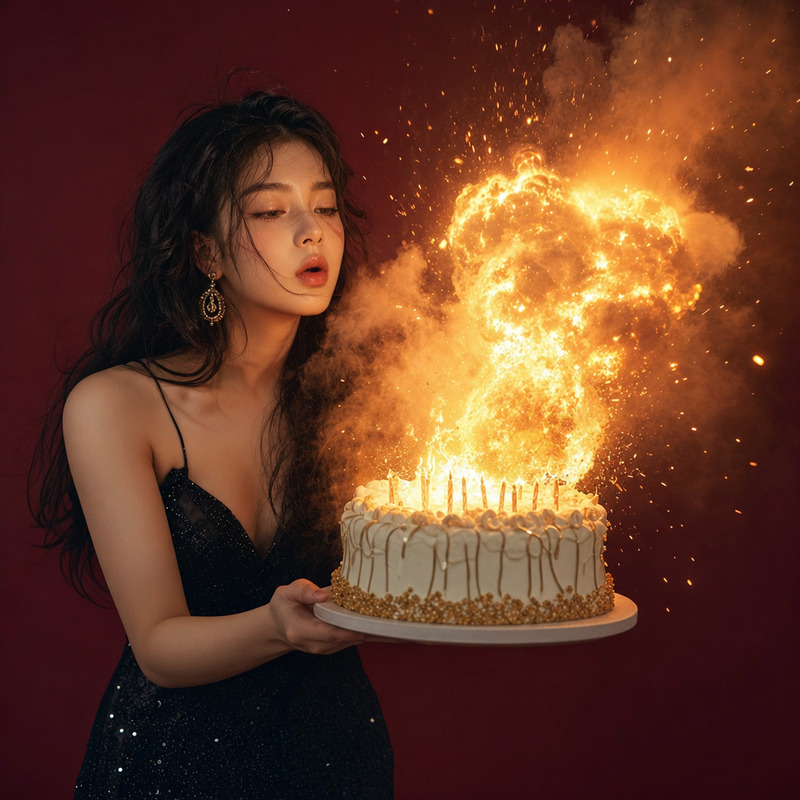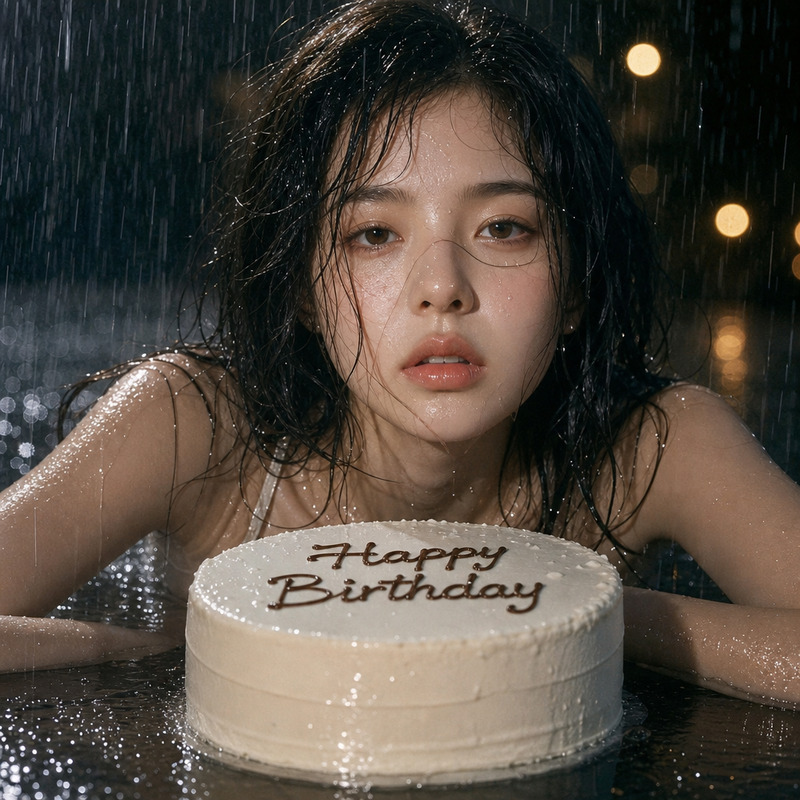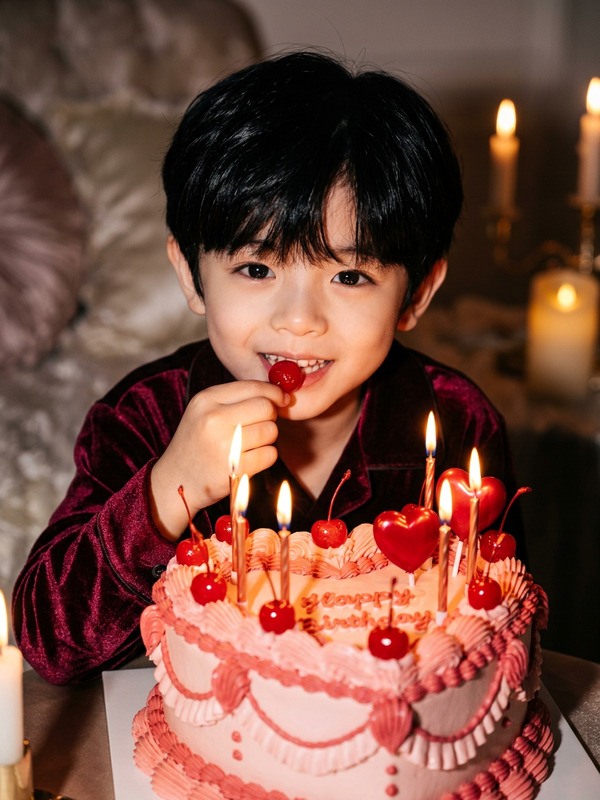
Celebration Cream
- Model
- Qwen Edit
- Image
- 728 × 912 px
Prompt
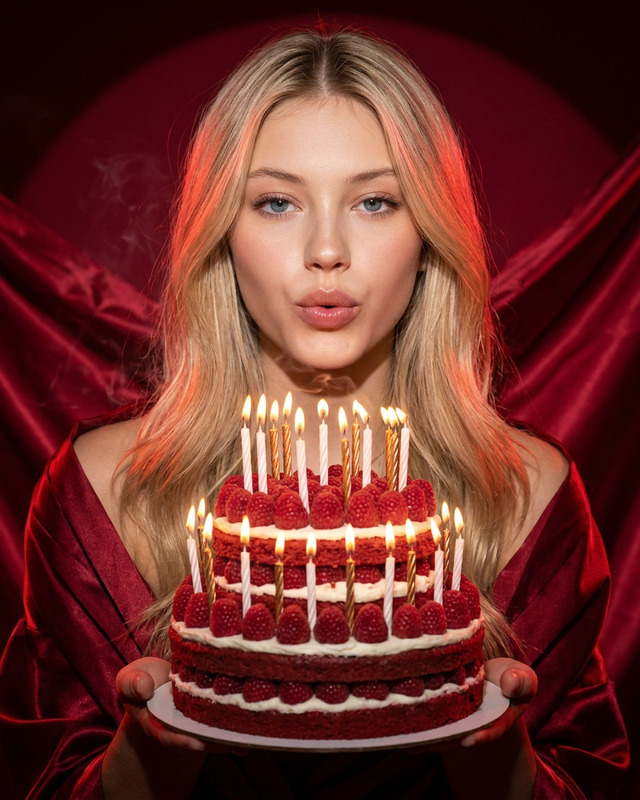
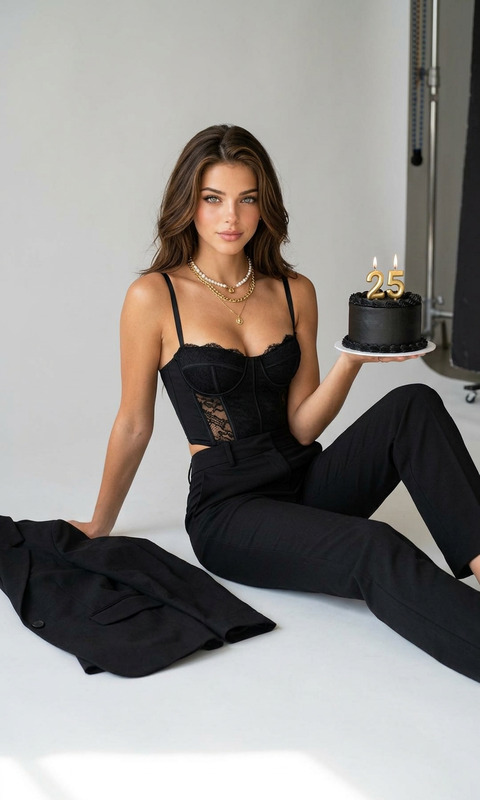
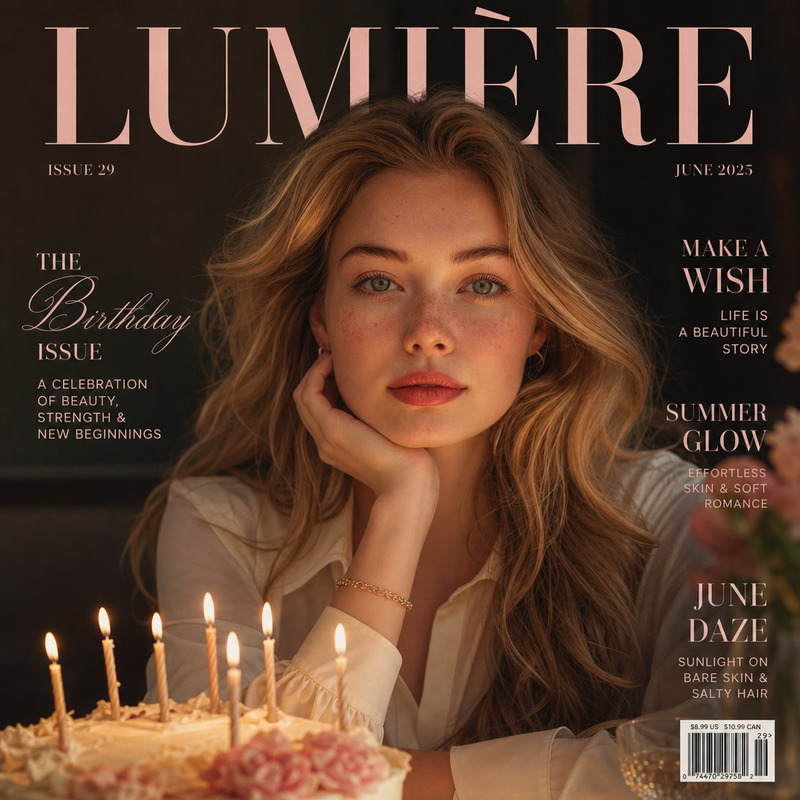
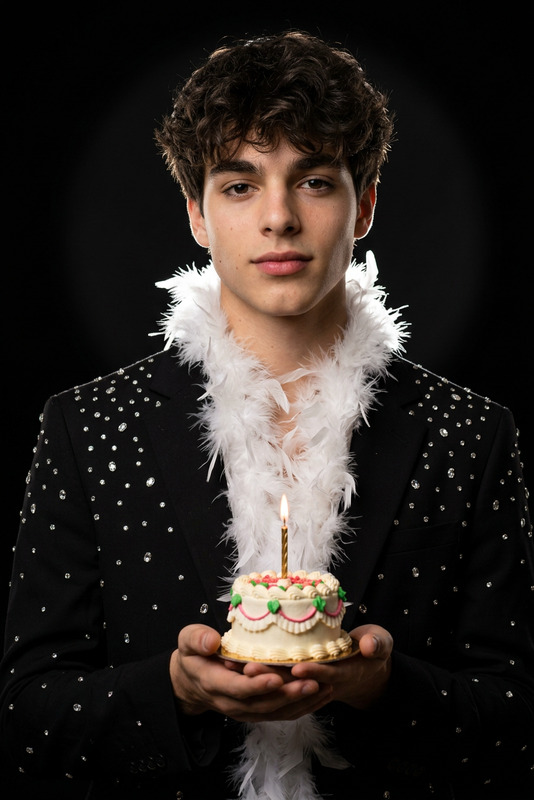
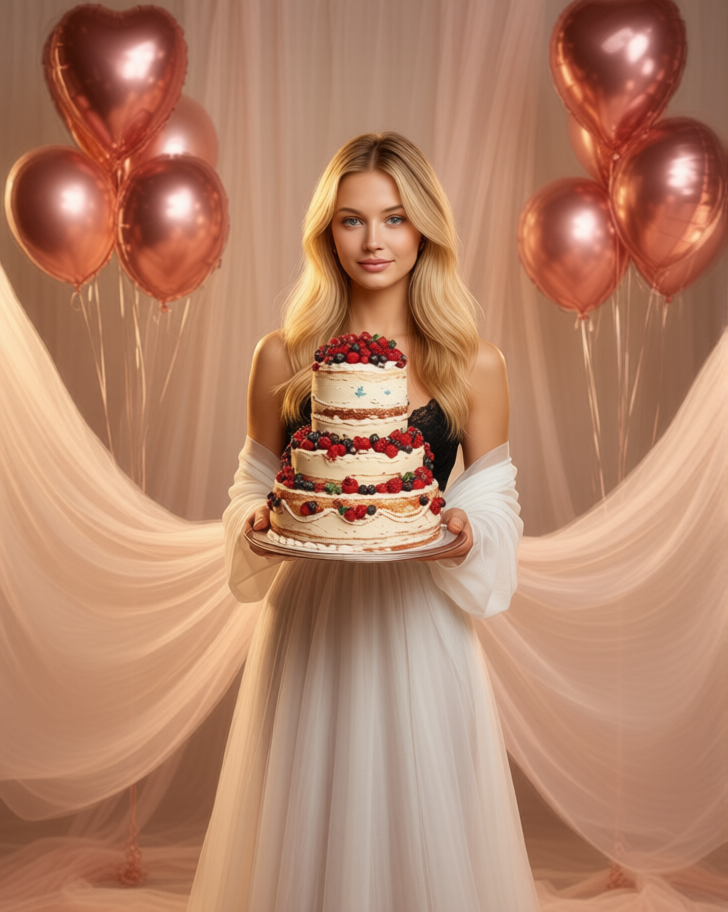
The character stands elegantly center stage, gently holding a vintage three-tiered berry cake close to her body, with a slight, natural smile and gaze directed at the camera. Her body and the surrounding space are draped in large drapes of translucent silk organza, while rose-gold foil balloons float in the background; warm, professional studio lighting creates the atmosphere of a luxurious, festive photo shoot.
Any aspect ratio
Overview
The Celebration Cream template elevates your images into luxurious portraits. Utilizing the powerful Qwen Edit model, this template stages a unique scene featuring an elegantly poised character and a vintage berry cake amidst a festive atmosphere. Crafted with visual storytelling in mind, it combines a delicate balance of elements to create a shot that evokes sophistication and celebration.
What It Does
This template functions as an AI Image Editor, allowing you to transform ordinary photos into extraordinary party scenes. It focuses on enhancing details like studio lighting, silk organza drapery, and rose-gold balloons, providing a tangible and rich visual texture to your images. Perfect for creating standout visuals for celebrations, the template adds depth and warmth, enhancing the festive mood.
Who It's For
The Celebration Cream template is ideal for photographers, graphic designers, and marketing professionals seeking to produce high-quality, festive images for events or promotional materials. It's also a fantastic tool for content creators on social media platforms aiming to engage their audience with visually stunning imagery that captures the essence of celebration and elegance.
Summary
Capture the spirit of festivity and elegance with the Celebration Cream template. It's designed for professionals and creatives who want to enhance their images with a touch of luxury. Explore more capabilities with our AI GIF Generator for dynamic content and combine this with the AI Image Upscaler to ensure your images maintain high quality. Blend it with the Image to Video tools to bring your stories to life visually.
How to Use Celebration Cream
Choose Your Template

Customize Your Image

Generate and Download

Use Cases
Event Photography
- Weddings
- Birthdays
- Anniversaries
Social Media Content
Marketing Materials
- Ads
- Flyers
- Brochures
Best Practices
Focus on Composition
Ensure that the composition of your image is balanced with the key elements centrally placed before applying the template.Adjust Lighting Thoughtfully
Customize the warm lighting settings to match the mood of your celebration for the best results.Use High-Quality Images
Start with high-resolution photos to avoid losing detail during the editing process.