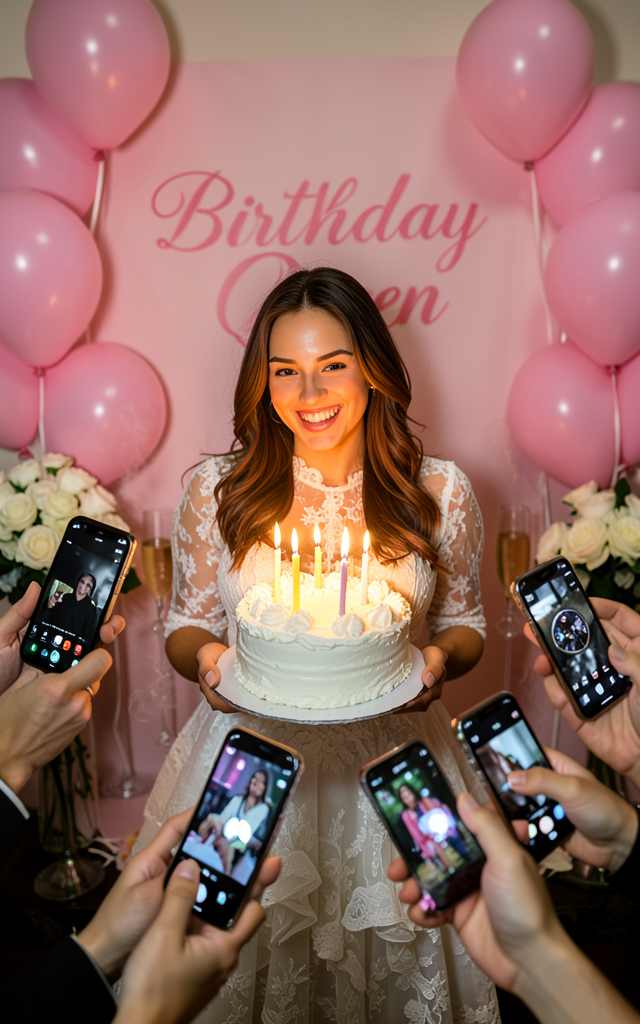
Celebration
- Model
- Flux 2 Klein
- Image
- 640 × 1024 px
Prompt
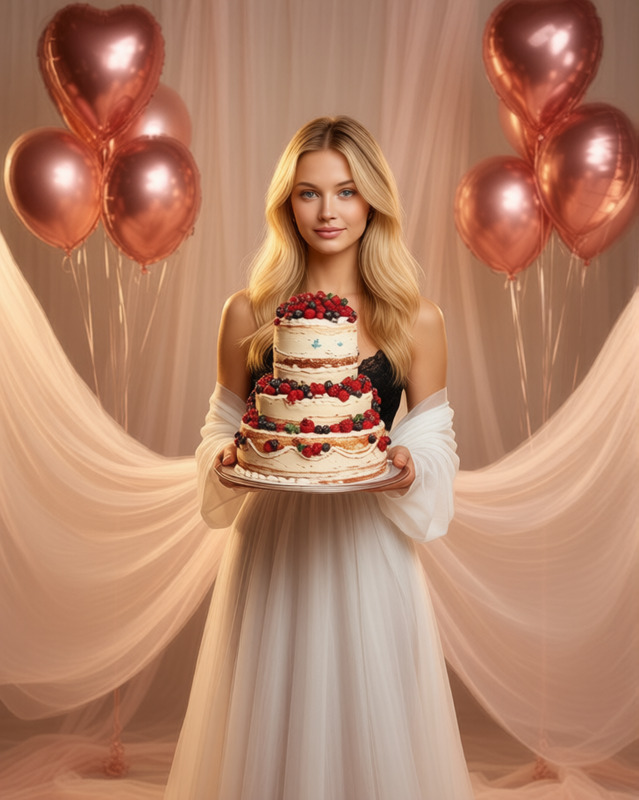
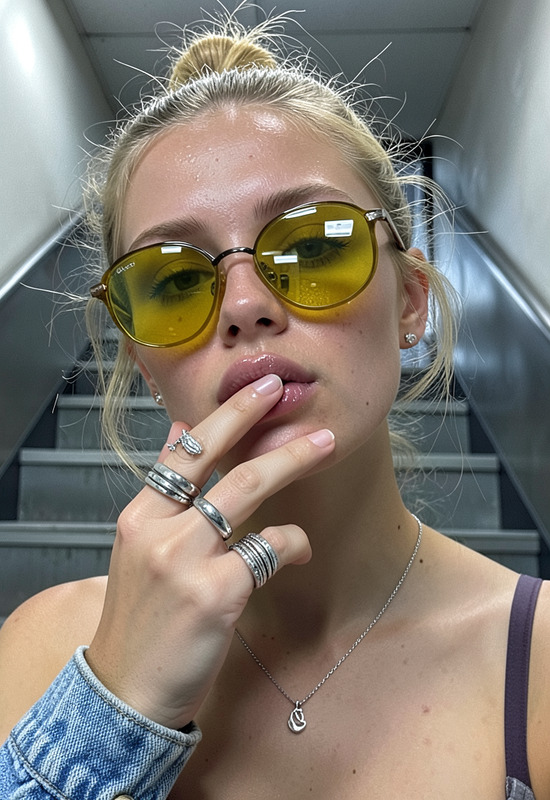
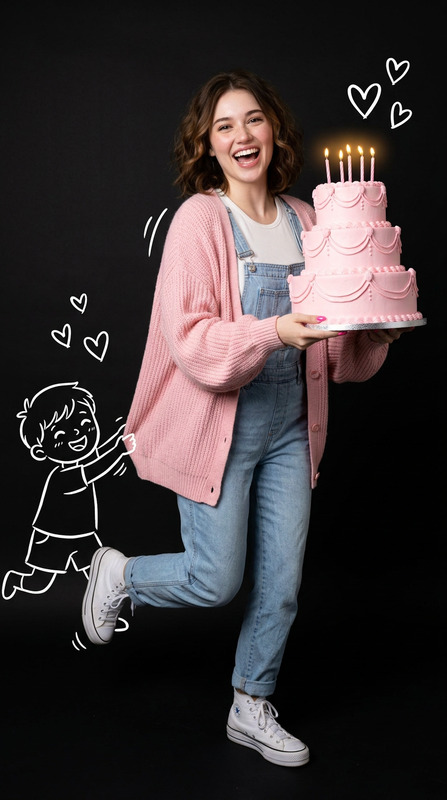
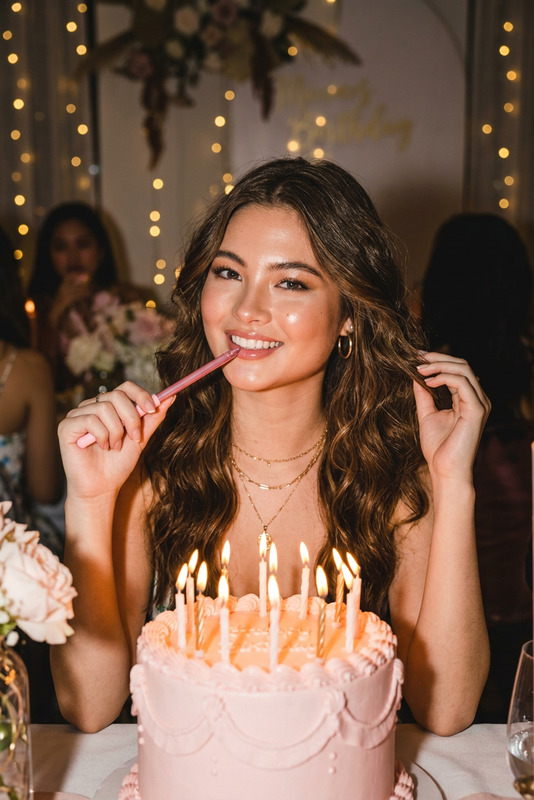
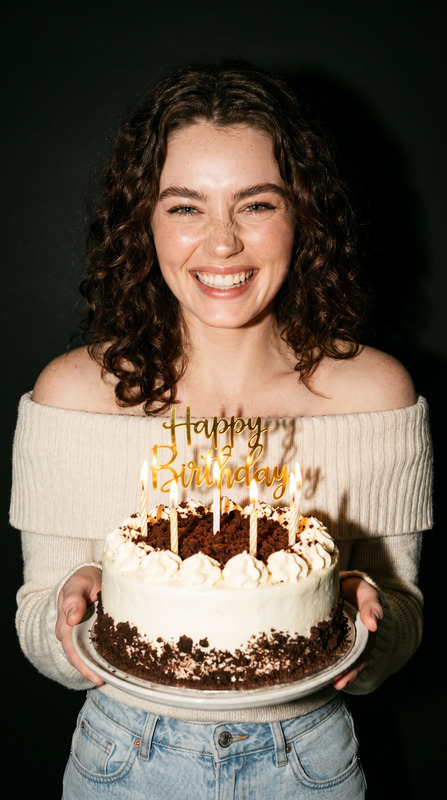
A hyper-realistic candid photo of a woman holding a white-frosted birthday cake with lit candles, standing before a soft pink "Birthday Queen" banner and clusters of glossy pink balloons. She wears an elegant white lace gown with delicate ruffles, smiling joyfully at the camera. Surrounding her are multiple hands holding various iPhone models in different cases, capturing photos with some flash reflections and low-light camera effects visible on the screens. The scene features warm, ambient lighting with golden birthday candle glow, casting detailed natural shadows and highlights on her skin, gown, and cake texture. The background includes soft bokeh white roses and champagne flutes, with subtle steam rising from the candles and intricate reflections on the iPhone lenses, shot from a slight low angle to convey a lively, intimate celebration atmosphere.
Any aspect ratio
Overview
Capture the essence of a joyful celebration with our detailed AI Image Editor template, "Celebration." This template leverages the power of the flux-2-klein model to produce hyper-realistic images, perfect for birthday events and special occasions. It expertly highlights the atmosphere, lighting, and emotions of the scene.
What It Does
The Celebration template is designed to transform standard images into vibrant, hyper-realistic photos, highlighting detailed textures and lifelike lighting. It captures the sparkle of birthday candles, glossy balloons, and the intimate glow of event lighting, ensuring each photo looks uniquely celebratory.
Who It's For
Whether you are a photographer specializing in event photography or a user wanting to create memorable images of personal celebrations, this tool is indispensable. It's also suitable for social media enthusiasts who want to make every moment shareable, featuring detailed, eye-catching imagery.
Summary
Merging imaginative flair with technological precision, the Celebration template provides an easy way to enhance photos of joyous occasions. Across a spectrum of celebrations, it delivers striking visual outputs that are both authentic and aesthetically captivating, ideal for diverse applications in digital media and personal collections.
How to Use
Select the Celebration Template

Customize Your Image

Generate Your Edited Image

Use Cases
Event Photography Enhancement
- Birthday parties
- Weddings
- Anniversaries
Social Media Content Creation
- Instagram posts
- Facebook albums
- Snapchat stories
Memory Documentation
- Photo albums
- Digital scrapbooks
- Personal blogs
Best Practices
Maintain Lighting Consistency
To make images look natural, ensure that the lighting in your original photos aligns with the template's mood and lighting conditions.Focus on Subject Emphasis
Highlight important features, such as the celebrant or key elements, by adjusting surrounding details for atmospheric balance.Experiment with Angles
Test different camera angles to heighten the template's impact, like shooting from a slight low angle to accentuate the celebratory atmosphere.