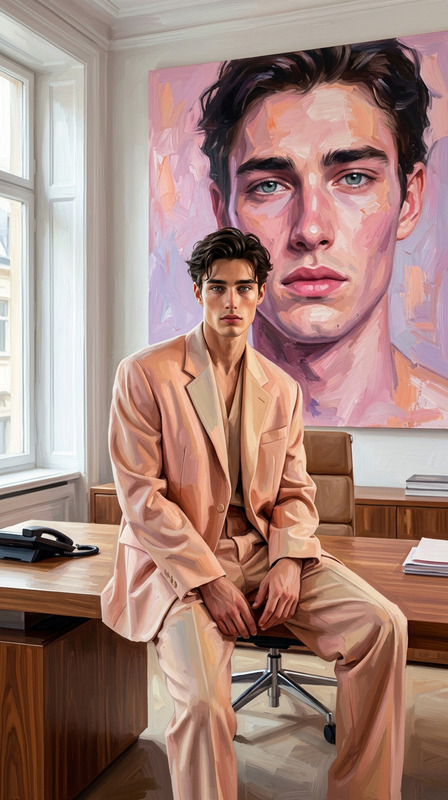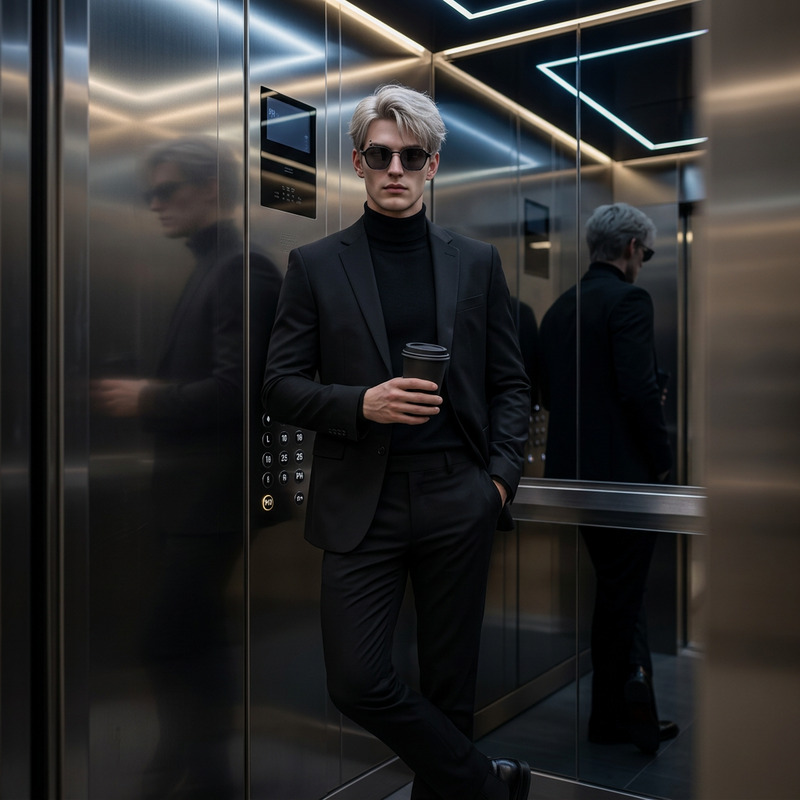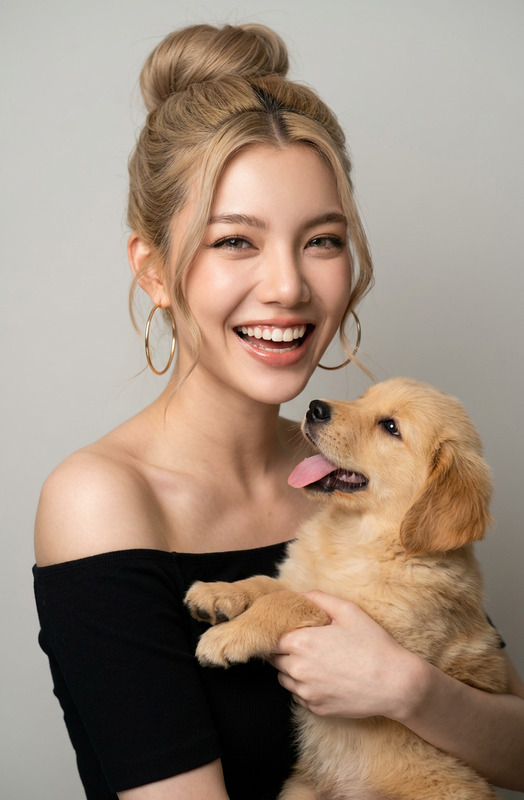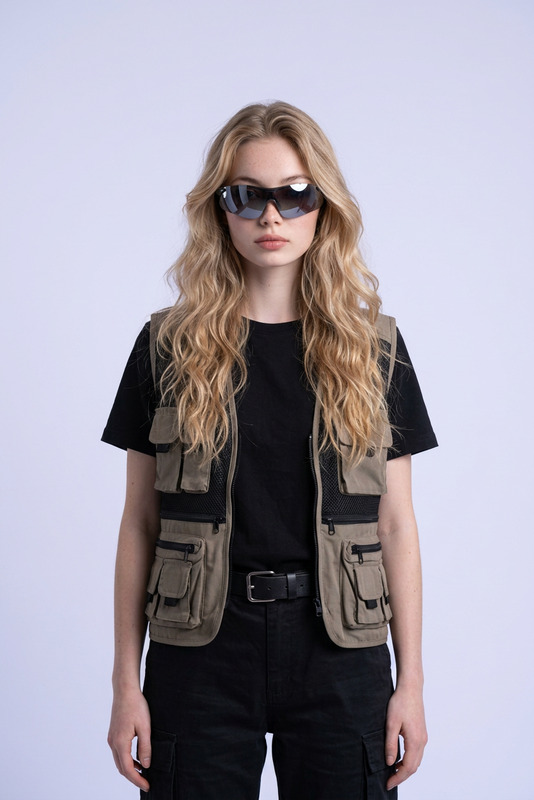
Expert
- Model
- Nano Banana 2
- Image
- 921 × 1152 px
Prompt
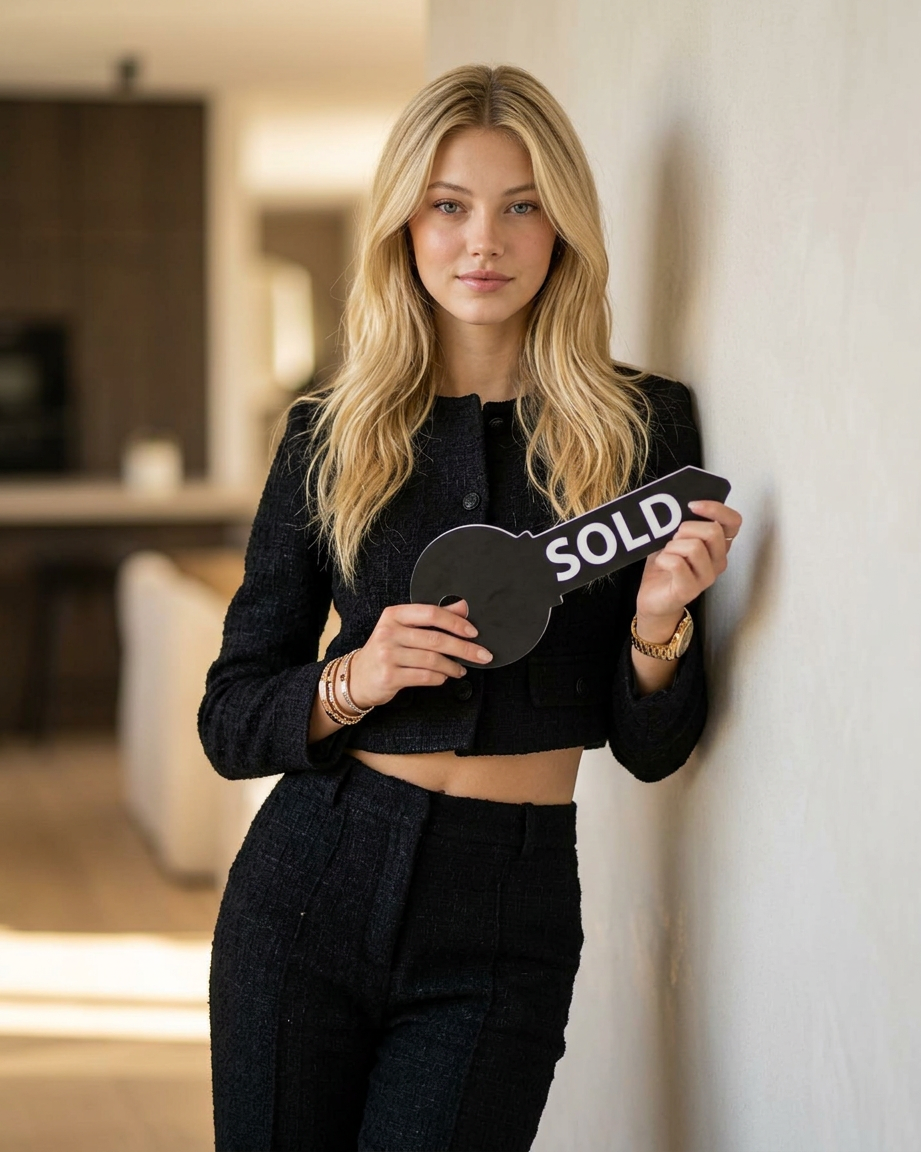
The woman in the center of the frame is dressed in an elegant black tweed cropped jacket and black high-waisted trousers. She is wearing a stylish watch and bracelets. She stands confidently, leaning her shoulder against a minimalist wall. In her hands, she holds a large, simple key mockup with the word "SOLD" written in large white letters. The background is a modern, upscale interior with a soft, out-of-focus bokeh effect.
Any aspect ratio
Overview
The "Expert" template in our AI Image Editor suite is crafted for those who want to modify images with precision and style. Using the advanced capabilities of the nano-banana-2 model, this template enables you to enhance your visuals with high-end fashion elements and sophisticated settings.
What It Does
This template allows you to transform any image by integrating it with the description of a powerful and stylish character. It focuses on applying detailed fashion accessories and a modern aesthetic setting, making it ideal for showcasing products or creating compelling marketing visuals. Explore more capabilities like this in the AI Image Generator.
Who It's For
The "Expert" template is perfect for fashion designers, marketers, and content creators aiming to produce high-quality images that exude elegance and sophistication. It's designed for those who strive to impress their audience with top-tier imagery. Also, consider our AI Profile Picture Generator for personalized image creation.
Summary
Utilizing the "Expert" template, users can effortlessly create visually arresting images that exhibit style and professionalism. Whether you're in fashion, marketing, or content creation, this template is engineered to provide stunning results. For those interested in further customization options, you can look into our AI Clothes Changer tool.
How To
Choose Your Template

Customize Your Image

Generate Your Image

Use Cases
Fashion Lookbooks
Marketing Campaigns
- Product launch visuals
- Social media content
Content Creation
- YouTube covers
- Website hero images
Best Practices
Focus on Detailing
Ensure your input image has clear and visible features, as the AI enhances every detail, especially in fashion and accessories.Select Appropriate Backgrounds
For optimal results, choose images with backgrounds that complement the modern, upscale aesthetic described in the template.Experiment with Accessories
Vary the style and amount of accessories to see how they change the overall appearance and feel of the image.