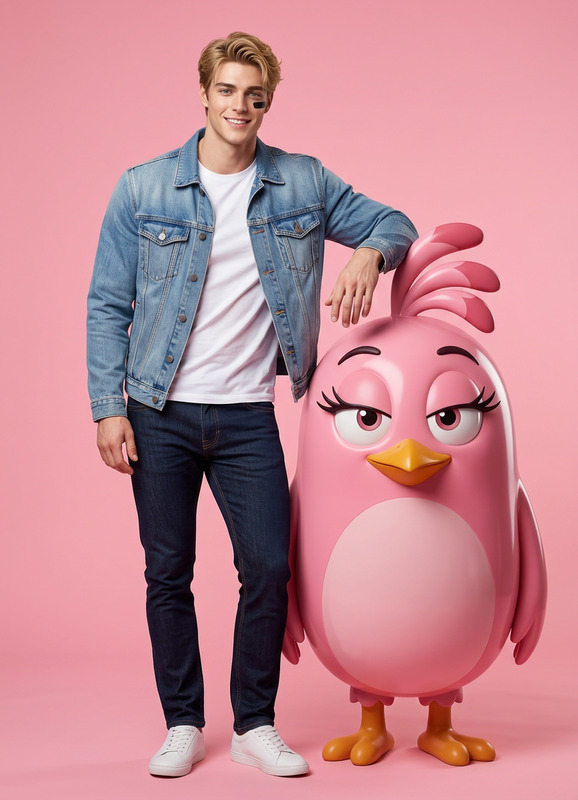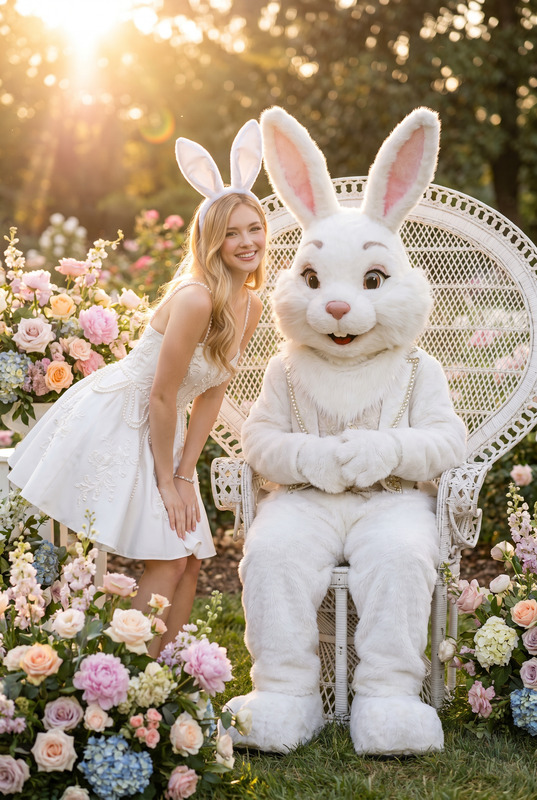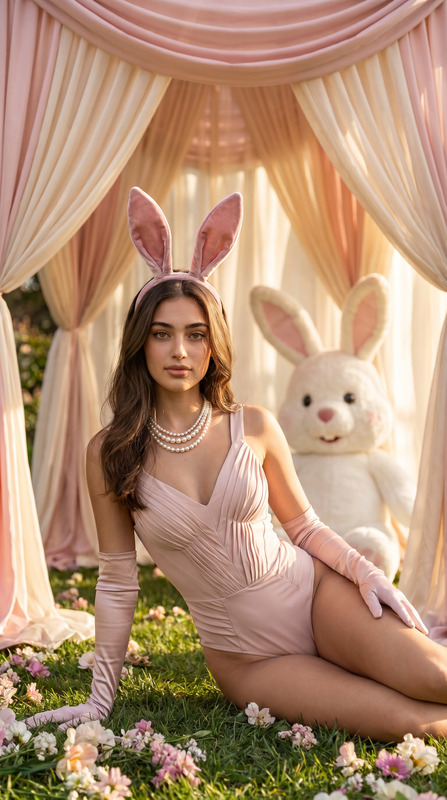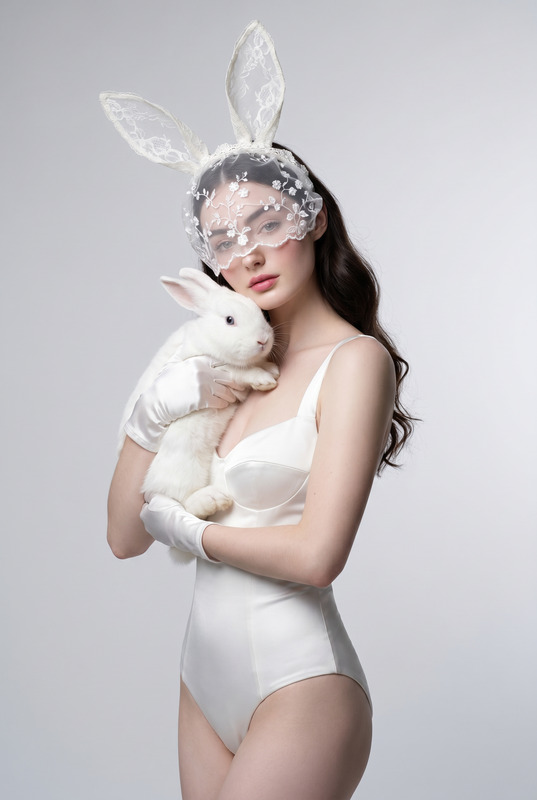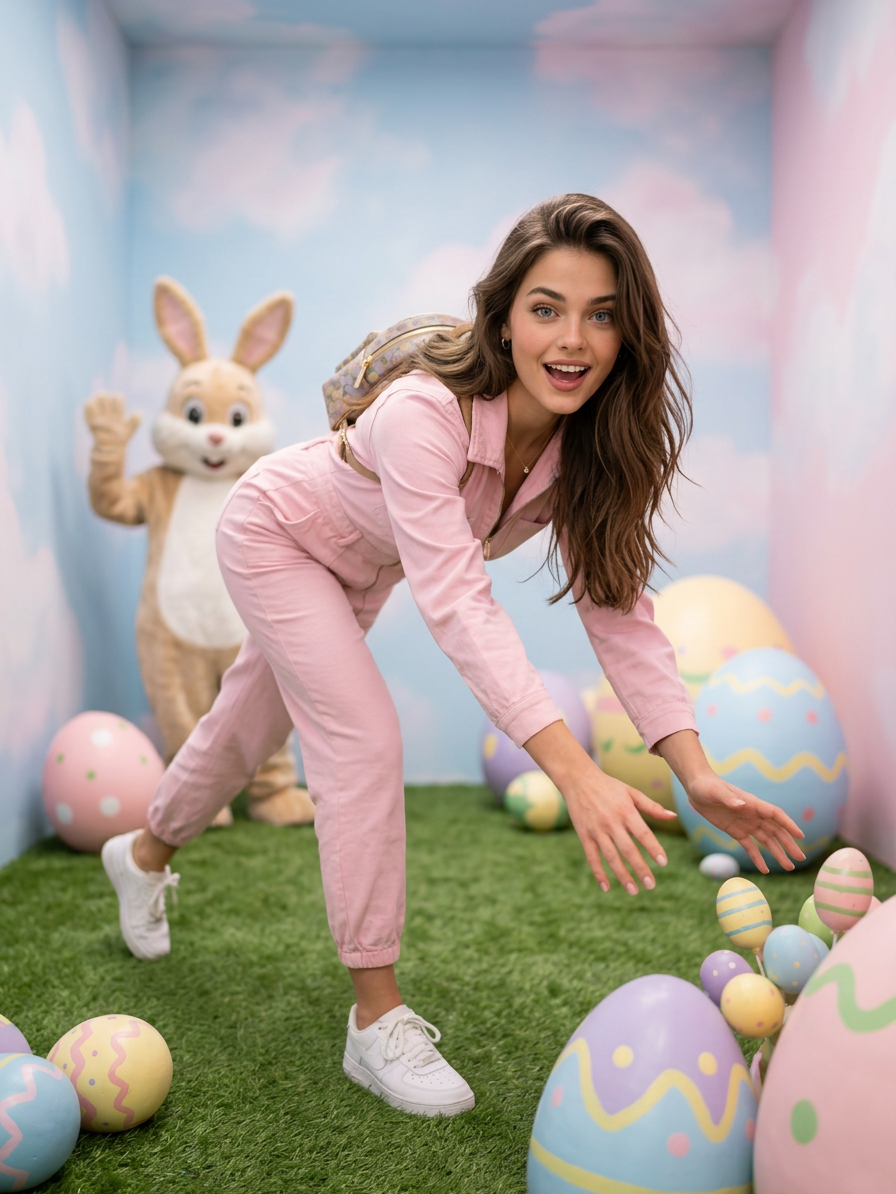
Bunny Easter
- Model
- Nano Banana 2
- Image
- 896 × 1194 px
Prompt
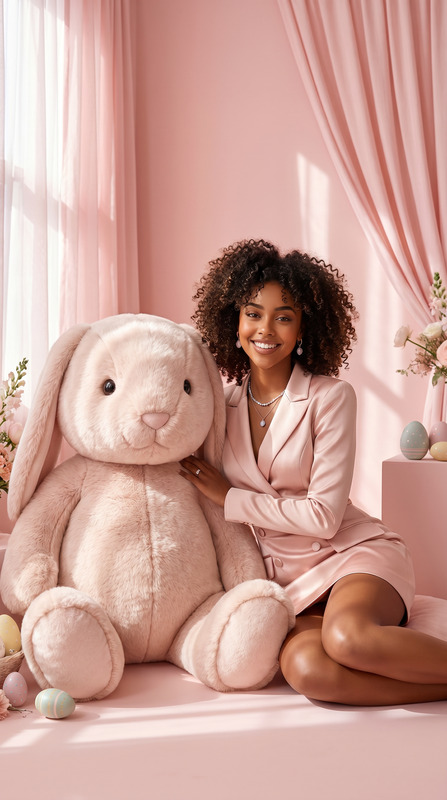
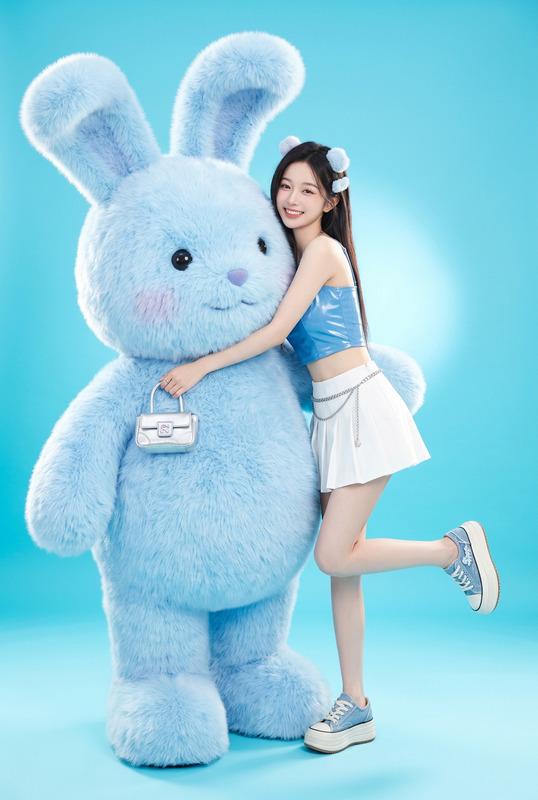
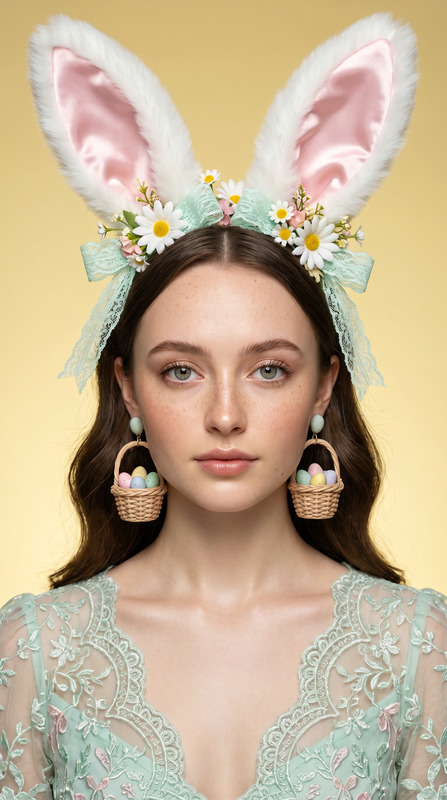
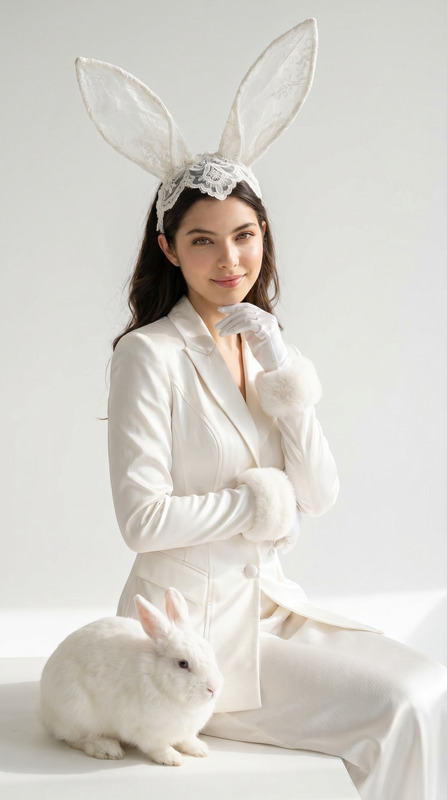
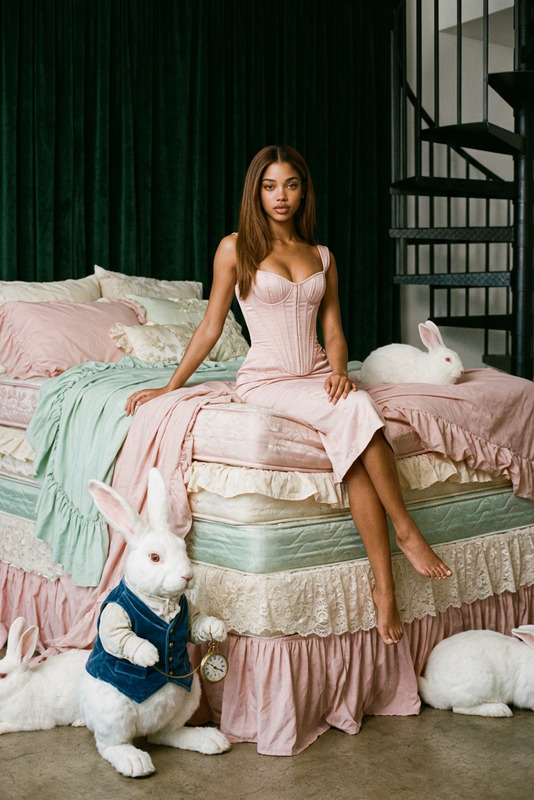
Preserve the character’s identity with absolute accuracy based on the reference photos, with no interpretation: exact facial structure, proportions, expression, eyes, skin tone, hair, and all defining features; if the subject is female, use the described pastel pink one-piece fashion styling, and if male, adapt to a refined pastel high-fashion outfit while keeping the same scene, pose, and lighting. The scene is a hyper-realistic high-fashion Easter photoshoot in a surreal pastel bunny room with cloud-like walls, a grassy meadow floor, scattered Easter eggs, and cinematic lighting; the subject is captured in a dynamic forward-stretching pose reaching toward the eggs, while a bunny mascot appears softly out of focus in the background. The overall atmosphere is a classic cute, comedic Easter pin-up without sexualization, focusing on vintage charm, playful humor, and polished editorial aesthetics.
Any aspect ratio
Overview
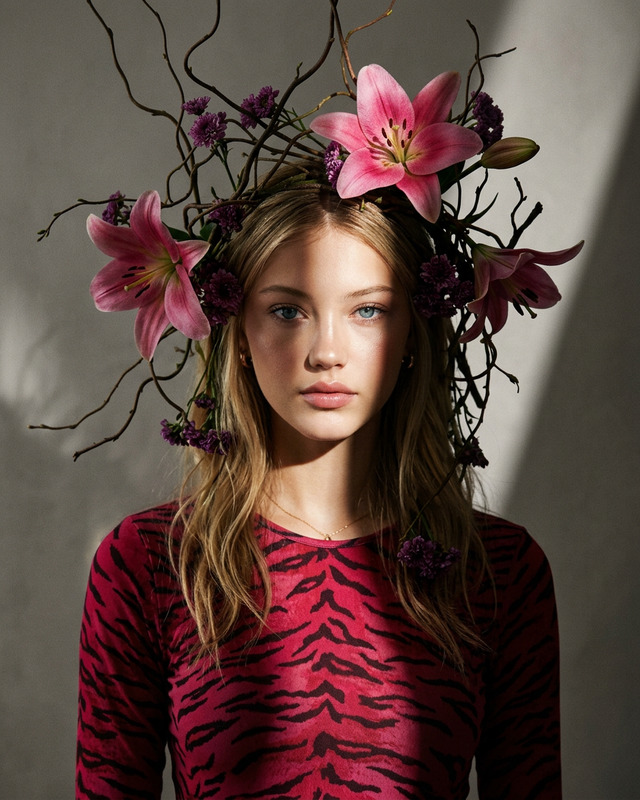
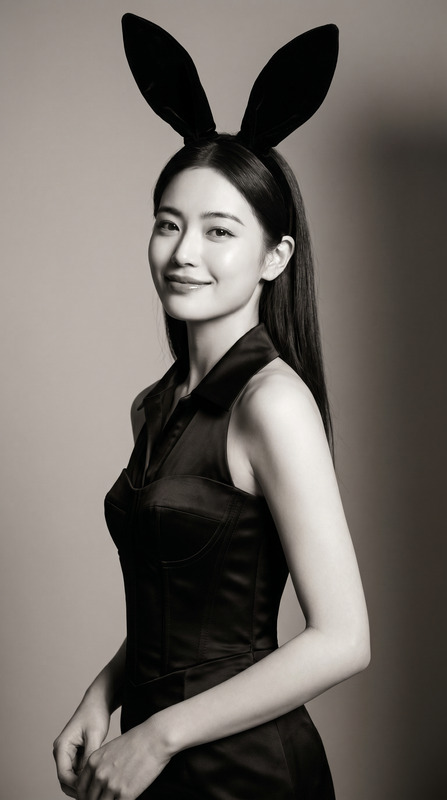
Transform your images with the Bunny Easter template designed to work with the nano-banana-2 model. This template enables you to create high-fashion Easter-themed photoshoots that focus on character precision and surreal settings. Perfect for both professional and personal projects, this AI Image Editor maintains the integrity of your subject’s core features while wrapping them in pastel-themed elegance.
What It Does
The Bunny Easter template integrates advanced AI capabilities to reproduce your character's identity with unmatched accuracy. It ensures that all facial structures, expressions, and features precisely match the reference photos you provide. The setting is a hyper-realistic, pastel-filled room that establishes a dreamy Easter photoshoot environment. This editor is perfect for creating polished and playful images with an editorial style focus, complete with vintage charm and playful humor.
Who It's For
This template is ideal for photographers, content creators, and designers aiming to add a whimsical touch to their work. It's particularly useful for those involved in fashion editorials, personalized holiday media, or social media campaigns. Whether you're capturing Easter-themed advertisements or playful photo shoots, the Bunny Easter template provides the tools you need for creative expression.
Summary
Utilize the Bunny Easter template on AI Image Editor to craft stunning Easter-themed images with tailored character accuracy and pastel elegance. The ability to uniquely customize each photo to suit the gender and style of your subject ensures versatility in creative projects. Explore related functionalities with tools like the Image to Video to animate these joyful scenes, or the AI Meme Generator to add captions for impactful communication.
How-to
Choose Your Template

Customize Your Inputs

Generate Your Image

Use Cases
High-Fashion Editorial Shoots
- Surreal Easter setting
- Character-specific outfits
Social Media Campaigns
- Personalized photo sessions
- Cinematic style appeal
Personalized Greeting Cards
- High-resolution images
- Vintage charm aesthetics
Best Practices
Use High-Quality Photos
Ensure the reference photos are well-lit and clear to maintain feature accuracy in the final image.Optimize Character Styling
Choose the appropriate outfit styles based on the subject's gender for coherent and refined visual outputs.Maintain Background Details
Leverage the background elements like the pastel bunny room and cloud-like walls to enhance the surreal aesthetic of your image.