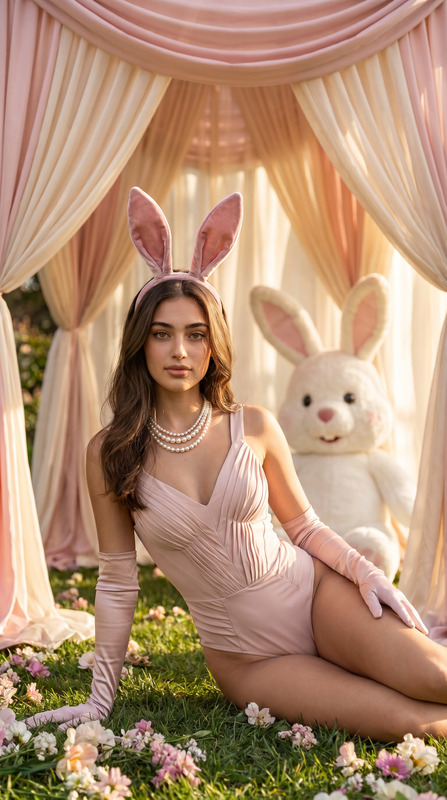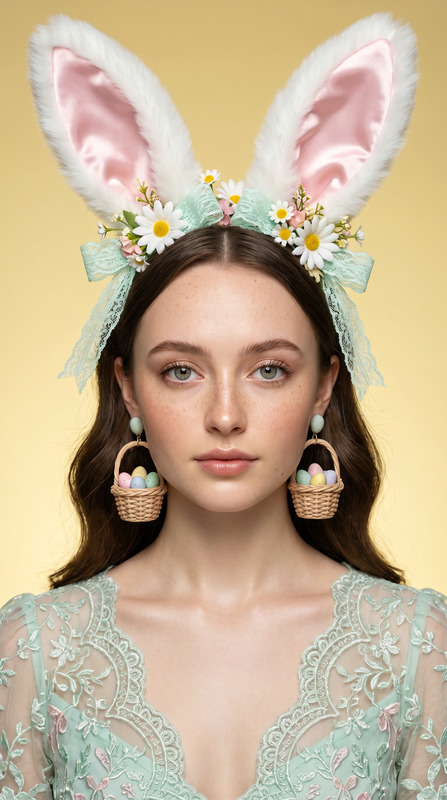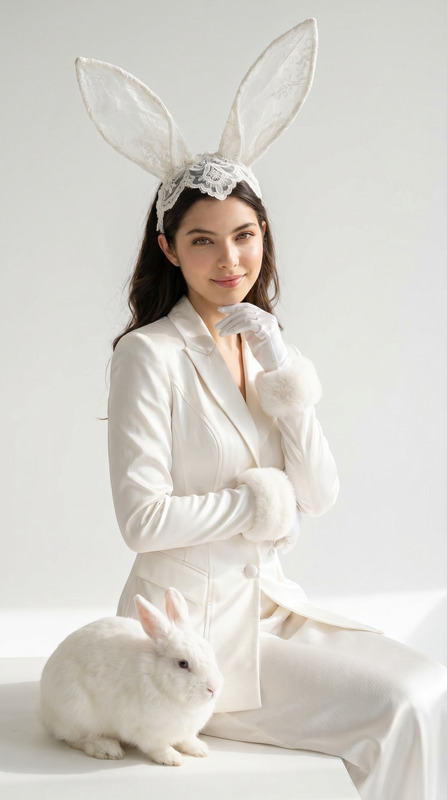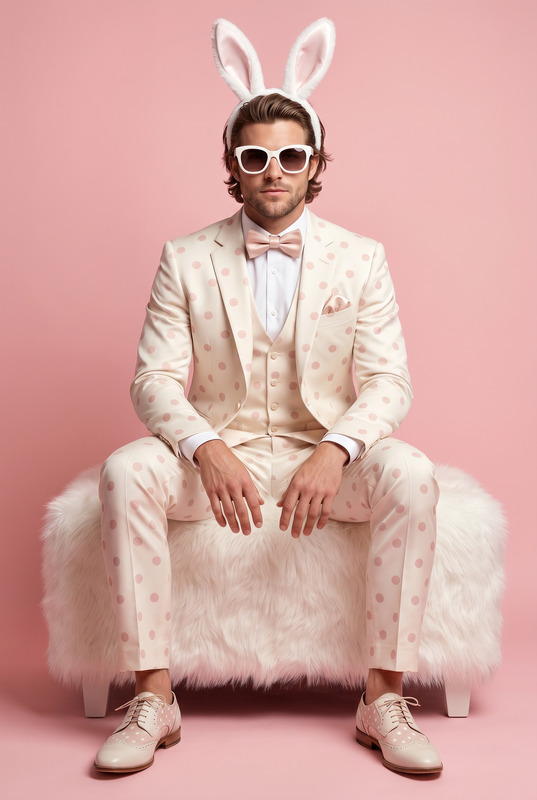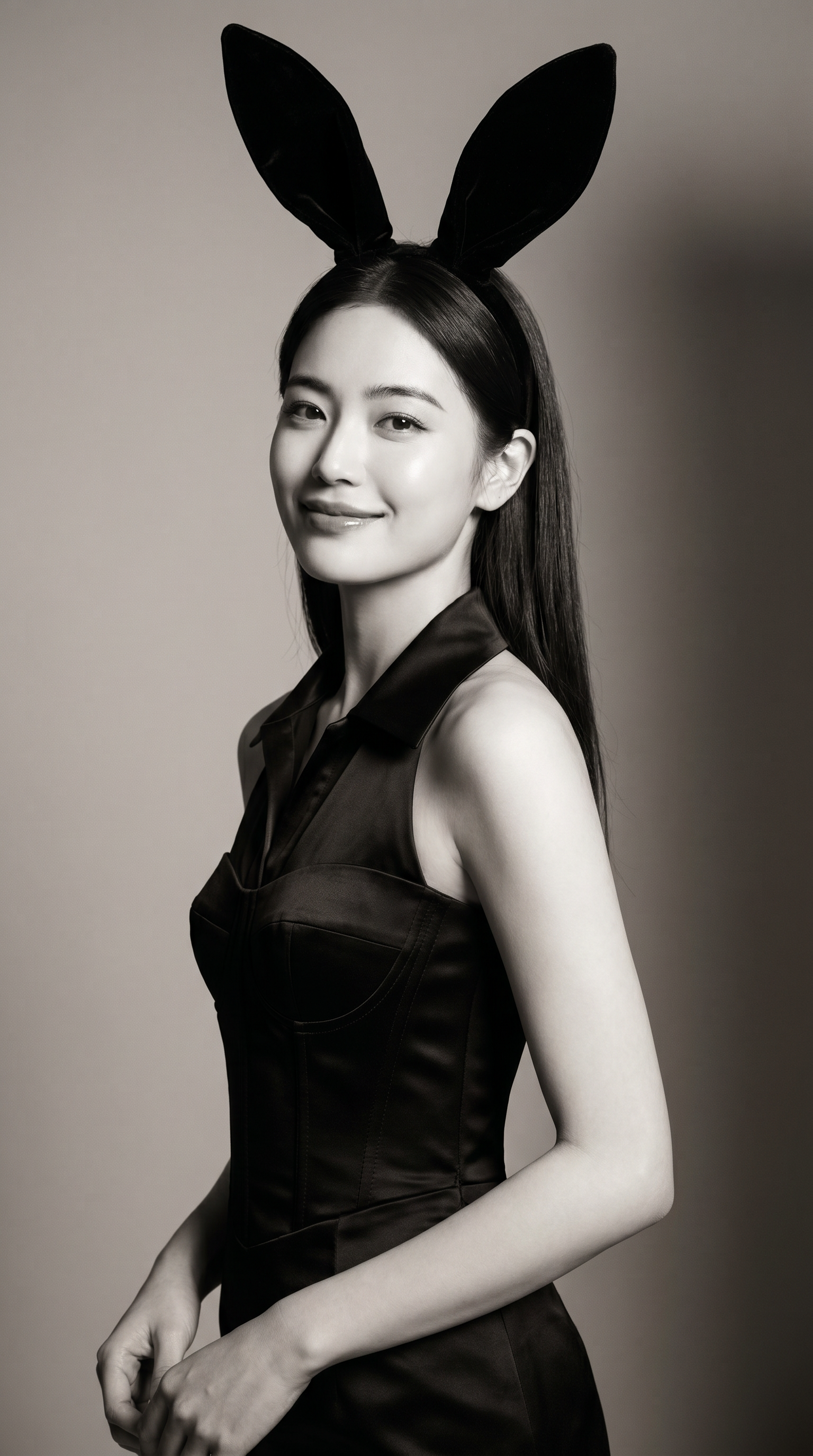
Bunny Shot
- Model
- Nano Banana Pro
- Image
- 1536 × 2752 px
Prompt
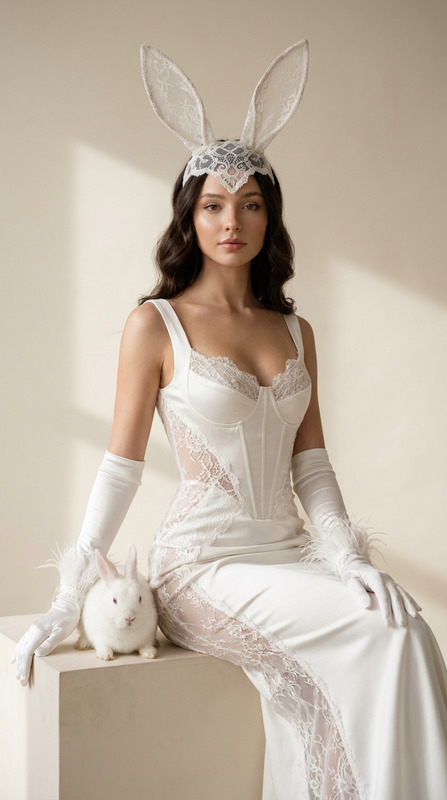
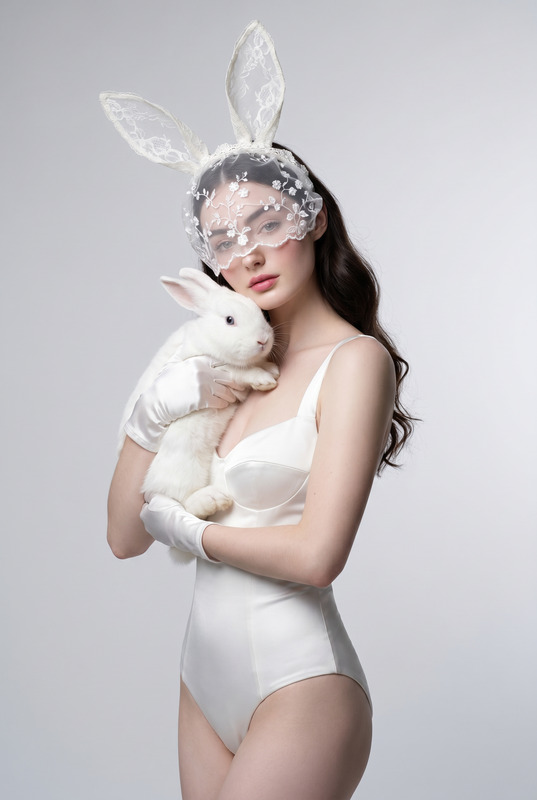
Transform the uploaded face-edited portrait into a luxurious high-fashion bunny couture editorial. A beautiful woman is photographed in a minimalist fine-art studio, wearing elegant black velvet rabbit ears, a sophisticated black satin corset dress, and a refined silk collar. She stands gracefully in a three-quarter profile pose with relaxed shoulders and a gentle, warm smile, creating an elegant yet approachable atmosphere. Her long silky hair falls naturally behind her shoulders with a sleek polished finish. Soft expressive eyes, subtle natural makeup, luminous skin texture, delicate facial features, confident feminine elegance. The smile is soft, genuine, and charming, conveying warmth, sophistication, and timeless beauty without appearing exaggerated. Luxury monochrome aesthetic with subtle black-and-white tones, premium fashion magazine styling, dramatic yet soft studio lighting sculpting the face and outfit, smooth neutral background, cinematic shadows, flawless couture details, museum-quality fashion photography, Vogue editorial atmosphere, timeless elegance, ultra realistic skin texture, medium-format camera look, 85mm lens, shallow depth of field, masterpiece quality, photorealistic lighting. Luxury fashion editorial, bunny couture aesthetic, monochrome elegance, black velvet rabbit ears, soft studio lighting, cinematic shadows, Vogue magazine style, timeless feminine beauty, premium couture campaign, elegant smile, luxury portrait photography, minimalist high fashion atmosphere, museum-quality editorial
Any aspect ratio
Overview
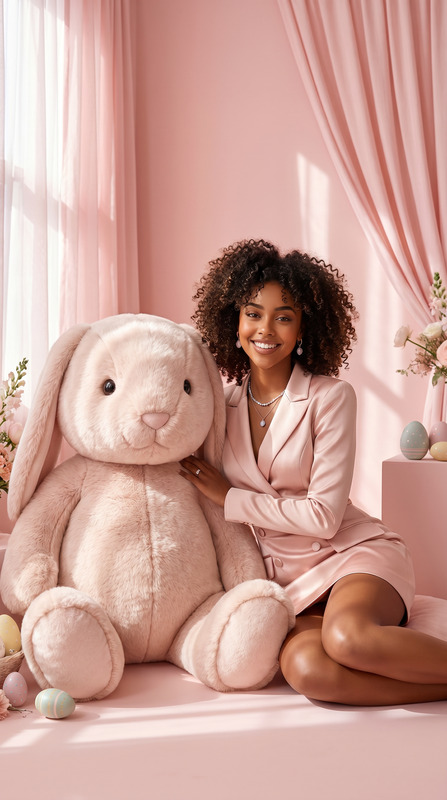
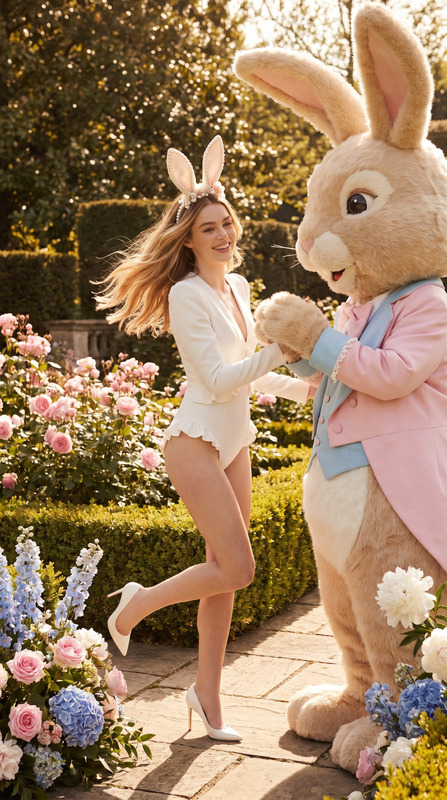
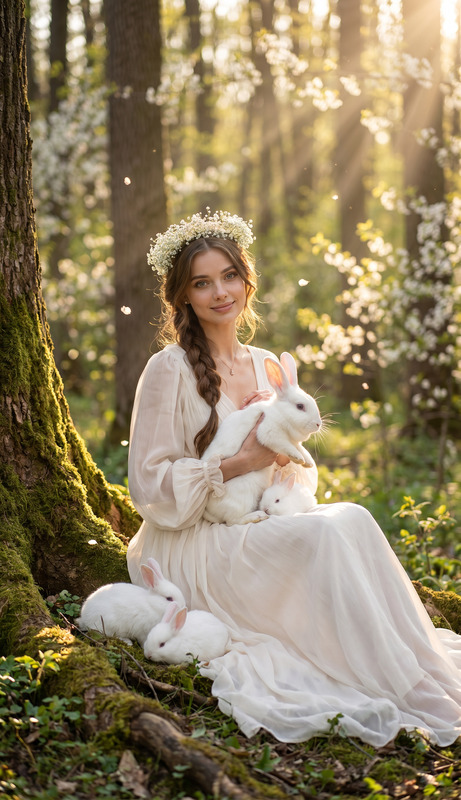
The Bunny Shot template employs cutting-edge AI technology to transform portraits into high-fashion models, complete with luxurious bunny couture. Perfect for visual artists seeking elegance in their works, this template captures the essence of a high-fashion editorial styled with sophistication and finesse. Its ability to highlight timeless elegance through monochrome tones and photorealistic lighting is unmatched.
What It Does
This template leverages the AI Image Editor power of the nano-banana-pro model to create museum-quality fashion portraits. It extends your creative palette by offering detailed customization of images—enhancing them with elements like black velvet rabbit ears and satin corset dresses. The outcome is a masterpiece with a luxury monochrome aesthetic, reminiscent of a Vogue magazine-style spread.
Who It's For
The Bunny Shot template is ideal for fashion photographers, digital artists, and social media influencers who want to achieve a high-end editorial look in their digital creations. It's also perfect for those who aim to add a touch of elegance and sophistication to social media posts or promotional visuals with premium fashion styling and cinematic lighting effects.
Summary
With the AI capabilities of the nano-banana-pro model, the Bunny Shot template facilitates the transformation of portraits into elegant high-fashion images. It combines luxury elements with subtle monochrome nuances for a refined editorial finish. The template provides an array of features that seamlessly integrate with other tools, offering complete control for creative styling.
How To
Choose the Template

Customize Your Design

Generate and Download

Use Cases
Fashion Photography
- Capture the timeless elegance of monochrome fashion.
- Create fashion-forward images with designer flair.
Luxury Branding
- Develop iconic brand assets.
- Craft compelling social media visuals.
Editorial Content
- Produce magazine-like spreads.
- Create engaging blog visuals.
Best Practices
Optimize Portrait Lighting
Ensure your uploaded portrait is well-lit to achieve the desired photorealistic look using soft, dramatic lighting techniques.Refine Details
Pay attention to clothing and accessory details, adjusting for the best upscale fashion results.Experiment with Angles
Test different angles and edits to find the most flattering and dynamic compositions for the editorial-style look.