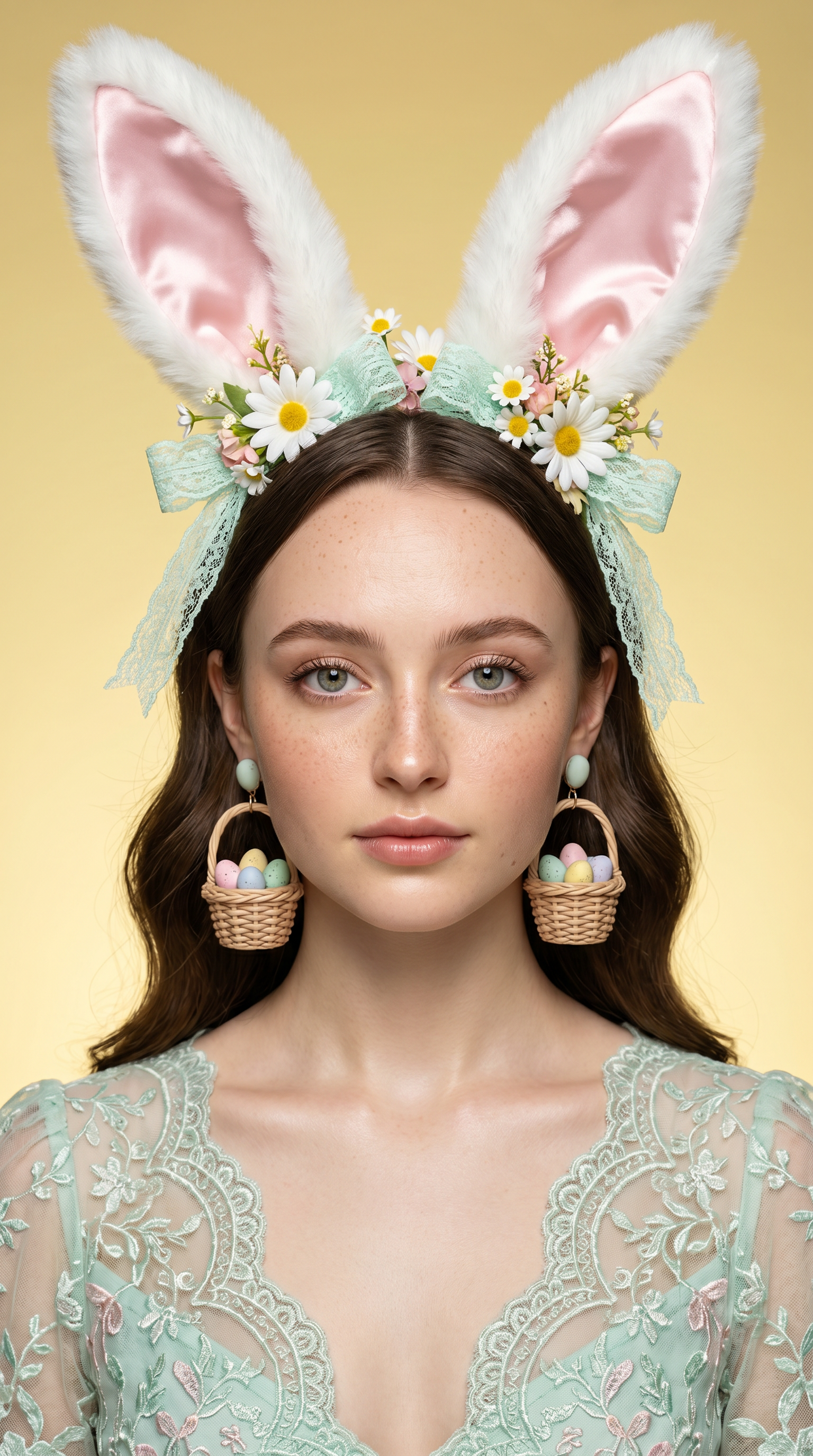
Daisy Mood
- Model
- Nano Banana Pro
- Image
- 1536 × 2752 px
Prompt
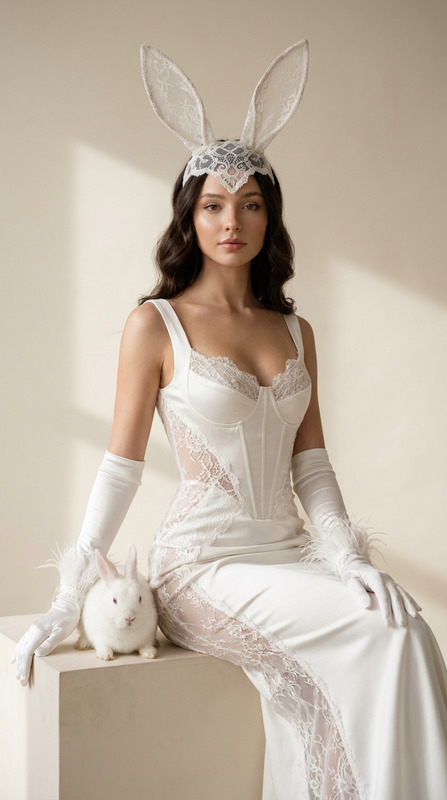
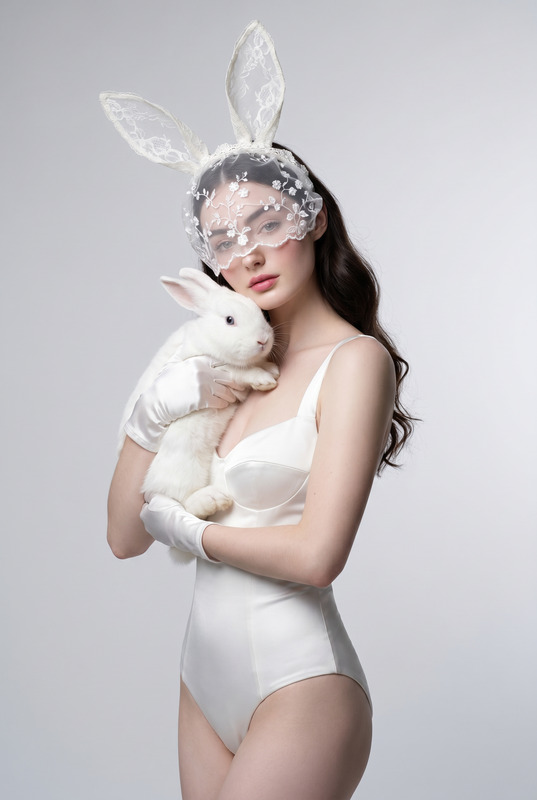
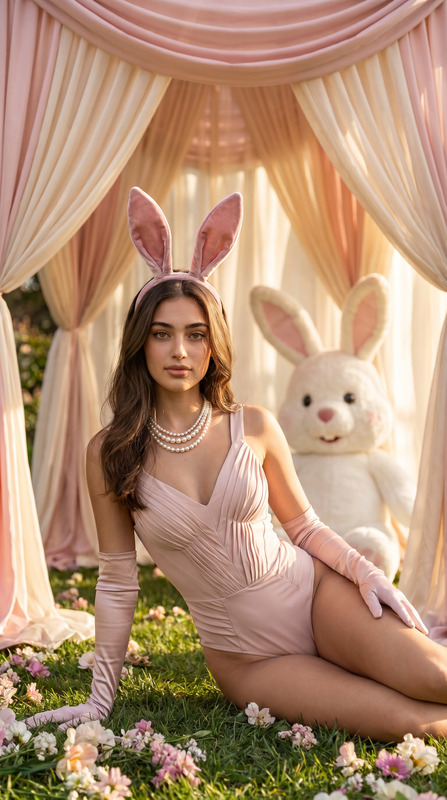
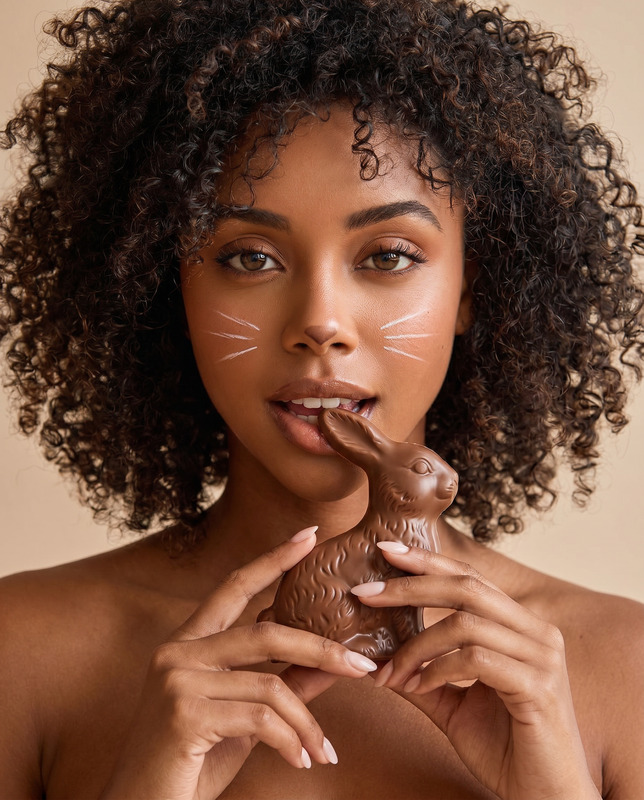
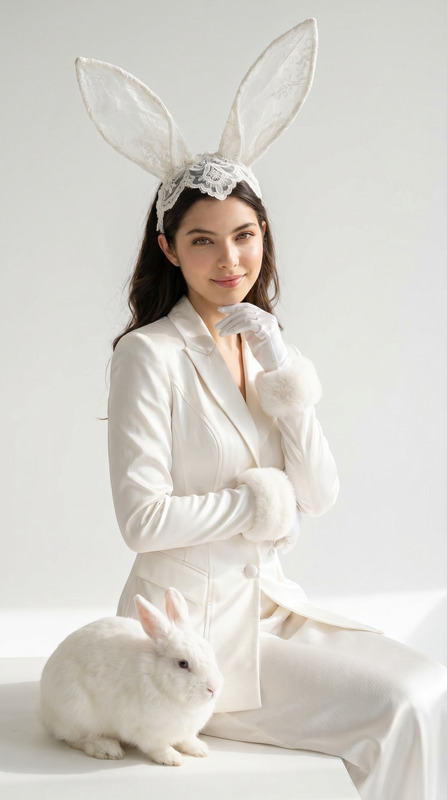
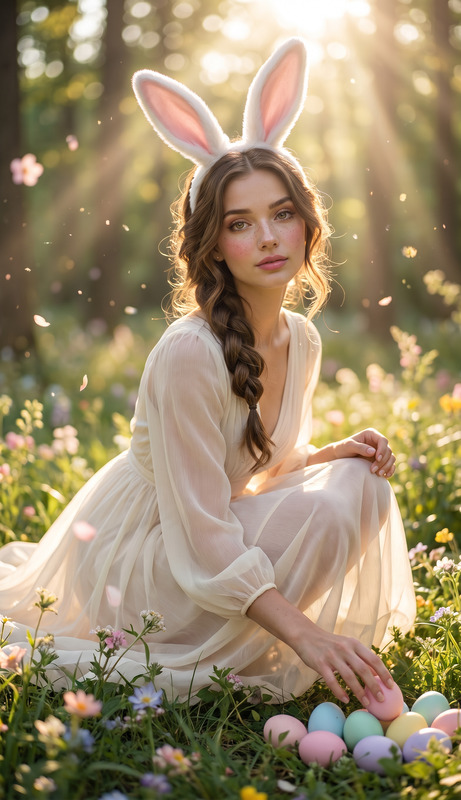
Transform the uploaded face-edited portrait into a luxury Easter fashion beauty editorial. A beautiful young woman is photographed in a premium studio environment, facing directly toward the camera with a calm, elegant expression. She wears oversized fluffy white rabbit ears lined with soft pink satin, decorated with delicate white daisies, mint lace ribbons, and luxurious spring floral details. Her outfit is an elegant pastel mint lace couture dress with intricate embroidery and refined feminine styling. Large statement earrings shaped like miniature woven Easter baskets filled with pastel-colored eggs hang gracefully beside her face. Soft natural freckles, luminous glowing skin, crystal-clear eyes, silky wavy dark hair, subtle luxury makeup, and flawless beauty campaign styling. The background is a clean buttery-yellow studio backdrop with soft gradients that complement the pastel fashion palette. Soft beauty lighting creates smooth skin tones, gentle shadows, and premium editorial depth. Highly detailed textures, realistic lace fabric, intricate accessories, photorealistic fur, luxury cosmetic campaign aesthetic, Vogue beauty editorial, medium-format photography, 85mm lens, ultra realistic details, magazine cover composition, masterpiece quality. luxury Easter beauty campaign, pastel fashion aesthetic, fluffy rabbit ears, mint couture styling, daisy flower accessories, elegant Easter baskets, glowing skin, Vogue beauty editorial, premium cosmetic campaign, spring fashion photography, luxury studio portrait, pastel luxury atmosphere, magazine cover aesthetic, photorealistic beauty
Any aspect ratio
Overview
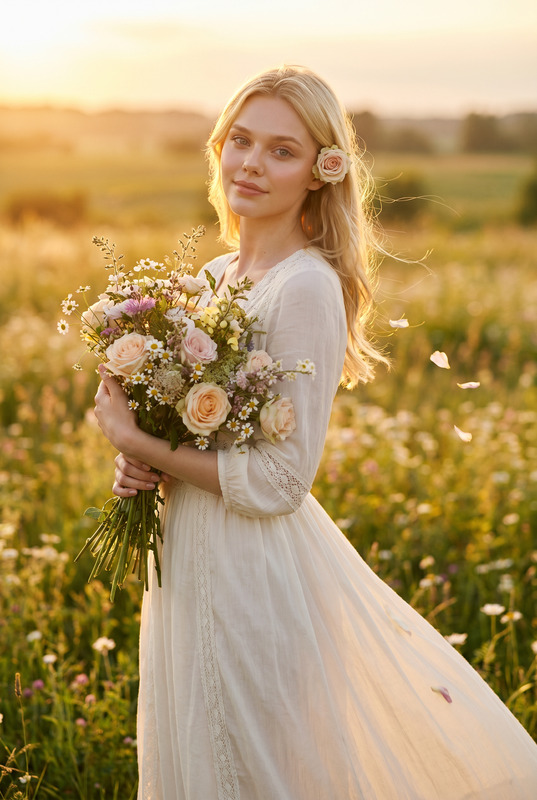
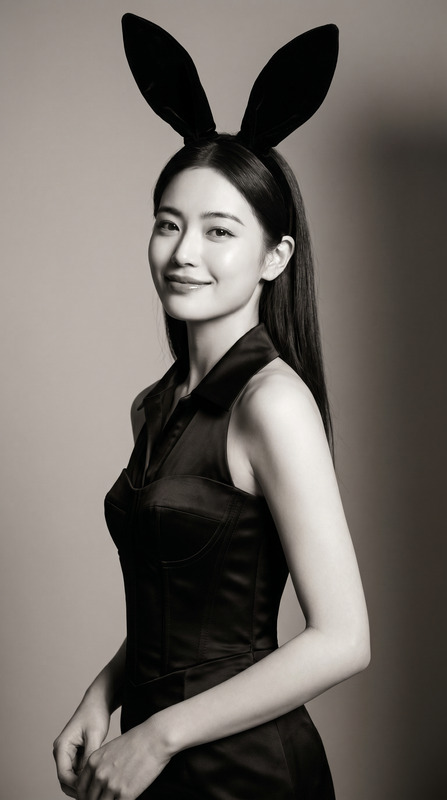
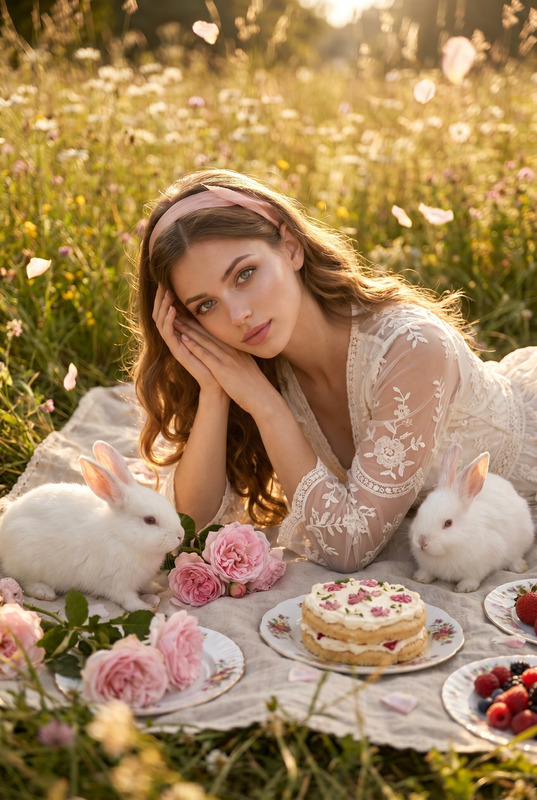
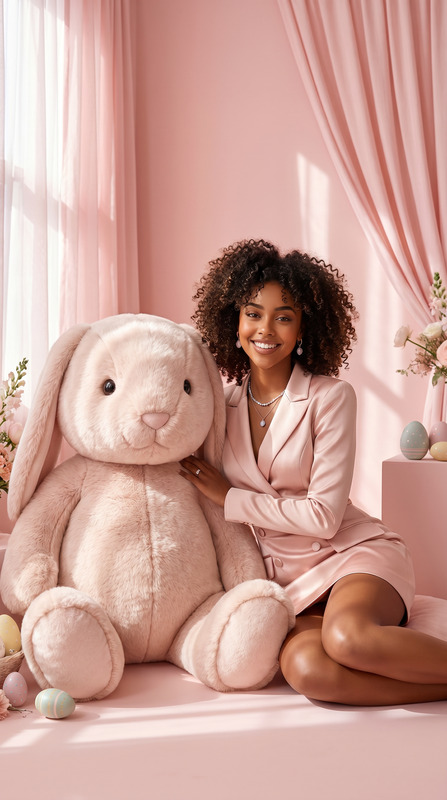
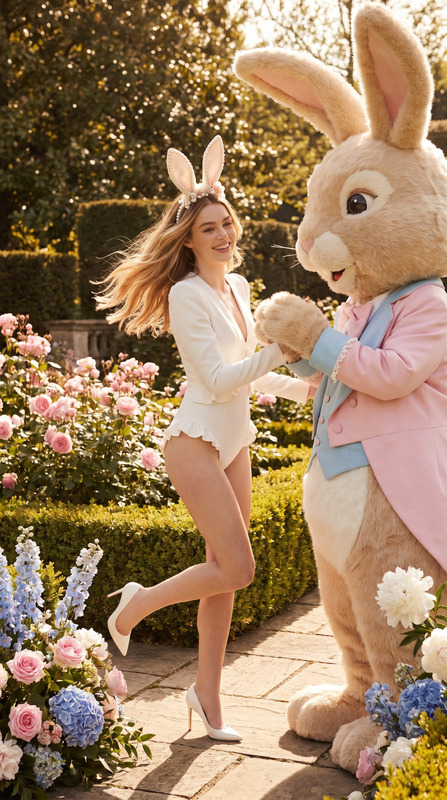
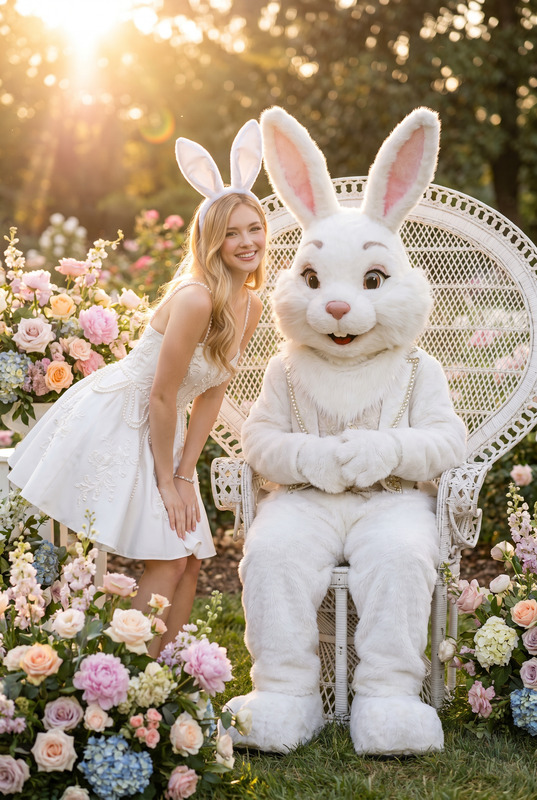
Daisy Mood is an AI Image Editor template designed to craft premium Easter fashion beauty editorials. Utilizing the nano-banana-pro model, it transforms portraits into photorealistic, luxury images ready for magazine covers. Its rich details and pastel fashion aesthetics make it ideal for creating standout visuals.
What It Does
The Daisy Mood template modifies face-edited portraits into sophisticated beauty editorials. With its detailed prompt, it adds high-fashion elements like mint lace couture dresses, fluffy rabbit ears, and statement earrings. The AI Image Editor capabilities ensure each image has realistic textures and luxe styling, capturing the essence of a professional beauty shoot.
Who It's For
This template is ideal for fashion designers, photographers, and editorial teams seeking to produce high-end, eye-catching images. It's perfect for those working in the AI Product Photography sector or anyone wanting to enhance their content marketing with creations that command attention.
Summary
Daisy Mood offers a seamless way to generate sophisticated Easter-themed fashion editorials. By leveraging the power of the AI Image Editor, it provides creators with the tools needed to transform images into magazine-quality visuals with stunning aesthetics and intricate details.
How to Use the Daisy Mood Template
Choose the Daisy Mood Template

Customize Your Portrait

Generate Your Image

Use Cases
High-Quality Editorials
- Magazine covers
- Fashion blogs
Social Media Campaigns
- Instagram stories
- Pinterest boards
Product Launch Imagery
- New collection reveal
- Brand storytelling
Best Practices
Ensure High-Quality Input
For optimal results, use high-resolution images to start with, ensuring the generated output remains sharp and professional.Leverage the Template Environment
Take advantage of the pre-defined styling elements in the template to save time and tap into high-end fashion aesthetics.Experiment with Different Props
Don't hesitate to modify details in the prompt to explore various looks and styles, enhancing your creative output.