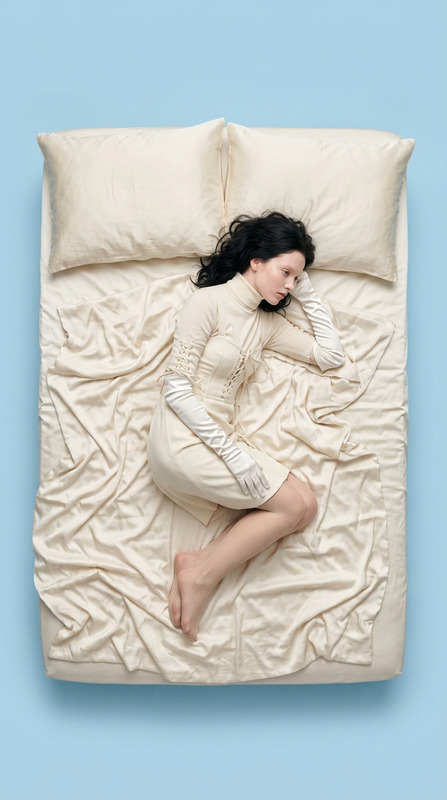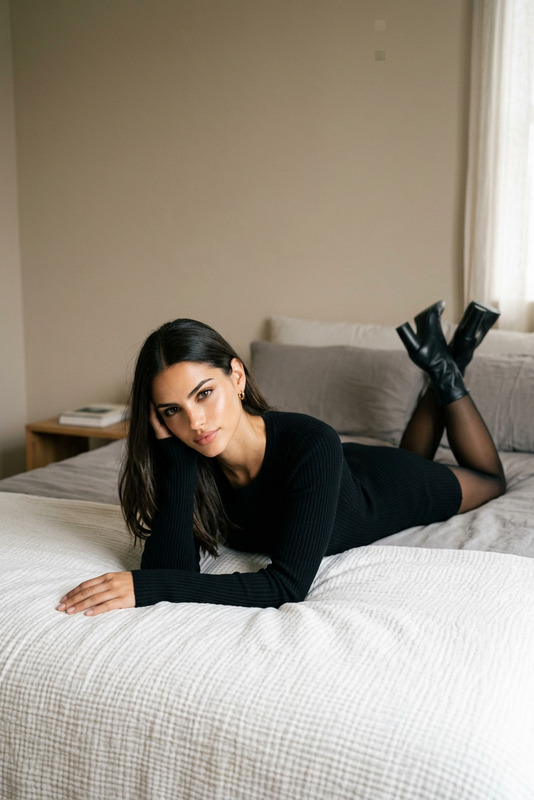
Easter Bed
- Model
- Nano Banana 2
- Image
- 843 × 1264 px
Prompt
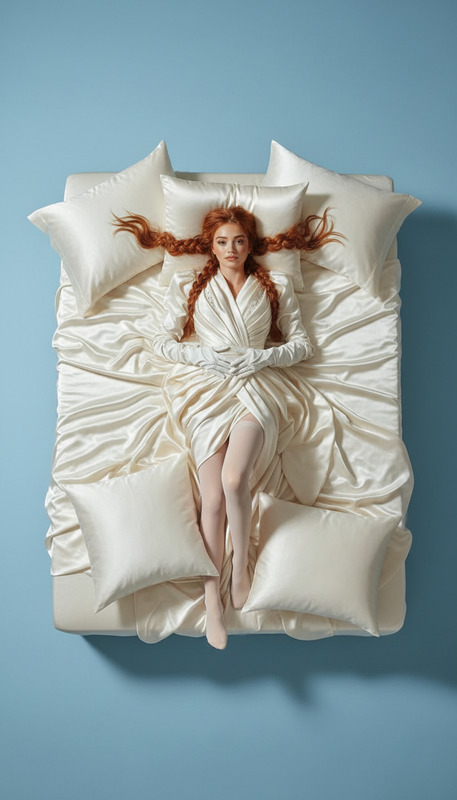
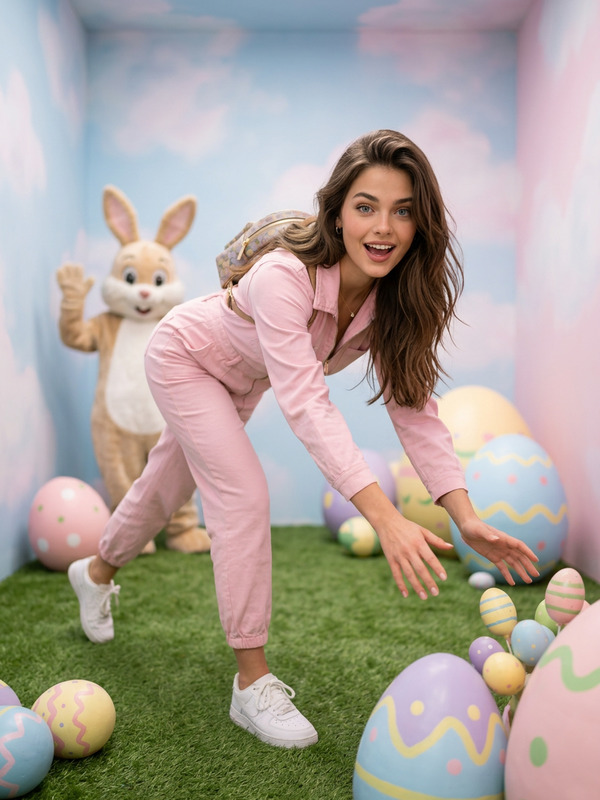
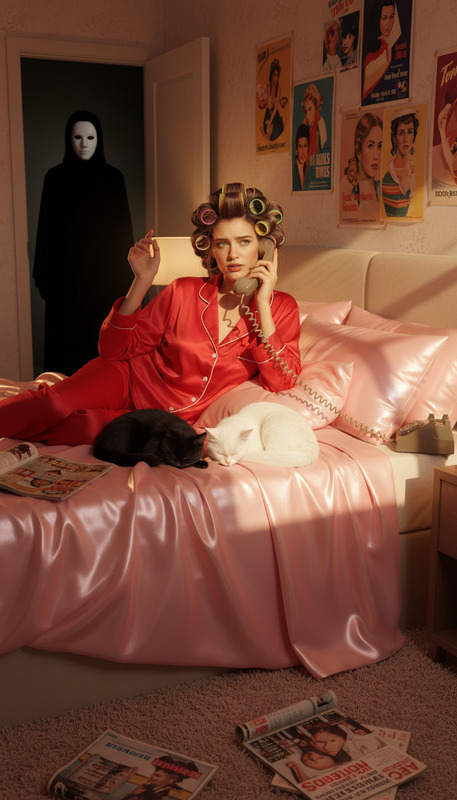
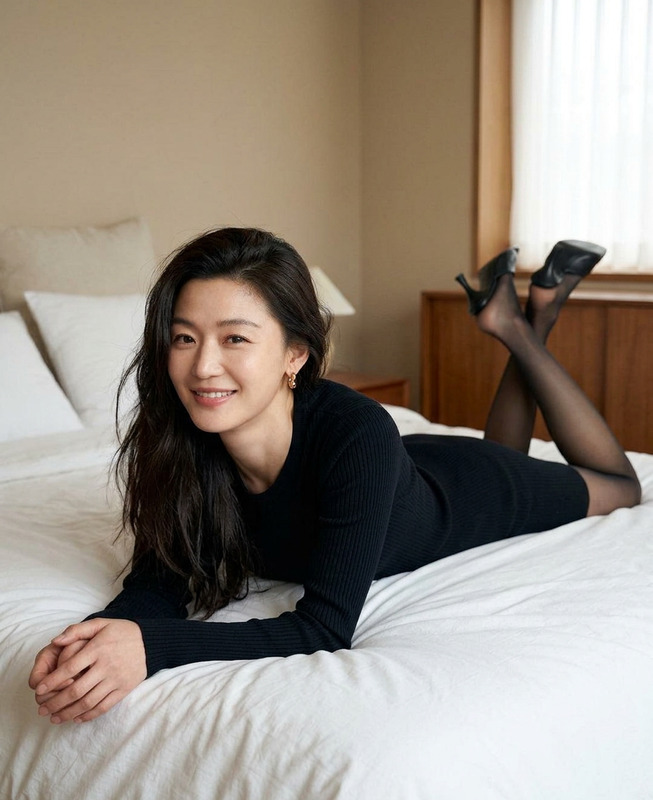
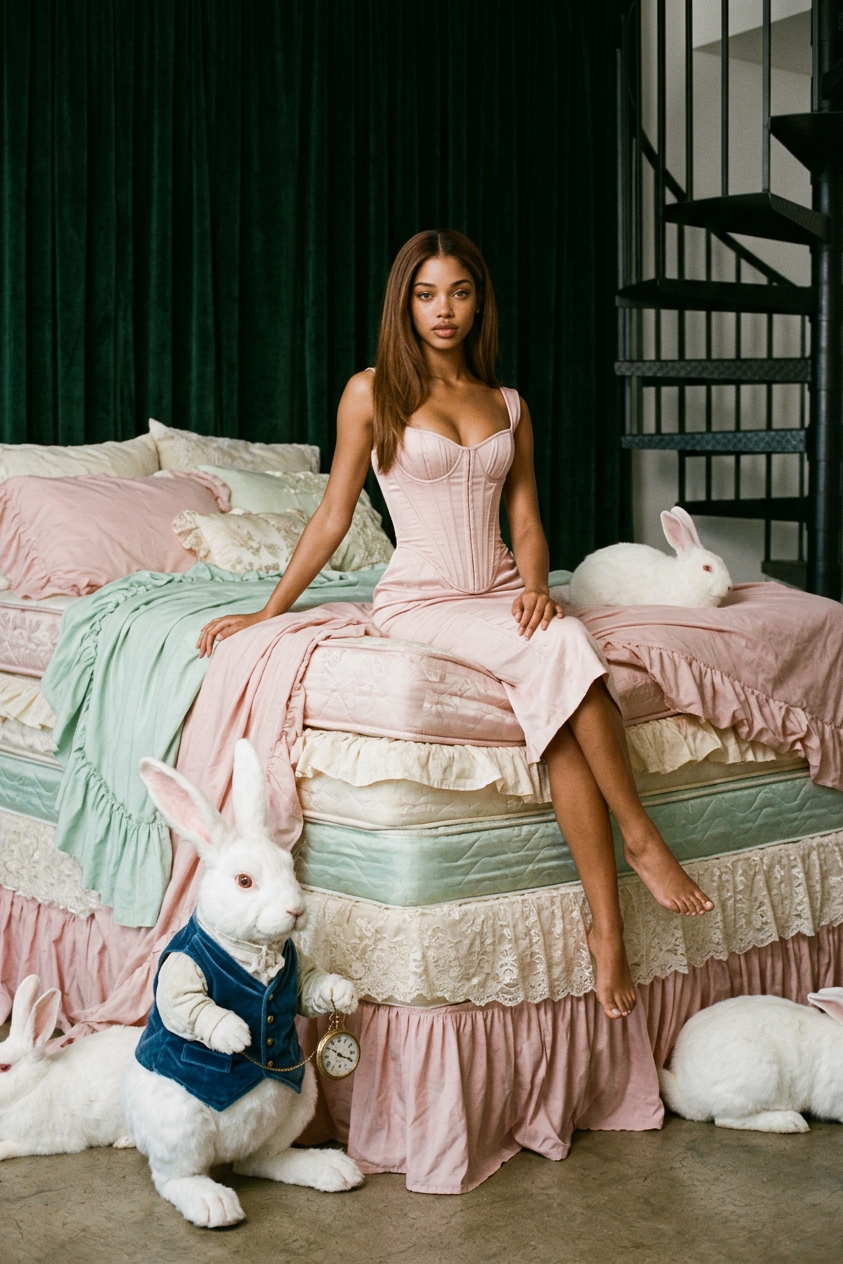
A vintage editorial photoshoot: a character sits on the edge of a very tall bed made of 6-10 multi-layered mattresses with rich draperies, ruffles, and lace in pastel shades, against a backdrop of dark green velvet curtains and a nearby staircase. Soft cinematic lighting, an elegant pink corseted look (or suit), and several realistic white rabbits, including one wearing a vintage vest and pocket watch, create a subtle Alice in Wonderland ambiance.
Any aspect ratio
Overview
The "Easter Bed" template in the AI Image Editor suite lets you craft whimsical and atmospheric vintage-inspired scenes. Utilizing the nano-banana-2 model, it encapsulates an editorial-style photoshoot featuring a towering bed layered with intricate fabrics and vintage accessories that suggest a fantastical, storybook setting.
What It Does
This template provides a rich visual setup where a character is theatrically posed on a multi-layered bed, evoking images of fairy tales and classic literature. The inclusion of realistic white rabbits in period-specific attire further deepens the enchanting, curious atmosphere, offering a unique twist on traditional vintage scenes.
Who It's For
Perfect for digital artists, content creators, and marketers who wish to convey elegance with a touch of whimsy in their imagery. Ideal for those involved in product launch videos or creating mood boards that demand a visually arresting, yet nuanced narrative.
Summary
By employing the "Easter Bed" template, you gain access to a tool that is both imaginative and versatile, blending intricate design elements with storytelling components. Leverage this template in association with other tools like the AI Talking Photo or AI Image Generator to expand its application across various multimedia projects.
How To
Choose Your Template

Customize Your Scene

Generate and Save Your Image

Use Cases
Digital Art Projects
- Create storybook illustrations
- Design album covers with vintage themes
Marketing and Advertising
- Product backdrops for social media
- Imaginative themes for ad creatives
Content Creation
- Engage audiences with visually rich imagery
- Suited for blogs or digital storytelling
Best Practices
Refine Element Details
Focus on the small details in the character’s attire or accessories to enhance the overall narrative.Lighting and Composition
Use the soft cinematic lighting to add depth, ensuring each element in the scene contributes to the story.Incorporate Consistent Themes
Match the pastel and vintage theme across further media using the AI Clothes Changer to ensure cohesive styling.