Flowers In Bed
- Model
- Nano Banana 2
- Image
- 841 × 1264 px
Prompt
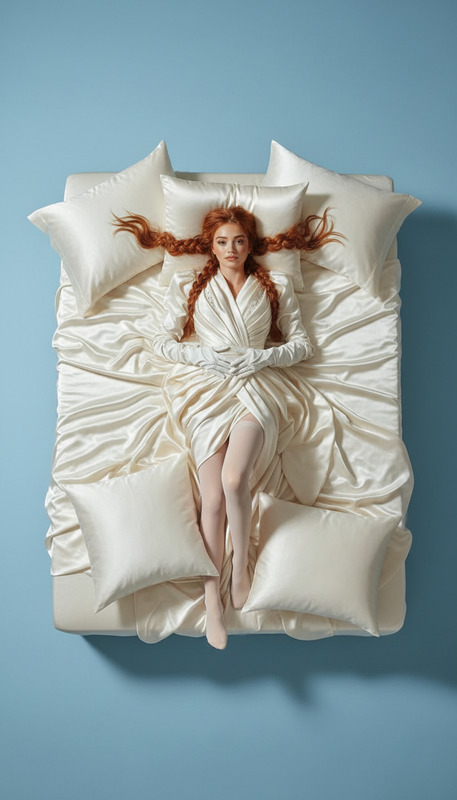
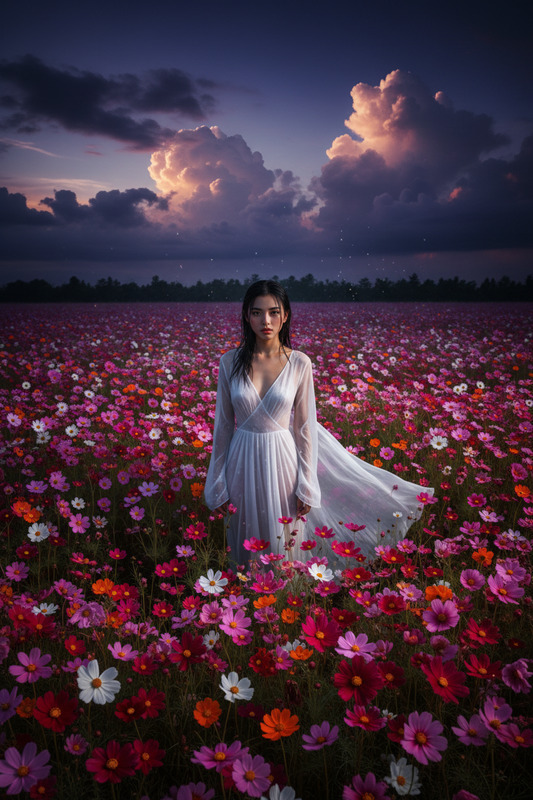
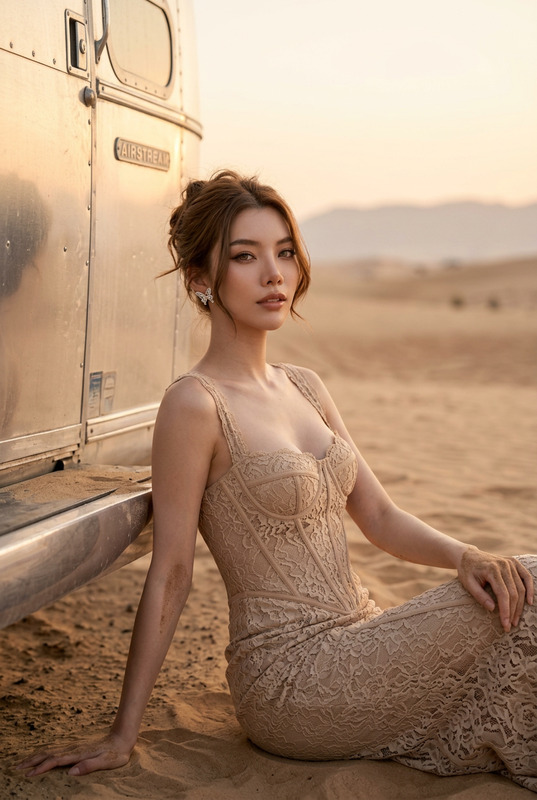
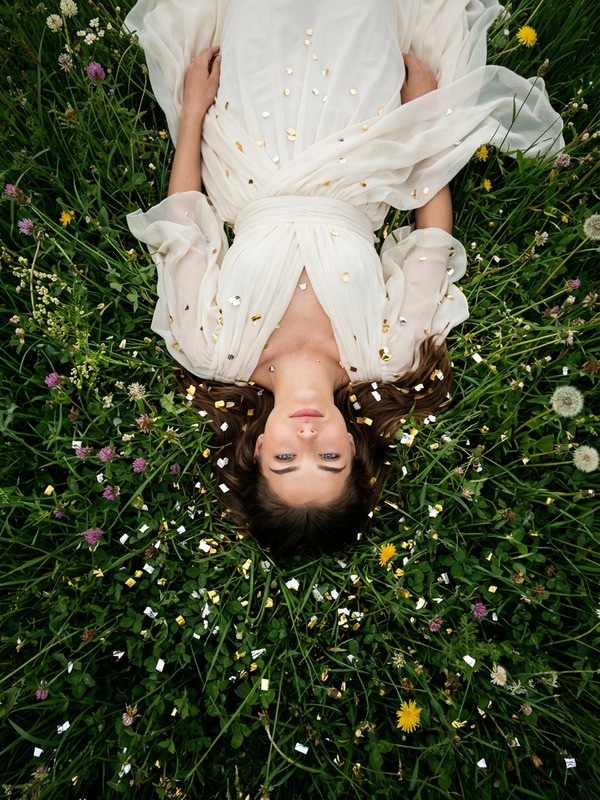
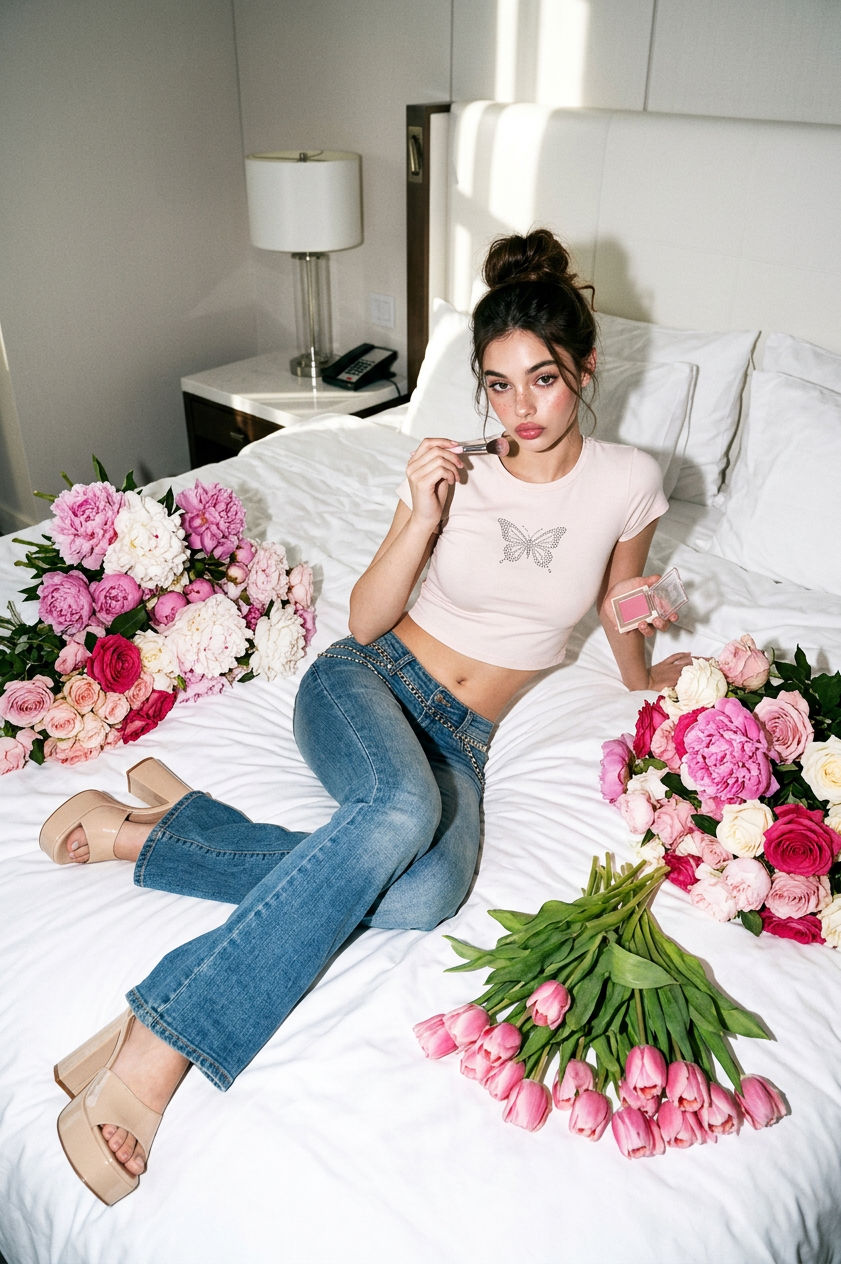
An ultra-realistic Y2K-style fashion photograph: a full-length figure lies on a white hotel bed in a luxurious, minimalist room, surrounded by large bouquets of peonies, roses, and tulips. Shot on a Canon DSLR with a harsh, direct flash—harsh shadows, bright highlights, high contrast, subtle grain, and the aesthetics of an expensive editorial fashion shoot.
Any aspect ratio
Overview
The "Flowers In Bed" template offers an AI-powered solution to create stunning, Y2K-style fashion photographs with ease. Tailored for the AI Image Editor, this template allows you to transform ordinary images into ultra-realistic editorial shoots without needing a professional photographer or costly equipment.
What It Does
This template leverages the capabilities of the AI Image Generator to craft a fashion photograph with a specific aesthetic. It takes an input image of a figure lying on a bed and adds luxurious floral arrangements, enhancing the ambiance with elements characteristic of high-end fashion editorials—such as harsh shadows and bright highlights.
Who It's For
Ideal for fashion designers, editorial photographers, and social media influencers, this template is perfect for those looking to produce luxurious imagery on a budget. It simplifies the process of creating professional-grade photographs, making it accessible to agencies and individuals who wish to enhance their visual marketing materials.
Summary
Utilize the "Flowers In Bed" template with the AI Clothes Changer or AI Face Editor to further refine and customize your images. Create visually striking and authentic-looking fashion photographs that capture attention and evoke the desired editorial style.
How To
Choose

Customize

Generate

Use Cases
Fashion Editorials
- Perfect for magazine publications
- Ideal for fashion blogs
Social Media Campaigns
- Enhance Instagram grids
- Create Pinterest boards
Advertising Materials
- Billboards
- Online ads
Best Practices
Focus on Details
Ensure that you pay attention to the details in the background and the arrangement of flowers to maintain the editorial look.Choose the Right Subjects
Select subjects that complement the opulent aesthetic of the fashion shoot.Experiment with Lighting
Vary the lighting options when photographing the original image to sync well with the template’s light settings.