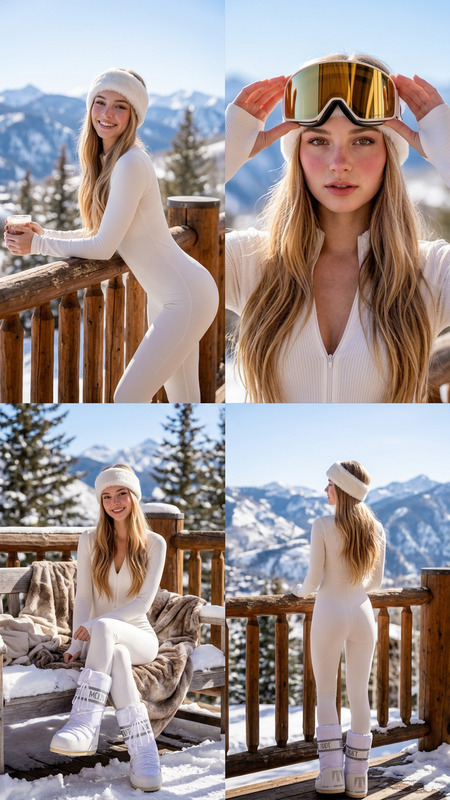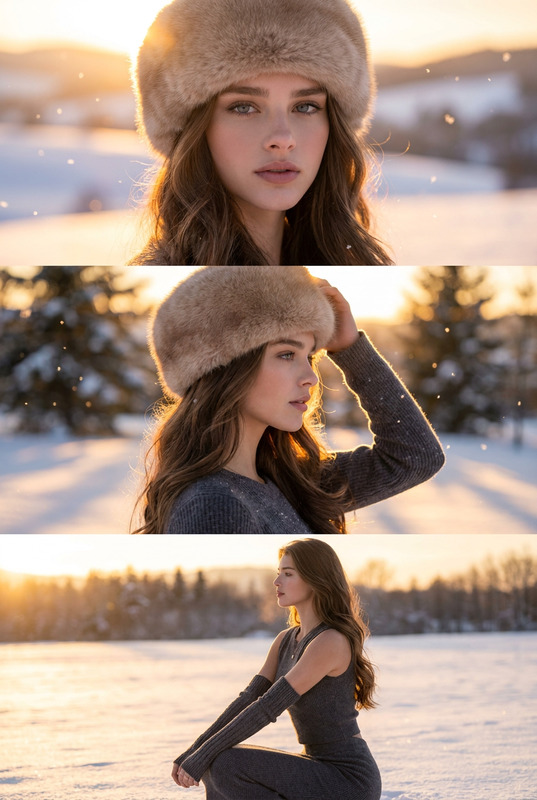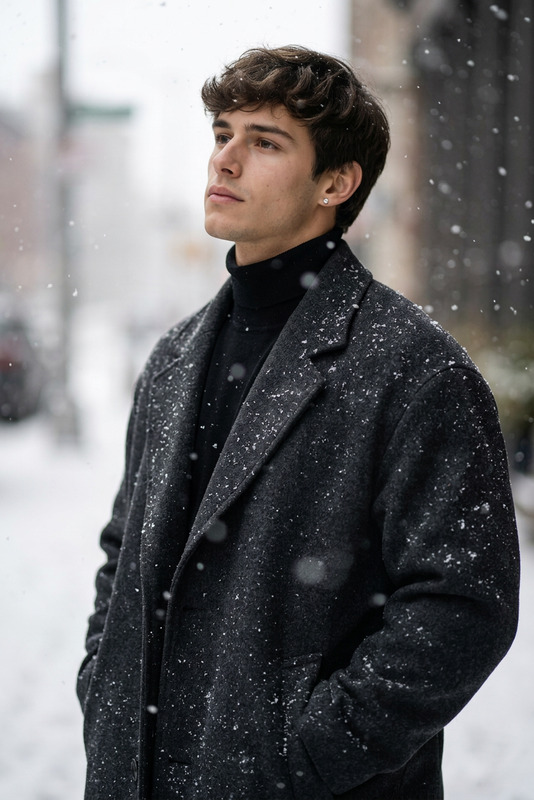
Arctic Edge
- Model
- Nano Banana 2
- Image
- 848 × 1264 px
Prompt
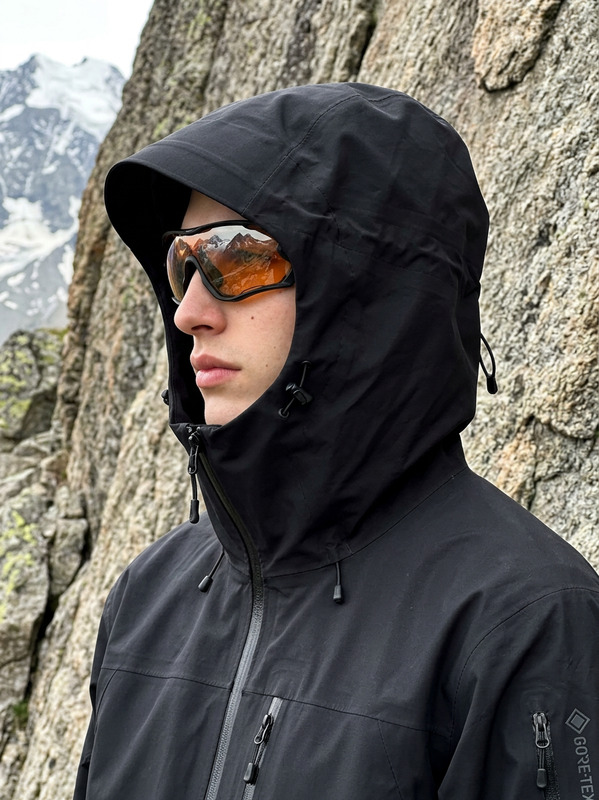
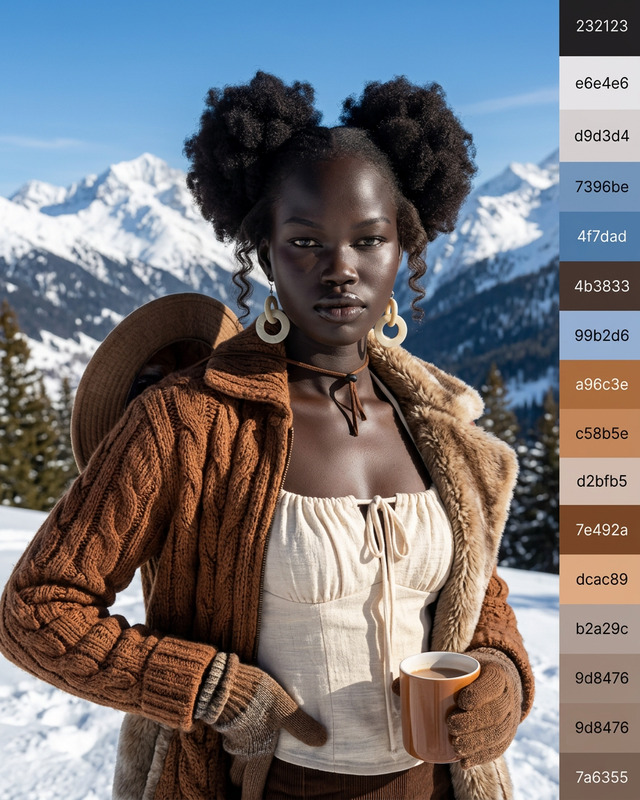
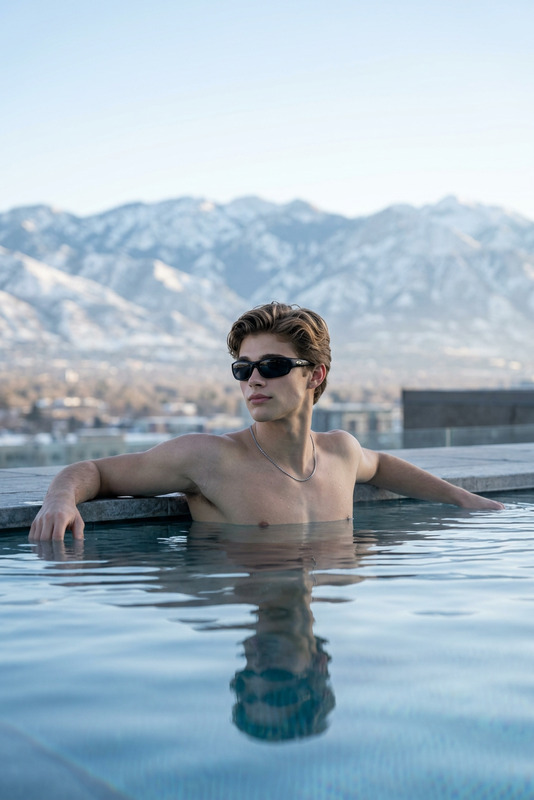
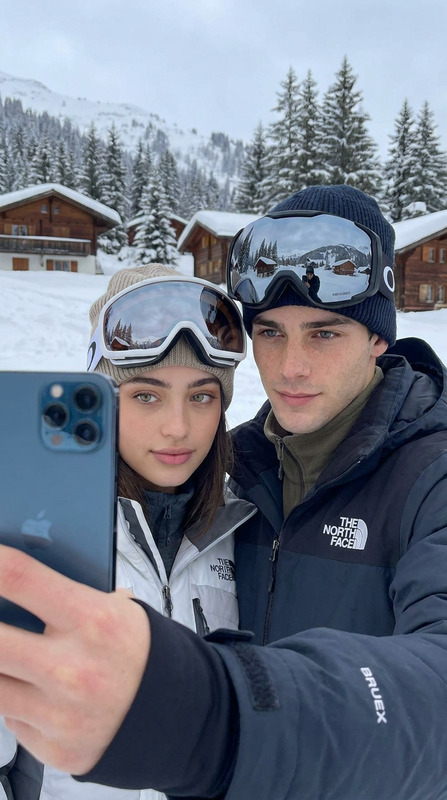
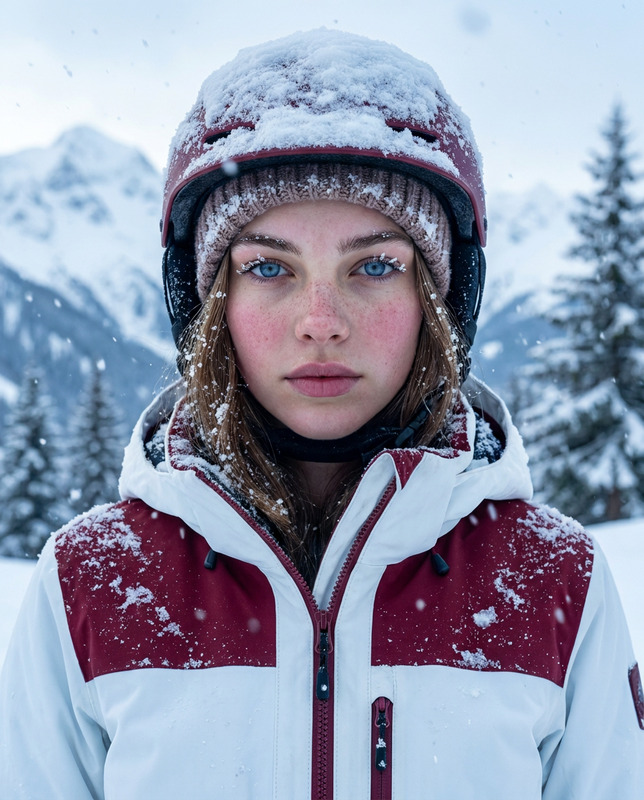
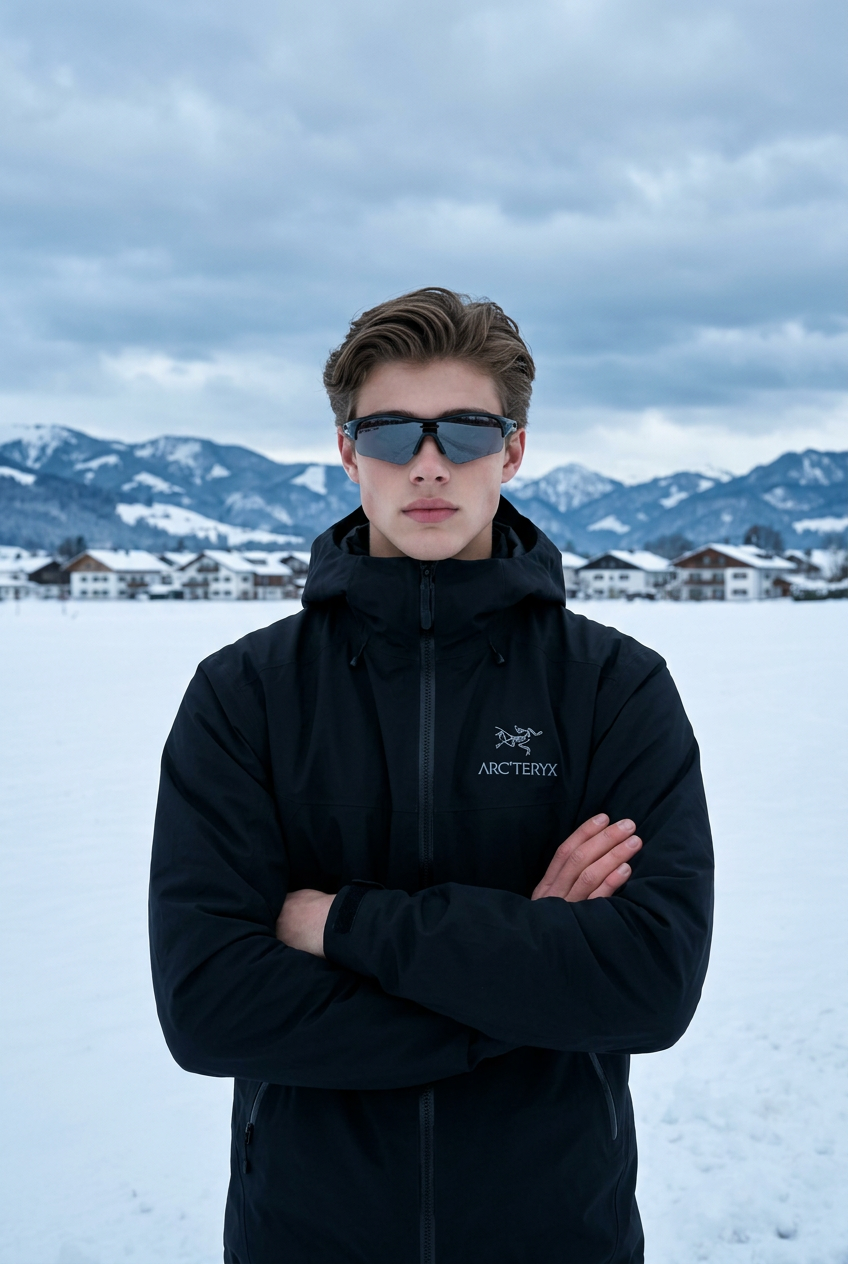
Recreate a new image based on the subject in the uploaded image. The composition is a medium shot. The subject stands facing forward on a snowy ground, positioned at the center of the frame. Both arms are naturally crossed over the chest, with a stable and powerful posture. The head tilts slightly forward, looking directly into the camera with a calm and restrained expression, conveying a cool and aloof presence. The subject wears a black Arc’teryx outdoor shell jacket with a clearly visible brand logo on the chest. The tailoring is sharp and structured, and the material reflects a windproof and waterproof texture. The subject also wears large wraparound sports sunglasses with reflective lenses, enhancing the sense of technology and outdoor functional style. The background features a vast snowy landscape, with the ground fully covered in white snow. In the distance, there is a neatly arranged cluster of European-style houses, and beyond them, rolling snow-covered mountain ranges with clearly visible snowy peaks. The sky is overcast with cool-toned clouds, and the heavy cloud cover lowers the overall atmosphere of the scene. The color palette leans toward cool blue-gray tones. The composition is vertical, framed between a medium and slightly closer shot, with the subject centered. The background remains clear but slightly softened to enhance depth. The lighting consists of natural overcast diffused light, evenly distributed and soft, with no harsh shadows. Skin tones appear naturally cool without overexposure. The photography style is cinematic outdoor realism with blockbuster-level quality. Details are sharp and highly defined, including the snow textures, the material of the shell jacket, and the layered depth of the mountains. Rendered in ultra-high-definition 8K quality, the overall atmosphere is cold, refined, and elevated, embodying an outdoor functional aesthetic with a polar fashion editorial vibe.
Any aspect ratio
Overview
Arctic Edge is a versatile template designed for the AI Image Editor enthusiasts. Utilizing the advanced capabilities of the nano-banana-2 model, this template allows you to reimagine images with a distinct cinematic outdoor realism, perfect for creating compelling visuals that capture the essence of an arctic environment.
What It Does
The Arctic Edge template provides users with the ability to transform any image into a high-definition scene with a focus on arctic fashion editorial aesthetics. It constructs a medium shot of a subject in a snowy landscape wearing a branded Arc’teryx jacket and reflective wraparound sunglasses. The image is meticulously detailed, ensuring sharpness and depth in all elements from the foreground subject to the distant mountains.
Who It's For
This template is ideal for photographers, content creators, and fashion brands looking to enhance their imagery with a stylish outdoor funcational aesthetic. It's also suitable for designers working on projects that require high fidelity visual representation, such as those in advertising or editorial work.
Summary
With the Arctic Edge template, users can effortlessly create striking visuals that prioritize detail, atmosphere, and a cool, refined aesthetic. This tool is a key asset for those targeting high-end visual campaigns in fashion or editorial sectors. For related tools, consider exploring the AI Photo Relighting to adjust lighting conditions or the AI Image Upscaler for further resolution enhancements.
How-To
Choose Your Template

Customize Your Scene

Generate Your Image

Use Cases
Fashion Editorials
Brand Advertisements
Social Media Content
Best Practices
Choose Clear Images
To achieve the best results, start with high-quality images where the subject is clearly visible.Focus on Subject Details
Pay attention to the subject's details, such as clothing and posture, as these greatly impact the final image's style.Optimize Lighting
Consider using the AI Photo Relighting for achieving the desired lighting effects.