Gothic Shoreline
- Model
- Nano Banana 2
- Image
- 768 × 1365 px
Prompt
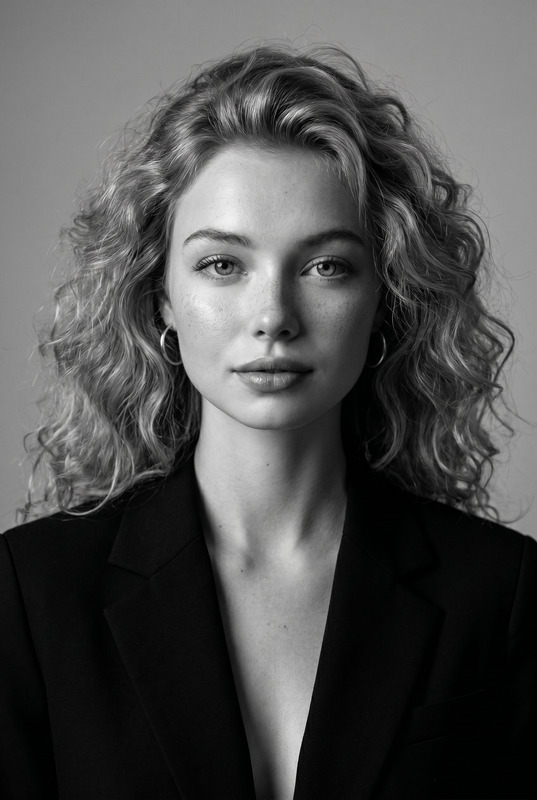
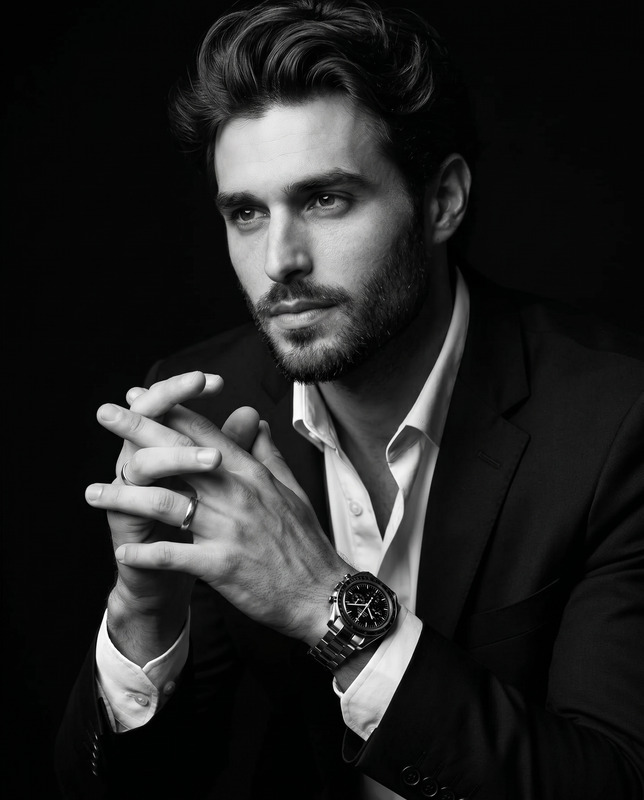
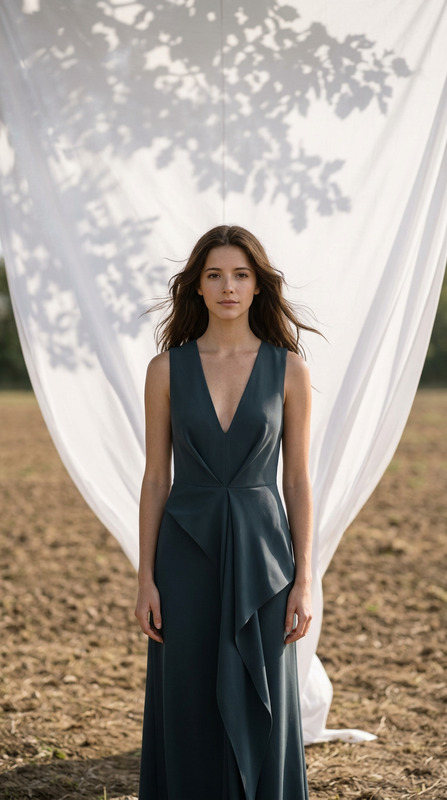
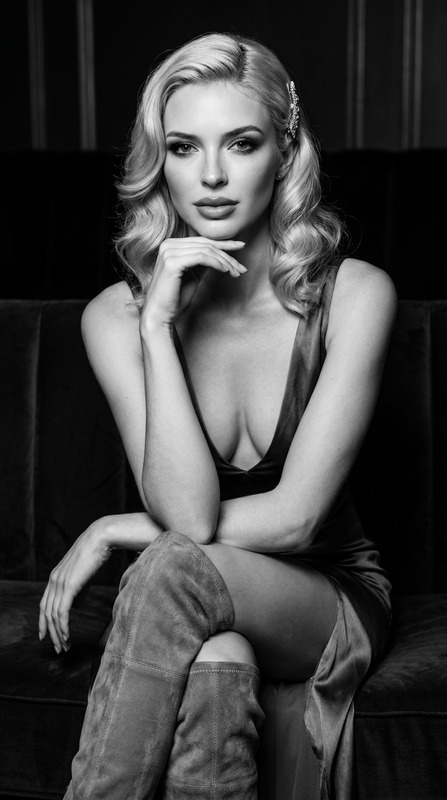
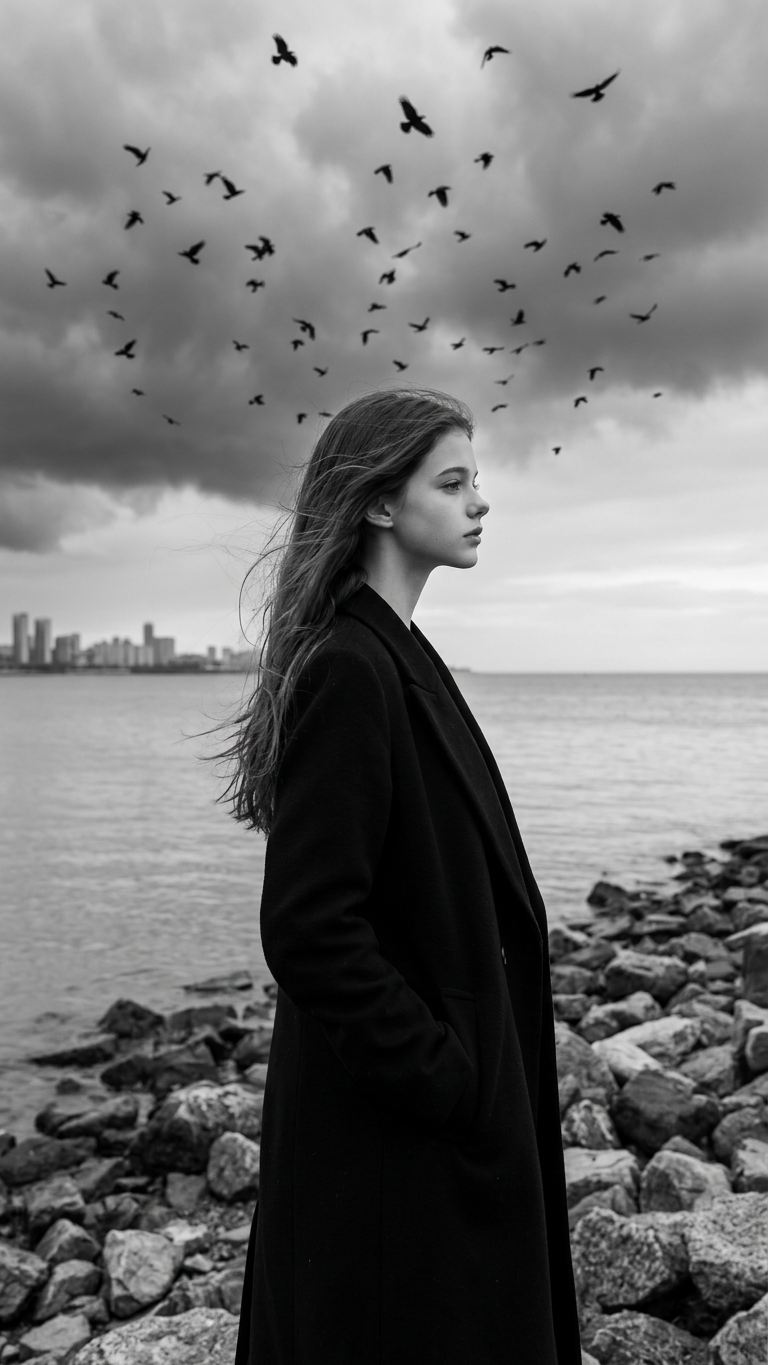
Create an ultra-realistic black-and-white cinematic portrait using the uploaded image as the ONLY identity reference. Preserve the exact face, hairstyle, facial structure, skin texture, expression, and overall identity. The subject stands alone on a rocky shoreline beside a calm body of water, wearing a long black overcoat. Their hands are in their coat pockets while they gaze thoughtfully into the distance. Camera framing: full-body portrait, camera positioned at eye level, subject occupying approximately 60–70% of the frame height. The camera is relatively close to the subject, creating a strong presence while still showing the entire body. Maintain the same framing as a professional fashion editorial photograph. Head pose: the subject is not looking at the camera. Their head is turned approximately 45–60 degrees to the side, showing a strong side profile similar to a candid cinematic shot. Eyes focused toward the distant horizon. Natural jawline definition and profile silhouette are clearly visible. Wind blows through their hair and coat, creating natural movement. A large flock of crows circles overhead and around the subject, filling the dramatic sky. The background features a distant city skyline across the water, heavy storm clouds, and a vast overcast horizon. Style: ultra-realistic black-and-white photography, dark romantic gothic aesthetic, luxury fashion editorial, cinematic realism, premium magazine composition. Mood: mysterious, melancholic, elegant, introspective, timeless. Quality: 8K Ultra HD, hyper-realistic facial details, realistic fabric textures, masterpiece quality. Negative Prompt: front-facing portrait, looking at camera, selfie angle, close-up headshot, beauty filters, face distortion, identity change, cartoon, anime, CGI, watermark, text, logo.
Any aspect ratio
Overview
The Gothic Shoreline template masterfully transforms your image into a dramatic, black-and-white masterpiece reminiscent of a high-end fashion editorial. Utilizing the ultra-realistic capabilities of the AI Image Editor, this template captures the essence of cinematic realism combined with a dark romantic gothic aesthetic. The end result is a compelling portrait with an introspective and elegant mood, captured in stunning 8K Ultra HD quality.
What It Does
This template leverages the nano-banana-2 model to create an ultra-realistic depiction of your subject positioned in a mesmerizing shoreline scenario. It ensures attention to exact details like facial structure, skin texture, and expression, while the wind-swept elements add dynamic movement. The scene is completed with stormy skies and a distant city skyline, all rendered in high detail for a luxurious visual impact.
Who It's For
This tool is ideal for creative professionals such as photographers and fashion designers looking to produce unique editorial visuals. It also caters to enthusiasts of cinematic and gothic aesthetics who desire to infuse timeless elegance into personal projects. For professionals needing images with a strong narrative, this template is particularly valuable.
Summary
The Gothic Shoreline template provides a sophisticated approach to image editing, enriching your visuals with a dark, mysterious mood. It highlights the strength of Magic Hour's suite, fitting well with tools like AI Clothes Changer for a complete transformation, or boosting image quality further with the AI Image Upscaler.
How To

Customize

Generate

Use Cases
Fashion Editorials
- Luxury fashion campaigns
- Designer portfolio enhancements
Cinematic Projects
- Storyboarding for films
- Mood boards for visual storytelling
Personalized Artwork
- Customized gifts
- Unique home décor
Best Practices
Ensure Clarity
Use high-resolution images for the best outcome. The clearer your input, the more detailed the output.Focus on Details
Pay attention to facial features and expressions when setting your prompt to maintain identity coherence.Experiment with Angles
Try different head turn angles within the 45–60 degrees range to see what offers the most dramatic side profile.