Black Tie, Gold Time
- Model
- Nano Banana Pro
- Image
- 928 × 1152 px
Prompt
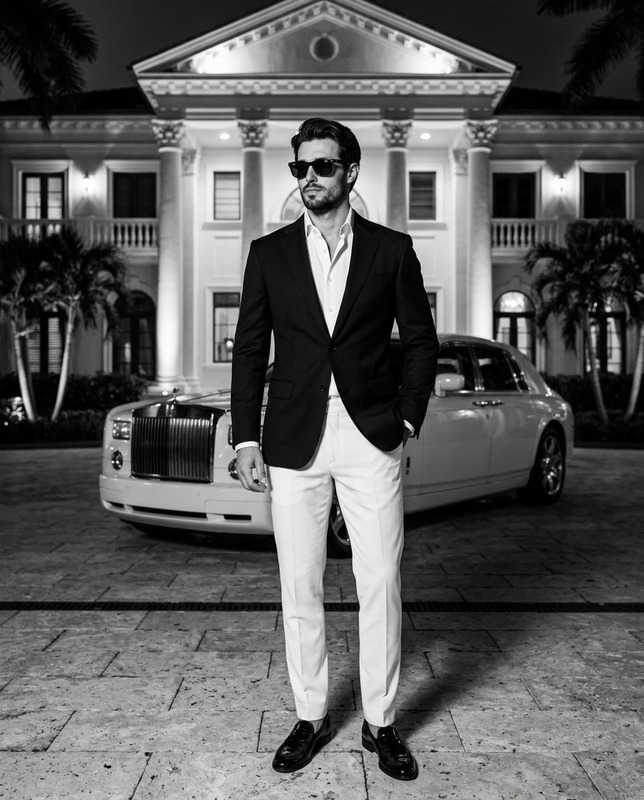
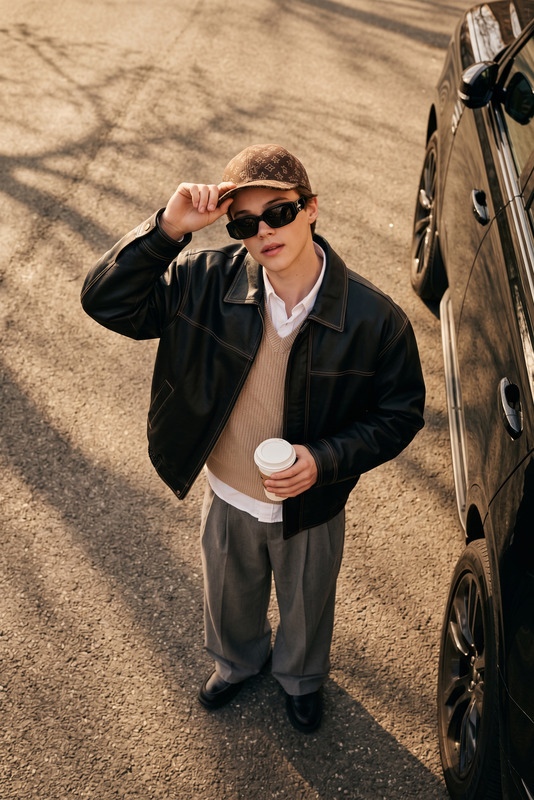
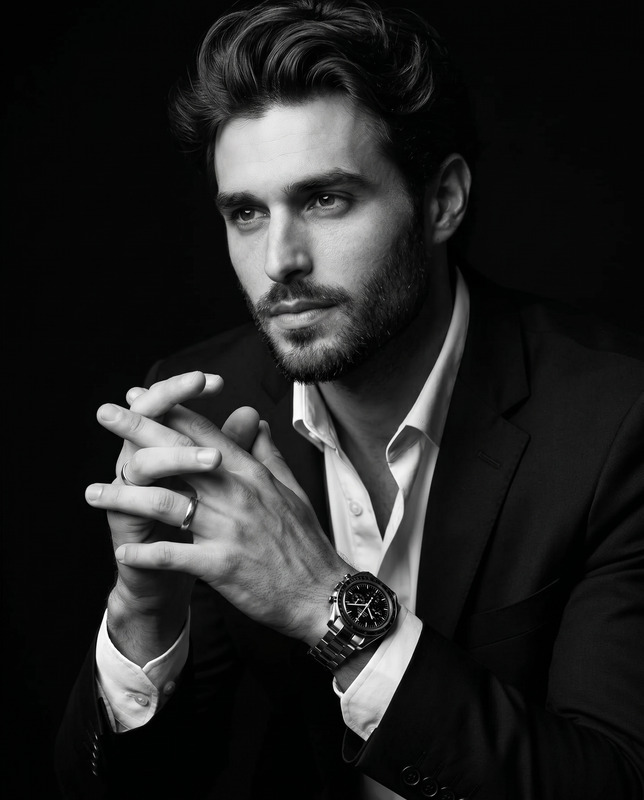
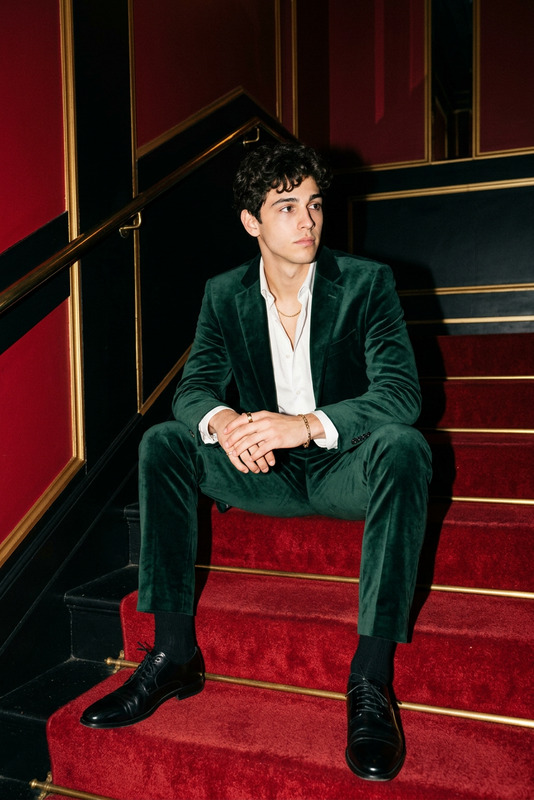
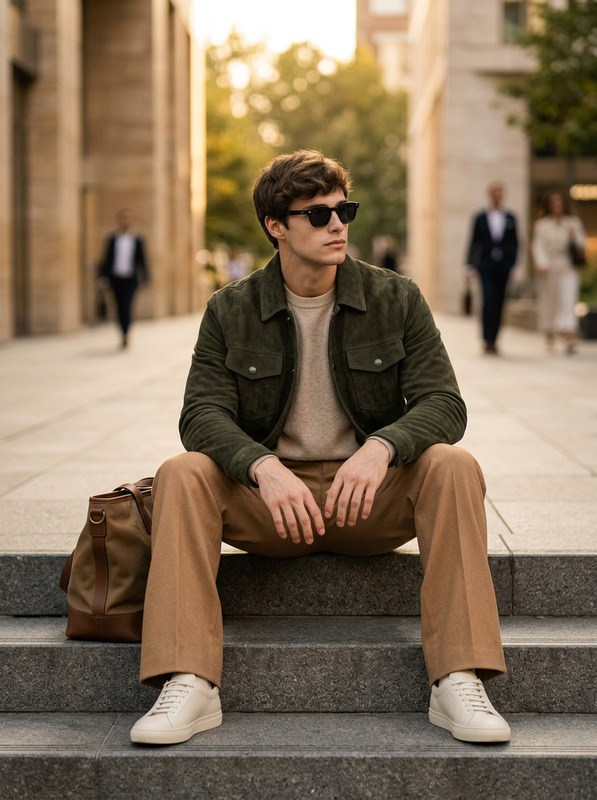
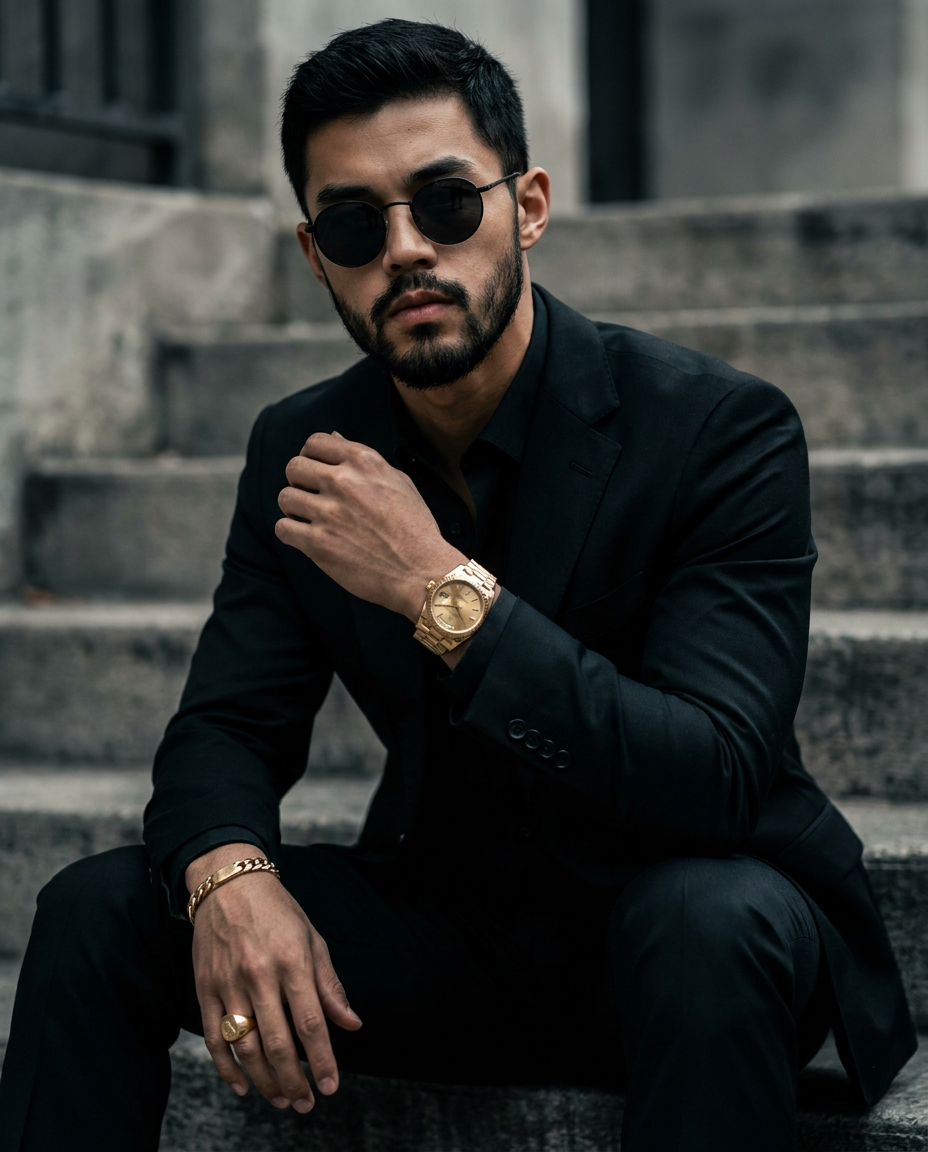
Use 100% face above uploaded photo. A handsome 26-year-old man with black hair and black beard. intense dark eyes, sharp jawline. sitting confidently on concrete stairs outdoors, wearing a luxurious all-black tailored suit with a black dress shirt, gold Rolex Day-Date watch on left wrist(highlight). thick gold bracelet on right wrist, large signet ring. moody cinematic lighting, high fashion editorial style, desaturated tones. strong contrast, shallow depth of field. shot on 85mm lens, ultra- realistic, photorealistic, 8k --ar 4:5 --v 6 --stylize 250 --q 2,wearing round sunglasses, don't change the face.
Any aspect ratio
Overview
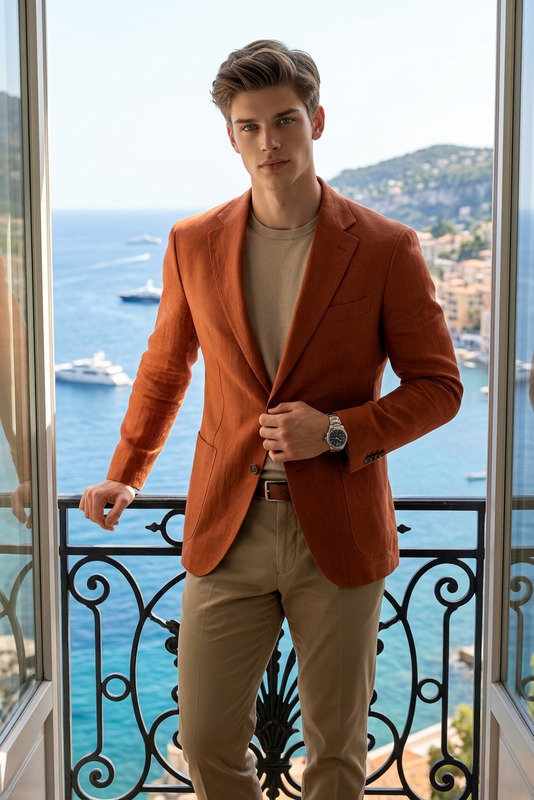
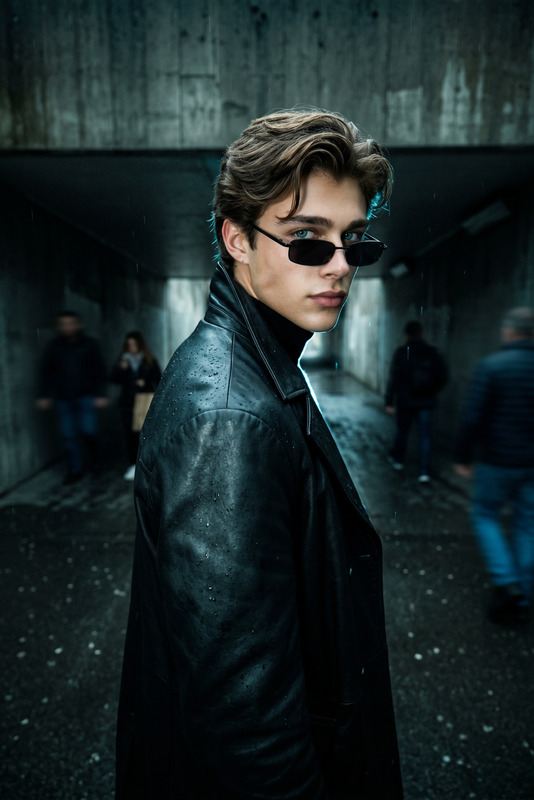
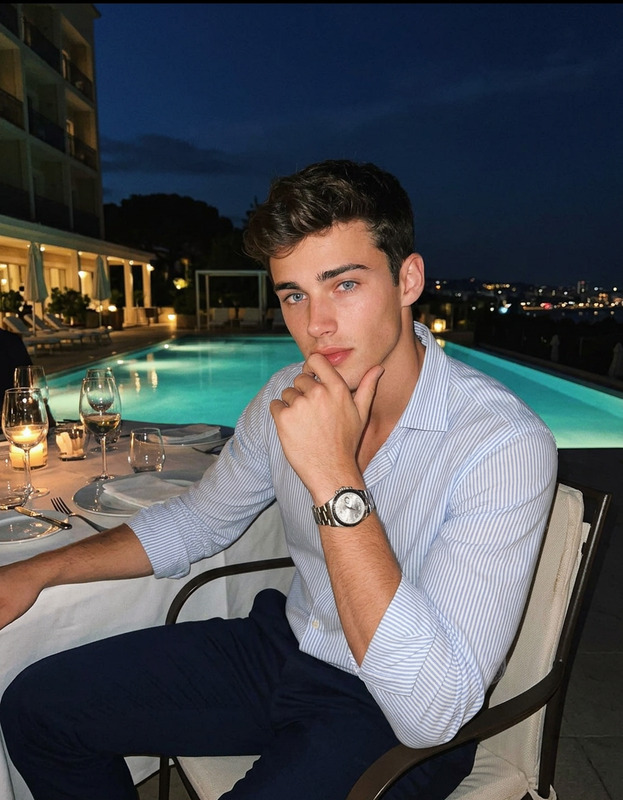
The "Black Tie, Gold Time" template transforms your photos into sophisticated editorial-style images. With the AI Image Editor, achieve a high-fashion look with a unique blend of elegance and boldness. This template utilizes the advanced capabilities of the nano-banana-pro model to deliver hyper-realistic results.
What It Does
This AI Image Editor template meticulously applies a high-fashion editorial style to your photos. By focusing on a 26-year-old male model with described features, this tool enhances uploaded images with desaturated tones, strong contrast, and a cinematic mood, all while ensuring photorealistic quality. The template ensures the preservation of your image's original face, adding a touch of luxurious accessories.
Who It's For
"Black Tie, Gold Time" is ideal for photographers, fashion designers, and marketers seeking a distinctive edge in editorial visuals. Whether creating content for product launch videos or enhancing photos for portfolios, this template elevates your imagery to match high-fashion standards.
Summary
Unlock the power of photorealistic high-fashion photography with "Black Tie, Gold Time." This template provides a reliable platform for creating striking, editorial-quality images, making it a perfect choice for professionals in the style industry. By using the latest AI Image Generator technology, you can transform your standard images into works of art.
How To
Choose Your Template

Customize the Details

Generate and Download

Use Cases
High-Fashion Editorials
- Feature articles
- Portfolio enhancements
- Magazine covers
Luxury Product Advertisements
- Fashion ads
- Luxury brand promotions
- Jewelry highlights
Social Media Profiles
- Professional networks
- Influencer content
- Personal branding
Best Practices
Adjust Lighting Settings
Focus on lighting adjustments to maximize the cinematic mood.Maintain Face Consistency
Ensure the original face is aligned accurately to preserve identity.Use High-Quality Photos
Start with high-resolution images for optimal results in photorealism.