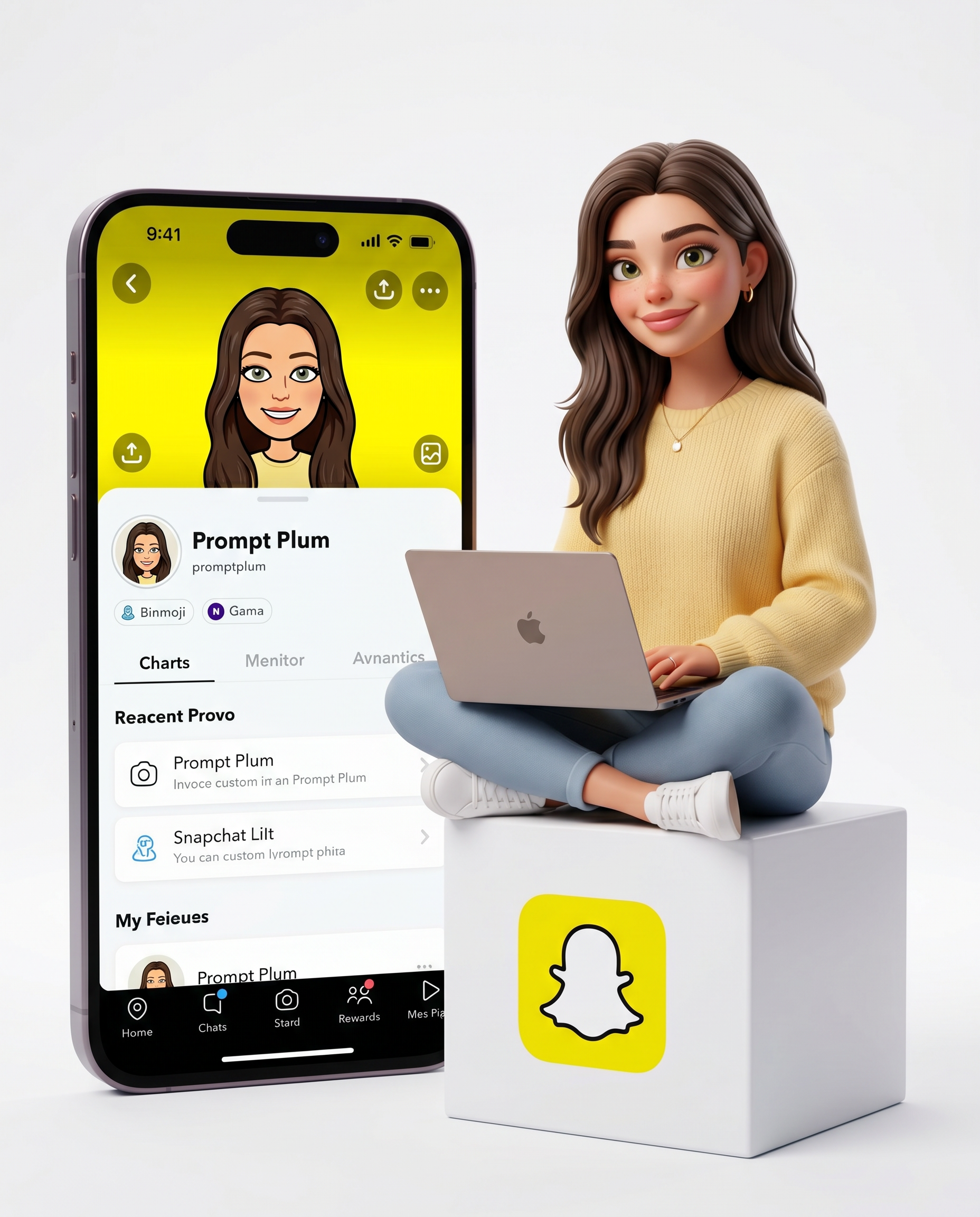
3D Snapchat Creator
- Model
- Nano Banana 2
- Image
- 1856 × 2304 px
Prompt
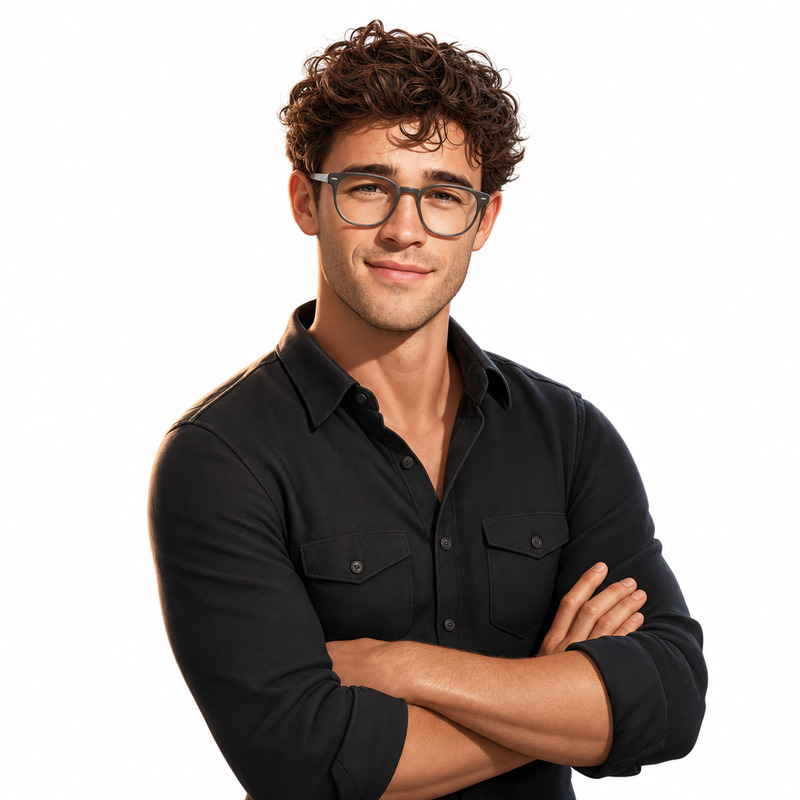
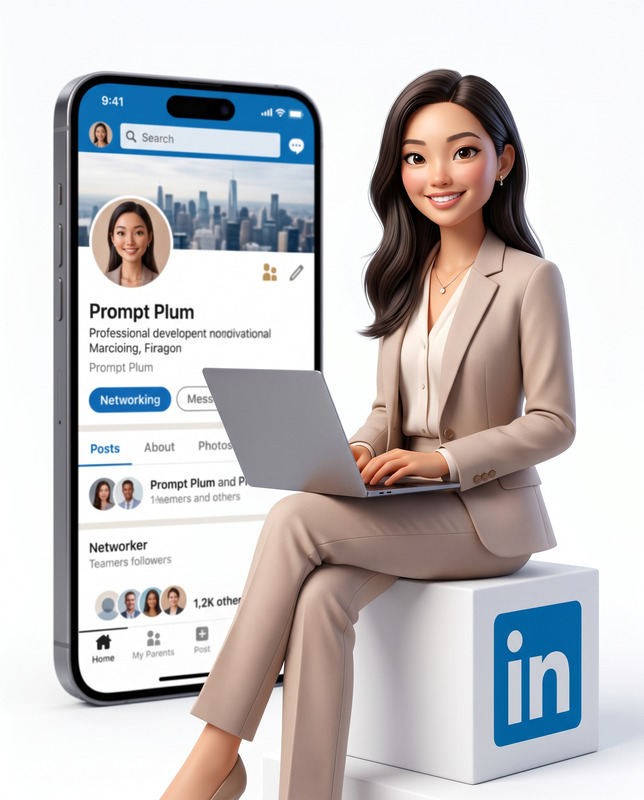
Use the uploaded reference image as the exact identity reference and preserve 100% facial accuracy, including identical face shape, eyes, eyebrows, nose, lips, jawline, ears, skin tone, facial proportions, facial asymmetry, hairstyle characteristics, and all unique facial features. Maintain zero identity drift, no facial reconstruction, no beautification that changes facial structure, and no age modification. Create a high-quality Pixar/DreamWorks-style 3D animated illustration of the same woman from the reference image. Preserve her exact facial identity while translating her into a premium stylized 3D character with expressive eyes, soft natural facial features, realistic skin shading, and a warm, friendly, confident smile. She is sitting comfortably in a relaxed cross-legged position on top of a minimalist white cube positioned slightly to the right side of the frame. A sleek modern laptop rests on her lap while she actively uses it and looks toward the viewer, creating a natural creator-at-work moment. She wears a cozy modern outfit featuring a soft yellow knitted sweater with highly detailed knit textures, casual chic styling, realistic fabric folds, and subtle accessories such as a delicate necklace and small earrings. The front face of the white cube prominently displays a bold yellow Snapchat-style logo. Behind her on the left side stands a large vertical modern smartphone, slightly behind her for depth, displaying a clean Snapchat-style profile interface with a profile image, yellow background banner with avatar, profile name "Prompt Plum", My Stories section, Friends section, social icons, and modern Snapchat-inspired UI design. The environment is a seamless white infinity studio background with the floor blending perfectly into the backdrop. Soft diffused studio lighting creates gentle shadows, premium highlights, realistic hair reflections, and natural skin glow. Pixar-quality rendering, Unreal Engine 5 quality, Octane Render quality, ultra-clean materials, realistic fabric simulation, highly detailed hair strands, cinematic depth of field, global illumination, HDR lighting, ray-traced reflections, premium creator branding aesthetic, polished social-media-inspired design, modern professional atmosphere, 8K ultra-detailed render, masterpiece quality, vertical composition 4:5. Important: keep the exact face from the uploaded reference image unchanged and instantly recognizable as the same person with maximum identity preservation.
Any aspect ratio
Overview
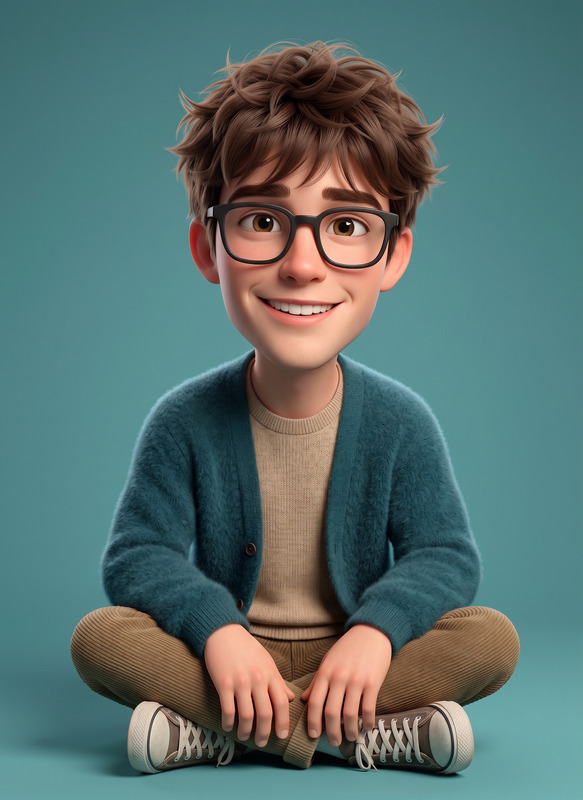
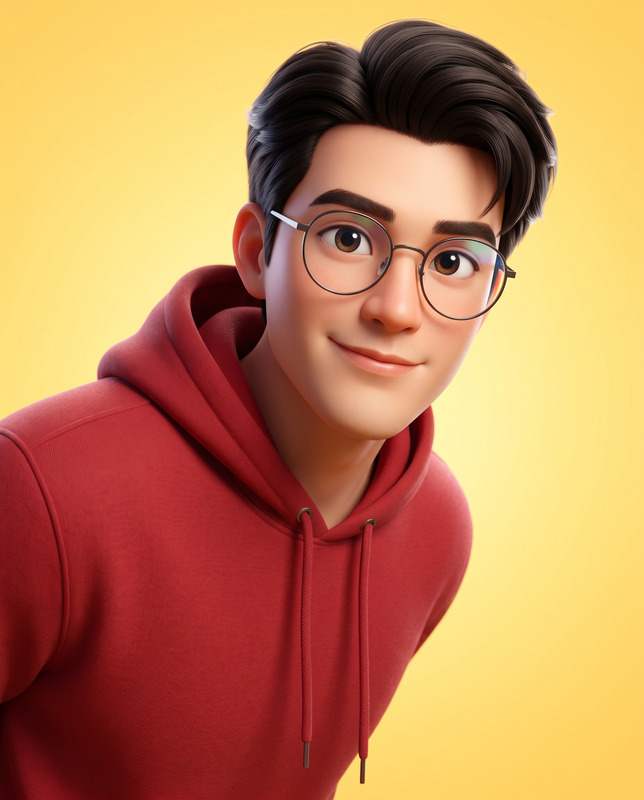
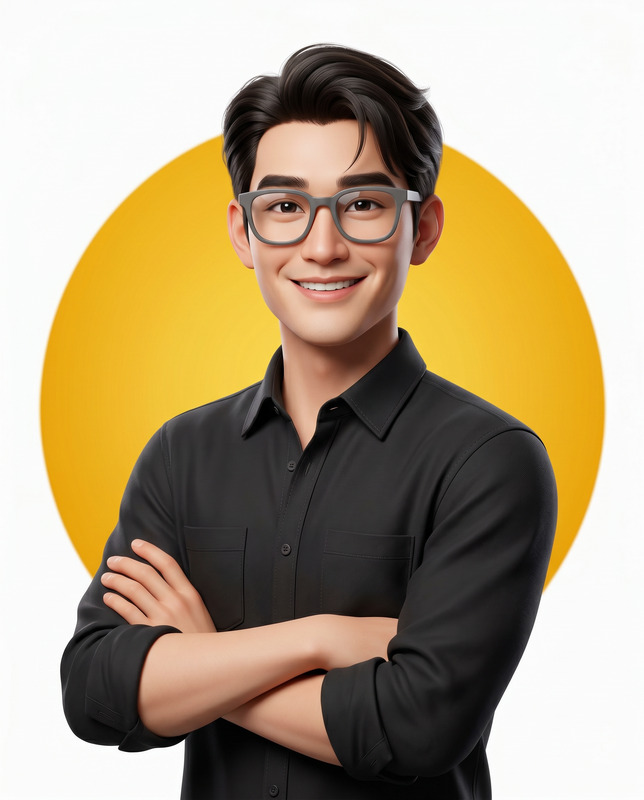
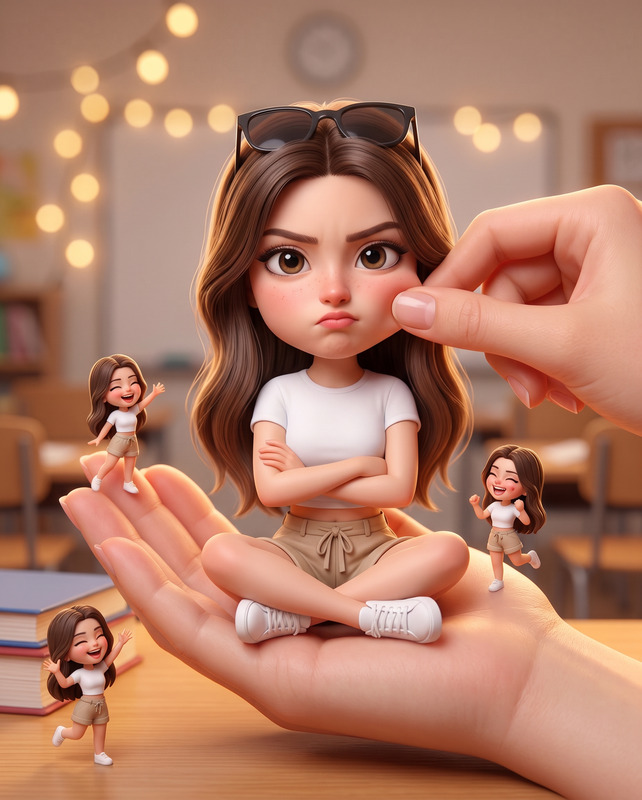
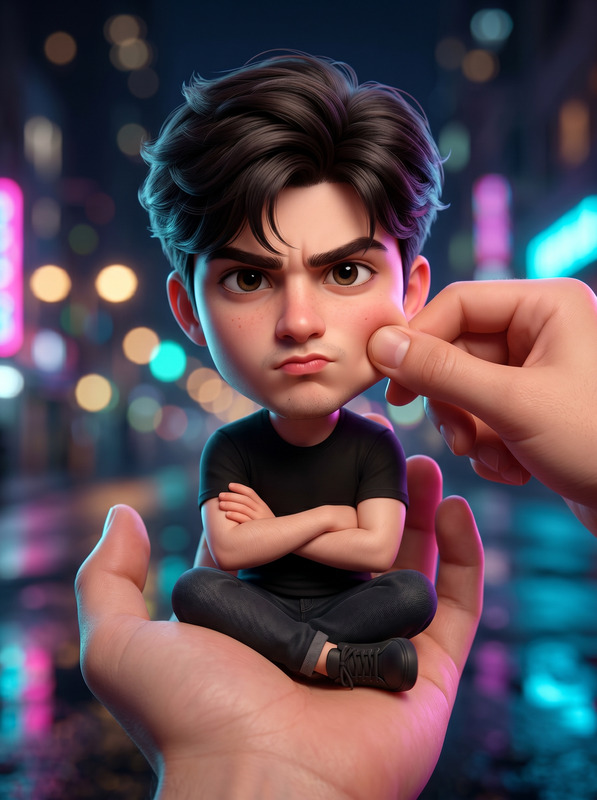
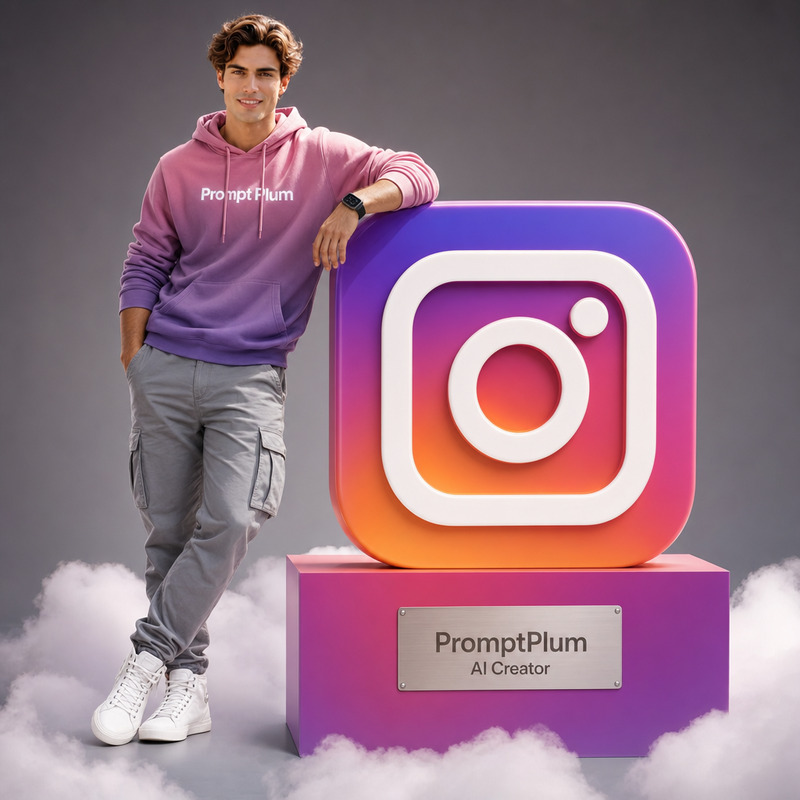
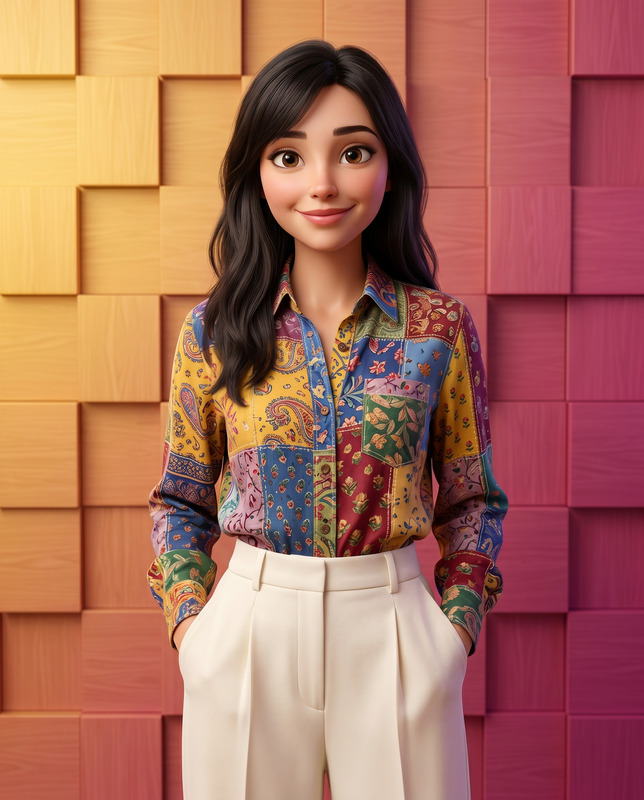
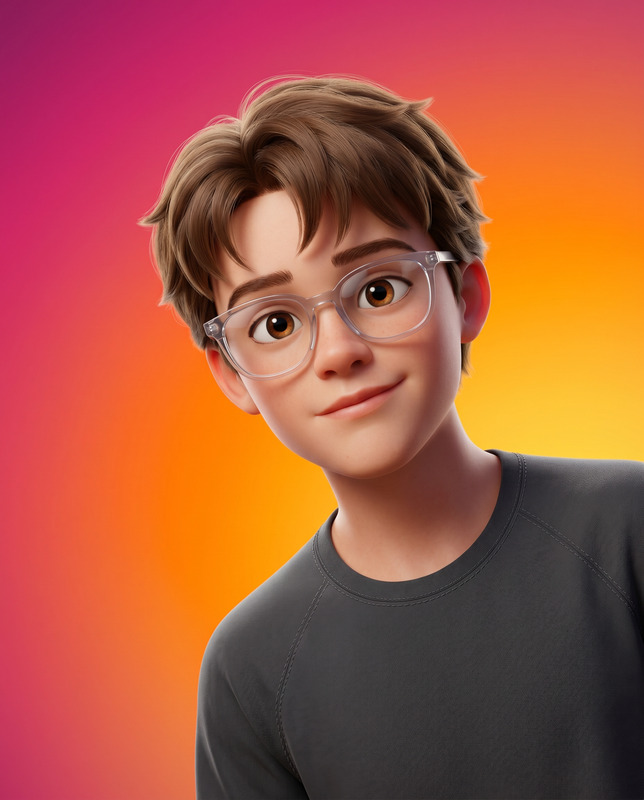
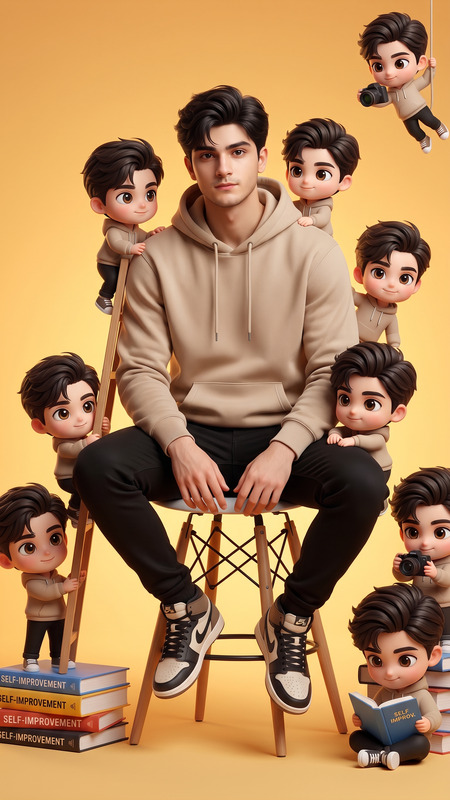
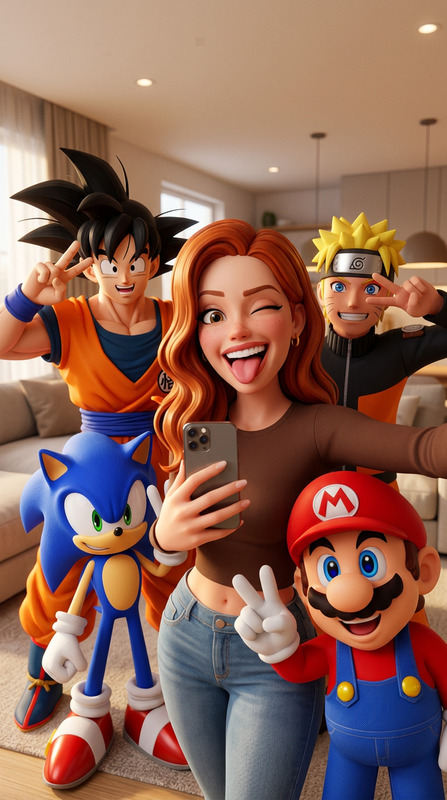
The 3D Snapchat Creator template transforms your reference portrait into a fully realized 3D animated character, maintaining strict facial accuracy. Utilizing the Nano-Banana-2 model in our AI Image Editor category, this tool captures every detail and personality aspect for a seamless conversion into a Pixar/DreamWorks-style illustration.
What It Does
Our 3D Snapchat Creator template specializes in maintaining the complete accuracy of facial features while transforming a still image into a vibrant 3D character. Every detail, from the facial structure to the skin tone, is preserved. The character is rendered with Pixar-quality visuals, complete with an engaging scene featuring Snapchat-inspired elements, ensuring a professional and artistic output ideal for influencer branding or marketing campaigns.
Who It's For
The 3D Snapchat Creator is perfect for digital artists, content creators, and marketers looking to elevate their visual storytelling. Particularly beneficial for personalized video ads and UGC ads, this tool offers a unique way to showcase products or personal branding with high-fidelity, engaging visuals.
Summary
This template offers a direct path to creating stunning 3D animated avatars from real-life images, preserving the subject's identity in a stylized artistic form. From Character Replace to AI Video Generator capabilities, integrating this 3D creation process into wider digital strategies becomes seamless and highly effective for engaging modern audiences.
How-To
Choose Your Template

Customize Your Input

Generate Your 3D Animation

Use Cases
Social Media Branding
- Instagram Story animations
- Snapchat avatars
- TikTok animated intros
Professional Portfolios
- Graphic design showcases
- Creative CVs
- Character design portfolios
Marketing Campaigns
- Custom ads for product launches
- Enhanced company presentations
- Branded content for events
Best Practices
Select High-Quality Images
Use high-resolution reference images to ensure maximum detail and identity preservation.Leverage Lighting
Adjust the lighting settings within your preferences to create the ideal look and feel for your 3D character.Experiment with Styles
Try different stylistic parameters to see how they affect your output, ensuring the final render matches your creative vision.