Prank Police
- Model
- Nano Banana 2
- Image
- 768 × 1365 px
Prompt
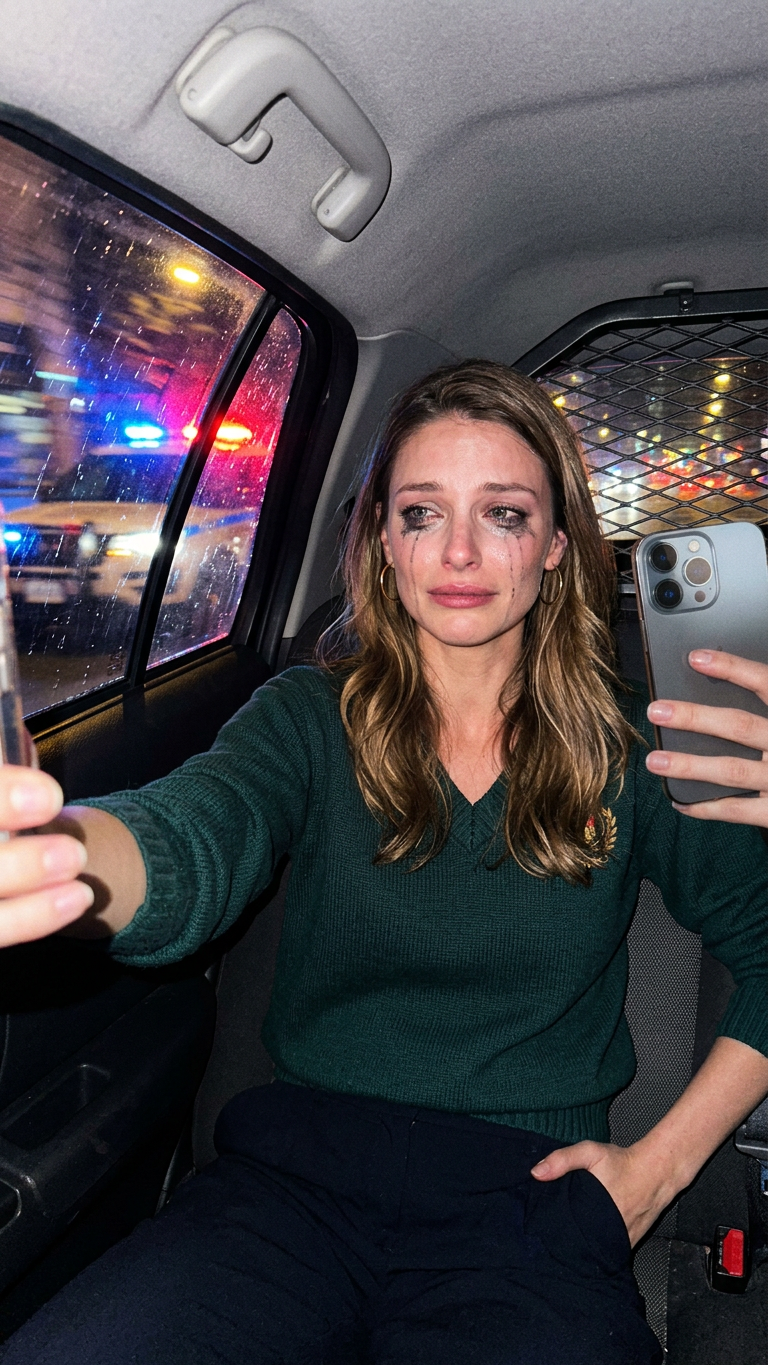
Capture the character's personality with absolute precision, as in this selfie taken with a smartphone from the backseat of a police car at night. The character is crying, their cheeks are wet, their makeup is ruined, their panda eyes are due to smudged mascara, and their tears are black. Red and blue police lights flash in the background. Blurred background, motion blur, high contrast, rough, realistic amateur selfie
Any aspect ratio
Overview
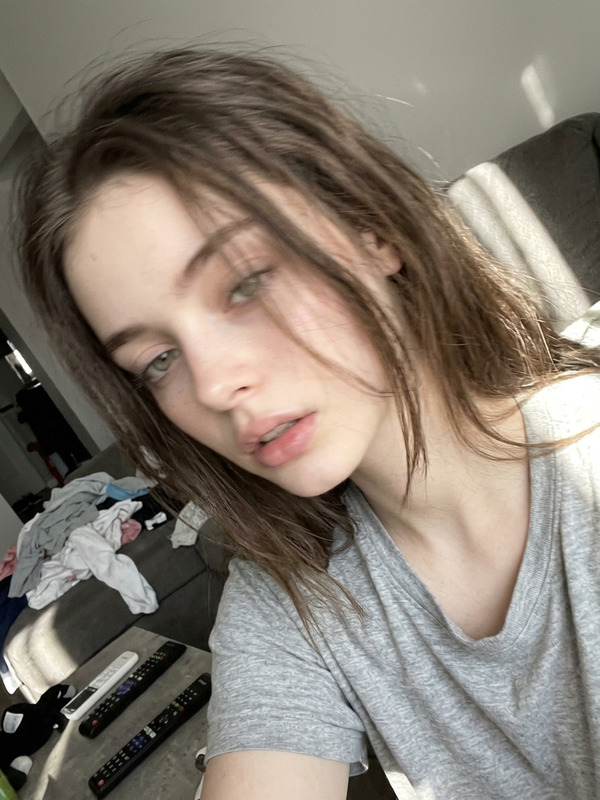
"Prank Police" is an AI Image Editor template designed to transform any photo into a dramatic, high-contrast selfie taken from the backseat of a police car at night. Using the nano-banana-2 model, this template captures a specific scenario with stark realism, providing authentic motion blur and background effects that mimic police lights.
What It Does
This template transforms your input images, adding features like smudged mascara, wet cheeks, and high contrast lighting, as if they were captured mid-emotion on a smartphone. The background is artistically blurred to enhance the realism, simulating an amateur selfie feel with the red and blue flashes of police lights.
It’s a great tool for anyone looking to create vivid, storytelling-rich images that convey strong emotions or dramatic scenes. For additional editing capabilities, explore our AI Image Editor.
Who It's For
This template suits creators aiming to infuse their images with intense narrative and emotion, such as social media influencers, digital artists, and storytellers in the entertainment industry. It's also perfect for those in content creation roles who need to produce engaging visual content quickly. Explore more creative options with AI Profile Picture Generator for varied use cases.
Summary
"Prank Police" combines advanced AI image editing with a creative storytelling prompt, turning ordinary photos into emotionally charged, dramatic selfies. Perfect for capturing unique moods or narratives, this template will elevate your visual storytelling. Use alongside other tools like the AI Image Upscaler for even more enhanced results.
How-To
Choose the Template

Customize Your Inputs

Generate the Image

Use Cases
Social Media Content
- Attract viewer attention with dramatic imagery
- Convey emotions vividly
Digital Storytelling
- Add depth and emotion to characters
- Present vivid backstory visuals
Creative Projects
- Spark imagination with realistic effects
- Illustrate concepts powerfully
Best Practices
Emphasize Character Details
Focus on fine details like mascara smudges and lighting to amplify the narrative of your image.Adjust Background for Realism
Ensure the blurred background complements the emotional tone and style of your image.Pair with Upscaling Tools
For high-definition results, use the AI Image Upscaler post-editing.