Pet Coquette
- Model
- Nano Banana 2
- Image
- 768 × 1376 px
Prompt
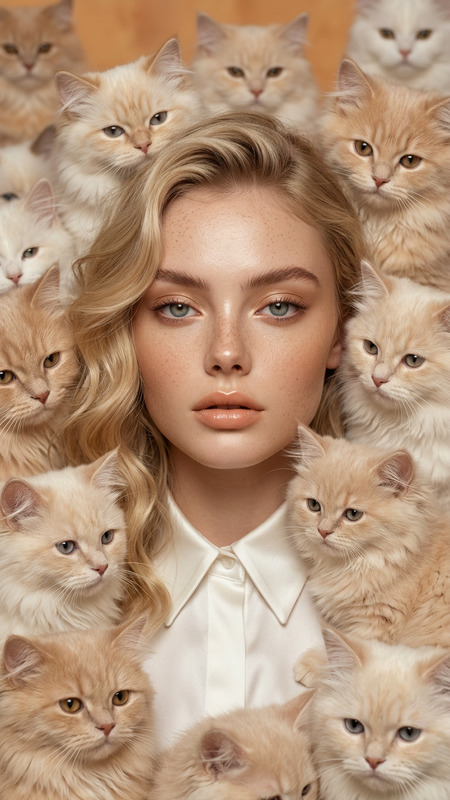
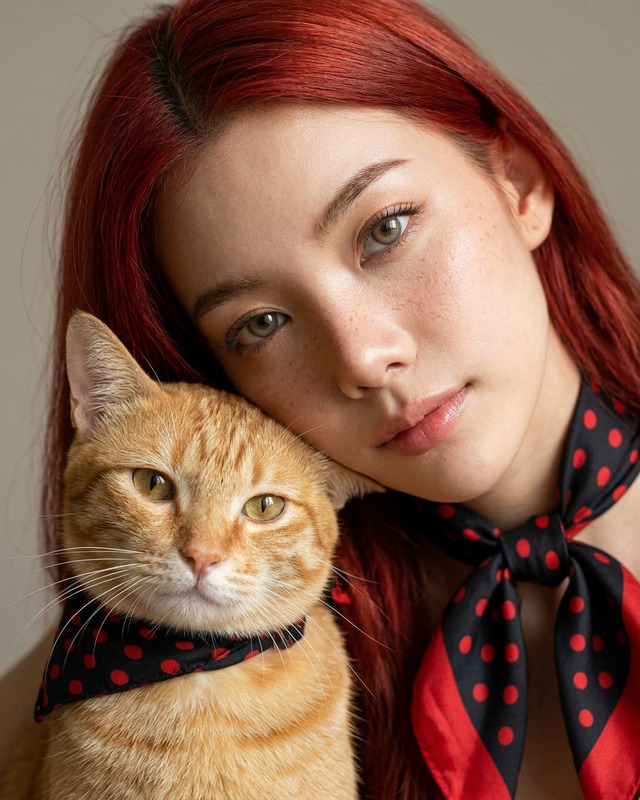
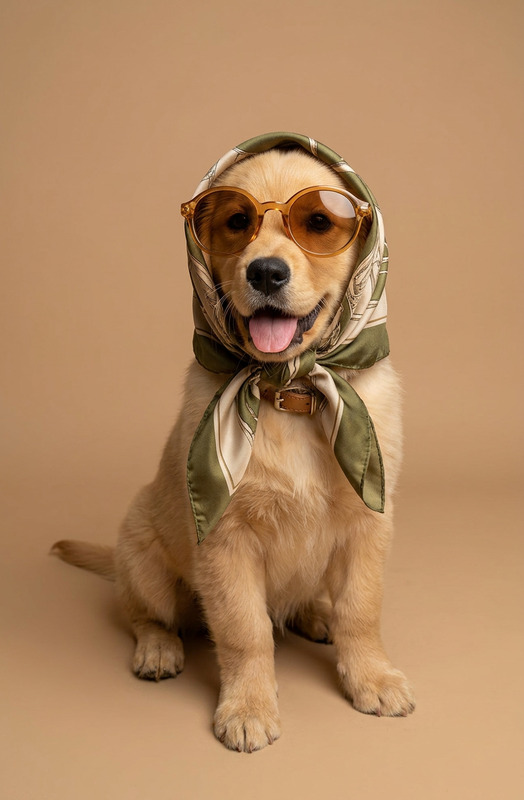
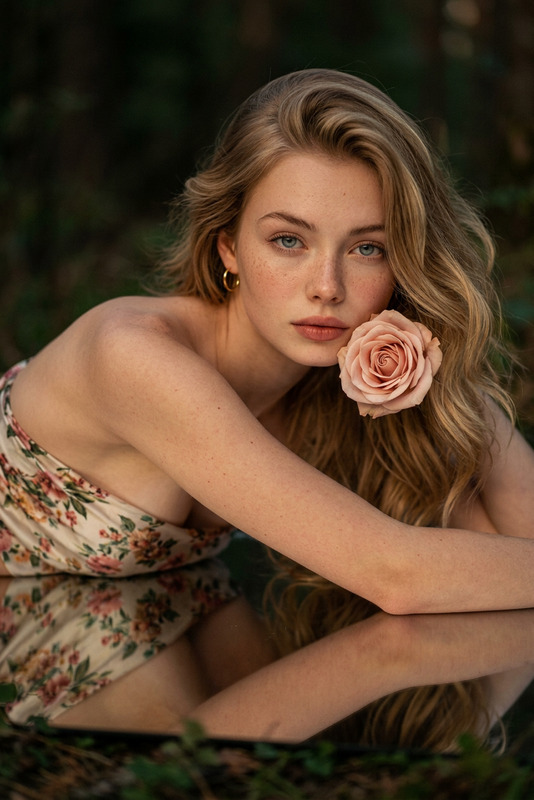
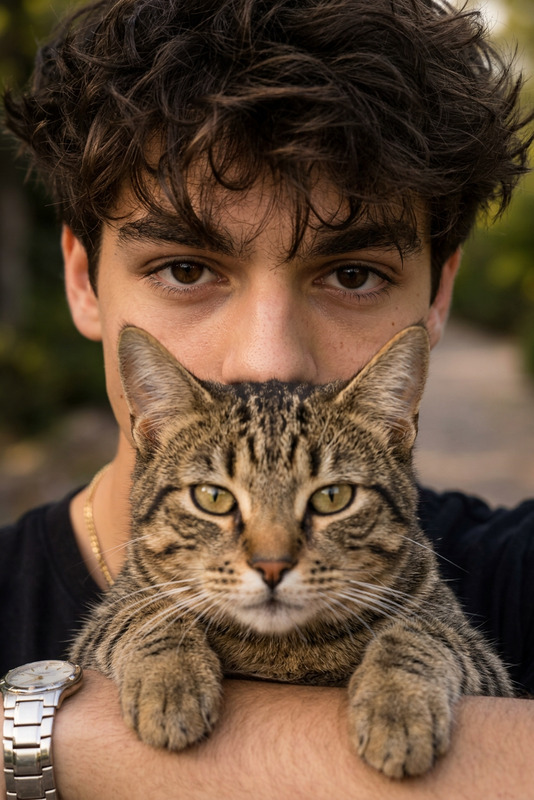
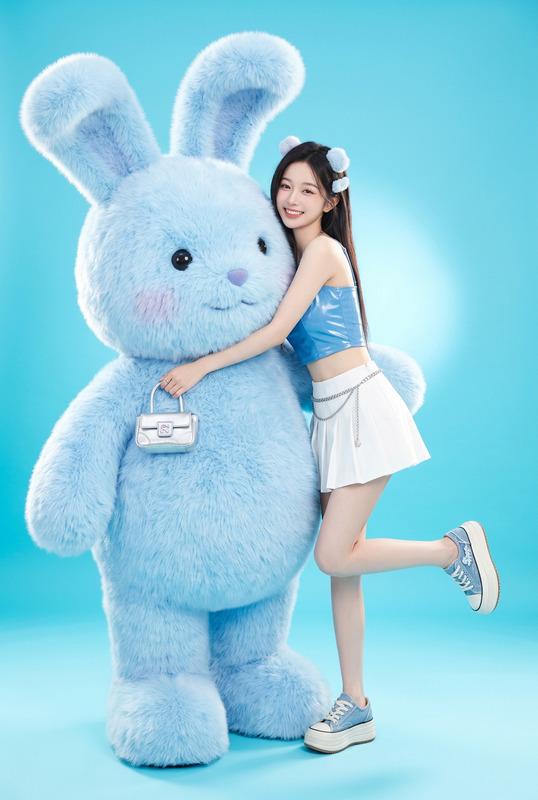
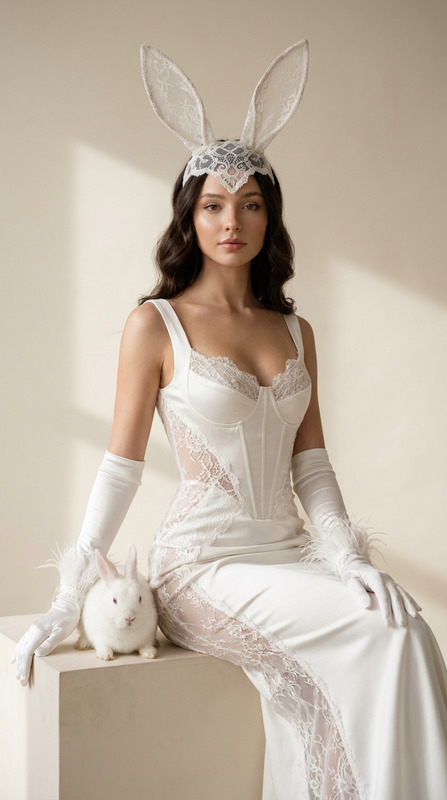
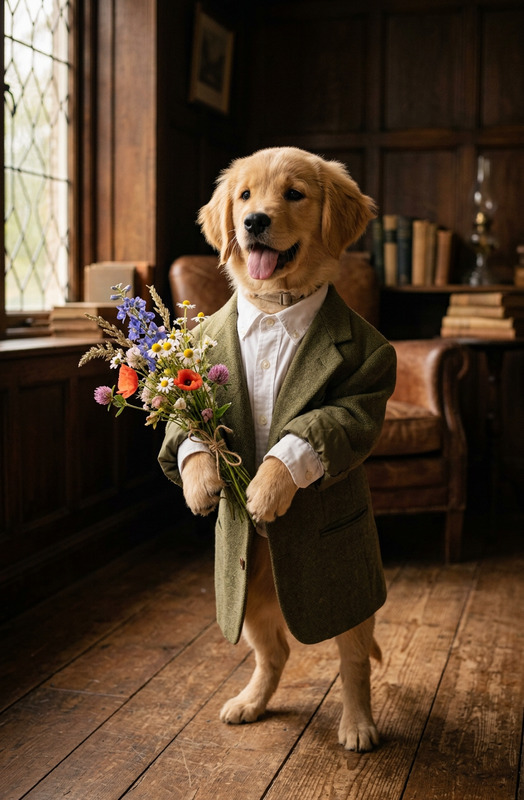
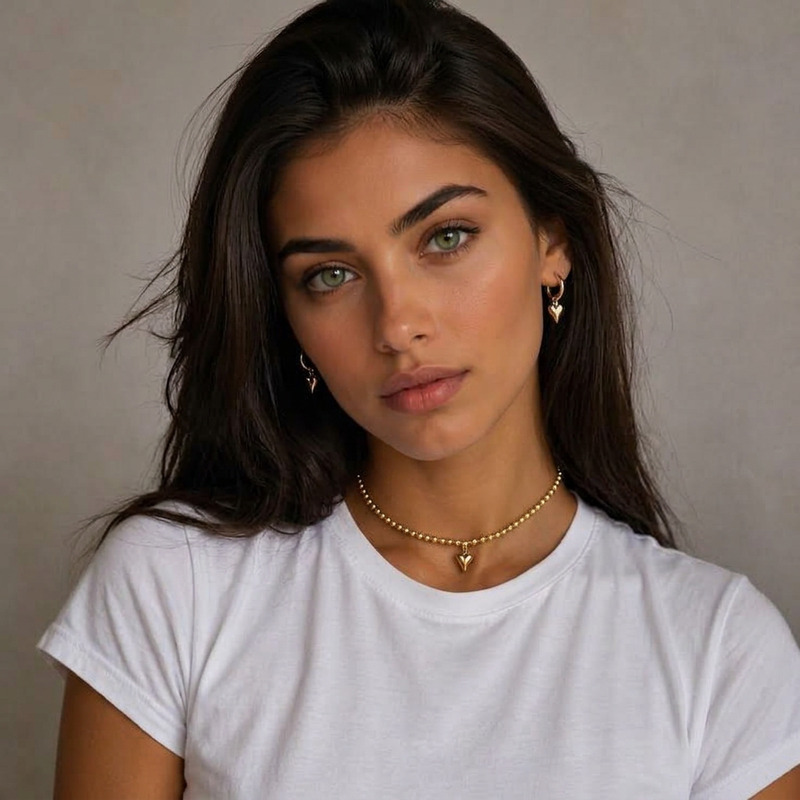
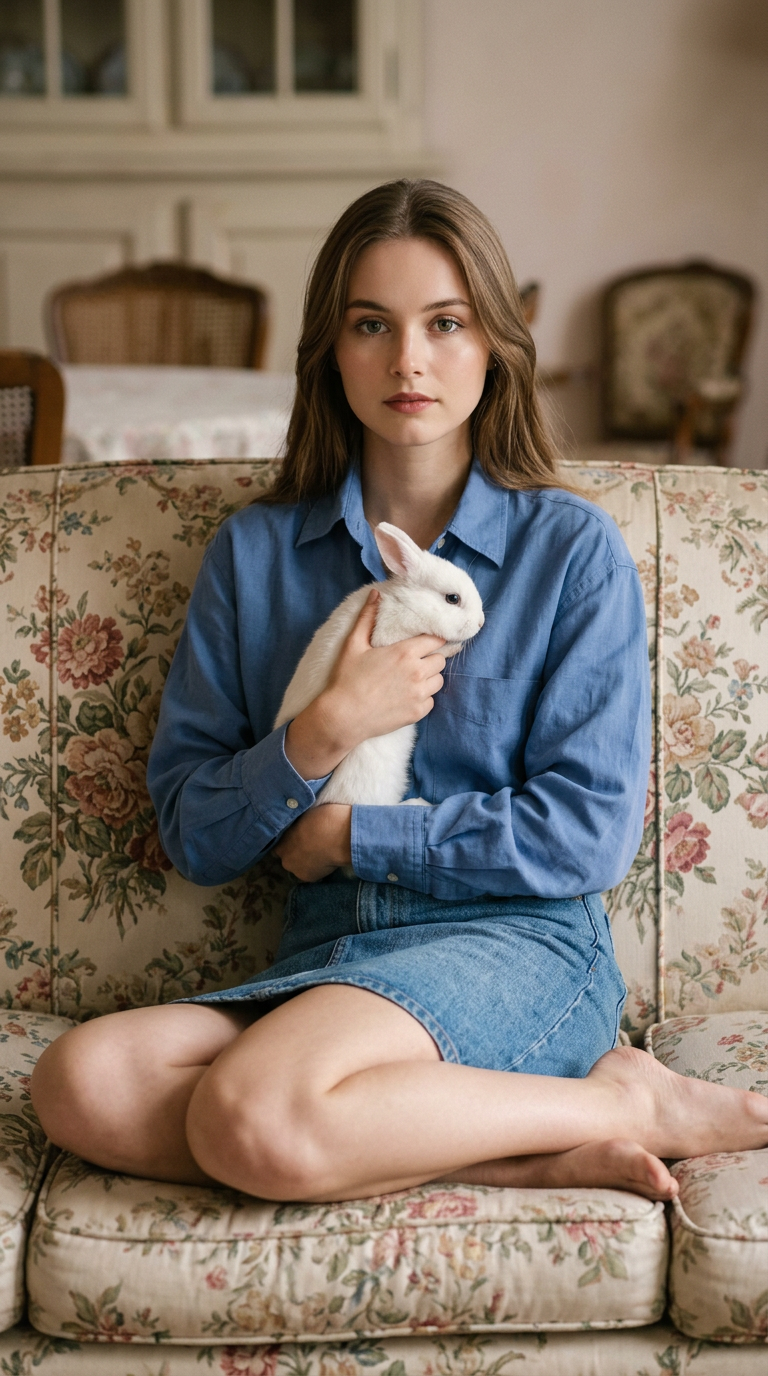
A vintage 90s / early 2000s teen catalog fashion editorial shot featuring the character from uploaded photo 1, preserving their identity exactly as shown: the same face, body proportions, eyes, skin tone, hairstyle, hair texture, expression, and all visible personal features. The character sits in the corner of a vintage floral sofa, holding the animal from uploaded photo 2 close against their chest, looking directly into the camera; for a feminine pose, one knee is raised with a hand resting on it, while the other leg is tucked under the body and drawn back toward the hips, creating a compact pose with a straight, slightly arched back. Shot on Fujifilm GFX 100S with an 80mm f/1.7 lens, soft high-key studio lighting, pastel pink retro setting, hyper-realistic skin and fabric texture, dreamy Y2K luxury styling, and a vertical 9:16 format.
Any aspect ratio
Overview
Step into a world of nostalgic fashion with the Pet Coquette template, crafted specifically for the AI Image Editor. This template utilizes the nano-banana-2 model to transform your characters into stars of a vintage 90s or early 2000s teen catalog fashion editorial. Whether using it for personal memories or creative projects, this template offers a unique blend of retro aesthetics and modern technological expertise.
What It Does
The Pet Coquette template precisely captures and retains the identity of subjects from your uploaded photos, incorporating them into a stylistic yet authentic fashion shoot complete with trendy poses and luxurious settings. Your character will appear seated on a floral sofa, engaging directly with the viewer, while holding an animal. The template recreates the intimate charm of Y2K fashion editorials with high-detail textures and pastel hues.
Who It's For
This template is perfect for fashion enthusiasts, pet lovers, and creative professionals seeking to channel a vintage vibe in their work. It's a great choice for designing playful marketing content, crafting unique social media posts, or bringing an original touch to personal photo collections. Users of AI Profile Picture Generator and AI Product Photography will find it particularly beneficial.
Summary
Bridge the past and present with the Pet Coquette template, which allows you to place familiar faces into a timeless fashion narrative. Perfect for anyone looking to experiment with retro styling using modern AI techniques, this tool guarantees high fidelity in character representation and a strikingly real high-fashion result.
How To
Choose Your Template

Customize Your Inputs

Generate Your Image

Use Cases
Fashion Social Media Content
- Trend-driven user profiles
- Thematic social media campaigns
Pet and Family Photo Albums
- Unique family portraits
- Personalized pet albums
Creative Projects
- Editorial shoots for brands
- Artistic portfolio entries
Best Practices
Ensure High-Quality Images
Use high-resolution photos of both the character and pet to achieve sharp, detailed outcomes.Focus on Lighting
High-key lighting works best with this template. Consider the lighting conditions in your source photos for a seamless look.Pay Attention to Posing
Align your source images with the posing guide provided in the prompt to enhance realism and authenticity.