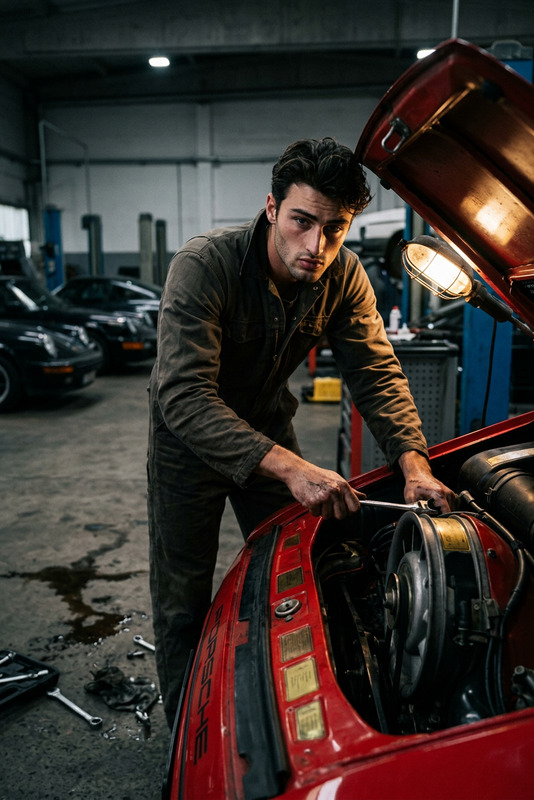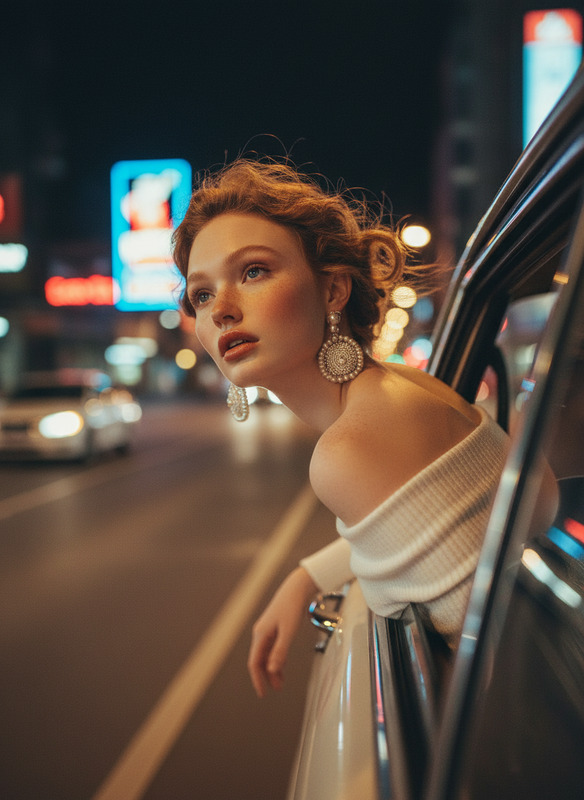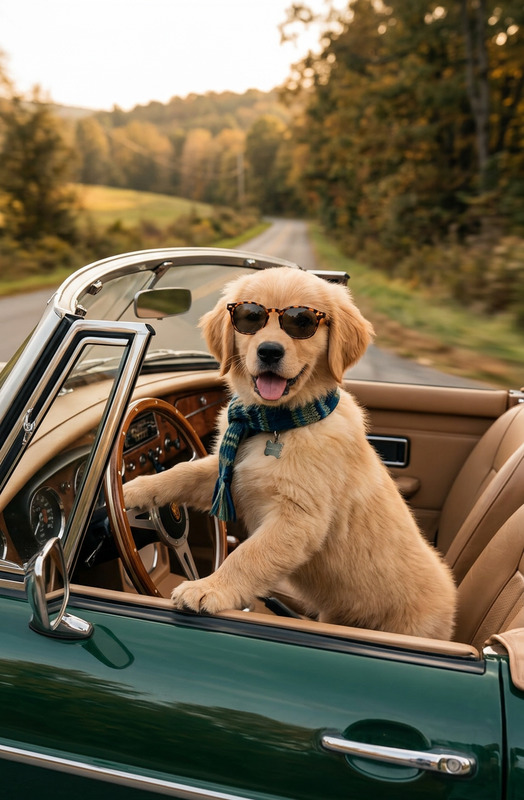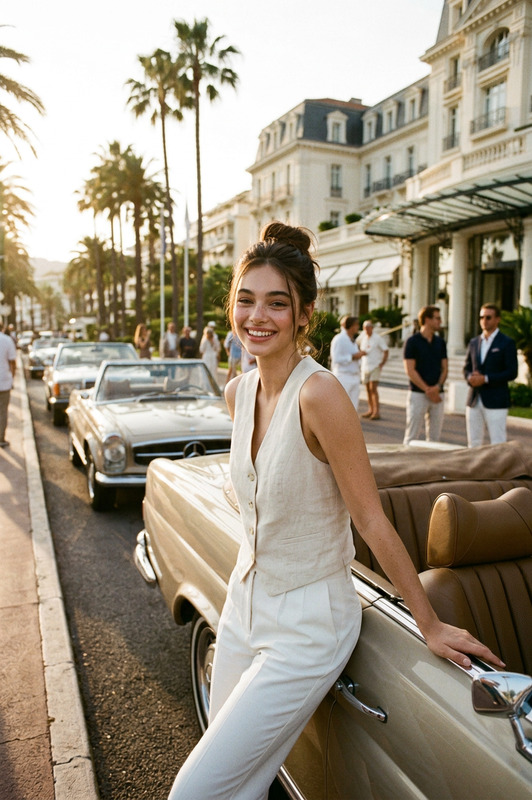
Wash Cars
- Model
- Nano Banana 2
- Image
- 843 × 1264 px
Prompt
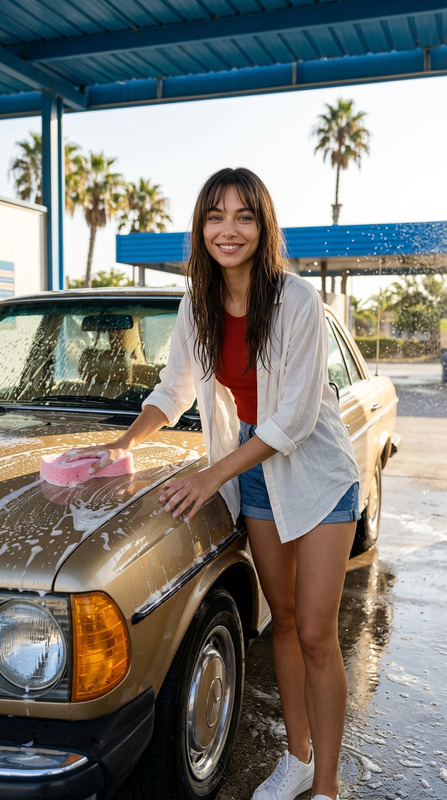
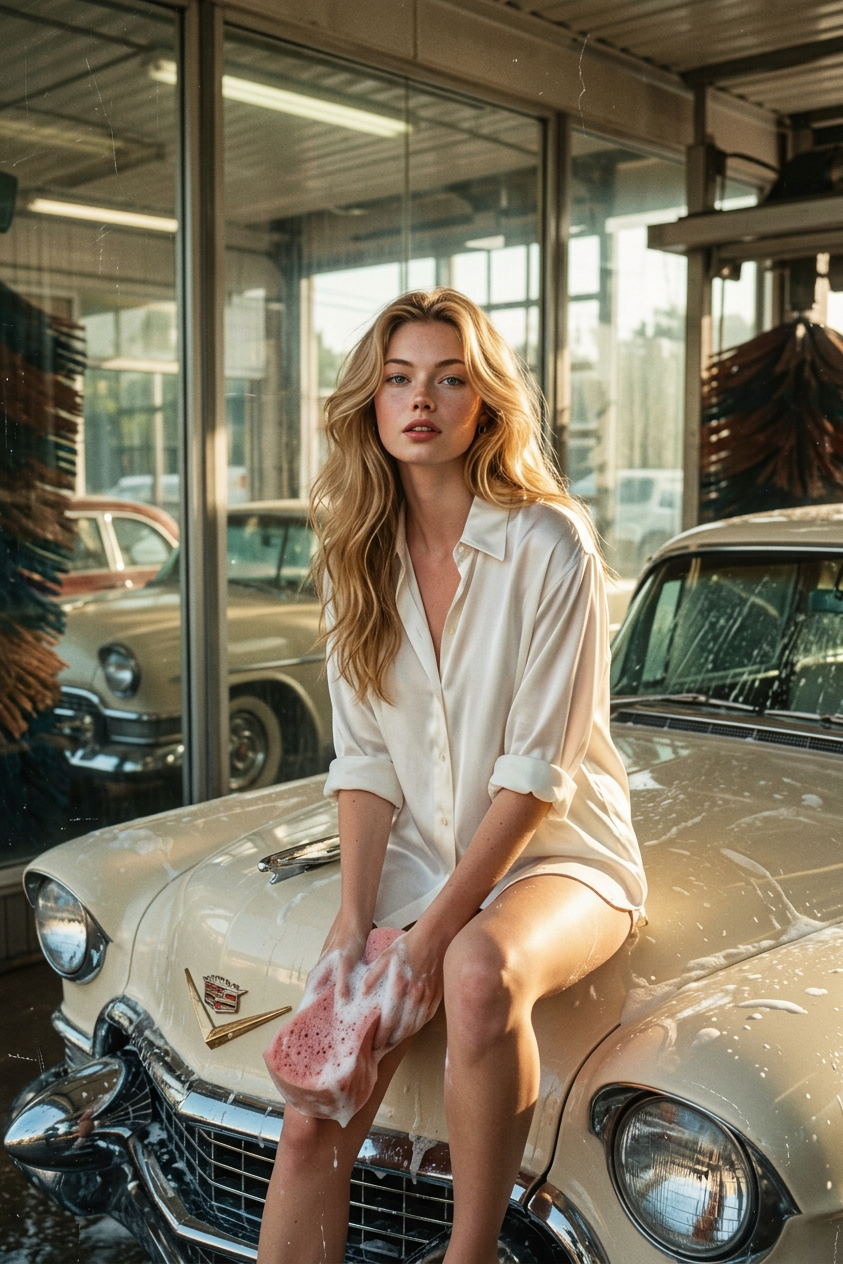
A vintage film still: a character sits on the hood of a cream-colored 1950s Cadillac in a wet car wash, holding a pink sponge and looking directly into the camera, as water and foam run down the car. The scene is shot in harsh afternoon light with a warm, nostalgic color grading, pronounced grain, and a cinematic, old-Hollywood feel.
Any aspect ratio
Overview
Step back in time with our "Wash Cars" template, designed to transform your images into stunning vintage film stills. This AI Image Editor, powered by the nano-banana-2 model, turns any car wash scene into a cinematic moment with a nostalgic touch.
What It Does
The "Wash Cars" template effectively transforms your photos into a 1950s movie scene. By applying a grainy, old-Hollywood filter, it highlights specific details like water and foam, creating a striking, reflective effect. From the vintage color grading to the dramatic lighting, each edit exudes a warm, classic vibe.
This tool is perfect for enhancing images of vehicles or outdoor scenes, making them look as if they belong on a classic movie poster. It integrates seamlessly with other tools such as the AI Image Editor and AI Image Generator to enrich your creative toolkit.
Who It's For
This template is ideal for photographers, graphic designers, and creative enthusiasts who wish to add a retro flair to their images. If you're working on marketing materials for classic car shows or creating themes for social media campaigns, this tool provides a unique aesthetic.
Educational institutions and history museums can also use this to create visual content for exhibits, enriching their storytelling with vintage charm. Pair it with the AI Photo Relighting tool for enhanced effect.
Summary
Transform mundane car wash images into captivating, old-Hollywood film scenes with the "Wash Cars" AI Image Editor template. Perfect for both professional and personal projects, this tool utilizes powerful AI technology to deliver artistic, nostalgic visuals easily integrated with other tools like the AI Background Changer for extended creativity.
How-To
Choose Your Template

Customize Your Image

Generate Your Image

Use Cases
Classic Car Show Promotions
- Highlight vintage aesthetics.
- Emphasize the classic charm of automobiles.
Retro-Themed Social Media Campaigns
- Boost social media engagement.
- Enhance brand storytelling.
Museum and Exhibition Displays
- Add educational value to exhibits.
- Create themed visual content.
Nostalgic Album Covers
- Appeal to fans of classic music eras.
- Offer creative design possibilities.
Best Practices
Leverage Natural Light Conditions
Capturing your original images in good lighting will enhance the vintage effect augmented by the template.Experiment with Color Grading
Try different levels of saturation and warmth to find the perfect nostalgic tone.Integrate with Other Tools
Combine with tools like the AI Image Upscaler to maintain quality after applying the vintage filter.