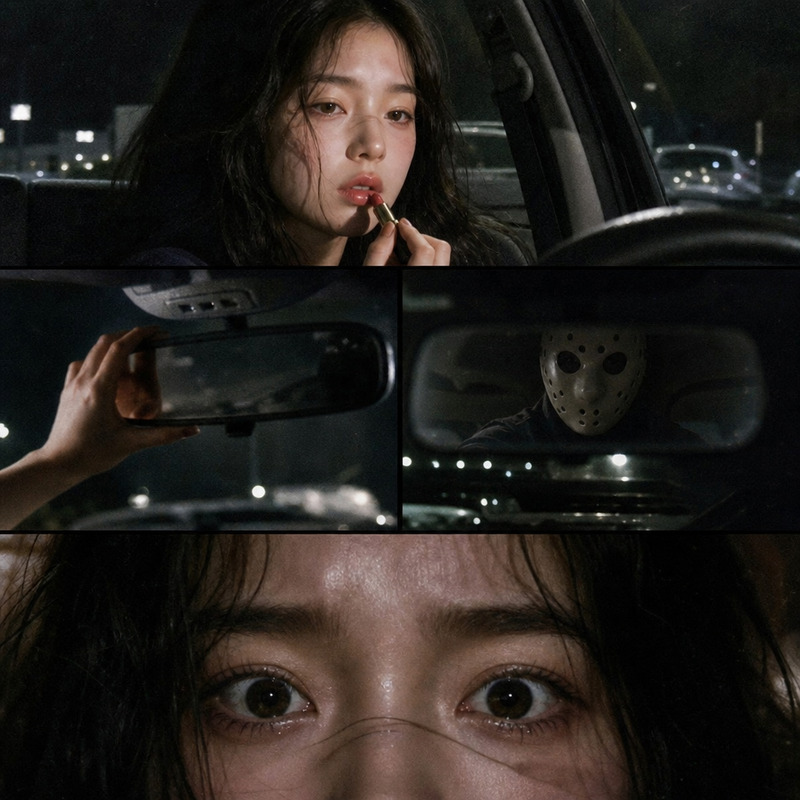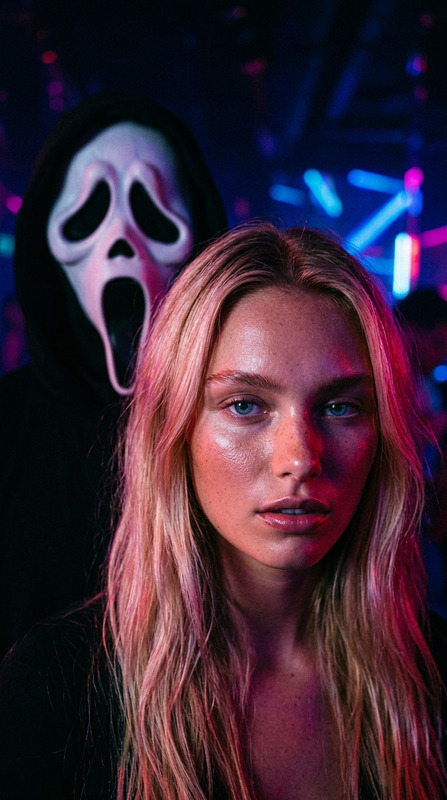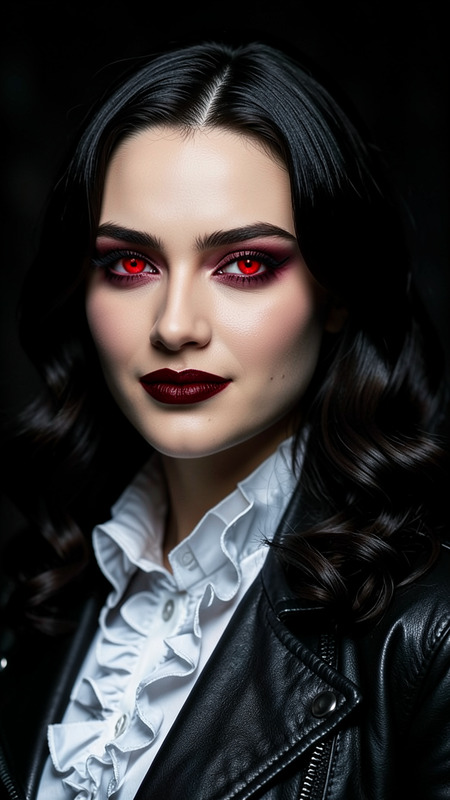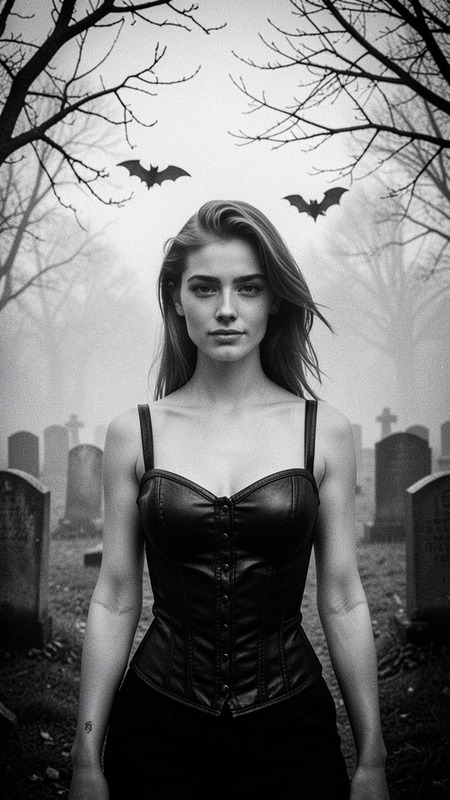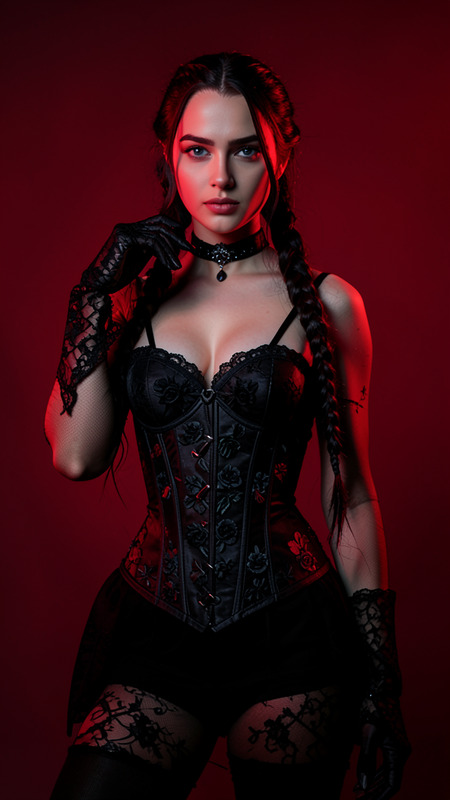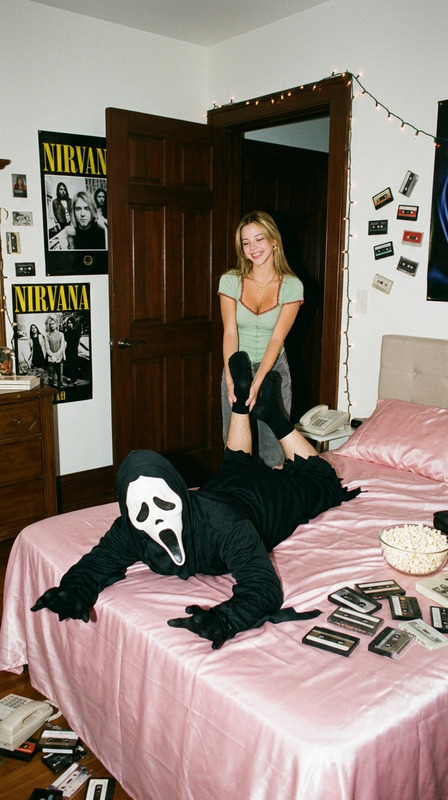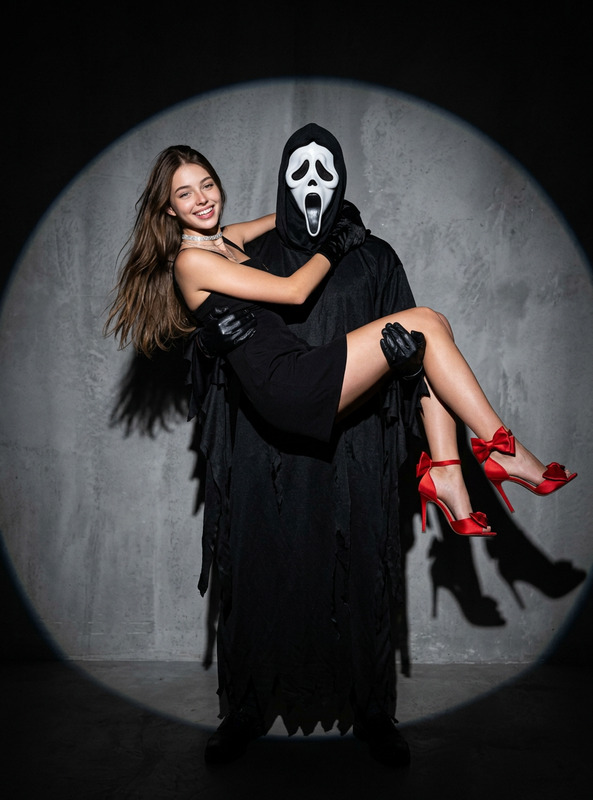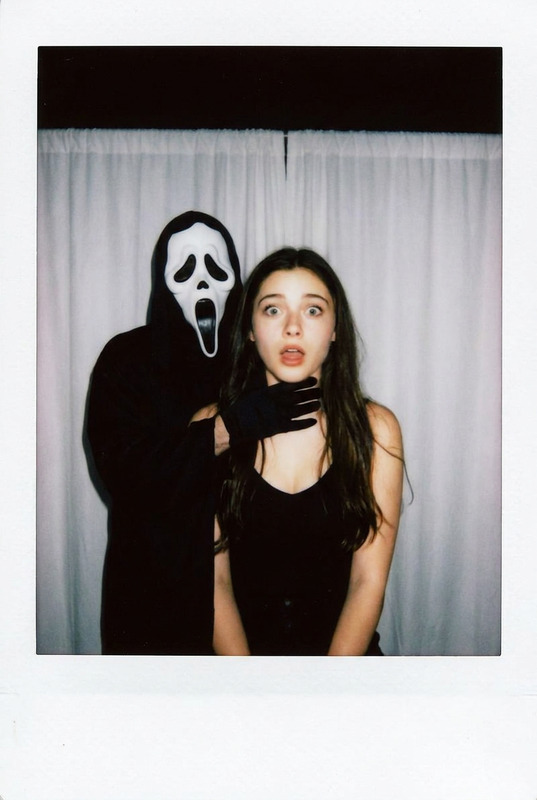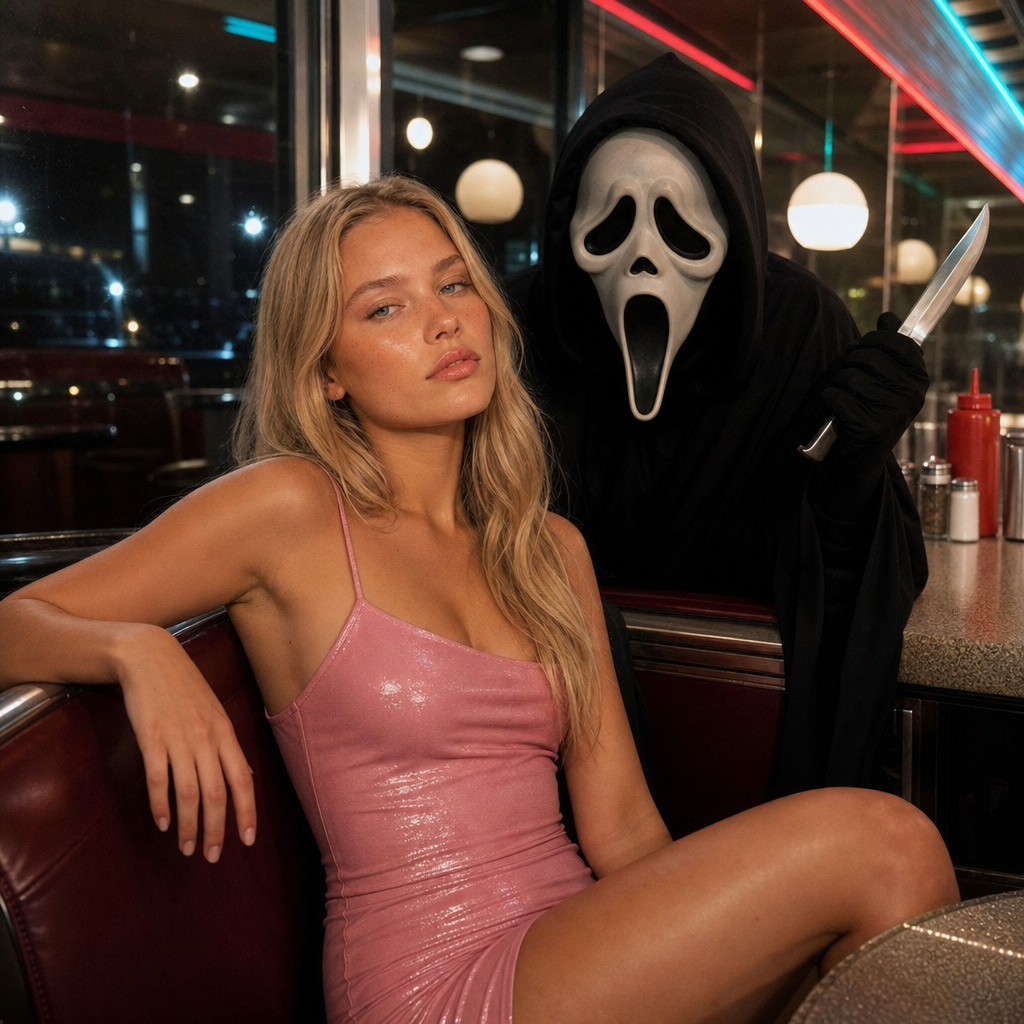
Flirty Ghostface
- Model
- GPT Image 2
- Image
- 1024 × 1024 px
Prompt
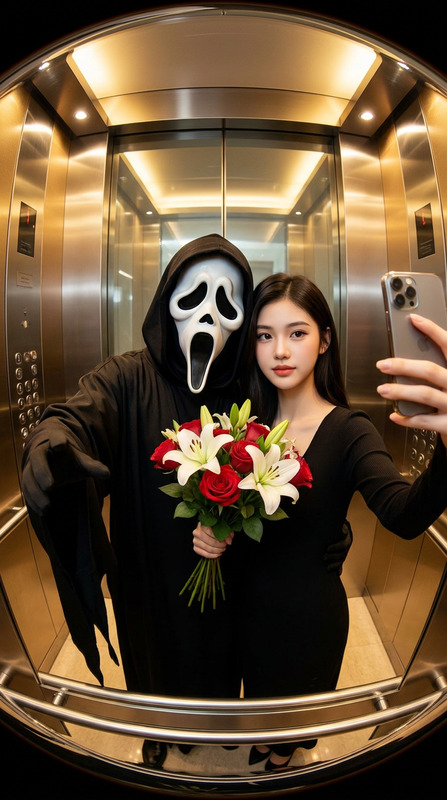
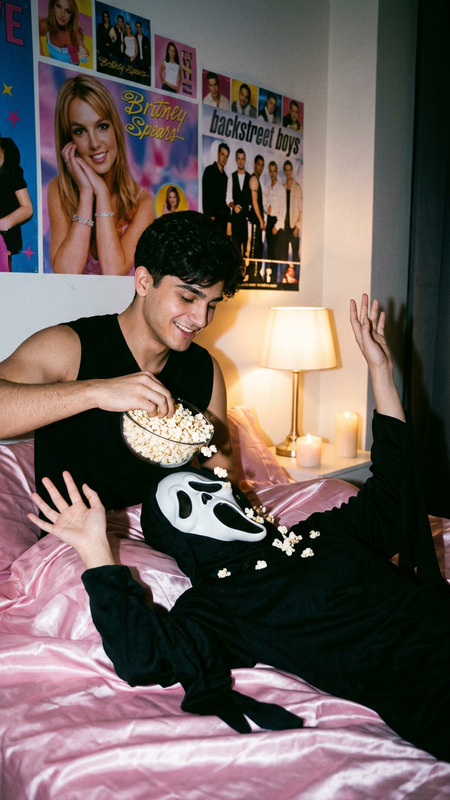
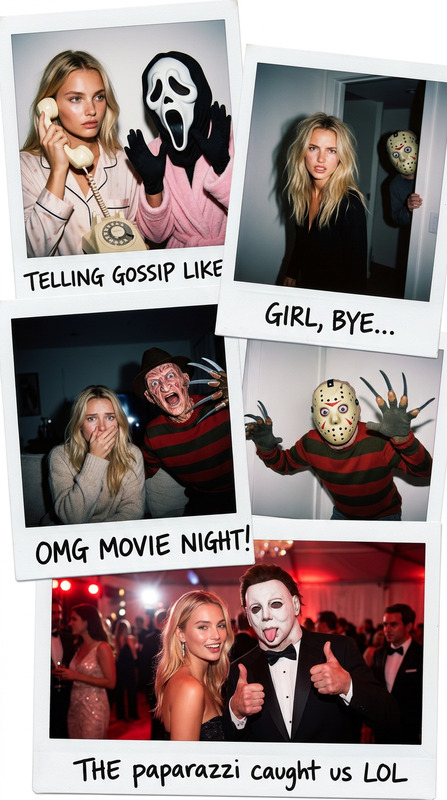
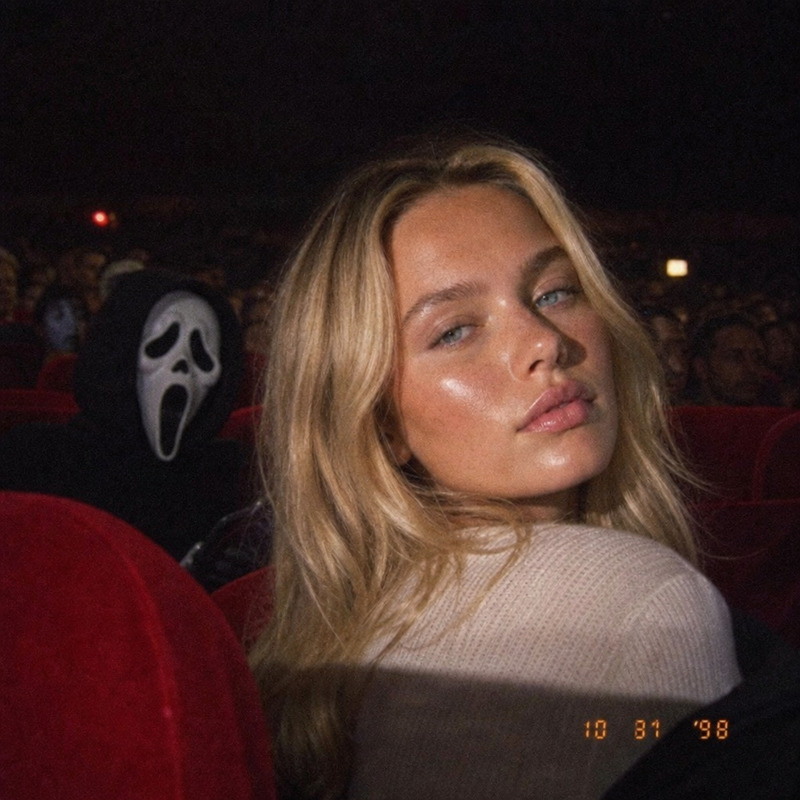
A photorealistic image taken with a Canon G7X compact camera depicts a character seated in a booth at a late-night diner, with Ghostface standing or leaning in from behind. She wears a short, glamorous pink minidress with a form-fitting silhouette, thin, delicate straps, and a glossy finish. The setting is a retro late-night diner with shiny countertops and chrome accents.
Any aspect ratio
Overview
Capture the essence of playful suspense with the Flirty Ghostface template, an innovative use of the AI Image Editor powered by the gpt-image-2 model. This template creates a photorealistic scene where glamour meets mystery, with Ghostface making a tempting nocturnal appearance at a retro diner. Perfect for anyone looking to blend romance and intrigue in a single frame.
What It Does
The Flirty Ghostface template allows you to transform a digital canvas into a captivating scene straight out of a suspense-filled story. By positioning a glamorous character in a well-defined setting, it adds layers to your storytelling abilities. Use the AI-powered AI Image Editor to craft images that are sharp, atmospheric, and unmistakably unique.
Who It's For
This template is ideal for digital artists, social media influencers, and content creators who aim to captivate with compelling visuals. Whether you're promoting a thematic event, a film project, or simply wish to enhance your personal brand with intriguing imagery, the Flirty Ghostface template meets your needs. It's also a great tool for anyone venturing into AI-driven image generation for creative projects.
Summary
With Flirty Ghostface, you unlock the capability to craft detailed, arresting images set in a charmingly retro ambiance. This AI Image Editor template leverages advanced AI technology to provide you with high-quality, customizable visuals perfect for storytelling, branding, and beyond.
How-to Guide
Choose Your Template

Customize Your Scene

Generate Your Image

Use Cases
Social Media Visuals
Promotional Material
Creative Storytelling
Best Practices
Fine-Tune Details
Pay attention to small details like lighting and shadows to make the scene more realistic.Experiment with Angles
Try different perspectives to find the most intriguing composition.Stay True to Theme
Ensure any adjustments align with the vintage diner aesthetic to maintain thematic consistency.