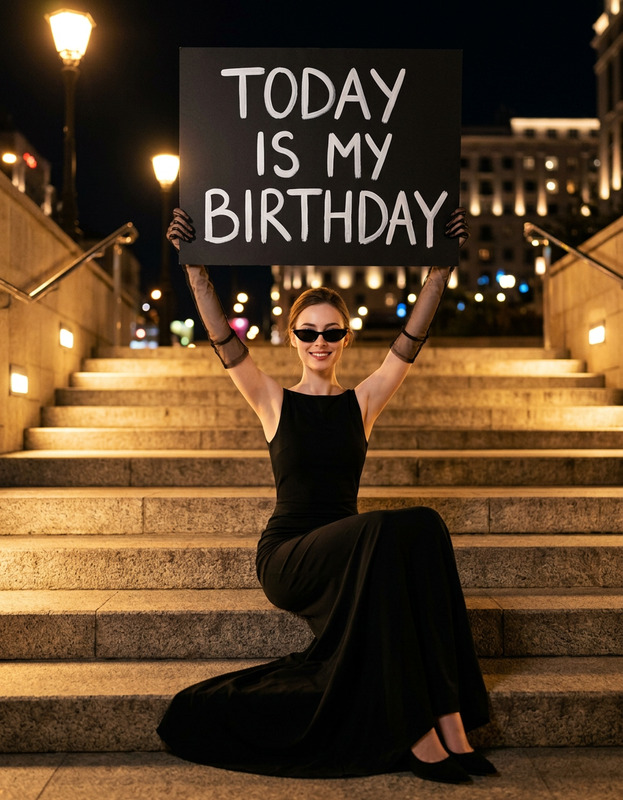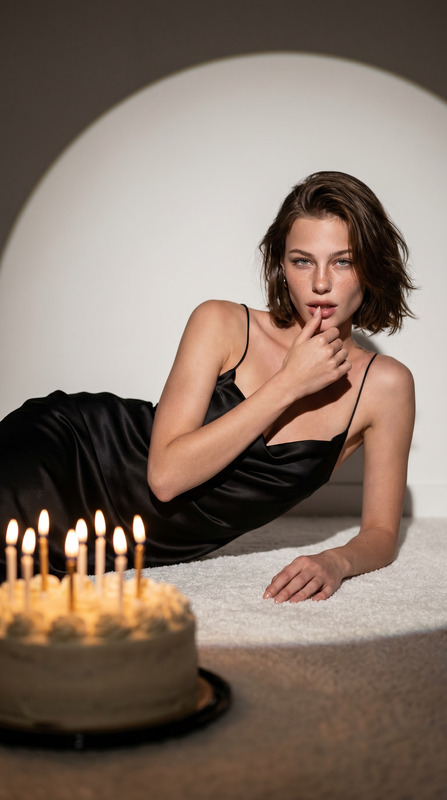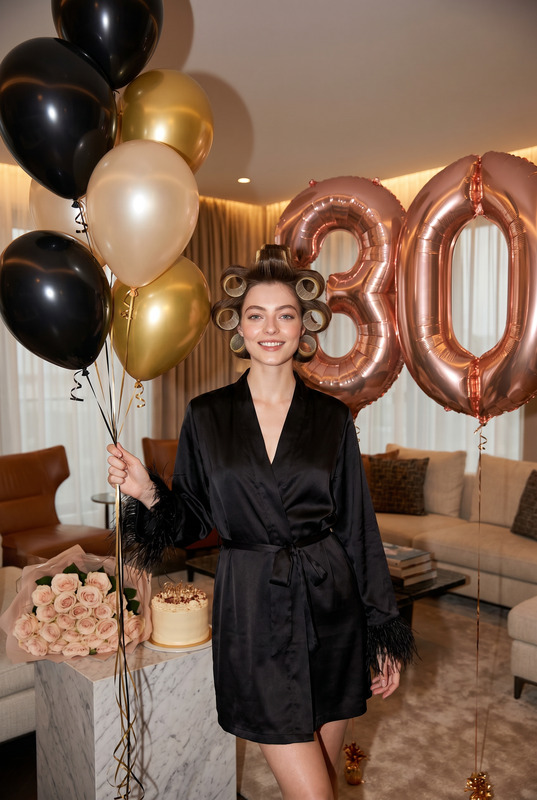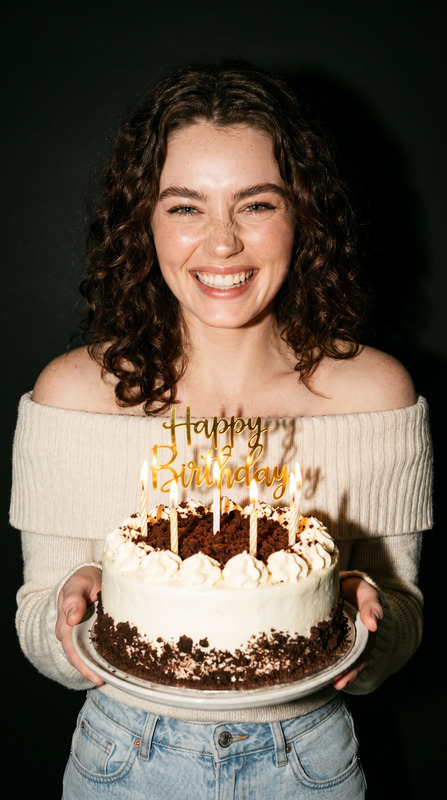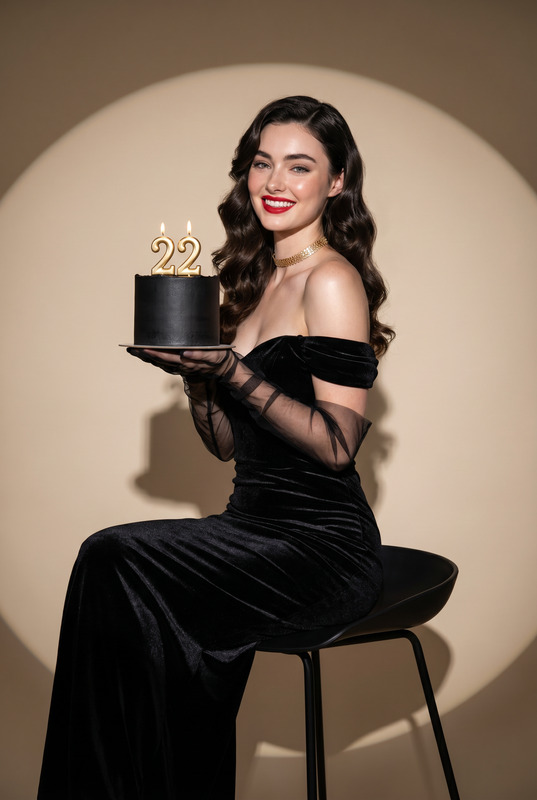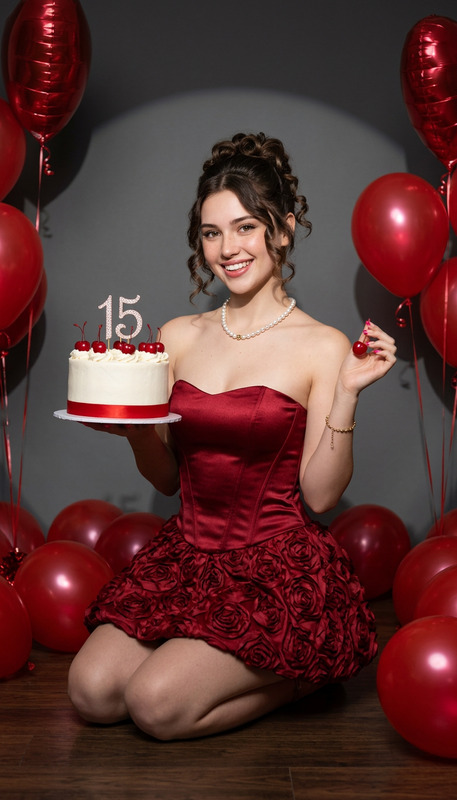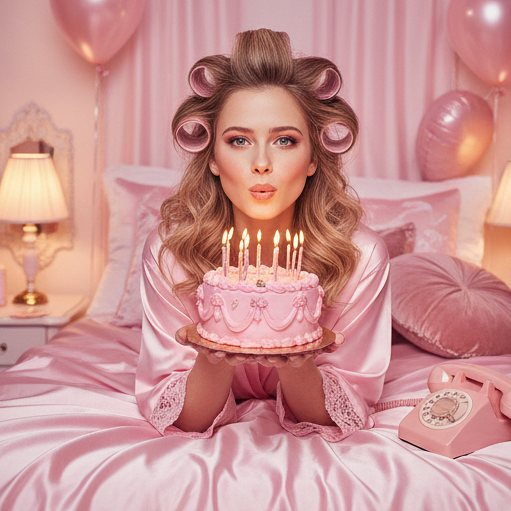
Birthday Cake
- Model
- Nano Banana
- Image
- 511 × 511 px
Prompt
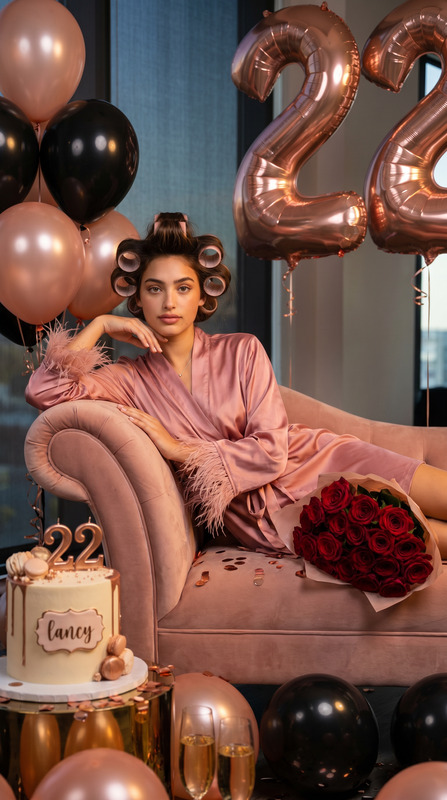
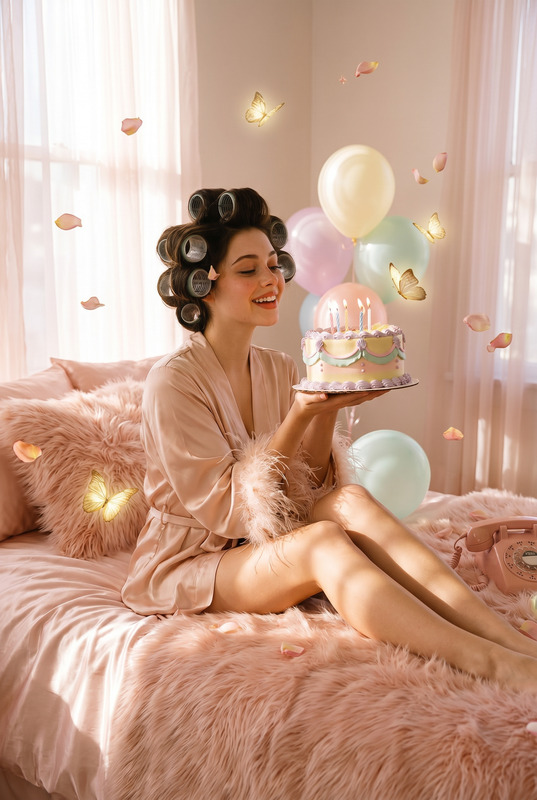
Transform the uploaded portrait into a dreamy feminine birthday bedroom photoshoot. The person is lying on a soft luxurious bed surrounded by pastel pink balloons, wearing a silky pink satin robe with oversized hair rollers, blowing candles on an elaborate vintage pink birthday cake. Cozy warm lighting, romantic soft shadows, retro pink rotary telephone on the bed, fluffy textures, glamorous beauty styling, playful yet elegant expression, ultra realistic skin texture, cinematic editorial photography, cozy luxury bedroom atmosphere, shallow depth of field, pastel pink aesthetic, 90s feminine glam vibe, Vogue-inspired composition, high detail, soft glow, premium lifestyle photography.coquette aesthetic, soft pink birthday aesthetic, girly luxury sleepover vibe, retro feminine editorial, beauty campaign lighting, dreamy cinematic glow, vintage glamour styling
Any aspect ratio
Overview
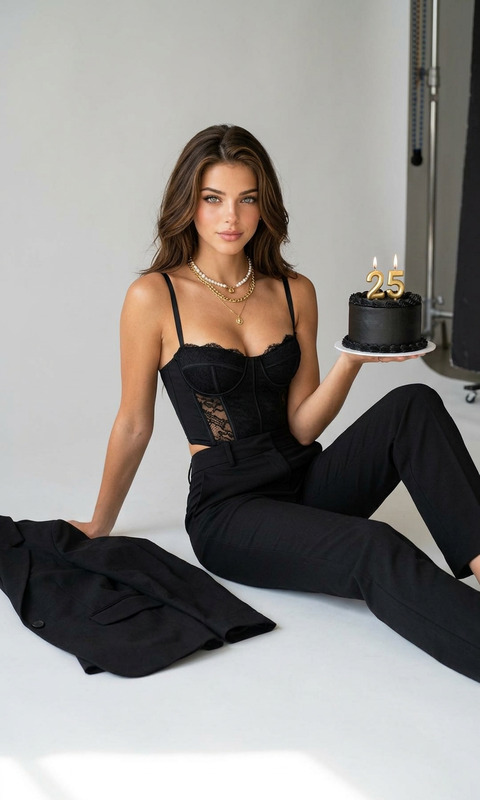
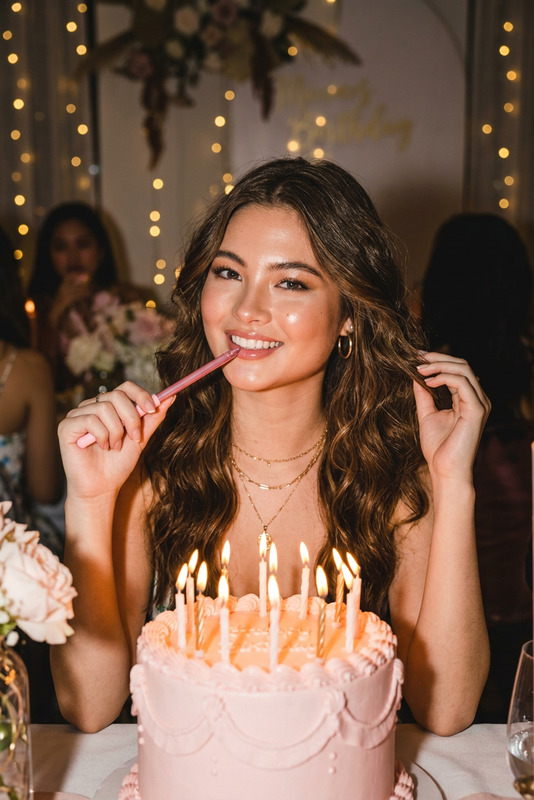
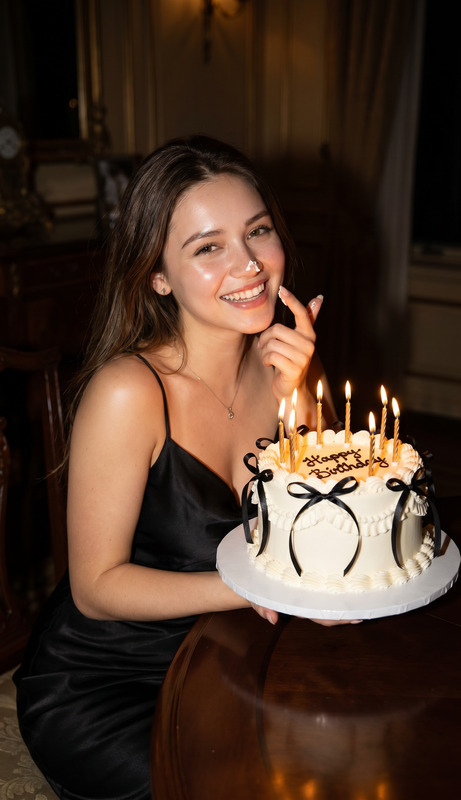
Dive into the world of glamorous, vintage-inspired birthday imagery with the "Birthday Cake" AI Image Editor template. Utilizing the state-of-the-art nano-banana model, this template transforms ordinary portraits into dreamy, ultra-realistic photoshoots.
What It Does
This template morphs your personal portraits into a luxuriant birthday bedroom scenario. Emphasize retro elegance with pastel pink aesthetics and detailed compositions inspired by 90s feminine glam. The transformation includes styling with silky robes, warm cozy lighting, and vintage props like a rotary telephone, capturing a Vogue-inspired, editorial quality.
Who It's For
The "Birthday Cake" template is perfect for content creators, social media enthusiasts, and photographers looking to add a touch of retro glam and cinematic elegance to birthday-themed images. It's ideal for anyone wanting to celebrate their special day with a unique and stylish visual narrative.
Summary
With the "Birthday Cake" template, transform your images into a luxurious birthday setting. Utilize the powerful Image to Video capabilities to animate your stunning portraits, or create a cohesive style using the AI GIF Generator. Perfect for capturing that special birthday glamour with ultra-realistic detail.
How To Use
Choose Your Template

Customize Your Inputs

Generate Your Image

Use Cases
Personalized Birthday Greetings
- Unique personalized birthday messages
- Elegant layout for greetings
Social Media Posts
- Highlight reels for Instagram Stories
- Perfect for Facebook birthday posts
Event Promotions
- Event flyers and posters
- Social media ads
Best Practices
High-Quality Portraits
To achieve the best results, use high-resolution images with good lighting to capture all facial details.Edit for Consistency
For a consistent look, adjust the color balance and brightness to match the pastel pink theme.Use Complementary Props
When taking the original photograph, incorporate elements like balloons and props to enhance the birthday setting awareness.