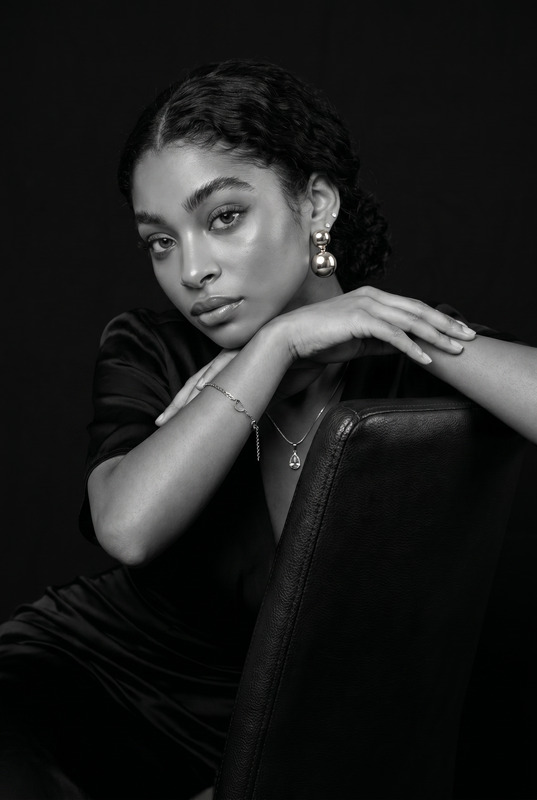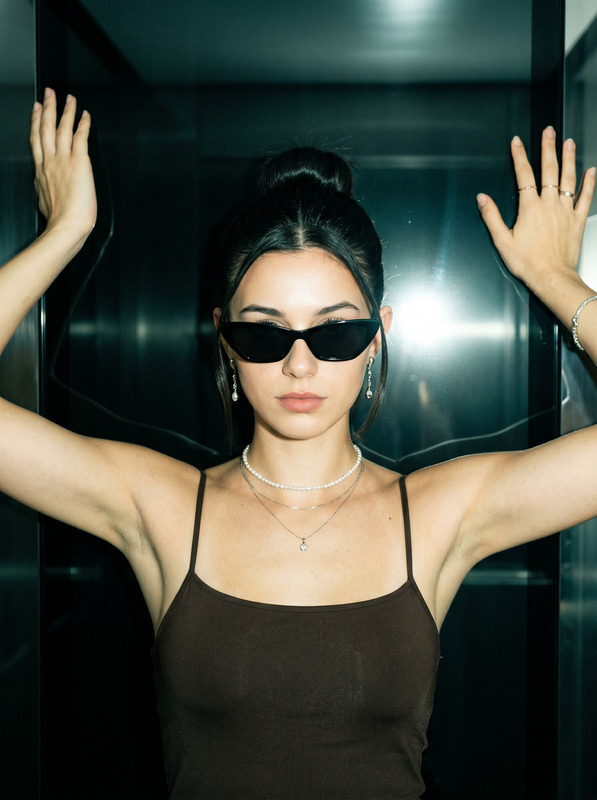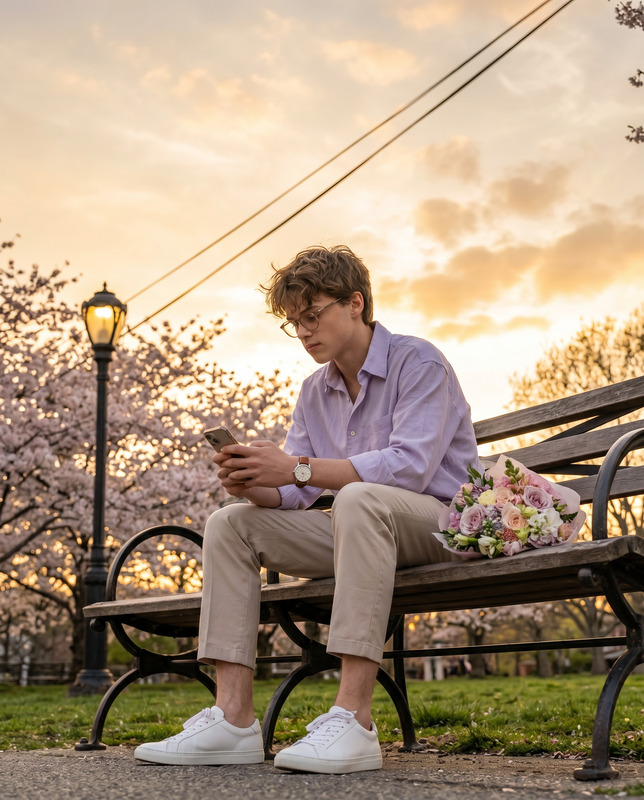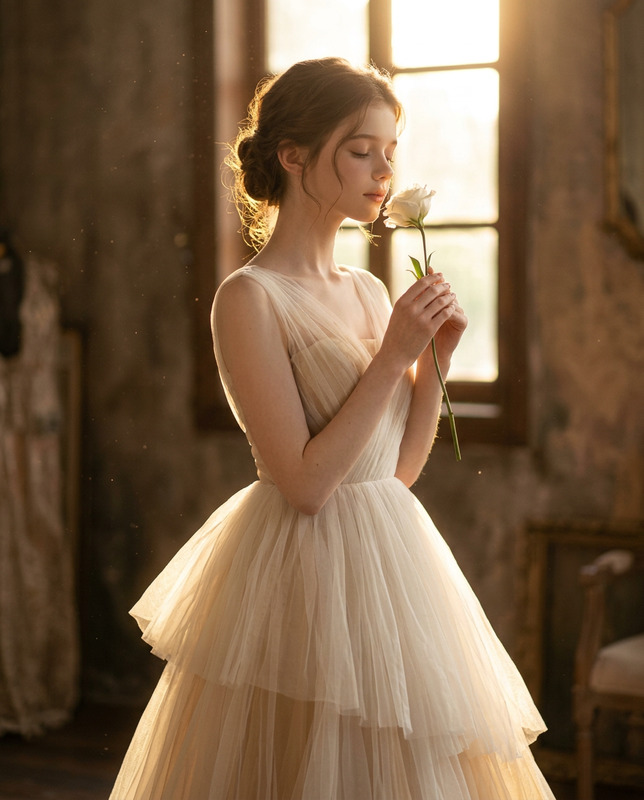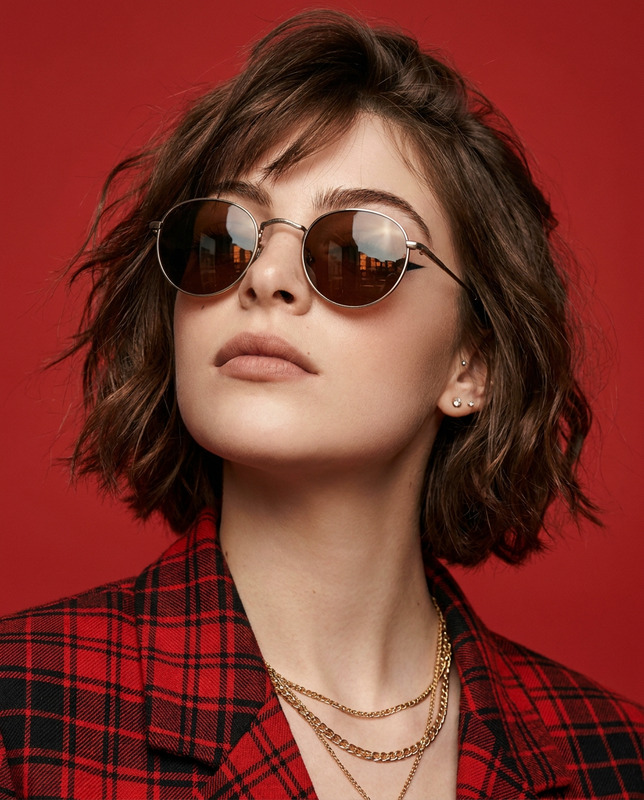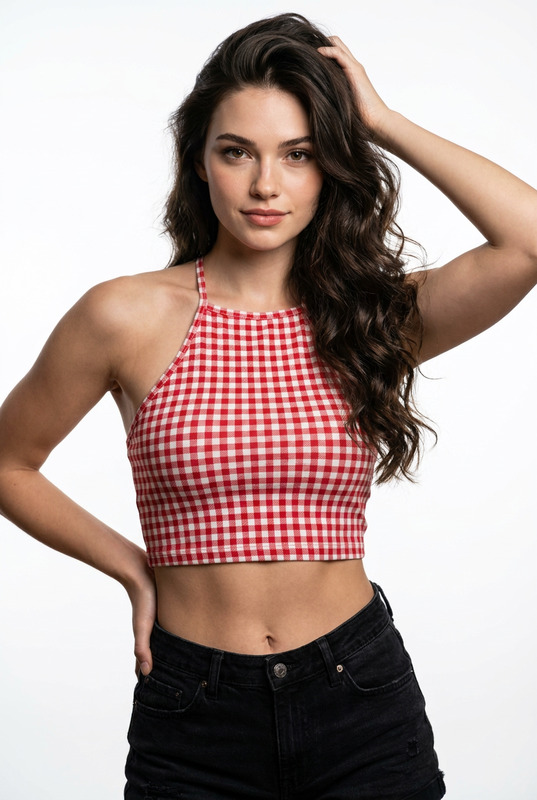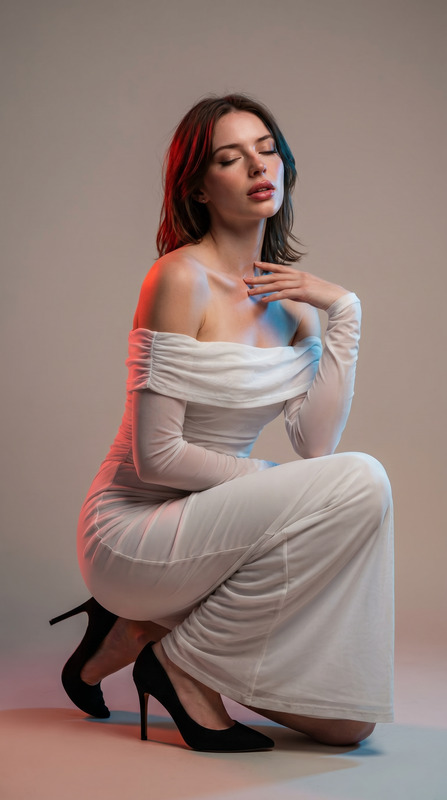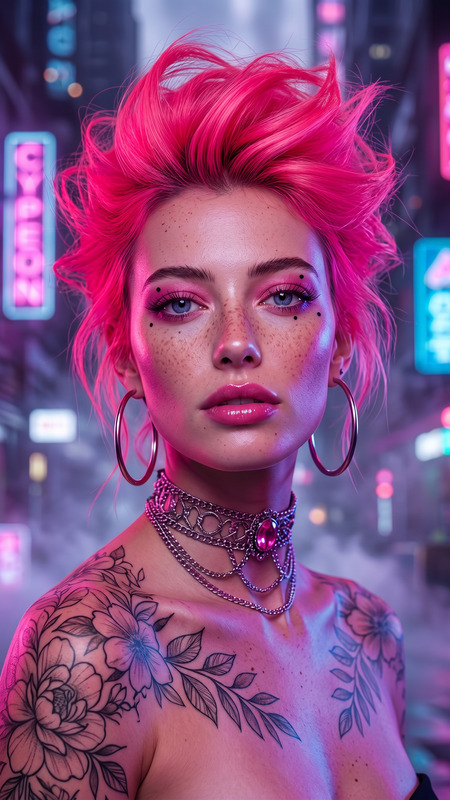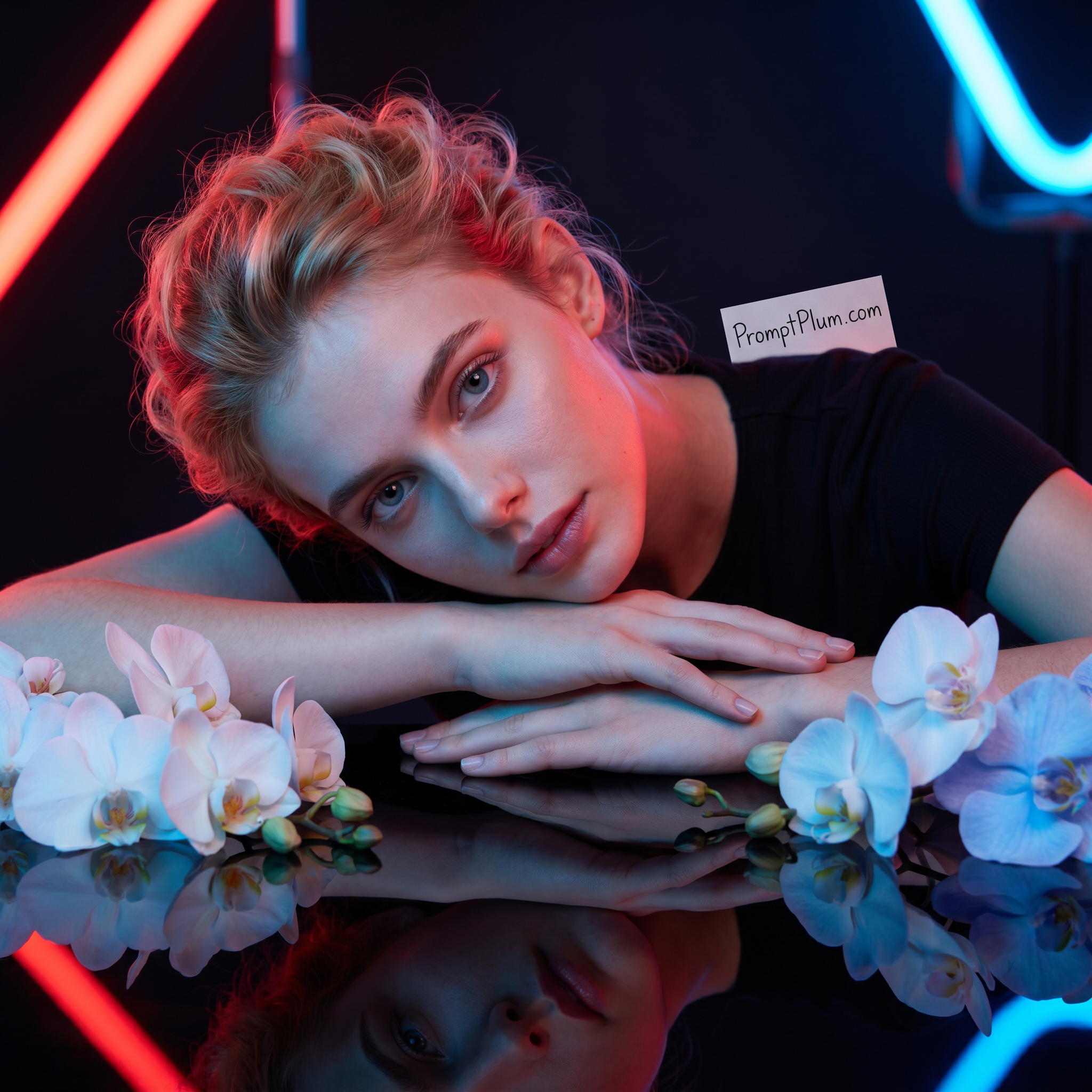
Neon Reflection
- Model
- Nano Banana Pro
- Image
- 2048 × 2048 px
Prompt
Create an ultra-realistic, hyper-detailed 8K cinematic portrait using the uploaded reference image for strict face matching and hairstyle accuracy. Reference & Identity Preservation (Strict) Use the uploaded image as an exact identity reference Preserve facial structure, proportions, eye shape, nose, lips, skin texture, and expression with zero deviation Maintain the same curly hairstyle, hair density, and natural volume ❌ No face beautification, no reshaping, no identity drift Subject Description A young, stylish, naturally curvaceous woman wearing simple, modern black clothing. She rests her head gently on her folded arms placed on a glossy black reflective surface, creating a perfect mirror reflection beneath her. Her expression is soft, calm, and emotionally serene, with a direct yet gentle gaze toward the camera. The pose feels intimate, composed, and elegant rather than exaggerated. Pose & Composition Upper-body portrait, framed closely Head tilted slightly sideways, resting on crossed arms One arm subtly extended forward across the reflective surface Natural, relaxed posture with graceful hand positioning Reflection clearly visible, sharp, and symmetrical Facial & Skin Details Natural skin texture with realistic pores Soft cinematic highlights on cheekbones and nose Balanced contrast without over-smoothing Eyes sharp and expressive with subtle catchlights Props & Foreground Elements Delicate white and soft blue orchids placed near the subject’s arms Flowers appear fresh, detailed, and softly lit Orchids partially reflected on the glossy surface for added depth Lighting & Color Cinematic neon lighting with contrasting red and blue light sources Red light softly rim-lighting one side of the face and hair Blue light illuminating the opposite side for depth and mood Smooth color transitions with no harsh clipping Romantic, ethereal, modern studio atmosphere Background Dark studio environment Out-of-focus neon light elements in red and blue Minimal distractions to keep focus on the subject Watermark Small, legible handwritten sign text 'PromptPlum.com' floating above subject's shoulder, clear text, high detail. Camera & Quality Ultra-sharp focus on face and eyes Shallow depth of field with creamy bokeh Professional studio photography realism High dynamic range, rich blacks, clean highlights Output Settings Aspect Ratio: 1:1 Resolution: 8K Photorealistic, cinematic, premium editorial quality
Any aspect ratio
Overview
The Neon Reflection template is your go-to for creating ultra-realistic, hyper-detailed 8K cinematic portraits. Designed for use with the nano-banana-pro model, this AI Image Editor template maintains strict reference and identity preservation from your uploaded images. Whether you're aiming for professional-quality editorial portraits or stylized artistic shots, this tool equips you for perfection.
What It Does
The Neon Reflection template allows users to craft hyper-realistic portraits that stay true to the subject's identity as captured in the uploaded reference image. It preserves precise facial details such as proportions, expressions, and natural skin texture, ensuring no beautification or identity shifts. This template creates a controlled photographic environment, introducing cinematic neon lighting and elements like reflective surfaces and floral accents to enhance the visual narrative.
Who It's For
This template is ideal for photographers, digital artists, and content creators who value precision in identity and facial detail. It's also great for agencies and brands looking to enrich their visual campaigns with stunning, lifelike portraits. If you're involved in product photography or creating social media ads, this tool will ensure your visuals stand out with cinematic aesthetics.
Summary
With its focus on precision and high-quality output, the Neon Reflection template is an essential tool for anyone seeking to produce top-tier portrait photography. Using advanced AI capabilities in the AI Image Editor, it encapsulates the subject's essence, depicting them within elegant, modern settings that are enriched by thoughtful lighting and composition.
How to Use Neon Reflection
Choose the Template

Customize Inputs

Generate the Portrait

Use Cases
Fashion Photography
- High-end editorial shoots
- Model portfolios
- Clothing brand visuals
Marketing Campaigns
- Social media campaigns
- Billboards and print ads
- Digital marketing assets
Creative Art Projects
- Art exhibitions
- Digital galleries
- Narrative-driven artworks
Best Practices
Use High-Quality Reference Images
For optimal results, ensure your reference image is of high quality with clear details to facilitate accurate AI processing.Control Lighting Conditions
Experiment with the red and blue neon light settings to create mood and depth without overshadowing the subject.Maintain Consistency
To ensure identity preservation, consistently use the same reference images when editing multiple portraits of the same subject.