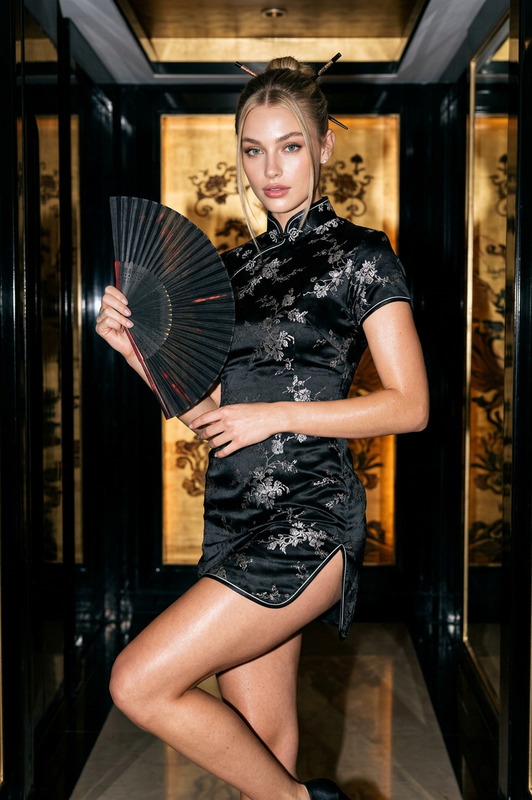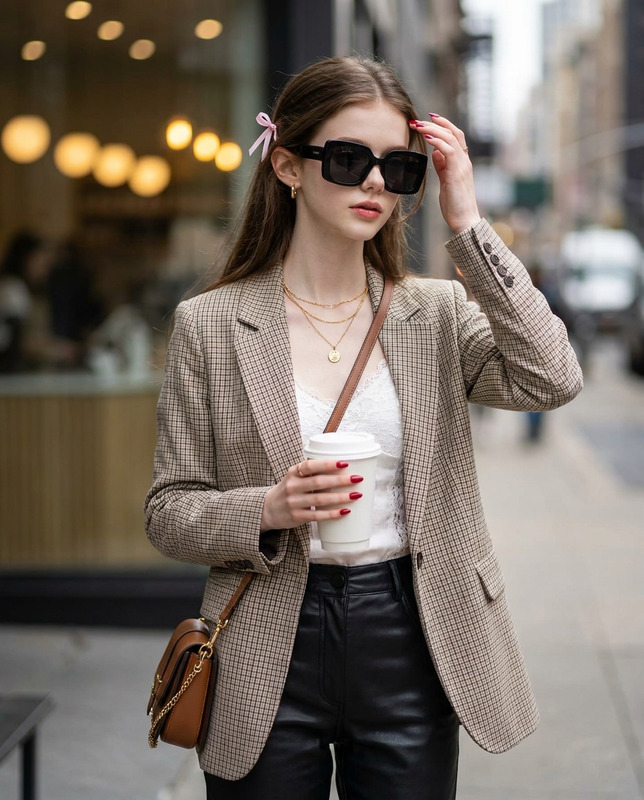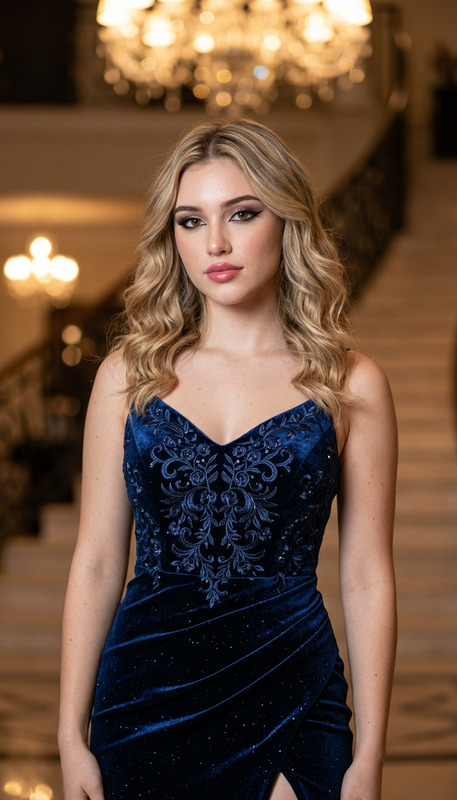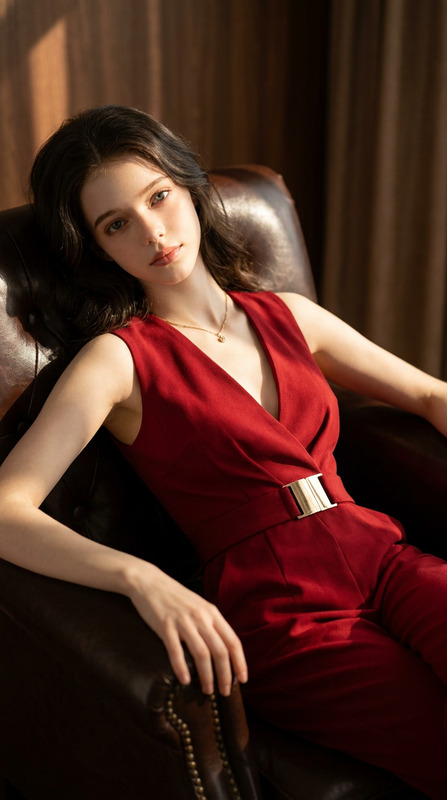
Noir Elegance
- Model
- Nano Banana Pro
- Image
- 1696 × 2528 px
Prompt
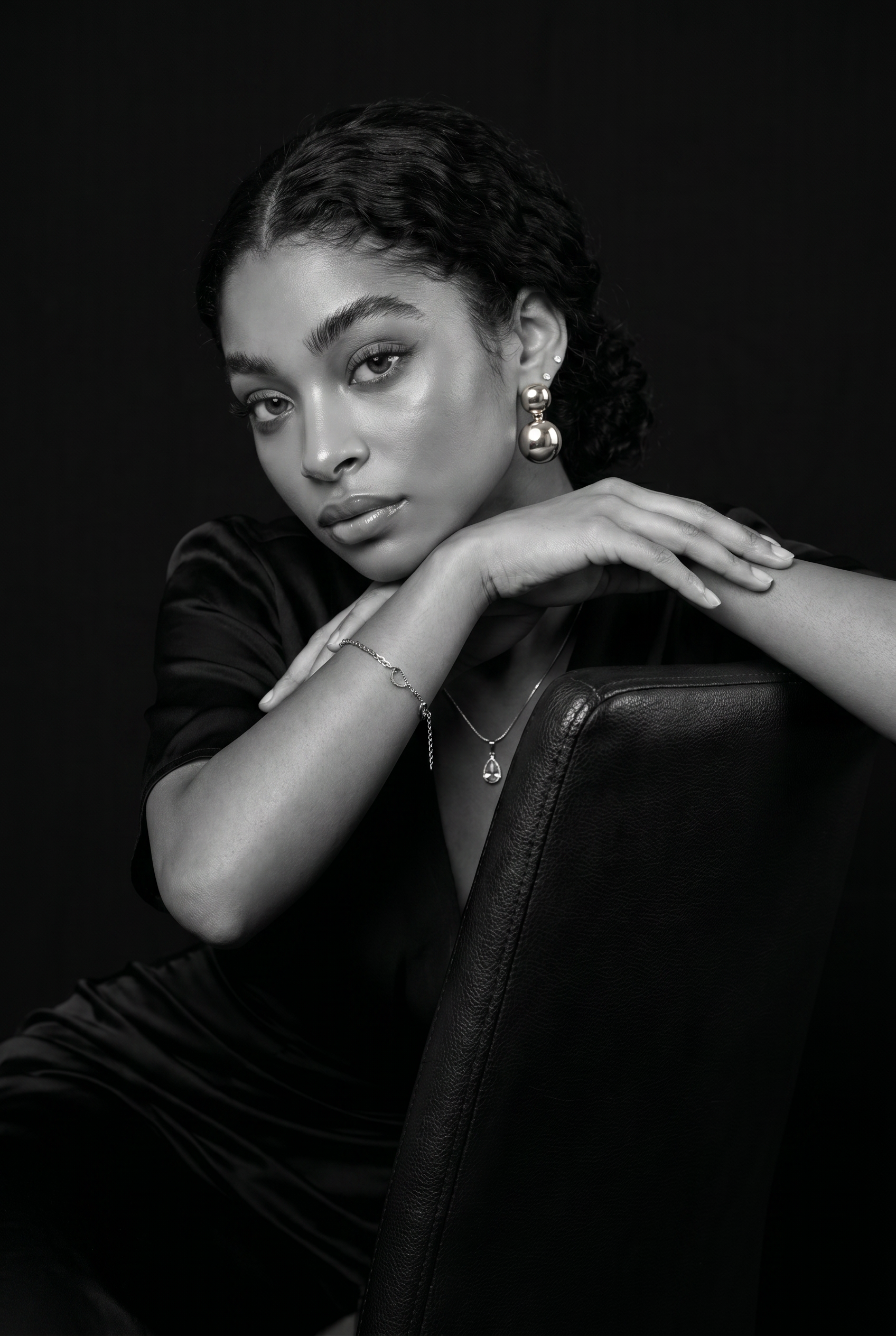
Ultra-realistic studio portrait of a lady (keep face, eyes, norse, mouth and hair style same as photo keep my face 100% same as in the reference image) leaning gracefully on the backrest of a chair, dressed in a sleek dark outfit. Shot from a subtle low-angle to accentuate her facial features and confident expression. Cinematic black-and-white color grade with refined, natural skin tones. Solid black back-ground with sharp 8K details, highlighting textures in her clothing, hair, and eyes for a dramatic, lifelike effect. Only apply clean studio enhancement so the face blends naturally with the design. Quality: 4K–8K detail, realistic materials, professional studio look Her look: long wavy side part hair, bronzy glam makeup, defined brows, glossy lips, radiant skin. Accessories: gold round dangling earrings, gold delicate bracelet, delicate necklace.
Any aspect ratio
Overview
The Noir Elegance template from Magic Hour is a sophisticated AI Image Editor tool designed to transform your photos into ultra-realistic studio portraits. Using the nano-banana-pro model, it focuses on emphasizing facial features and details with a cinematic black-and-white aesthetic. It's perfect for anyone looking to create professional-quality images with high detail in 4K to 8K resolution.
What It Does
The template allows you to create stunning studio portraits with a focus on maintaining the subject's natural features while enhancing the overall image quality. It retains the facial characteristics of the original photo and applies a dramatic black-and-white color grade. The tool adds texture depth to clothing, hair, and accessories, like gold round dangling earrings, to offer a lifelike portrait.
For those aiming for a polished studio look using your existing photos, AI Image Editor tools like this one make achieving professional results straightforward and efficient.
Who It's For
Noir Elegance is tailored for photographers, digital artists, and social media influencers who want to upgrade their portraits with a sharp, elegant style. Whether you're curating content for Instagram or producing visuals for a professional portfolio, this template offers the tools needed to create compelling imagery.
This template can serve as a powerful asset for those involved in creating product videos, allowing the integration of highly detailed still images that complement your visual narratives.
Summary
Enhance your portraits with the Noir Elegance template, providing a seamless blend of realistic enhancements and dramatic aesthetics. The result is a visually striking, cinematic image that highlights facial features and textures with professional-grade clarity. Pair it seamlessly with AI Image Upscaler to further refine image resolution.
How-To Structure
Choose the Noir Elegance template

Customize your portrait

Generate and download

Use Cases
Social Media Content
- Instagram aesthetic photos
- LinkedIn profile enhancements
Professional Portfolios
- Modeling headshots
- Corporate portraits
Marketing Campaigns
- Advertisement visuals
- Product launch teasers
Best Practices
Select High-Quality Reference Images
Ensure your original photo is of high quality to maximize the output resolution and detail retention.Focus on Facial Consistency
Accurately highlight facial features in the prompt to maintain realism and consistency with the provided image.Use Complementary Tools
Combine this template with tools like AI Clothes Changer for a fully customized styled look.