Luxury Elevator Portrait
- Model
- Nano Banana Pro
- Image
- 1568 × 2720 px
Prompt
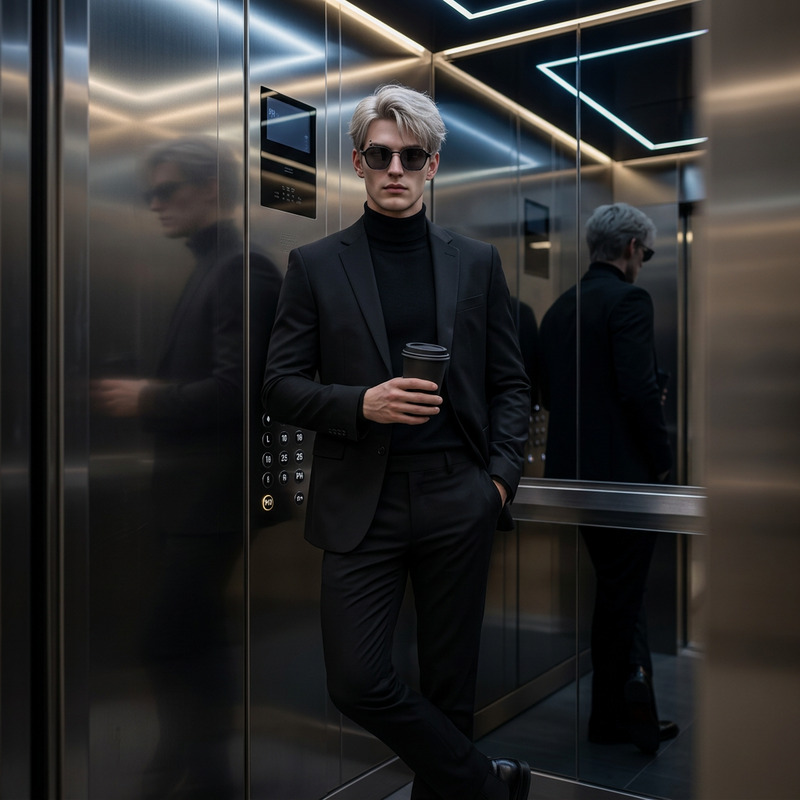
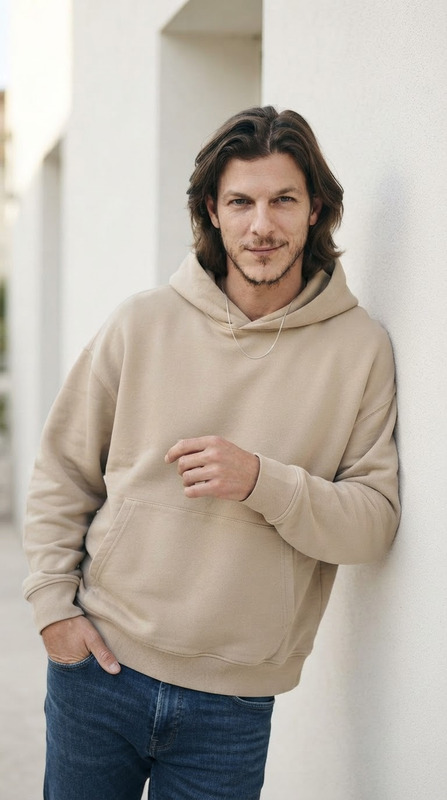
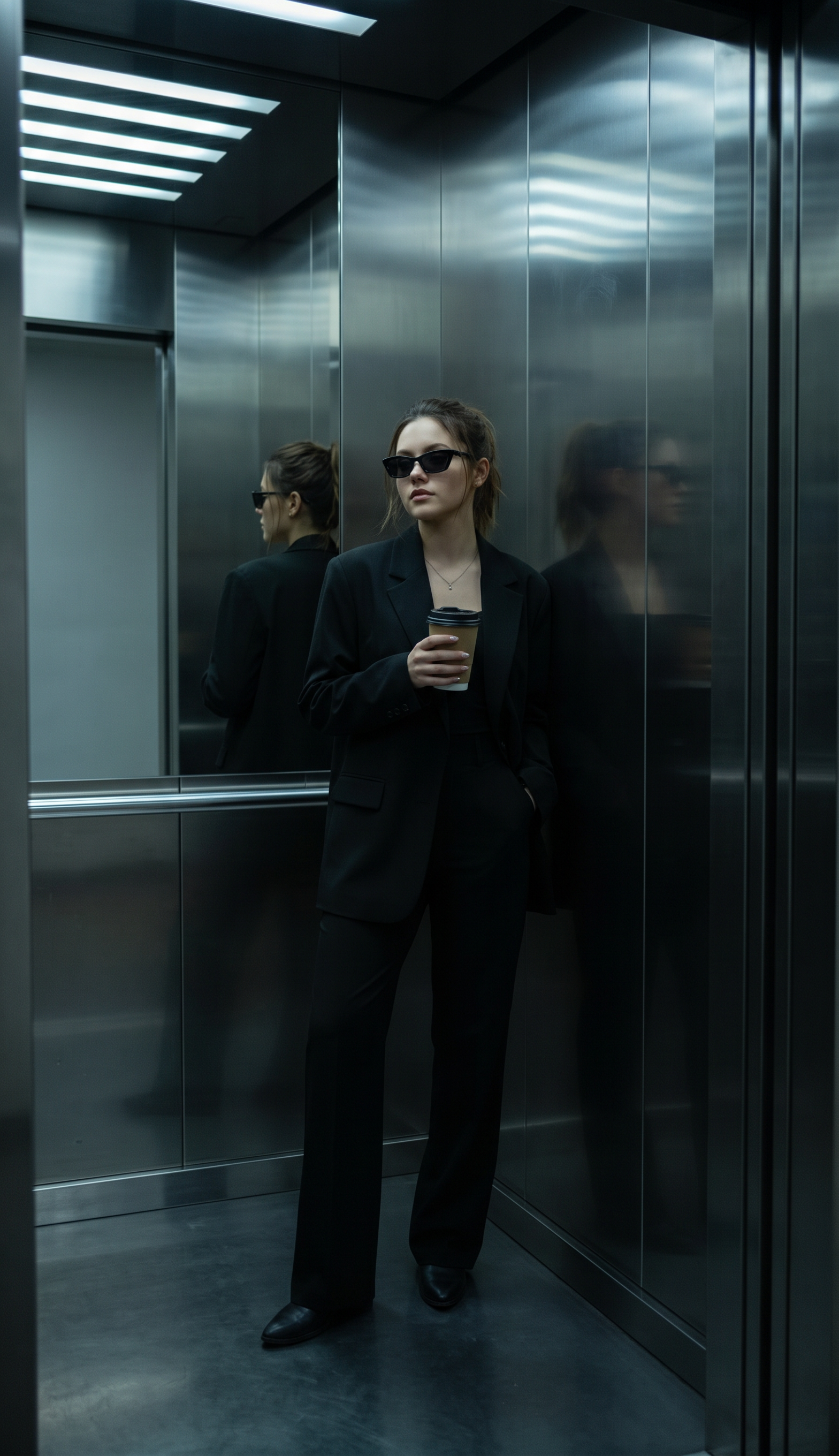
Edit the photo into a leisurely stand inside a modern-style elevator with reflective metal walls.he uses an all-black outfit: an oversize blazer and a long clana using sunglasses, and holding a cup of take-away. elegant and edgy style style with mysterious shades of dim lighting from the ceiling fluorescent lights creates a subtle shadow.
Any aspect ratio
Overview
Transform your photos into striking portraits with the Luxury Elevator Portrait template. This AI Image Editor powered by the nano-banana-pro model allows you to create images of a chic, elegant style. Perfect for those who want to combine luxury with an edge, this template uses advanced editing features to add a modern elevator setting to your portraits.
What It Does
This template reimagines your input image by placing the subject in a contemporary elevator scene with reflective metal walls. It stylizes the subject with an oversize blazer and a long clana, topped off with mysterious sunglasses. The dim lighting from ceiling fluorescents is cleverly used to create a sophisticated mood. If you want to enhance your photo with fashionable flair, this AI Image Editor is designed for just that.
For those interested in further editing options, explore our AI Face Editor for additional facial touch-ups or the AI Image Upscaler to boost image resolution.
Who It's For
The Luxury Elevator Portrait is ideal for photographers, fashion influencers, and digital creators looking to add a refined, edgy style to their portfolios. Whether you're building a personal brand or crafting standout social media content, this template provides a quick and impactful way to elevate your images. Business professionals looking to polish their profile pictures with a stylish touch will also find this tool beneficial.
Additionally, check out the AI Profile Picture Generator if you require variations for different platforms.
Summary
Incorporate a luxurious flair into your photography with the Luxury Elevator Portrait template on Magic Hour. Engineered using the nano-banana-pro model, it transforms ordinary photos into unique works of art that captivate with an urban, sleek ambiance. Complete with high-end fashion attire and sophisticated lighting effects, it's a go-to solution for anyone looking to enhance their visual style.
How-To
Choose the Template

Customize Your Design

Generate Your Image

Use Cases
Social Media Branding
- Attract more followers with professional-grade visuals.
- Create a cohesive brand image across platforms.
Fashion Photography
- Offer clients unique portrait styles.
- Easily update model portfolios with fresh looks.
Business Professionals
- Stand out in professional networks.
- Create a memorable impression.
Best Practices
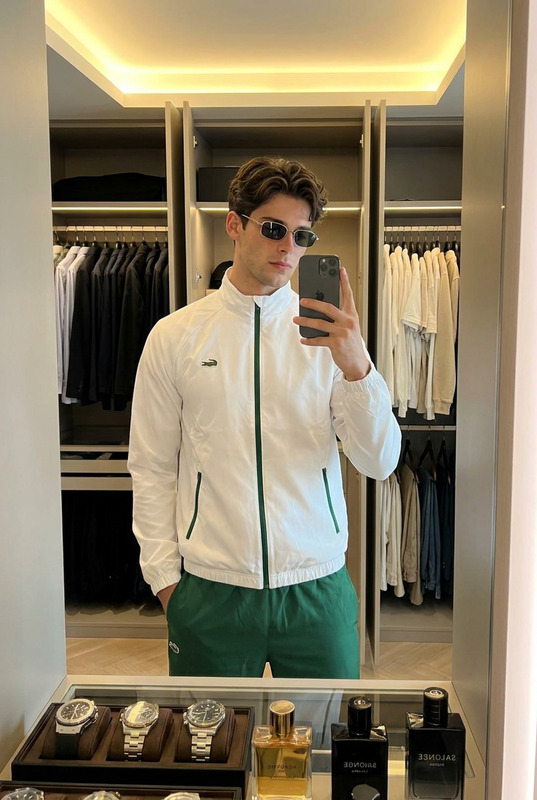
Select High-Quality Images
Use images with good lighting and resolution for the best AI editing results. For enhancing resolution, consider using the AI Image Upscaler.Experiment with Lighting
Adjust the lighting prompts to capture the right mood and enhance the subject's presence.Use Appropriate Attire
Choose an outfit that aligns with the style depicted in the template for cohesive results.