taylor-swift-speaking-at-grammys
Overview
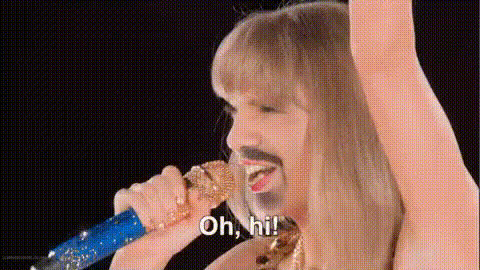
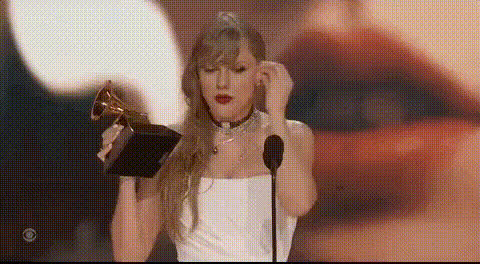
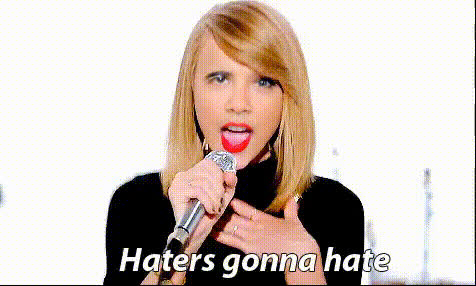
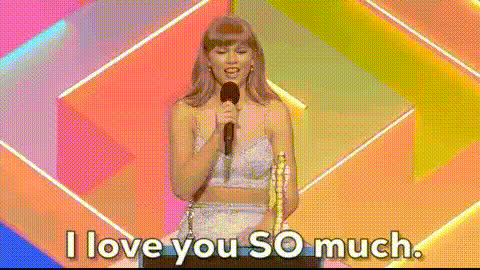
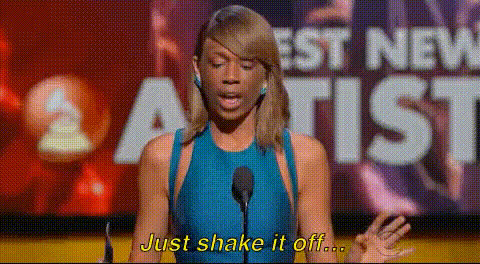
This Video Face Swap template lets you insert yourself or anyone into Taylor Swift's legendary Grammy speech. Ideal for those looking to make captivating content for social platforms, this tool leverages advanced face swap technology to deliver a convincing and engaging output.
What It Does
The template takes your selected face and maps it onto Taylor Swift's during her Grammy appearance. Thanks to the precise algorithms, the result maintains facial expressions and lip-sync, giving an authentic look and feel to the video. It's a perfect tool for creatives looking to personalize video content.
Who It's For
This tool is designed for content creators, social media enthusiasts, and anyone looking to add a personal twist to popular events. Whether you're a fan of Taylor Swift or just looking to engage your audience with unique content, this template makes the process easy and effective.
Summary
The Taylor Swift Grammys Video Face Swap template is the perfect choice for injecting fun and creativity into your projects. Integrate this tool into your workflow to produce personalized videos that stand out. Visit our Video Face Swap page for more exciting transformations and explore the AI Image Editor for additional adjustments.
How To
Follow these steps to create your own face swap video using the Taylor Swift Grammys template.
Choose the Template

Customize Your Inputs

Generate and Save Your Video

Use Cases
Explore how this template can enhance your content strategy.
Social Media Campaigns
- Boost engagement
- Enhance brand visibility
Creative Storytelling
- Personalize narratives
- Connect with audiences on a new level
Event Promotions
- Highlight specific details
- Drive event awareness
Best Practices
Maximize the impact of your face swap video with these tips.
Choose High-Quality Images
Ensure your input images are high-resolution for the clearest results. This can significantly enhance the quality and realism of the face swap.Consider Lighting and Angles
Match the lighting and angle of your upload with the video for better integration.Preview Before Finalizing
Always preview the face swap before finalizing to catch any alignment issues.